Scan Date:Oct 30, 2026
Show More

Create time-lapse videos from photos with RAW editing, motion blur & 4K export.
TimeLapse is a powerful time lapse video maker and RAW photo editor designed for photographers and creators who want complete control over their creative workflow.
Create stunning time-lapse videos from thousands of photos, import RAW/DNG images, and enhance your frames with advanced photo editing tools, including local masks and tone curves.
Unlike typical timelapse camera apps, TimeLapse combines advanced image processing, professional photo editing, and flexible video rendering to help you create smoother, sharper, and more cinematic results.
Key Features
1. Powerful Time-Lapse Video Rendering
- Import photos from your device, including RAW/DNG images.
- Convert thousands of images into high-quality timelapse videos.
- Customize video resolution, frame rate, and bitrate.
- Render videos in up to 4K resolution, 60 FPS, and 100 Mbps.
- Create cinematic time lapse videos from existing photo sequences.
2. Advanced Photo Editor with RAW/DNG Support
- Import and edit RAW/DNG photographs for greater editing flexibility.
- Fine-tune brightness, contrast, highlights, shadows, temperature, and saturation.
- Use tone curves for precise control over brightness and contrast.
- Apply local adjustments with masking tools to selectively enhance specific areas.
- Enhance your image frames before rendering them into a time-lapse video.
3. Motion Blur Time-Lapse
- Create smooth, cinematic timelapse videos with motion blur.
- Reduce jittery movement between frames.
- Simulate long-exposure effects for natural-looking motion.
- Capture motion blur time-lapses directly within the app.
4. Hyperlapse with Motion Blur
- Capture dynamic hyperlapse sequences.
- Apply motion blur to create smoother transitions and a greater sense of motion.
- Create cinematic moving time-lapses.
5. Customizable Time-Lapse Capture
- Configure capture intervals and number of frames.
- Adjust video resolution, frame rate, and bitrate.
- Capture time-lapses directly using your device's camera.
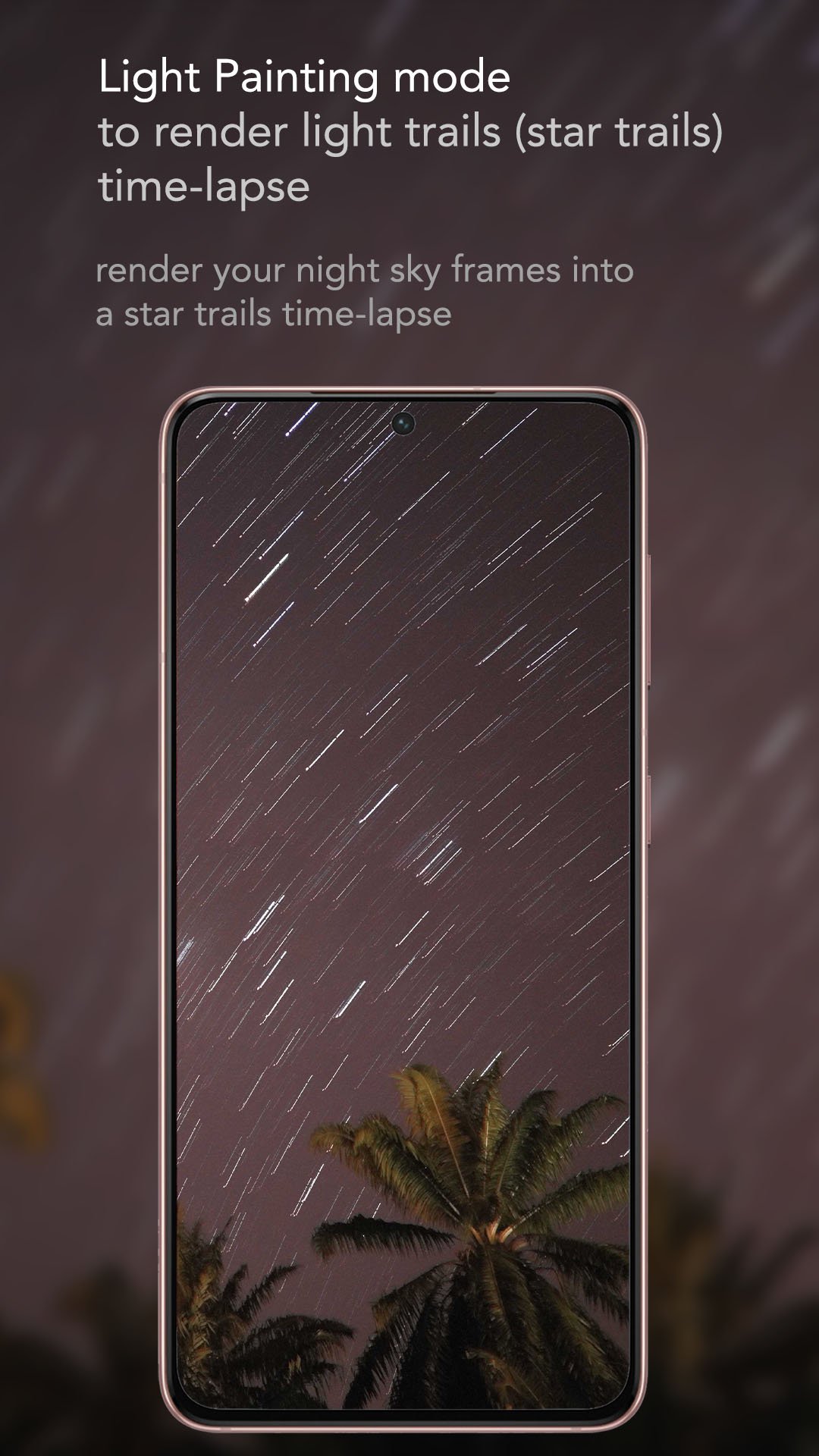
6. Image Stacking & Light Painting
- Combine multiple images into a single photograph.
- Create long-exposure and light painting effects.
- Produce beautiful light trails and creative night photography.
- Simulate bulb-mode photography through image stacking.
Endless Creative Possibilities
With flexible image importing, advanced RAW photo editing, and customizable video rendering, TimeLapse supports a wide range of photography styles:
- Long Exposure Time-Lapse – Create smooth motion effects using long-exposure photography.
- Hyperlapse – Capture dynamic movement with cinematic motion blur.
- Cinematic Timelapse – Produce high-quality videos with precise editing and rendering controls.
- Light Trail Time-Lapse – Capture stunning trails of moving lights.
- Night Sky & Milky Way Time-Lapse – Transform astrophotography sequences into beautiful videos.
- Star Trails – Create mesmerizing star trail effects through image stacking.
- Ultra-Wide Time-Lapse – Import ultra-wide-angle photographs for expansive scenes.
- RAW Time-Lapse Workflow – Edit RAW/DNG frames before rendering for greater control over image quality.
Premium Features:
Unlock more creative possibilities:
- Motion blur time-lapse capture.
- Video rendering up to 4K resolution.
- Video bitrate up to 100 Mbps.
- Frame rates up to 60 FPS.
- Advanced photo editing controls even in RAW/DNG.
- Import and render up to 15,000 images per project.
- Light painting and image stacking modes.
Create Without Limits
Whether you're capturing a breathtaking sunset, documenting the night sky, creating cinematic hyperlapses, or editing RAW photographs, TimeLapse gives you the tools to bring your creative vision to life.
Capture. Edit. Render. Create with TimeLapse.





One-click to install XAPK/APK files on Android!

Thanks for your rating and feedback!
You have already rated.