Package Name:ac.robinson.ticqr
Show More

Create tick-to-order forms with ease
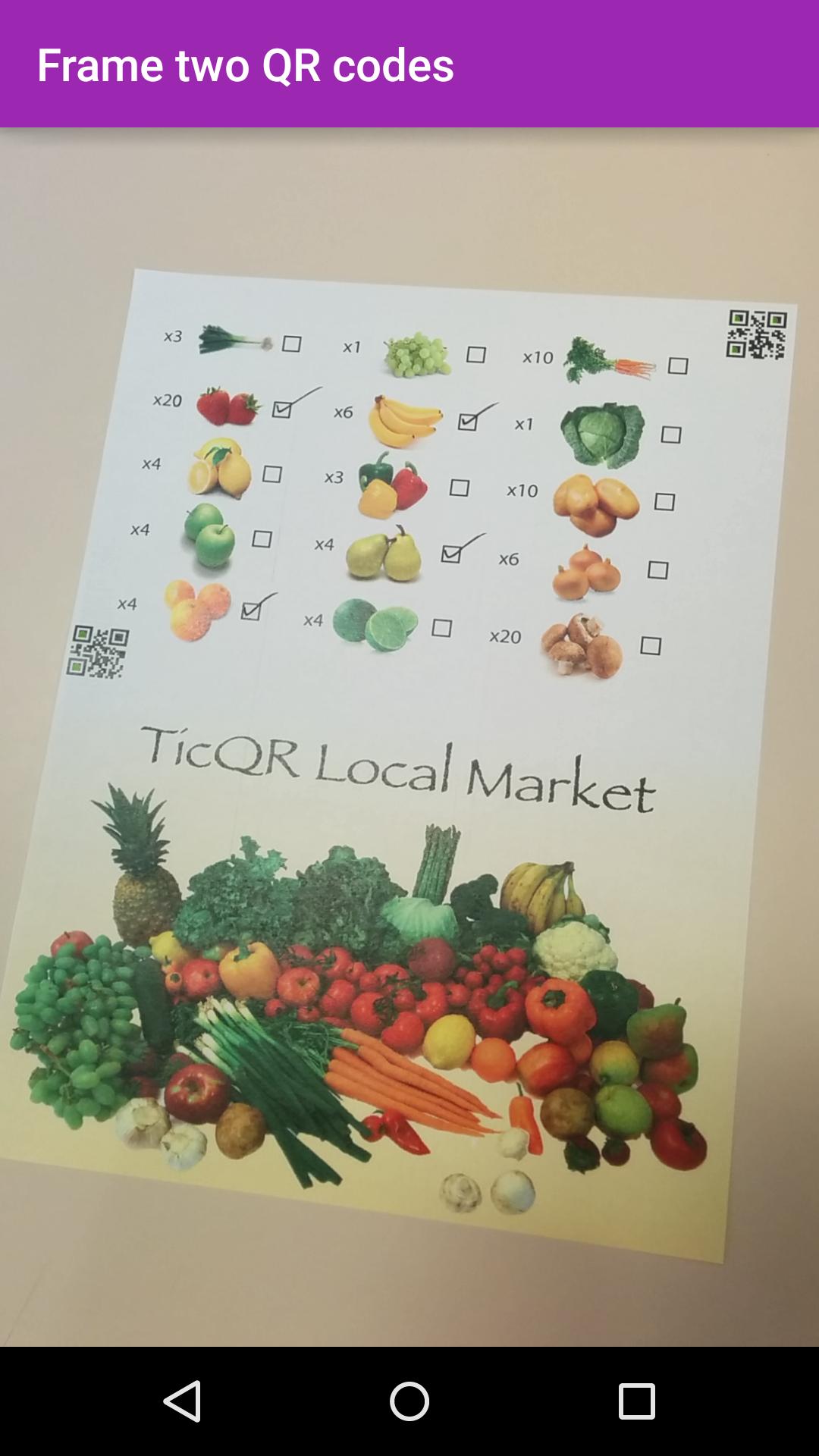
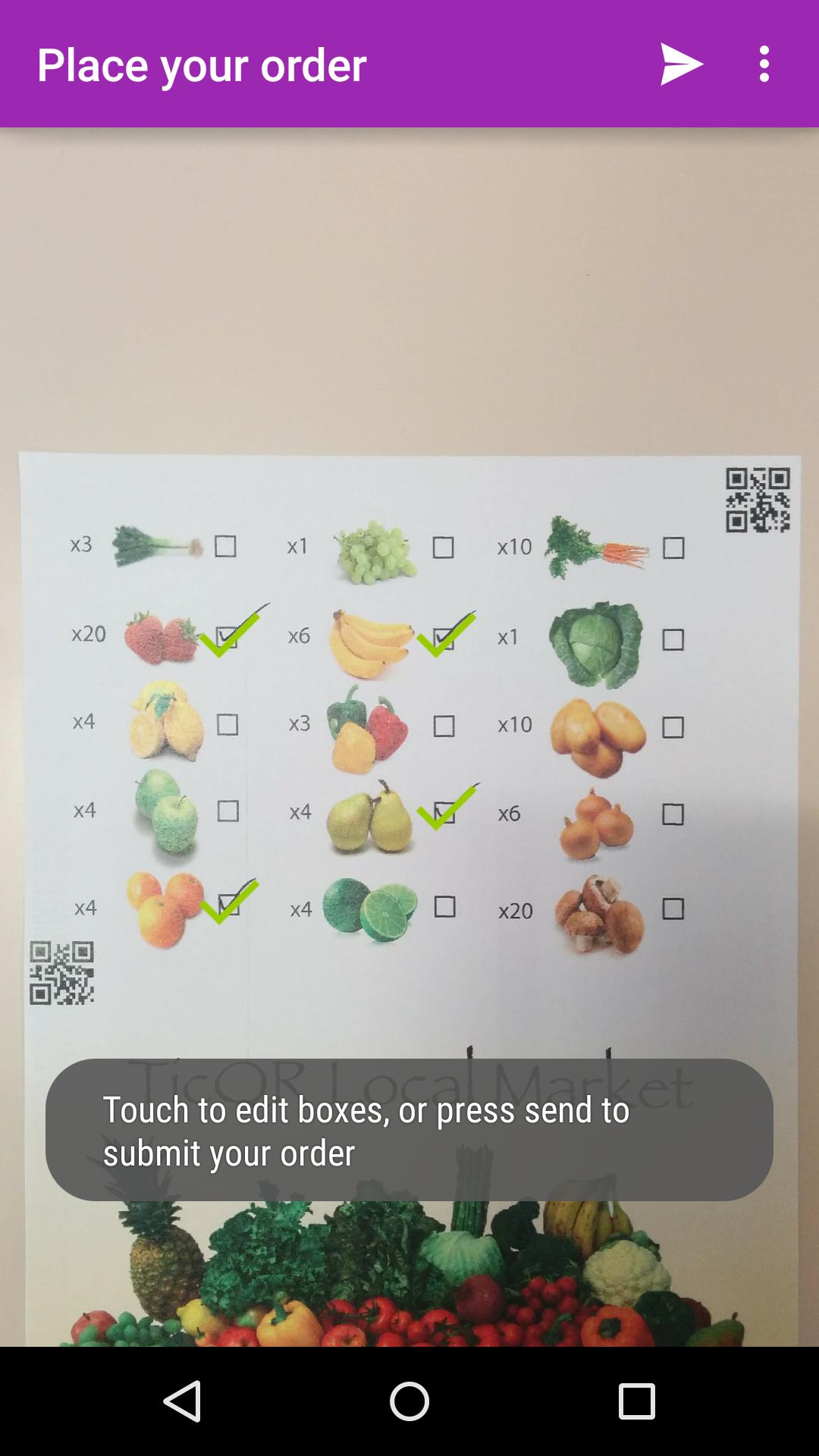
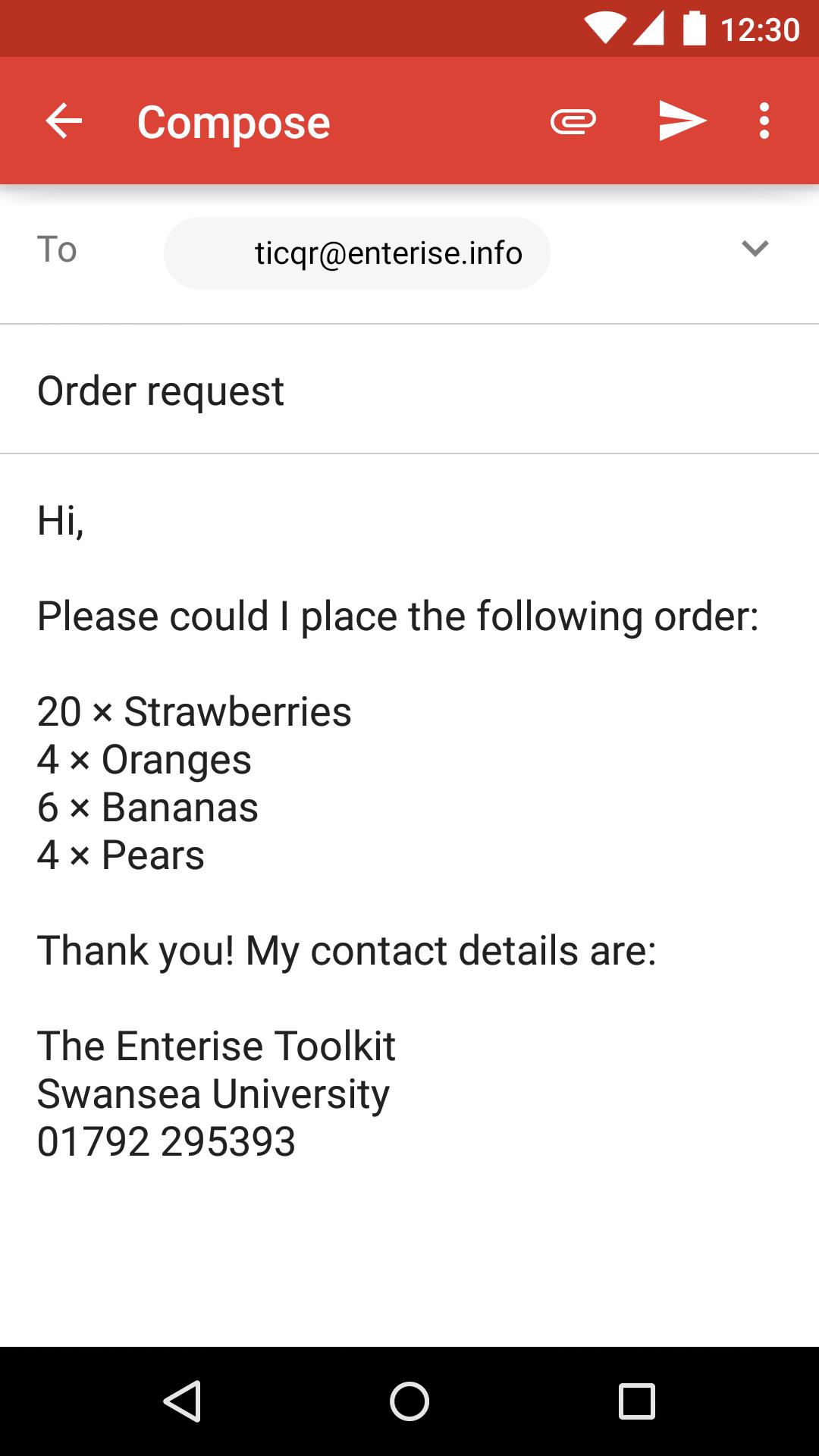
Use TicQR to quickly and easily create tick-to-order forms. Businesses can start with the code maker (see below) and add tickboxes to order forms; customers can then use this app to quickly place orders.
Connect the paper information you give to customers or suppliers (order forms; take-away menus; newsletters) to your digital systems (speeding up ordering; improving advertising…). TicQR, as the name suggests, works by letting the user tick areas on any piece of paper. Then, when they take a picture of it, the ticks are turned into digital selections.
Think about these possibilities:
- A take-away pizza restaurant sends out menu cards to all homes in its areas. A hungry customer comes home and with their family goes through the choices, ticking the things they want. He then takes a picture of the menu and the order is sent through immediately.
- Your community newsletter has adverts from many local businesses dotted throughout its pages. Ticking any of them and then taking a photo, a user is later sent an email with further information or coupons for a discount.
The accompanying code maker tool helps you quickly and easily create your own TicQR documents. Create a blank page with ready-placed QR codes, or upload a background image and customise to suit your particular application. Give it a try now at http://www.enterise.info/codemaker
TicQR is completely free, with no adverts and no unnecessary permissions. A simple printable user manual is available at: http://www.enterise.info/ticqr/manual.pdf and you can try a sample tickable flyer at http://www.enterise.info/ticqr/sample.pdf
The application is open source as part of the Enterise Toolkit — you can fork any of the Enterise applications on GitHub: https://github.com/EnteriseToolkit
For more information about the Enterise project, see: http://www.enterise.info

One-click to install XAPK/APK files on Android!

Thanks for your rating and feedback!
You have already rated.