ดาวน์โหลด APK ได้อย่างปลอดภัยและรวดเร็วบน APKPure
APKPure ใช้การตรวจสอบลายเซ็นเพื่อประกันการดาวน์โหลด APK ของ Video Converter ที่ปลอดไวรัสสำหรับคุณ

Video Converter app in convert your video into various video formats.
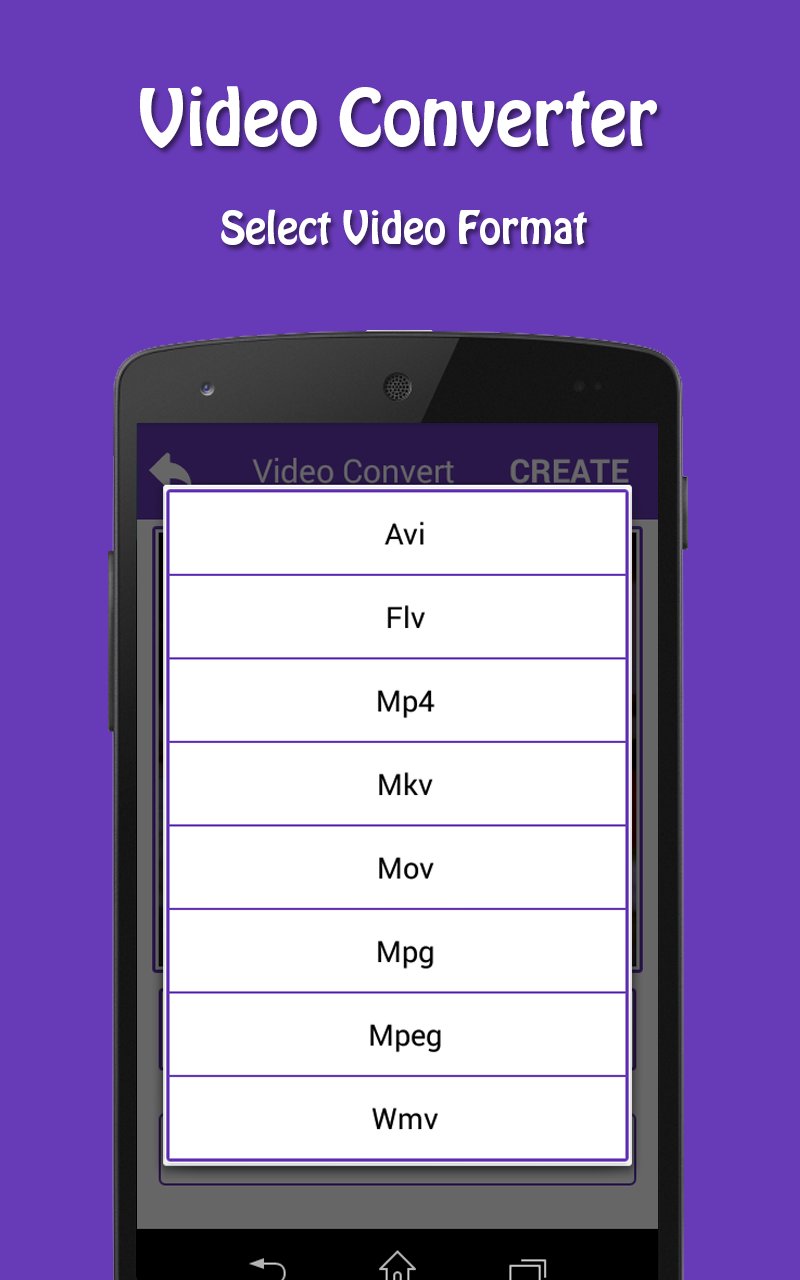
Convert your video into various formats like avi, flv, mp4, mkv, mov, mpg, mpeg, wmv.
How to Use Video Converter
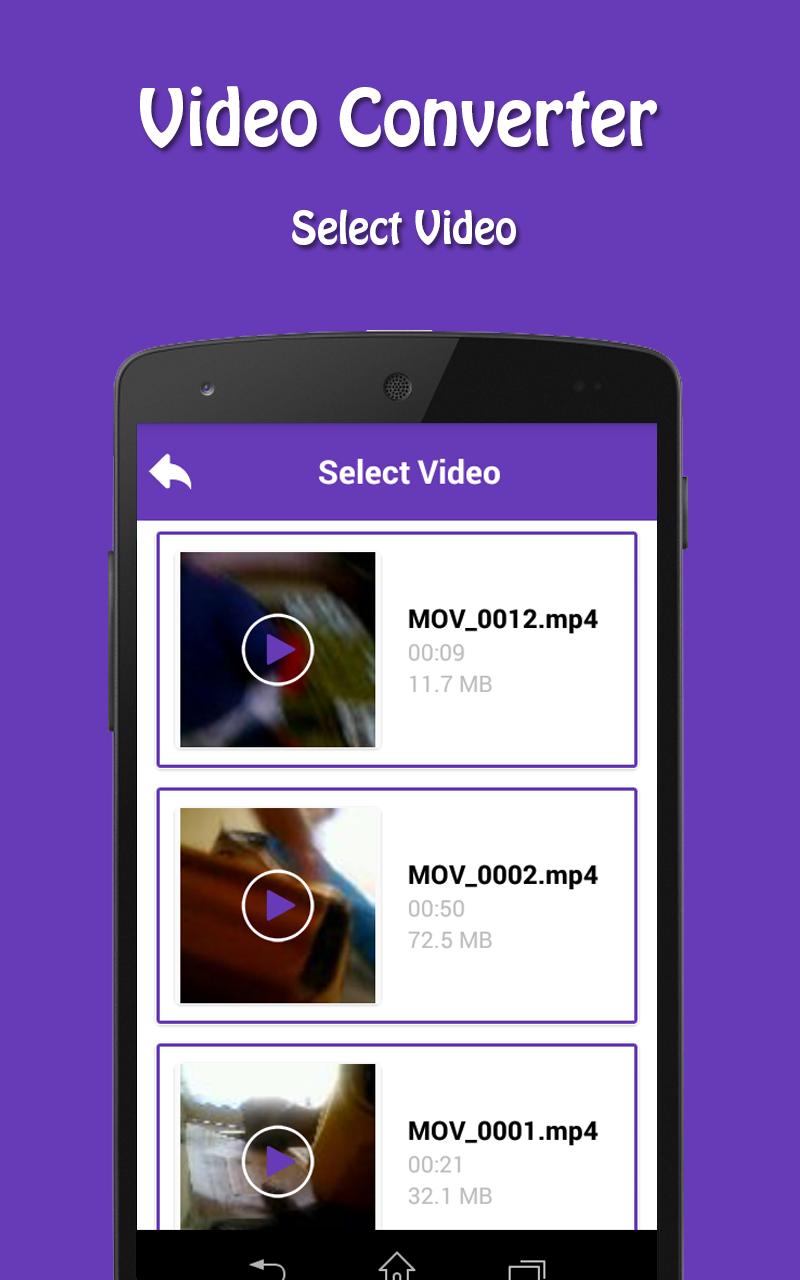
(1)Select video from list of your device video you want to convert.
(2)Select video format like avi, flv, mp4, mkv, mov, mpg, mpeg, wmv.
(3)Cut your video portion you want to convert in your selected format.
(4)Create your video and save file to your phone in VideoConvert folder.
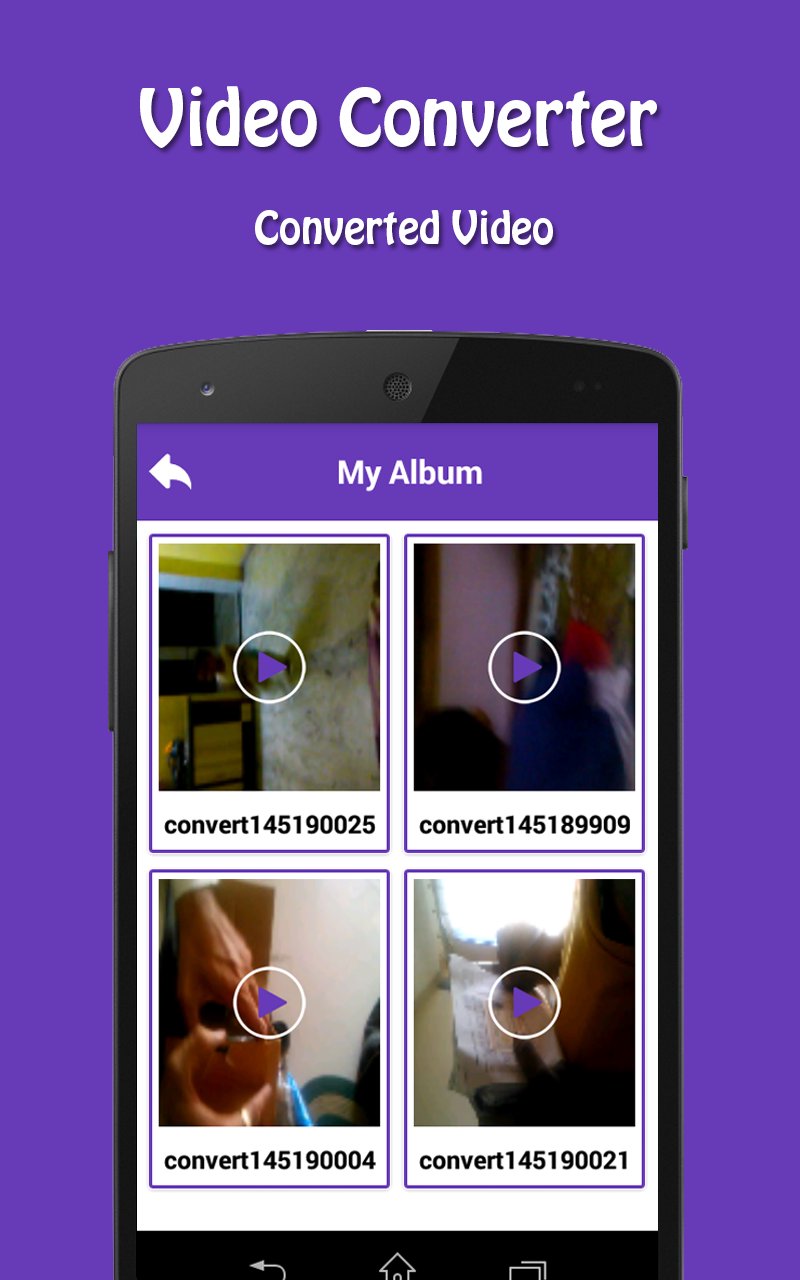
(5)See all your converted video in My Album.
(6)You can play and delete your converted video.
(7)You can also share your converted video via facebook, whatsapp, twitter, hike and other social media.
(8)Video Converter is easy to use and user friendly UI.
If your video is not supporting in any video player you can convert that format to your required format.
If you Like this app than Don’t Forget to give Rate & Review.
Thank You..Enjoy Video Converter app..





คลิกเพียงครั้งเดียวเพื่อติดตั้งไฟล์ XAPK/APK บน Android!

ขอบคุณสำหรับการให้คะแนนและข้อเสนอแนะของคุณ!
คุณได้ให้คะแนนแล้ว