ดาวน์โหลด APK ได้อย่างปลอดภัยและรวดเร็วบน APKPure
APKPure ใช้การตรวจสอบลายเซ็นเพื่อประกันการดาวน์โหลด APK ของ Sejda - Pdf Editor ที่ปลอดไวรัสสำหรับคุณ

Sejda - แอปแก้ไข PDF ทั้งหมดนี้รวมอยู่ในโปรแกรมแก้ไข PDF และแอปผู้สร้าง
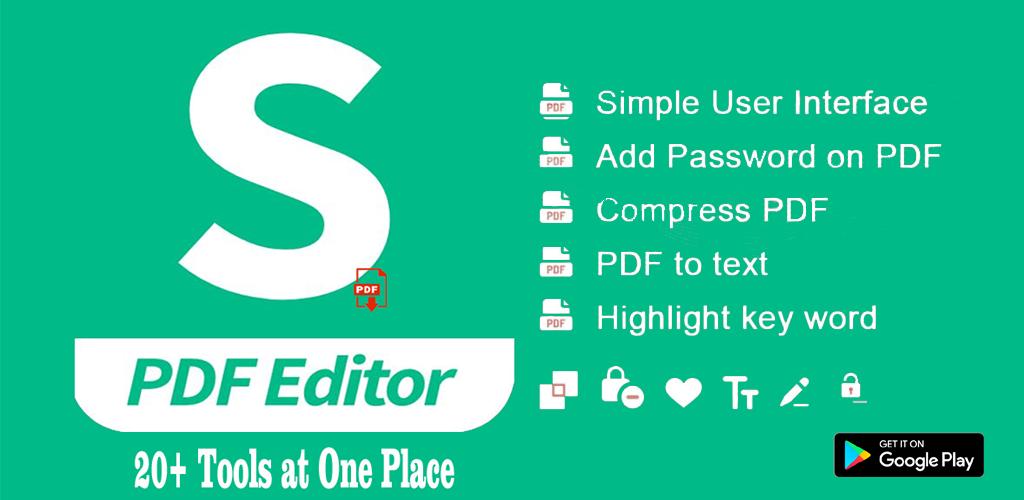
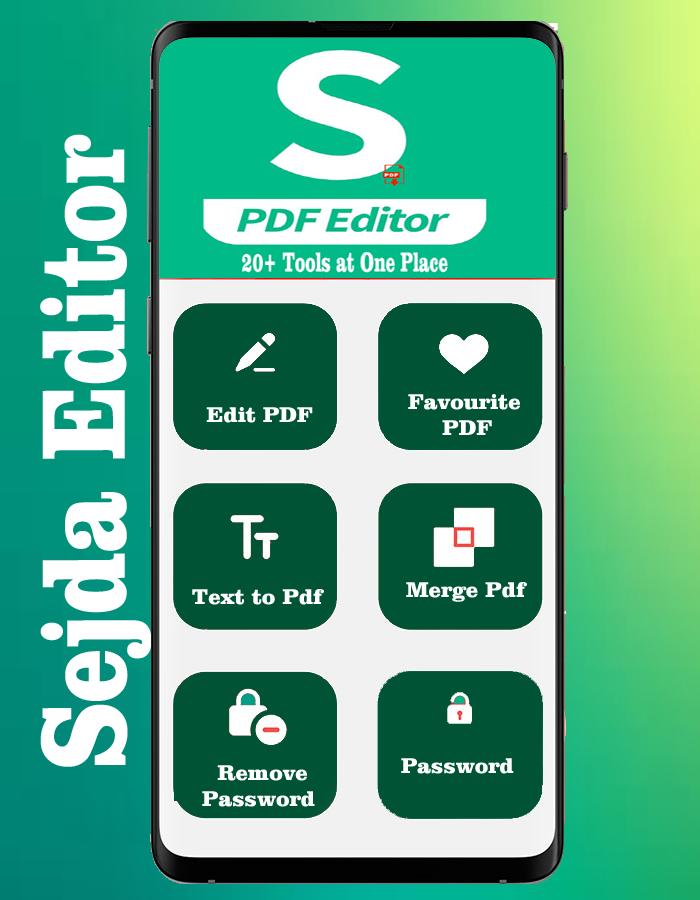
Sejda is an best PDF editor app with which you can perform any operations on a PDF document as per your needs. With this easy-to-use and productive app, one can simply edit his or her PDF document or choose from over 30 PDF tools to perform any other functionality
Merge files into one PDF :
Visually combine and reorder pages, merge multiple PDF files. Alternate and mix odd and even page files.
Split PDF files:
Split documents by pages. Extract separate documents. Split by size, bookmarks or text occurrences. Divide two page layout scans.
>>Convert PDF files to Office and image formats :
Convert PDF files to Word, Excel and to image. Convert images to PDF file.
>>Compress PDF :
Reduce the size of PDF files. Optimize images and resources.
>>Edit PDF files
Add, edit or move text in your PDF. Change the font type, size and style. Insert, reorder, move or delete pages
With Sejda App, users can rotate, resize, crop, and delete pages from PDF files. Many elements may also be added to pages, including images, headers/footers, watermarks, plus more. Sejda offers password encryption settings to protect Personal documents.


คลิกเพียงครั้งเดียวเพื่อติดตั้งไฟล์ XAPK/APK บน Android!

ขอบคุณสำหรับการให้คะแนนและข้อเสนอแนะของคุณ!
คุณได้ให้คะแนนแล้ว