ดาวน์โหลด APK ได้อย่างปลอดภัยและรวดเร็วบน APKPure
APKPure ใช้การตรวจสอบลายเซ็นเพื่อประกันการดาวน์โหลด APK ของ Redmi System manager (No Root) ที่ปลอดไวรัสสำหรับคุณ

10.0
1 บทวิจารณ์
1.8 MB
ขนาดไฟล์
Everyone
Android 4.1+
Android OS
ปิดการใช้งานแอพพลิเคระบบโดยไม่ต้องรากถอด bloatware ลบปพลิเคชันที่ติดตั้ง
****Currently tested on Redmi Note 4, and expected to work on all Redmi mobiles. ******
How to use?
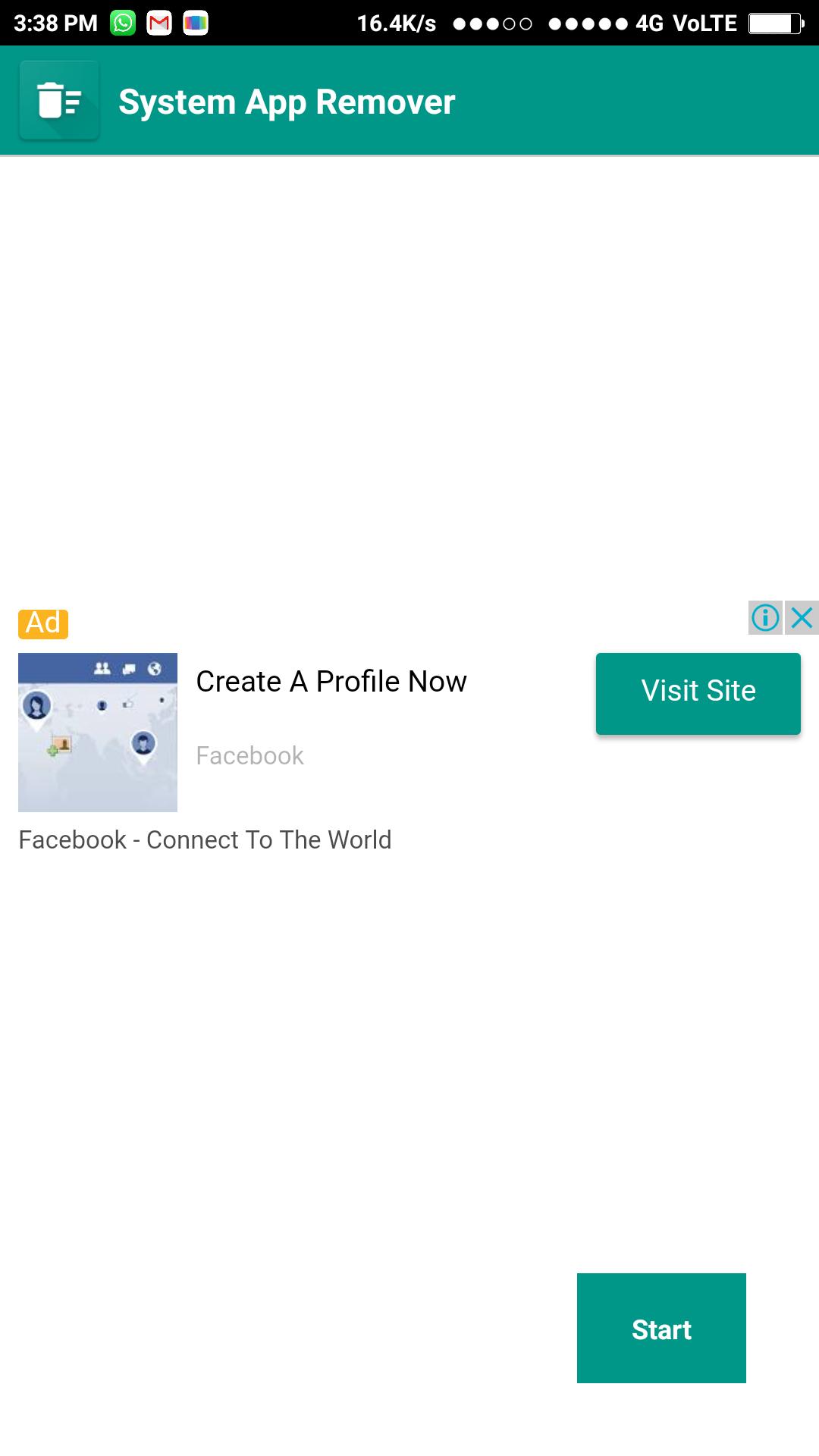
1. Open this app and goto "Remove Apps" section.
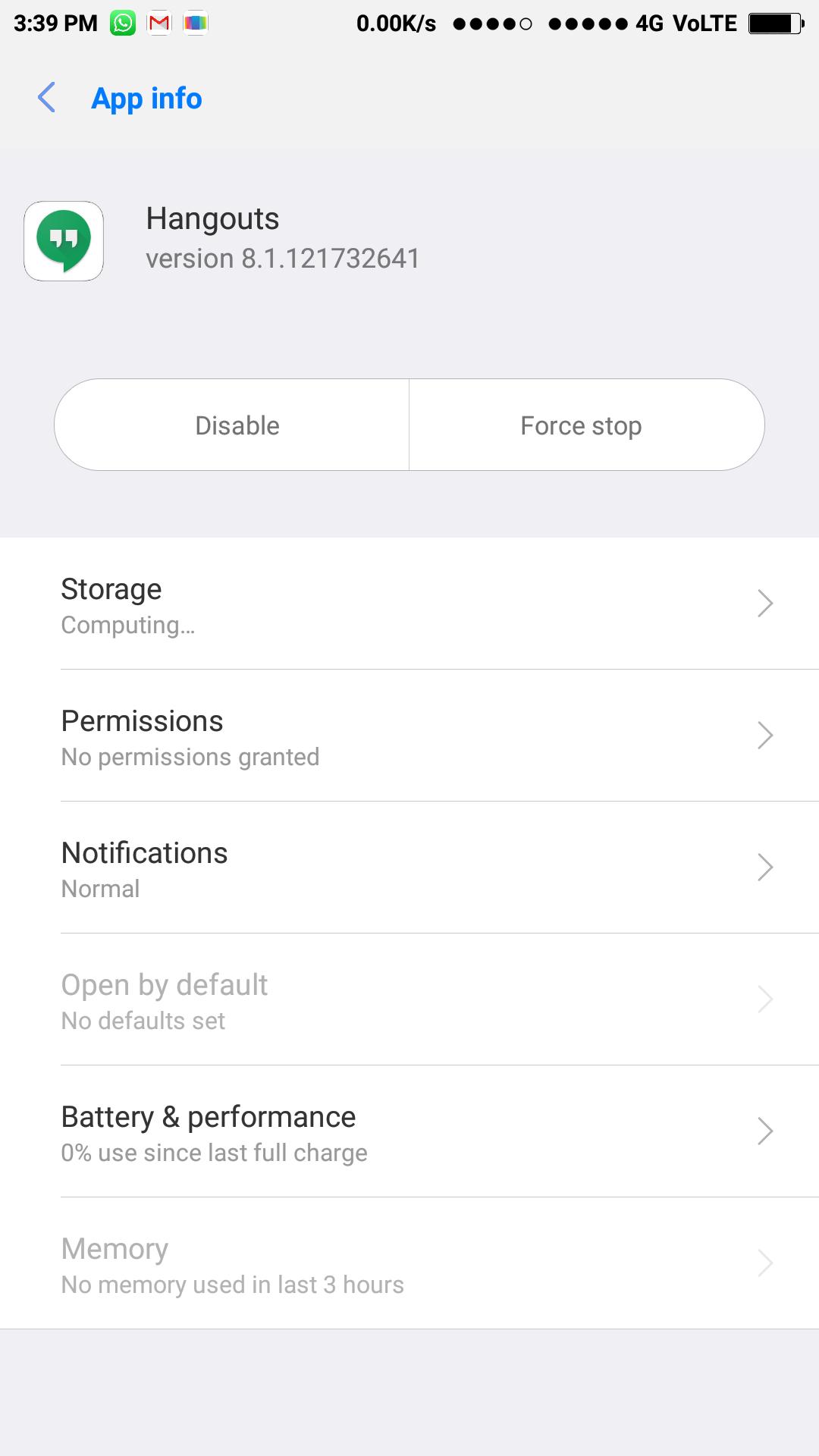
2. It will redirect you to hidden settings.
3. Here you can disable system apps. (maybe few apps will not disable)
disable system app without root, bloatware remover, delete preinstalled apps, delete system apps
disabled, how to get rid of bloatware, how to remove unwanted apps, remove bloatware, system app remover, system app uninstaller, system uninstaller, uninstall system apps, uninstall system apps without root.
Try out another app to manage your vehicles (Car, Bike, Scooter, etc). And manage fuel, accident, services and other expense records easily with the below app.
Vehicle 24x7 (Mileage Calculator & fuel costs) 🚚
https://vehicle24x7.page.link/redmi




คลิกเพียงครั้งเดียวเพื่อติดตั้งไฟล์ XAPK/APK บน Android!

ขอบคุณสำหรับการให้คะแนนและข้อเสนอแนะของคุณ!
คุณได้ให้คะแนนแล้ว