ดาวน์โหลด APK ได้อย่างปลอดภัยและรวดเร็วบน APKPure
APKPure ใช้การตรวจสอบลายเซ็นเพื่อประกันการดาวน์โหลด APK ของ Pearson eText Global ที่ปลอดไวรัสสำหรับคุณ

Teachers & students around the world can access an eText on an Android tablet.
The Pearson eText Global app allows teachers and students around the world to access their eText bookshelf on a 7” or 10” Android tablet. The tablet device must support Android OS 3.1 or newer.
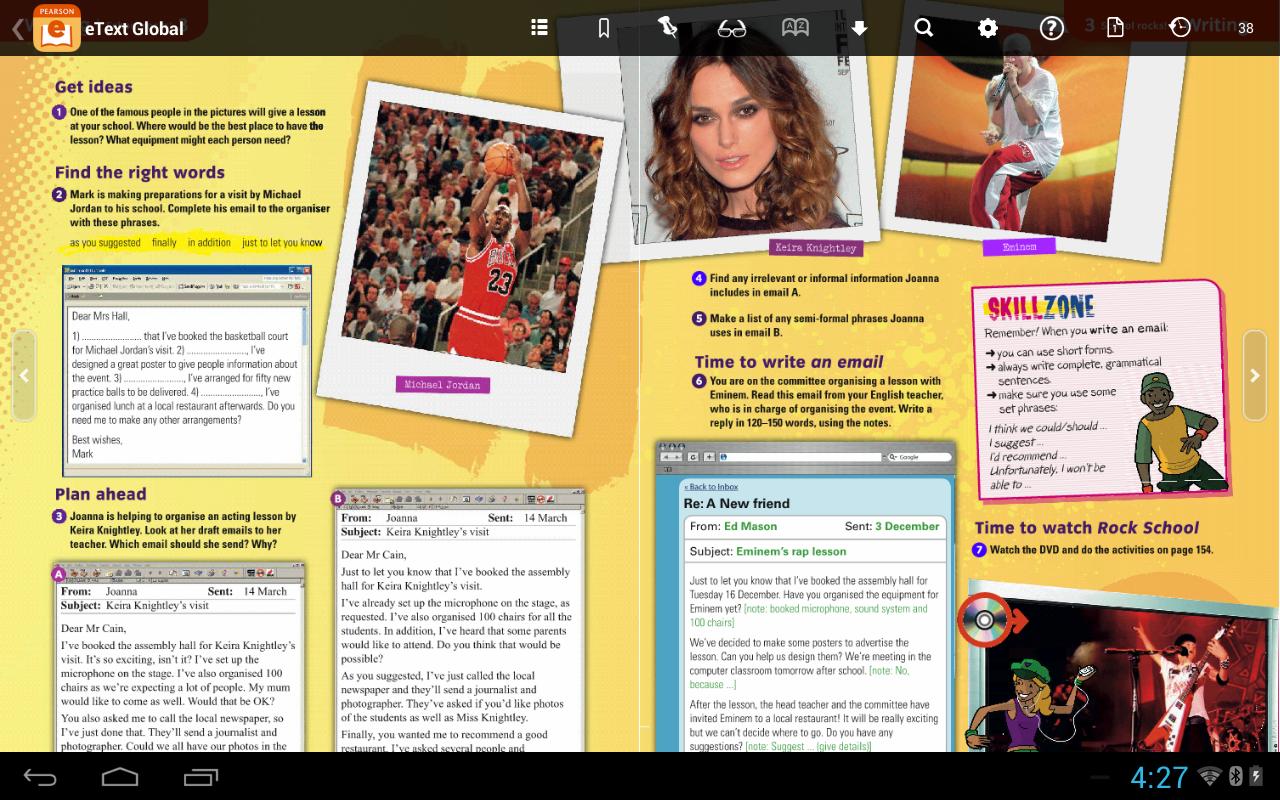
In the Pearson eText Global app, book content is displayed with the highest quality fidelity to the print and online versions of the textbook. Students and teachers will experience many of the same features available in the browser-based eText platform, including full-text search capabilities, a notes manager, support for multimedia content, glossaries and note-sharing.
To access your titles:
1. Install this app on your Android tablet and connect to the Internet.
2. Launch the app.
3. In the eText app, when prompted to login, enter a valid Pearson username and password.
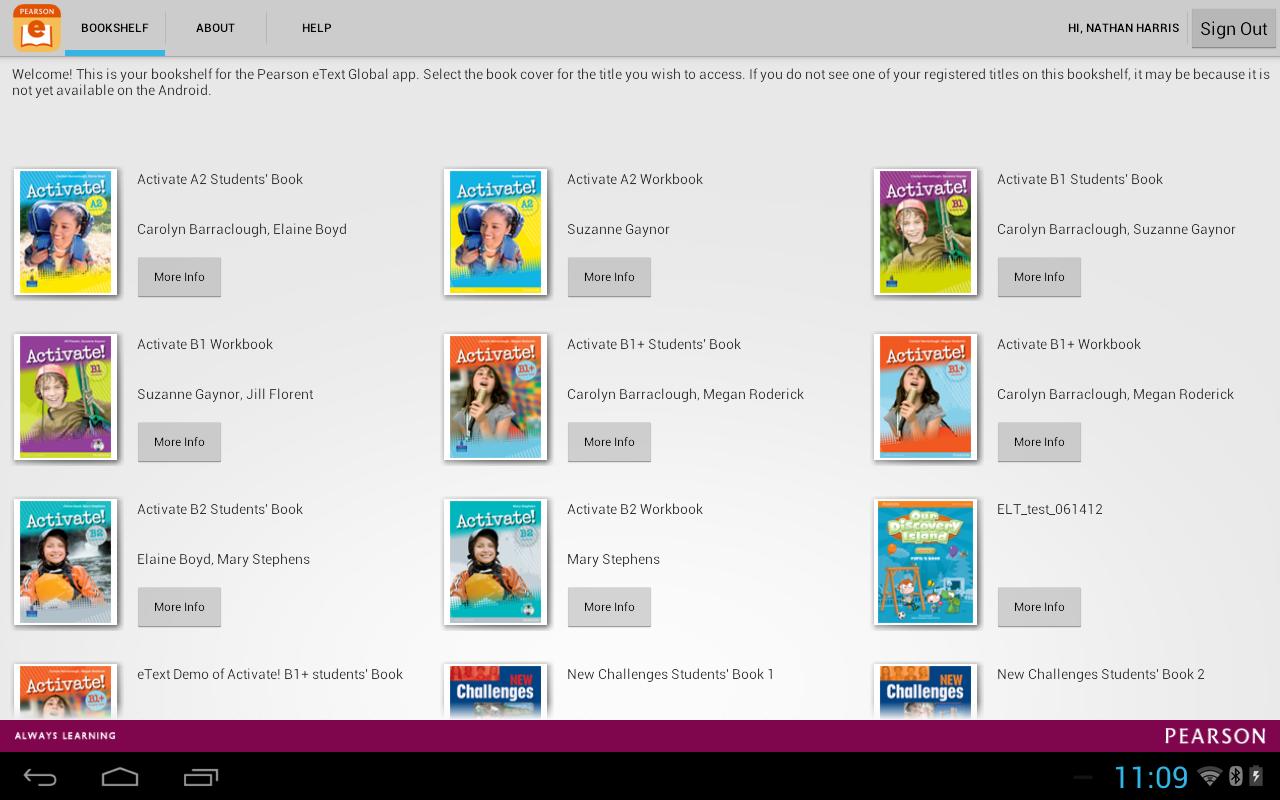
4. Your bookshelf will display your subscribed titles.
Help:
• If you have an access code for an eText, register it here: https://b2c.register.mypearson.com/register/
• View your eText bookshelf on the web here: http://view.etext.home2.pearsoncmg.com/ebook/schoolLogin.do
• If you receive a message stating "Invalid Username or Password" and you've entered the information correctly, your eText titles may not yet be available on the Android tablet.
Features:
• Bookshelf displaying your eText titles
• Page fidelity to the original textbook display
• Single and two-page view
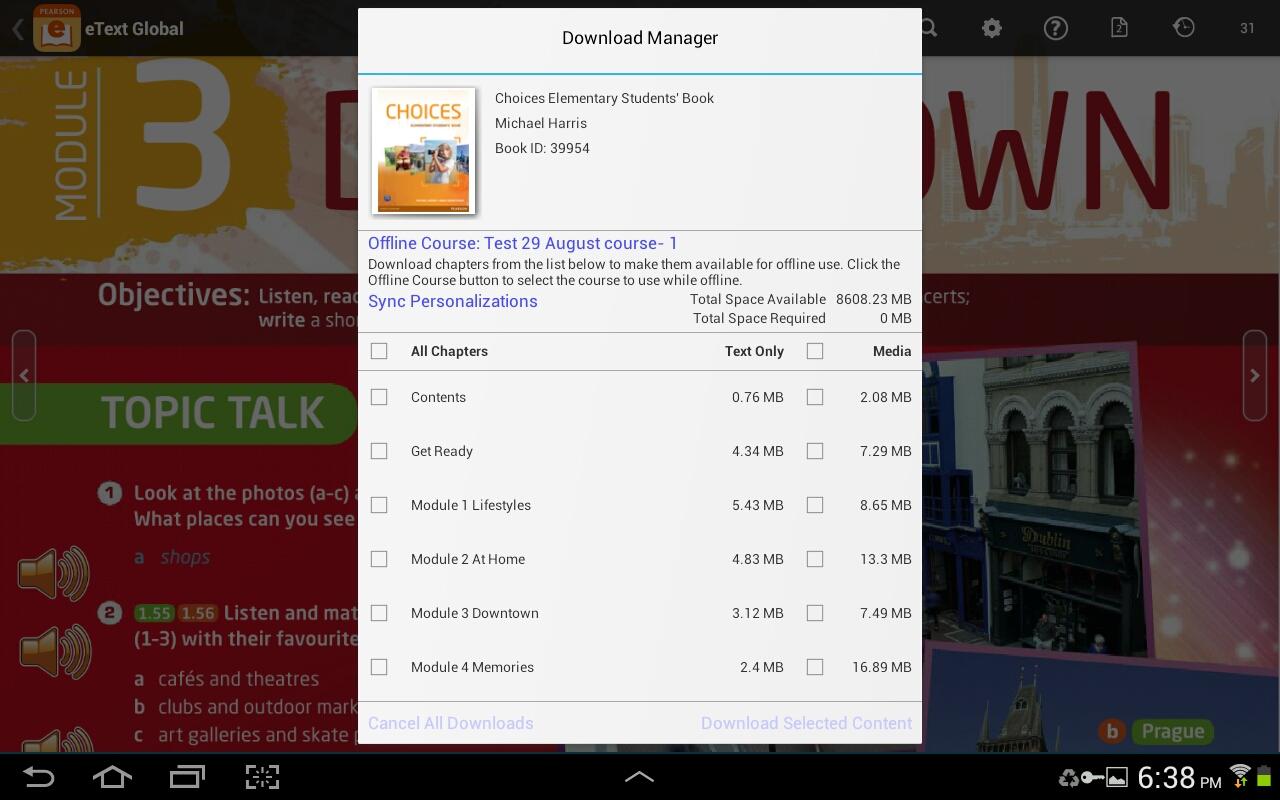
• Notes, highlights, bookmarks on or offline
• Hotspot links to rich browser-based media (online only; varies according to title)
• Full-text search and search history
• Download manager, for offline access to eText pages
• Table of contents
• Glossary (selected titles)
• Help
------------------------------------------------------------------------------------------------------------------------------
Note: If you encounter any issues you'd like to report, please include the Book title and page number when you create a Customer Review.





คลิกเพียงครั้งเดียวเพื่อติดตั้งไฟล์ XAPK/APK บน Android!

ขอบคุณสำหรับการให้คะแนนและข้อเสนอแนะของคุณ!
คุณได้ให้คะแนนแล้ว