ดาวน์โหลด APK ได้อย่างปลอดภัยและรวดเร็วบน APKPure
APKPure ใช้การตรวจสอบลายเซ็นเพื่อประกันการดาวน์โหลด APK ของ Necta DLNA(stream & control) ที่ปลอดไวรัสสำหรับคุณ

Stream your phone's photos, media files to smart TV and DLNA devices
The ONLY one Android app instant stream your phone's media files over WiFi to DLNA certified devices or applications - including smart TV, DLNA Blu-ray players,XMBC/Kodi, (WMP)Windows Media Player and more.
And also it can browse any certified DLNA media Server, stream media files to any other DLNA certified device,also stream to your phone for playing. And remote control DLNA players.
Features:
☆ Stream your phone's media files to DLNA renderer.
☆ Stream DLNA Media Server's files to DLNA renderer.
☆ Play DLNA media Server's files.
☆ Browse certified DLNA media server's media files.
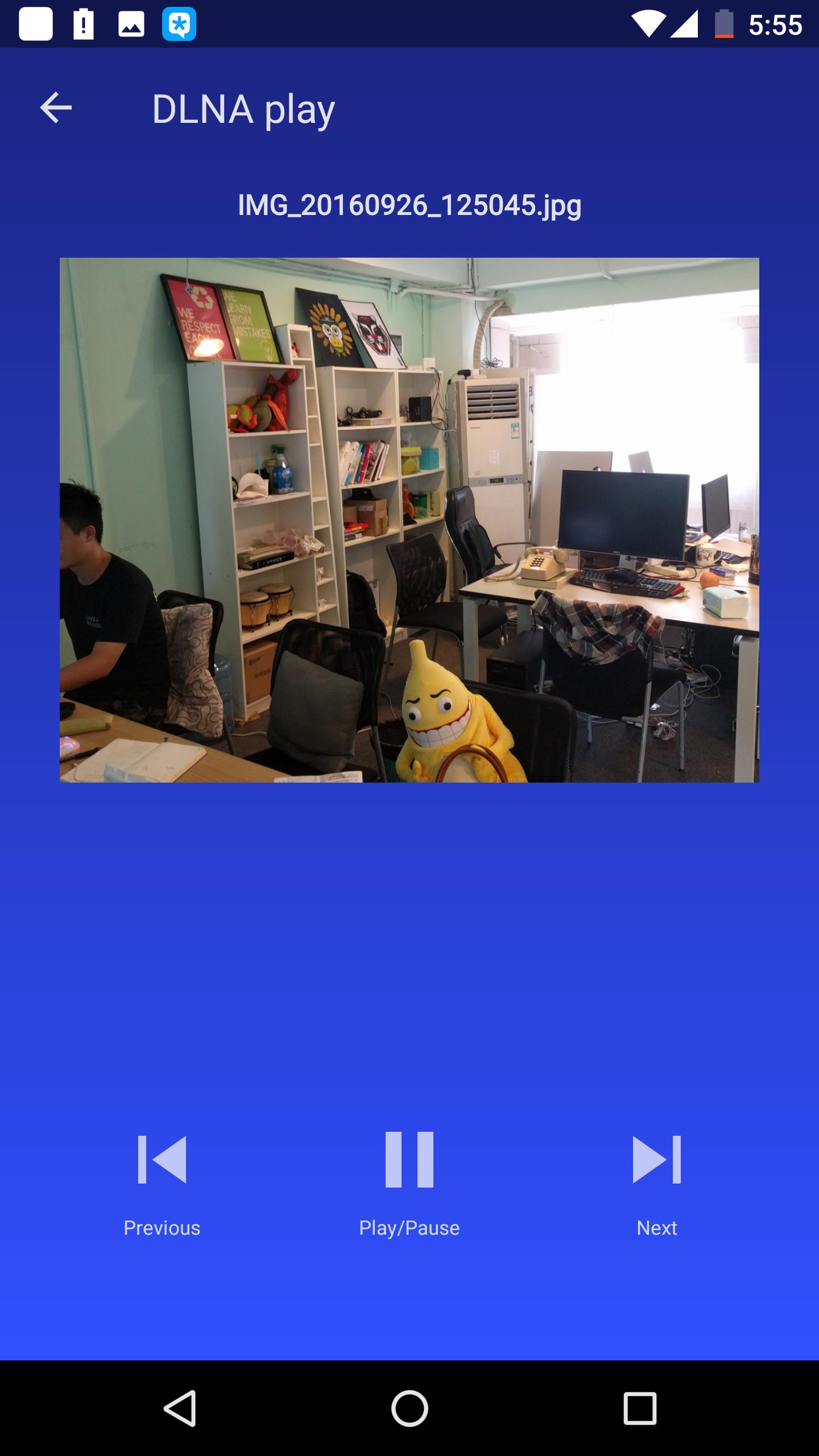
☆ Remote control DLNA media renderers(player), play/pause/volume +/-.
How To Use:
1), Make sure your phone and DLNA devices at the same network.
2), Make sure DLNA device or DLNA applications start service.
Take WMP for example: Start WMP, you should click "media stream" menu, and click "allow remote control
my player" and "auto allow device play my media".
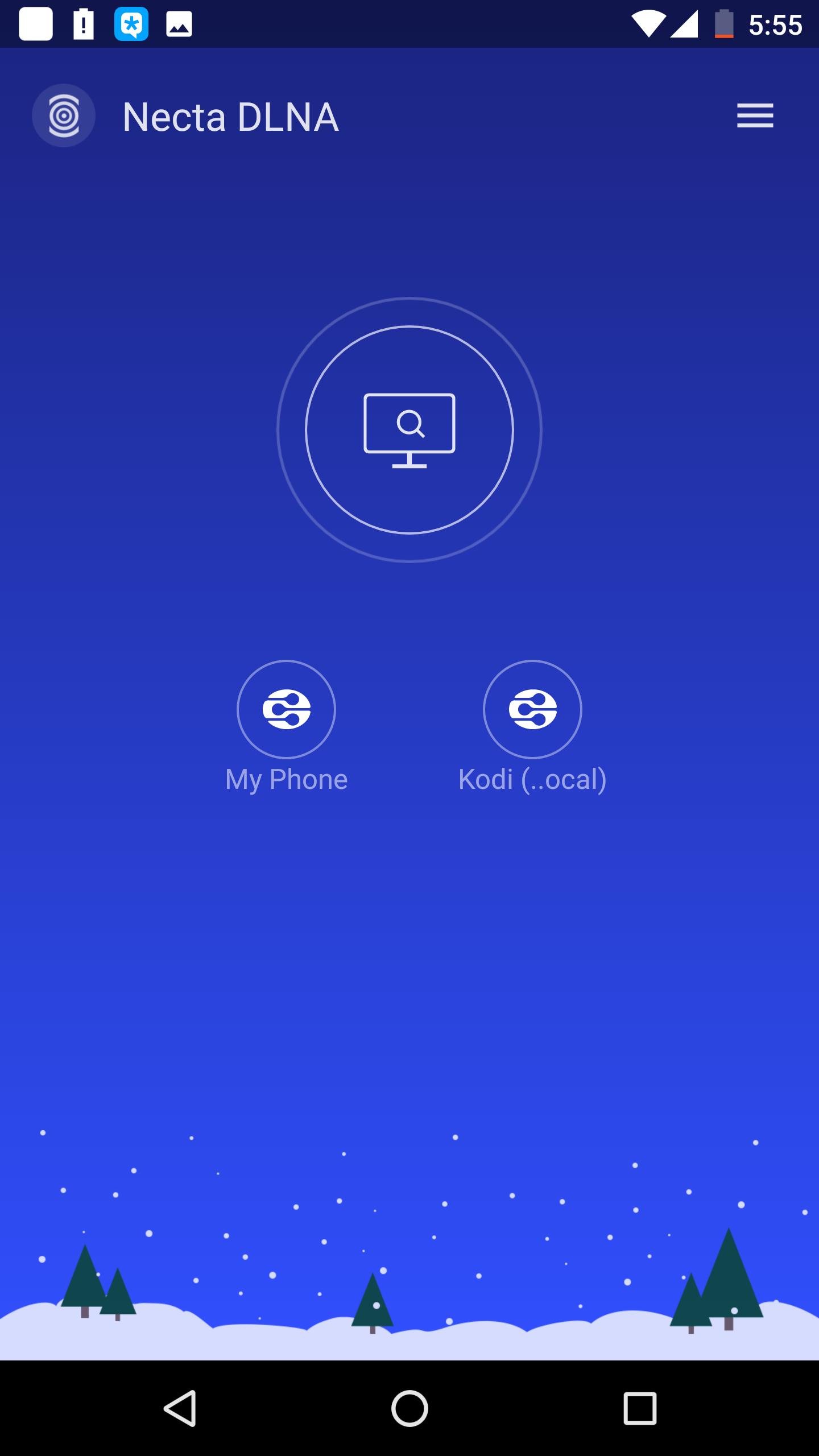
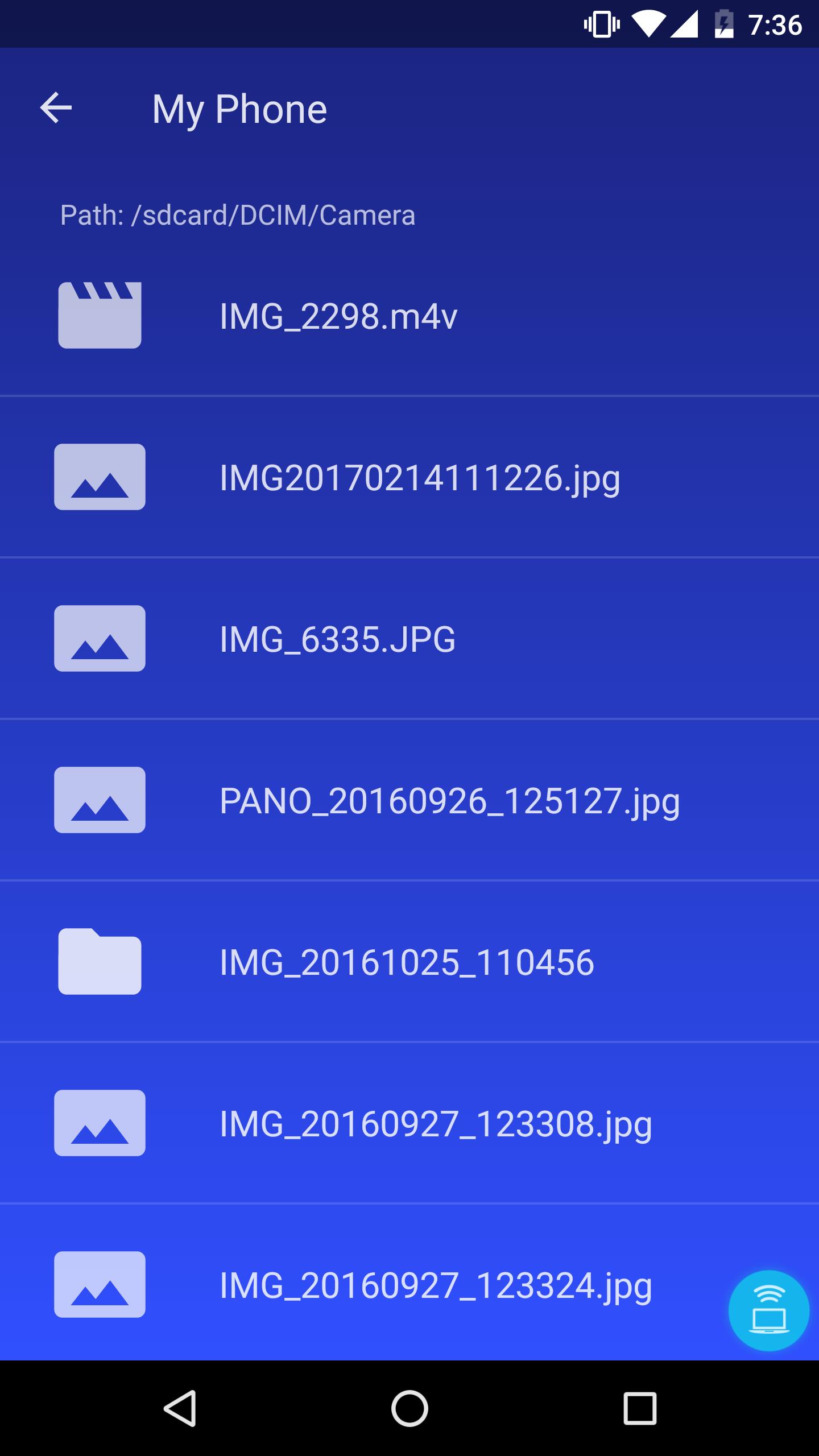
3), Start Necta DLNA, your will see "My phone" and other DLNA devices.
4), Browse it and tap one file, select one media renderer(player), then you can remote control it.
At last, watch your family photos and videos, enjoy it!

คลิกเพียงครั้งเดียวเพื่อติดตั้งไฟล์ XAPK/APK บน Android!

ขอบคุณสำหรับการให้คะแนนและข้อเสนอแนะของคุณ!
คุณได้ให้คะแนนแล้ว