ดาวน์โหลด APK ได้อย่างปลอดภัยและรวดเร็วบน APKPure
APKPure ใช้การตรวจสอบลายเซ็นเพื่อประกันการดาวน์โหลด APK ของ File Explorer- File Transfer: Browse & Share Data ที่ปลอดไวรัสสำหรับคุณ


Everyone
4.0 and up
Android OS
fast lightweight and easy to use file manager
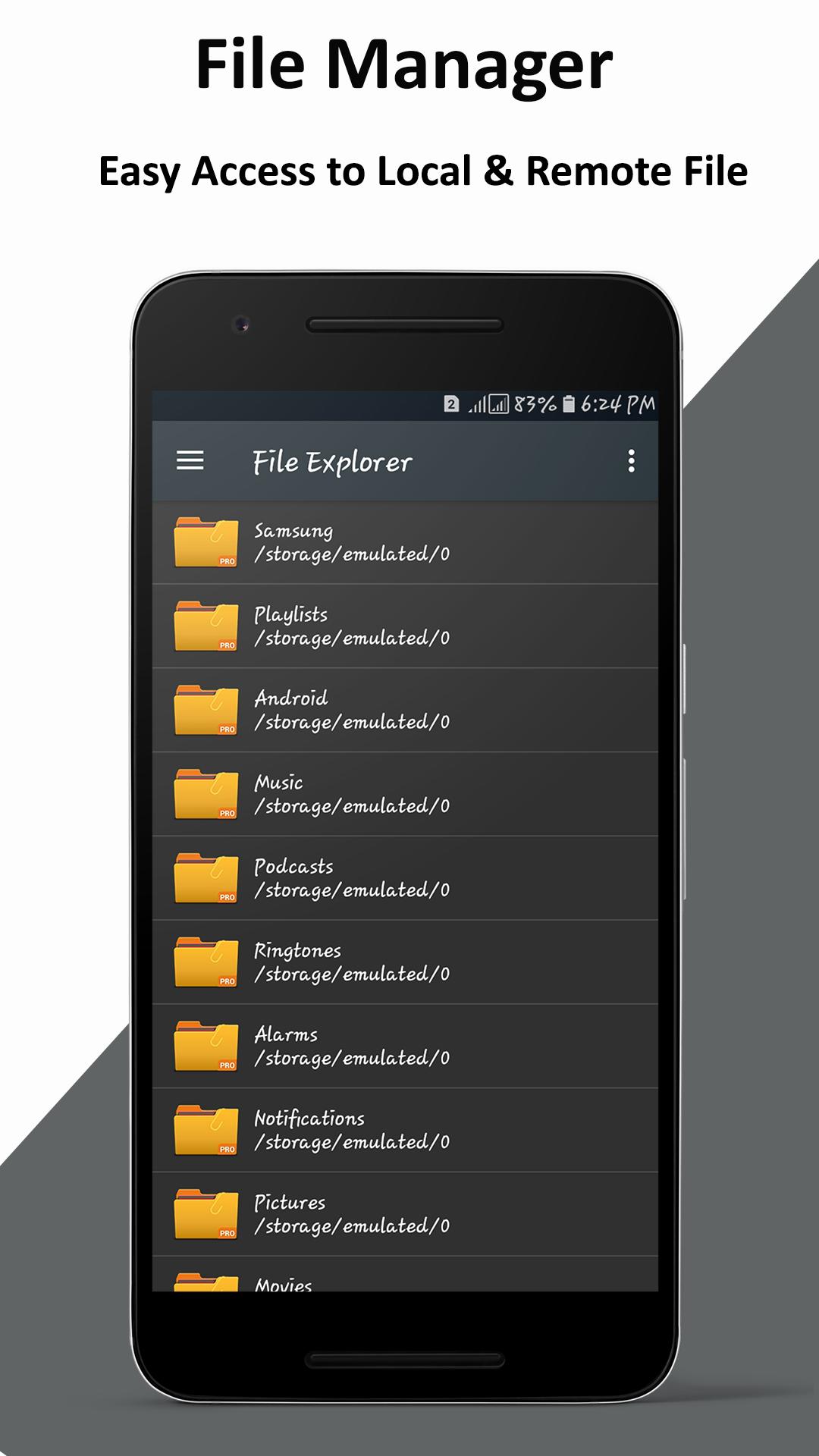
file explorer file manager free, safe, and simple, manage your files efficiently and easily with File Explorer (File Manager)!
File Explorer (File Manager) is a full-featured file (Images, music, movies, documents, app) File Explorer (File Manager) helps manage your android phone and files efficiently and effectively and share files without data cost.
File Explorer File Manager is a file management app for Android that allows you to work with your files in a similar way to how you would do it on a computer, supporting functions like copying, pasting, Moving and Deleting File Explorer File Manager app helps to access your files and folders in quick and easy way.
File Explorer- File Manager is a full-featured files and folders manager that helps to manage your android phone and files efficiently, effectively and share files. Manage your files safely and efficiently. Share and Send /Receive photos, videos, documents and other multimedia files.
File Explorer- File Manager is a file browser app provides browsing and access as internal storage phone SD Card data. To check zip/unzip files you need to just tap on it. File Explorer- File Manager share data easily using many options such as Bluetooth and Emails. One can share files between Bluetooth-ready devices and transferring files between Bluetooth devices.
Some of the interesting features in File Explorer File Manager include a miniature preview of your photographs while you are working with them and the ability to move APK files from installed applications and App Manager with backup.
Also Supports OTG Support, Text editor, Compress and Decompress.
Following are the operations of File Explorer- File Manager:
File Manager:
1. Search files
2. Read/Write
3. Copy
4. Paste
5. Cut
6. Move
7. Compress zip
8. Delete
9. Rename
10. Show/Hide
11. Details
12. Share/Send
Enjoy with thumbnails support for videos and pictures before play and open it.
Files with icons support are:
Movie or videos, pictures, apk, torrent, documents, txt, pdf, HTML, XHTML, Zip, Tar, FTP and more...



คลิกเพียงครั้งเดียวเพื่อติดตั้งไฟล์ XAPK/APK บน Android!

ขอบคุณสำหรับการให้คะแนนและข้อเสนอแนะของคุณ!
คุณได้ให้คะแนนแล้ว







