
ดาวน์โหลด APK ได้อย่างปลอดภัยและรวดเร็วบน APKPure
APKPure ใช้การตรวจสอบลายเซ็นเพื่อประกันการดาวน์โหลด APK ของ Copy Link ที่ปลอดไวรัสสำหรับคุณ

Send Links from computer to phone. Copy & Paste.
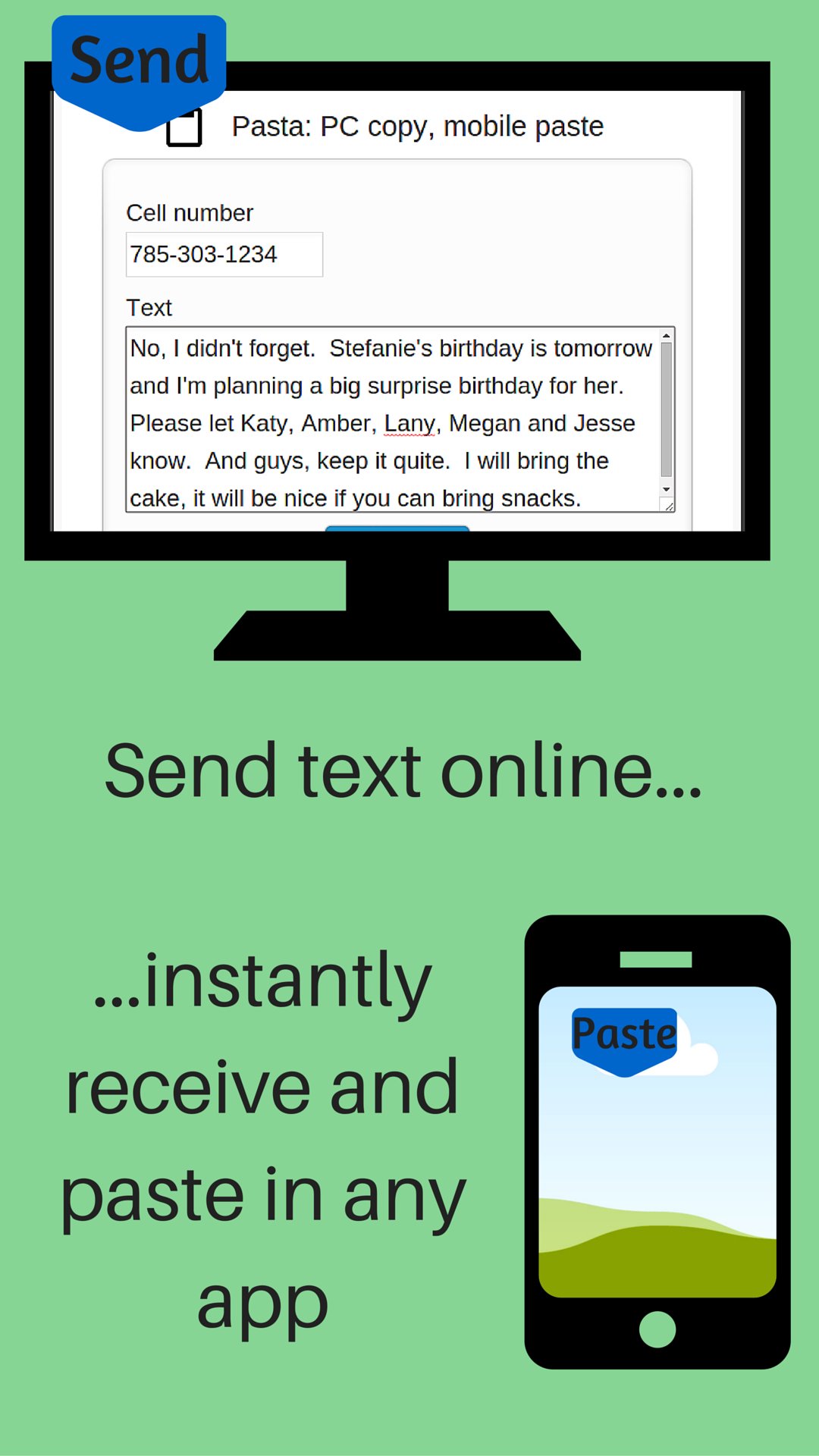
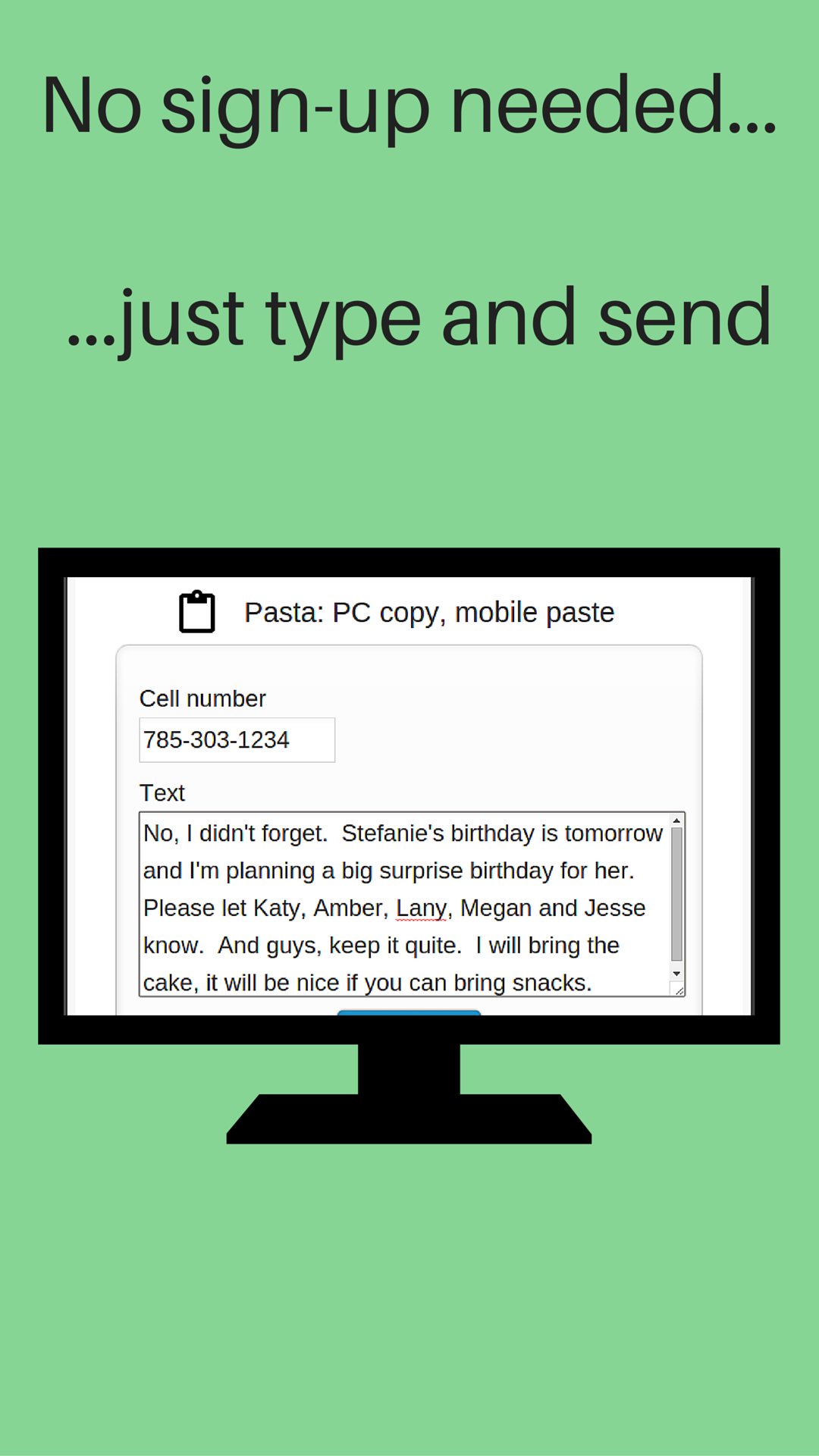
Send links from your computer to your phone. No sign-up, registration or computer software installation needed. The link or text is sent to your phone's clipboard where you can paste it in any app.
After you install Copy Link on your phone:
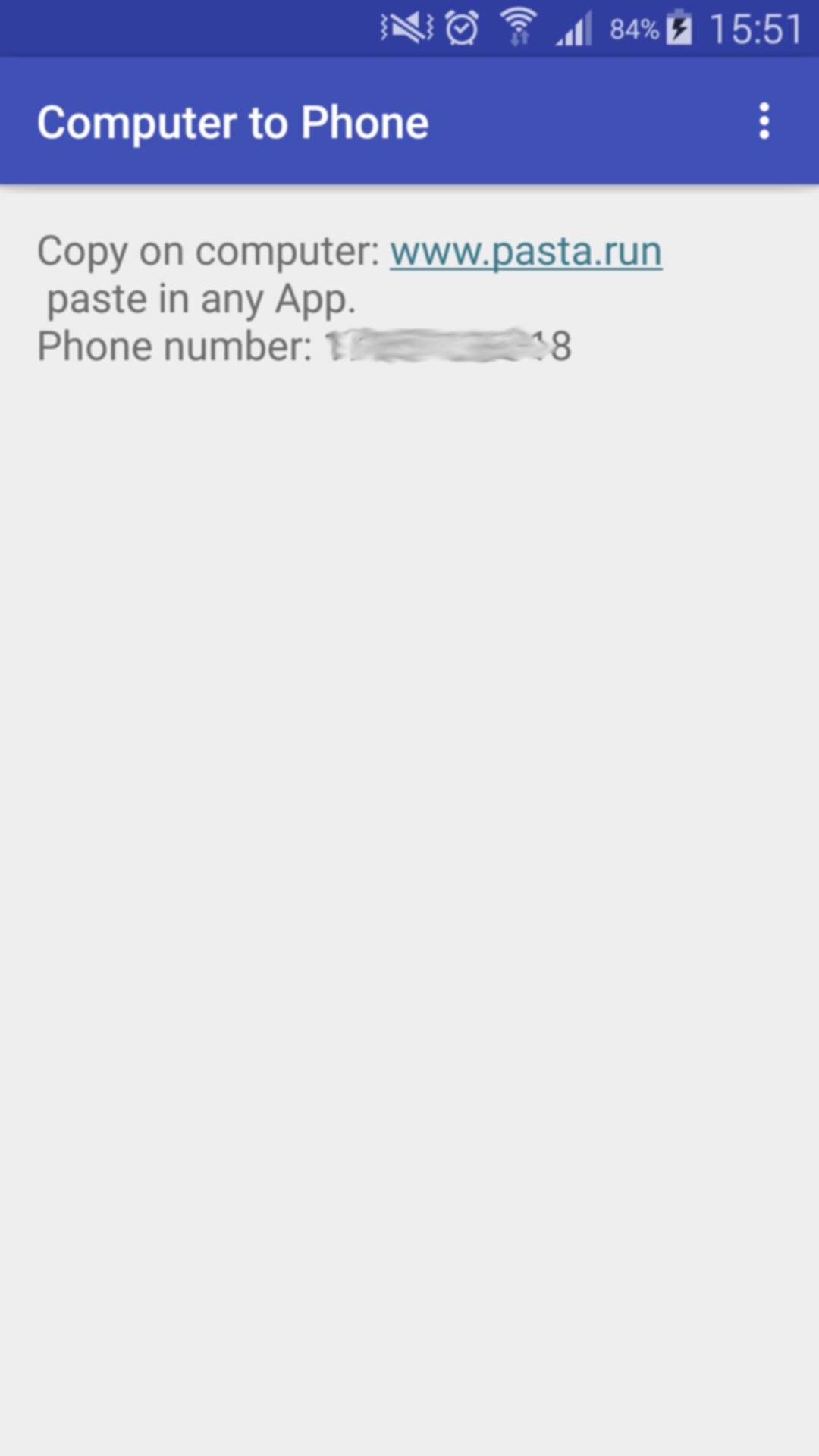
1- Open the App on your phone
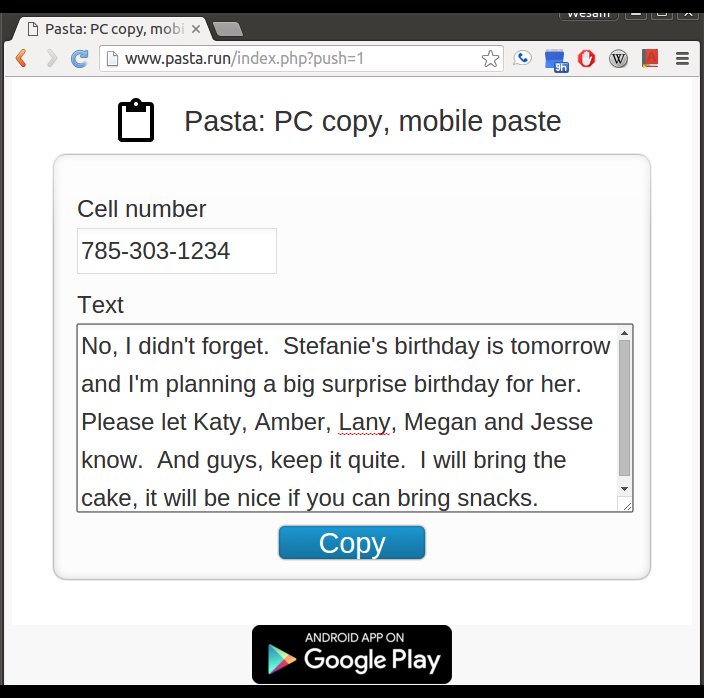
2- On your computer, visit: www.pasta.run
3- Enter cell number
4- Enter link to send
5- Hit the "Copy" button
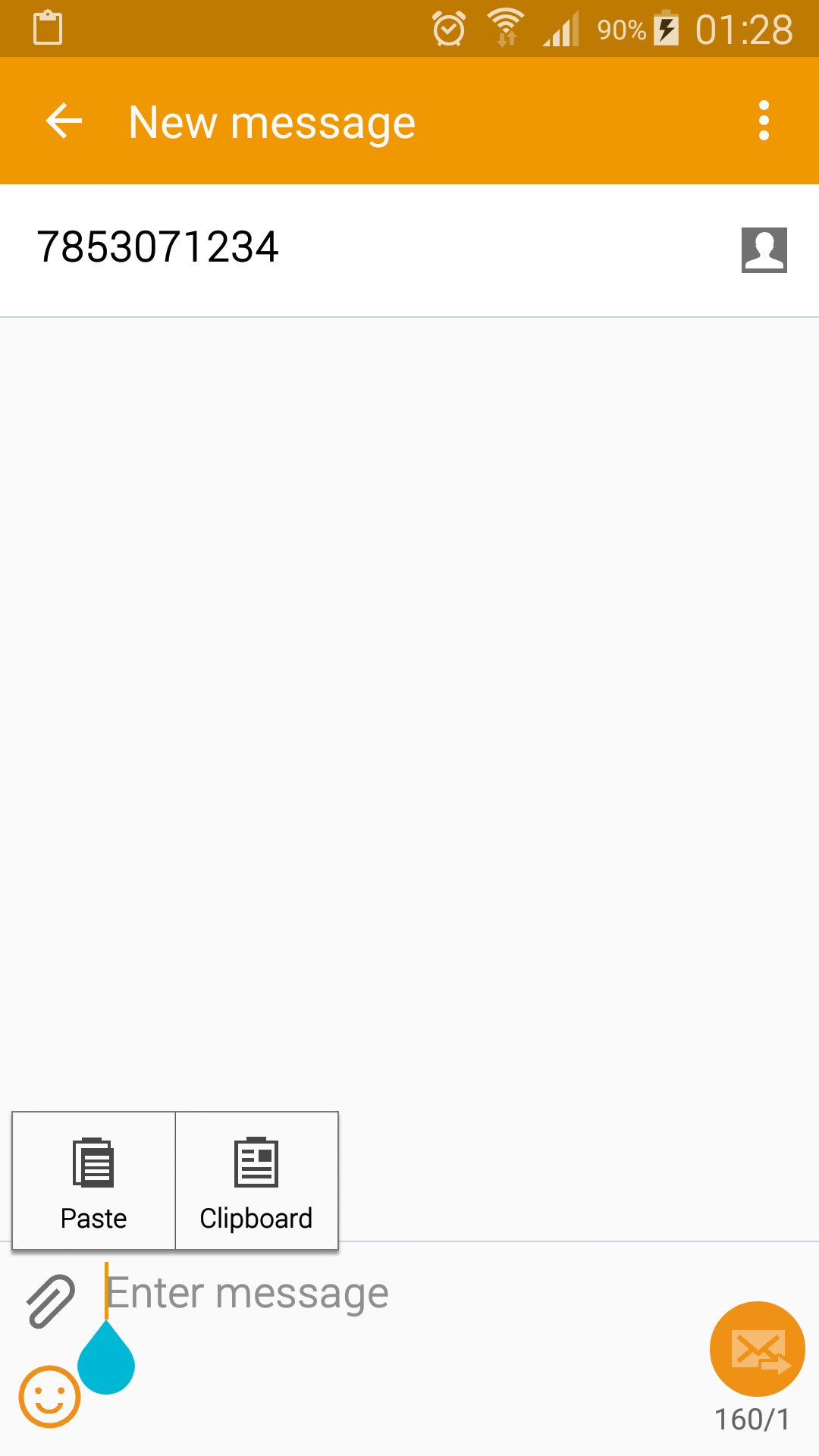
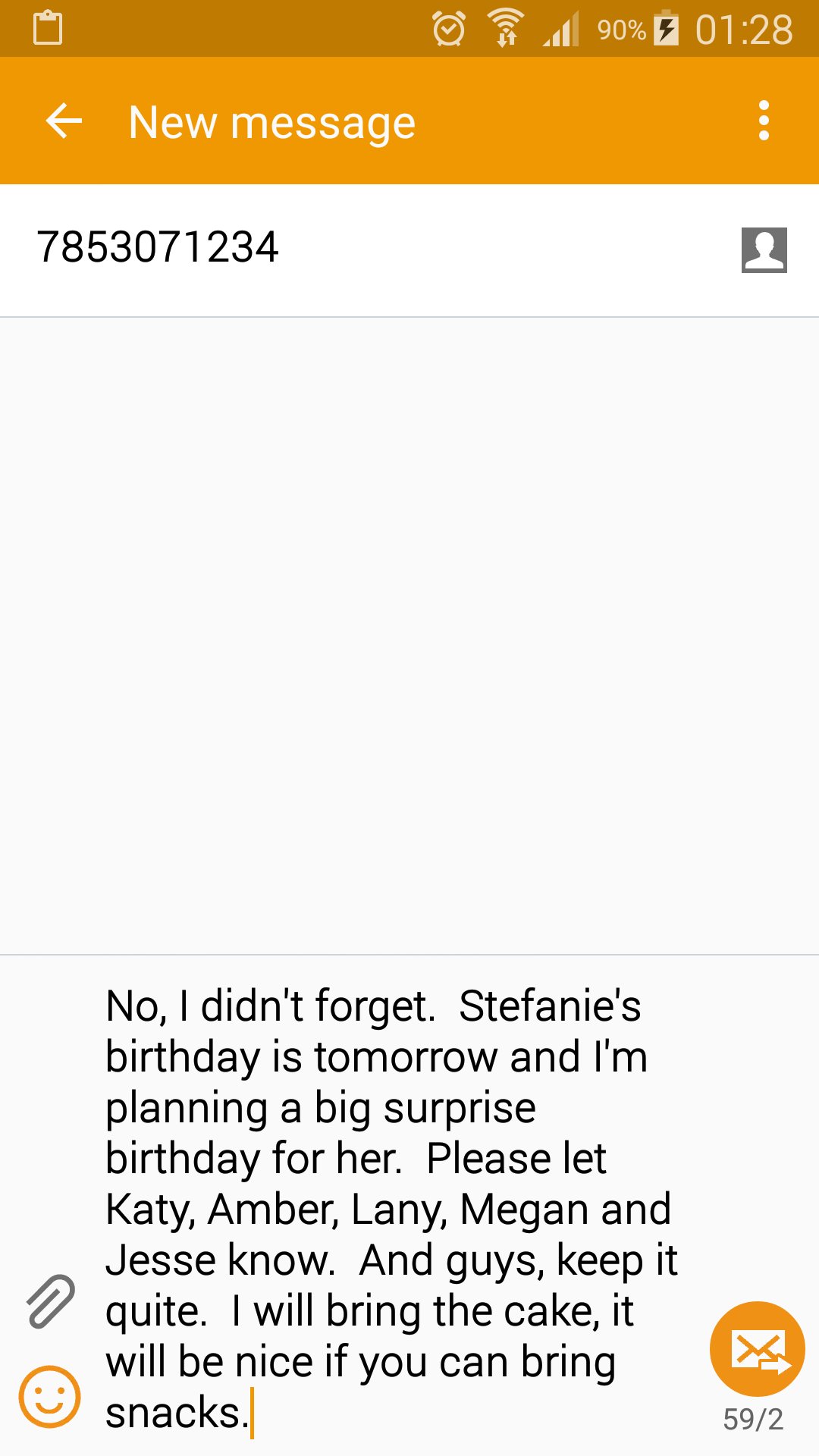
Receive a notification on your phone indicating your link is available to paste in any App (text messaging, email, web browser...). Paste it.
You need to start Copy Link after install. It works in the background and is a very light weight application. You don't have to keep Copy Link active to receive your message.
Don't use your mobile device's keyboard to write a long message or URL. On your computer, visit www.pasta.run, type your message and hit copy. Pick up your mobile device and paste your message in any app. An easy way to share and send text from your computer to your phone.
You only need Copy Link and Internet connection to send your text. No software installation is needed on your computer.
If you don't have wifi or data service when you copy your message, it will be delivered once your phone connects to the Internet. Your message is discarded and never stored on our servers once it's delivered to your device.


คลิกเพียงครั้งเดียวเพื่อติดตั้งไฟล์ XAPK/APK บน Android!

ขอบคุณสำหรับการให้คะแนนและข้อเสนอแนะของคุณ!
คุณได้ให้คะแนนแล้ว






