Scan Date:Nov 4, 2026
Show More


11.7 MB
File Size
Everyone
Android OS
Reply faster in chat and email with a text expander. Write once. Expand forever.
Reply to the same messages in seconds. Typing Hero is a text expander for Android. Create Text Snippets for your replies about prices, shipping, and quotes. Type a short Keyword, and Typing Hero replaces it with your reply. Use your usual keyboard in supported apps.
Typing Hero is for online sellers, customer-service staff, freelancers, and small-business owners who reply to customers in chat and email.
How it works
A Text Snippet has a Keyword and one or more Templates. Each Template holds the text to insert. Type the Keyword, and Typing Hero replaces it with a Template.
,thx → Thanks for your order. I'll get it ready for you.
,ship → Your order ships tomorrow. I'll send the tracking number.
,check → Did your order arrive safely? Let me know if you need any help.
Use Text Snippets for quick replies, canned responses, and message templates. Reuse addresses and links as auto text in chats and email.
🆓 Free features
- Create up to 20 Text Snippets
- Organize Text Snippets with Folders
- Show Suggestions while typing
- Find and use Text Snippets with Quick Access
- Insert the current date and time
- Place the cursor where you want it after the Keyword is replaced
- Export Text Snippets to a CSV file
- Import from Texpand, TextExpander™, and Fast Typing
💎 Premium features for replies and orders
- Add multiple Templates to a Text Snippet
- Insert a Template from another Text Snippet
- Choose how Templates are used: pick one, use the first, a random one, or the next in turn
- Use Form to complete the Template when it expands
- Do quick math by replacing an expression with its result, or putting the result after it
- Insert contact details in Templates
- Start a WhatsApp chat with a typed or copied number without saving the contact
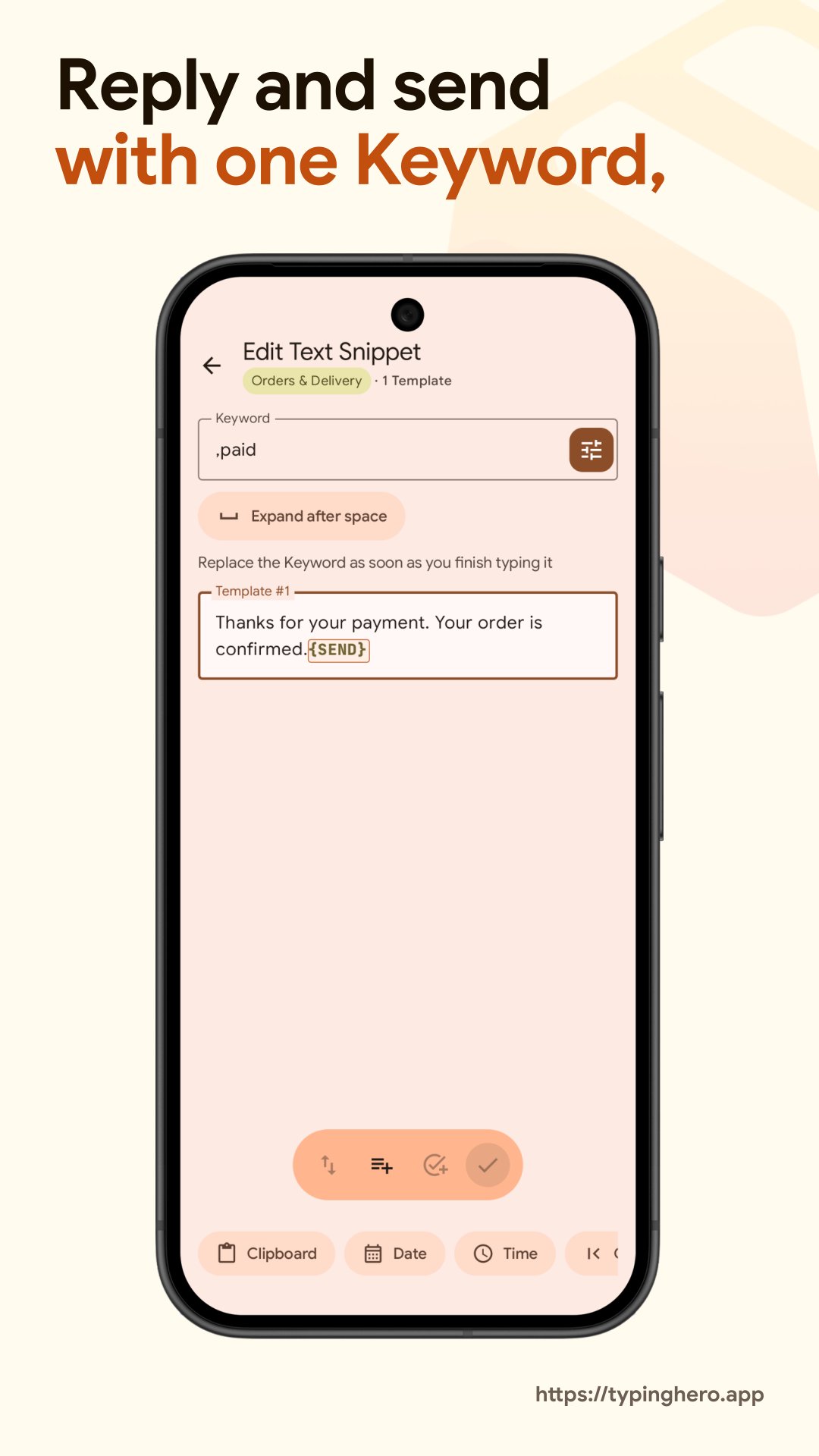
- Send your message automatically after the Keyword is replaced, in WhatsApp and other supported chat apps
- Trigger a Keyboard Action after a Text Snippet expands
💎 More Premium features
- Create unlimited Text Snippets
- Use Clipboard and Actions from Quick Access
- Insert dates and times in the past or future, or a date range such as a week or a month
- Save and reuse copied text with Clipboard
- Back up your Text Snippets automatically and restore them anytime
- Change letter case, remove accents, and swap spaces with underscores or hyphens
- Select all text, from the start to the cursor, or from the cursor to the end
- Delete all text or the part before or after the cursor, trim spaces, delete blank lines, or keep only letters or digits
- Move the cursor to the start or end
- Copy or cut all text or the part before or after the cursor, paste, or paste only the digits
Premium: pay once or subscribe
Pay once for a Lifetime license and keep Premium for the lifetime of Typing Hero. Or subscribe monthly or yearly and cancel anytime in Google Play. Not sure yet? Try Premium free for 2 weeks with a Monthly or Yearly subscription, with no commitment.
Private by design
Keyword detection and replacement happen on your device. Your Text Snippets are stored on your device, and you choose where to export or back them up.
❗ Important
- Typing Hero needs an accessibility service to detect Keywords
- Premium features require Google Play Services
- Text replacement may not work in some apps or may remove formatting
- Contacts require the read contacts permission, requested only when used
Built, maintained, and supported by one developer since 2018.



One-click to install XAPK/APK files on Android!

Thanks for your rating and feedback!
You have already rated.








