Scan Date:Nov 5, 2026
Show More


81.0 MB
File Size
Everyone
Android 10.0+
Android OS
Text replacement and text shortcuts that auto replace as you type, in any app.
Type ;thx and it becomes "Thanks for reaching out! I'll check and get back to you shortly."
Stop typing the same greetings, addresses, emails and customer replies over and over. Save them once, then insert them with a few keys.
Autocomplete is a text expander and text replacement app for Android. Save snippets, canned responses and quick replies under a short abbreviation, and the app replaces the abbreviation with the full text as you type. These text shortcuts work with the keyboard you already use, whether that is Samsung Keyboard or Gboard, in messengers, SMS, email, notes, social apps and seller apps.
■ How it works
1. Save a shortcut and its text. Example: ;addr → your full home address
2. Type the shortcut in any app.
3. The text expands automatically. You can undo the replacement too.
■ Four ways to expand, pick what fits you
• Instant: the text replaces the shortcut as soon as it matches. Choose whether to trigger on space, on a separator, or instantly.
• Auto: one match expands right away; several matches let you pick.
• Overlay: a small floating panel shows the matches. Tap one to insert it, even when one shortcut has several snippets.
• Keyboard strip: swipe through suggestions in a bar just above your keyboard.
■ 200+ dynamic tags
Put a tag inside a snippet and it fills in at the moment you type.
• Date and time: [Auto:MM]/[Auto:DD]/[Auto:YY] [Auto:weekday] → today's date and weekday
• D-day countdown to an exam, anniversary or deadline
• Current address (location permission needed), battery, storage, device info
• Clipboard: paste what you copied last, count characters or lines
• Random numbers and characters, lottery numbers
• Text tools: clean up line breaks and spaces, remove duplicate lines, change case, extract emails, links or phone numbers
• Open apps and settings: calculator, camera, alarm, Wi-Fi settings and more
Search tags right in the snippet editor and insert them with one tap.
■ Stay organized as your list grows
• Sort snippets into folders such as Work, Personal or Gaming.
• Long-press and drag to reorder, swipe to delete.
• Search by shortcut or by snippet text.
■ Keep your snippets when you switch phones
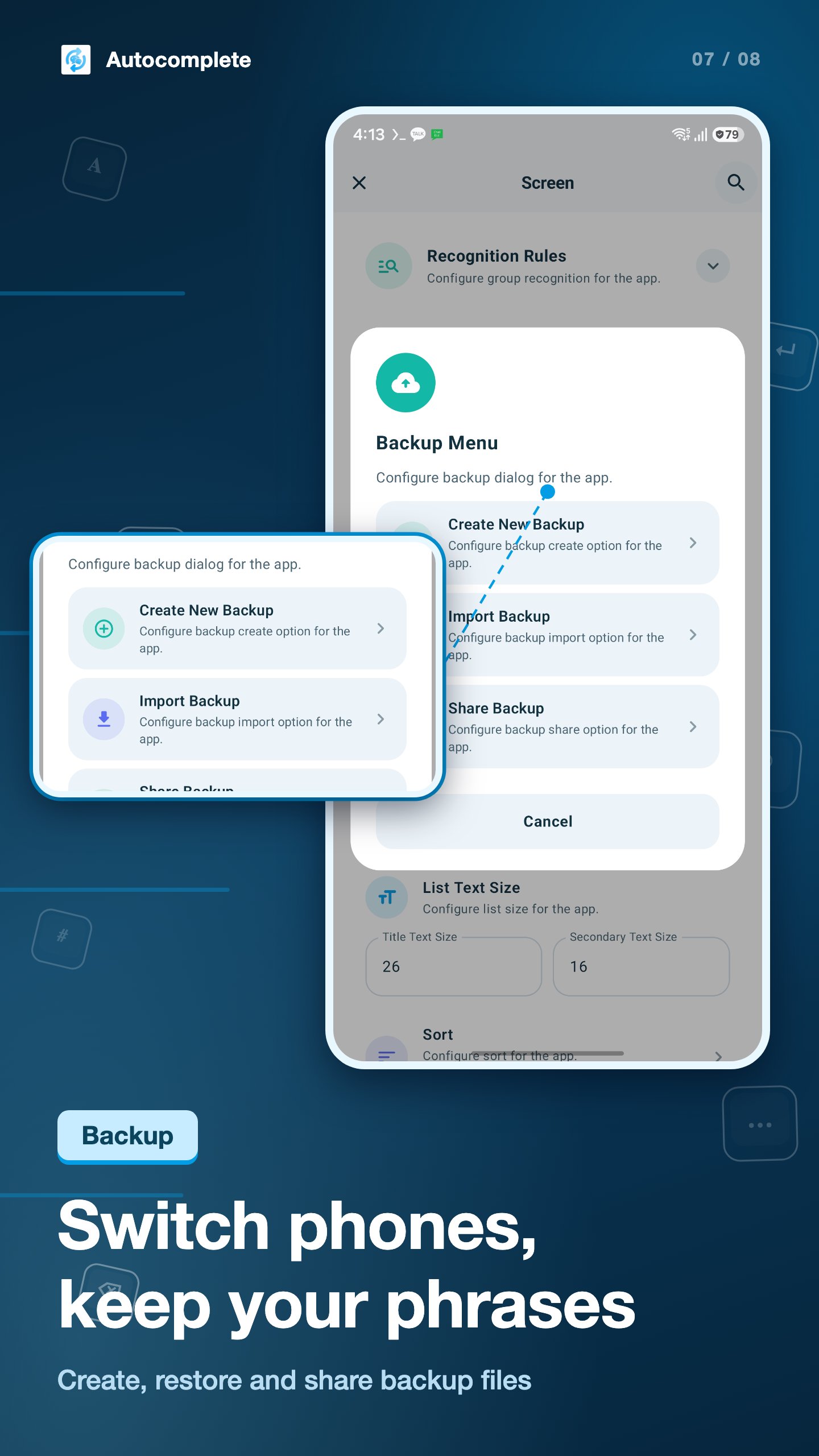
• Create and restore backup files, or back up automatically each time you add a snippet.
• Share a backup file so your team uses the same canned responses.
■ Private by default
• Lock the app with a 4-digit PIN or your fingerprint.
• Exclude apps where you never want text replaced.
■ Made for
• Customer support, online sellers and anyone sending the same reply many times a day
• Bloggers and creators who add the same hashtags and sign-offs
• Anyone who types addresses, phone numbers, account numbers or email often
• Gamers who repeat greetings or trade messages in chat
• Fixing words you mistype all the time
■ Accessibility Service disclosure
Autocomplete uses the AccessibilityService API to detect your shortcuts in text fields of other apps and replace them with your saved text. The text in a field is only compared with your shortcuts on your device. It is never sent to a server or stored. All your snippets stay on your device. The service works only after you read the in-app notice and turn it on yourself, and you can turn it off at any time in system settings.
On a PC? Look for "자동완성 for window" on the Microsoft Store.
Contact: seong.lee@yeestudio.co.kr




One-click to install XAPK/APK files on Android!

Thanks for your rating and feedback!
You have already rated.







