Safe & Fast APK Downloads on APKPure
APKPure uses signature verification to ensure virus-free Tablet SMS 4 Phone APK downloads for you.

SMS text messaging from tablet! (Install this on phone)
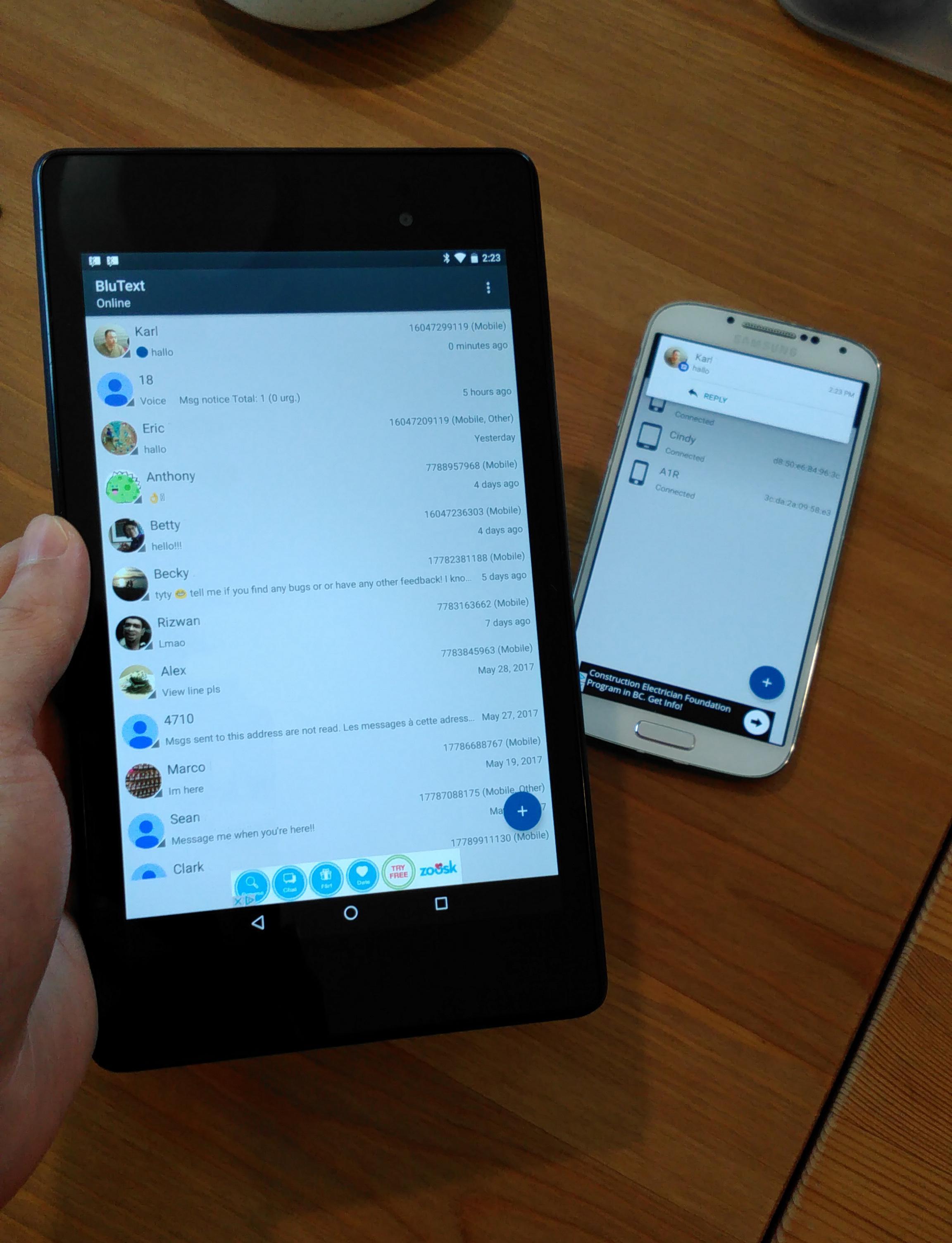
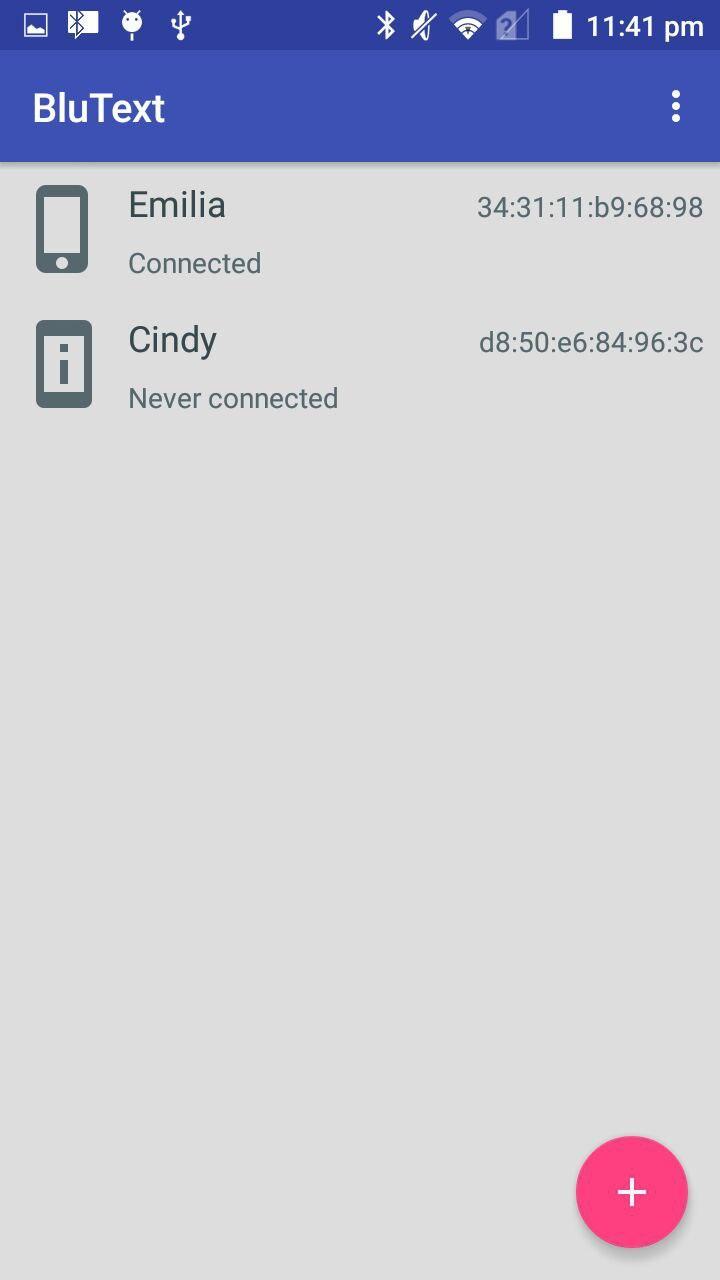
Use Tablet SMS to send SMS text messages from your tablet when you connect it to your phone via Bluetooth.
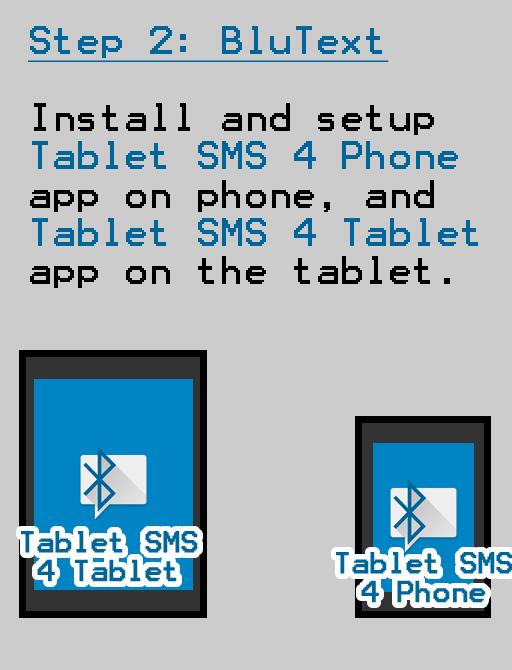
IMPORTANT!: This app doesn't work by itself. You need to install the Tablet SMS 4 Tablet (https://play.google.com/store/apps/details?id=com.github.ericytsang.blutext.app.client) on your tablet as well as this app on your phone in order for it to work.
Why use Tablet SMS:
• Convenient: browse, compose and send SMS text messages from your tablet.
• Versatile: no need for an Internet connection; Tablet SMS uses Bluetooth so you're free to roam around with your tablet as long as your phone is within Bluetooth range.
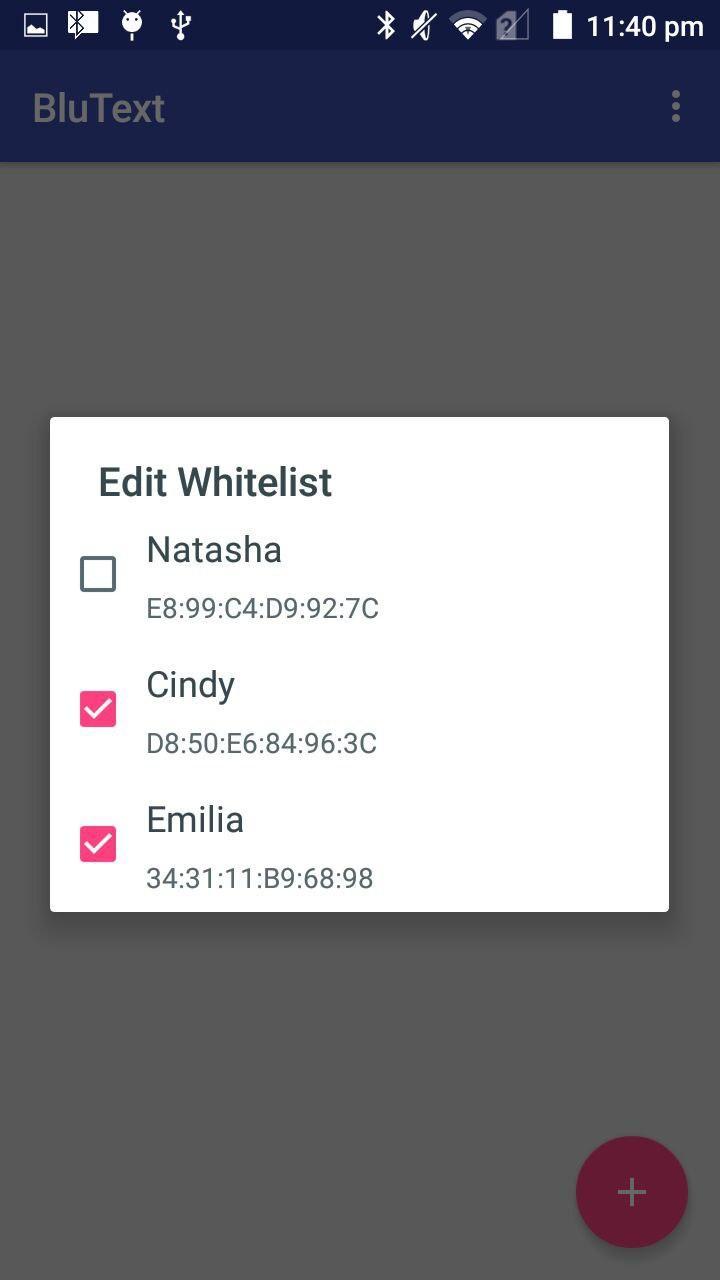
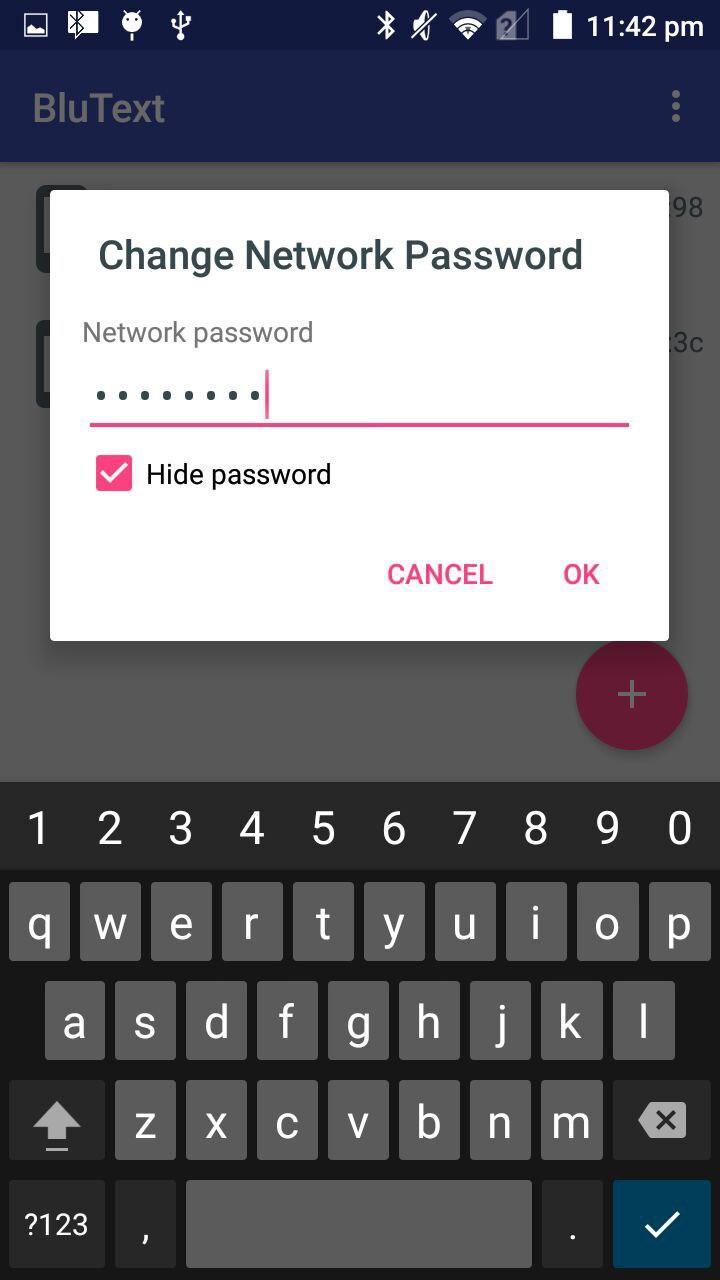
• Secure: encrypted Bluetooth connections are used to exchange SMS text messages and address book data with BluText Client applications.
• Personalizable: full control of the application's color theme. (Tablet SMS 4 Tablet only)



One-click to install XAPK/APK files on Android!

Thanks for your rating and feedback!
You have already rated.