
Safe & Fast APK Downloads on APKPure
APKPure uses signature verification to ensure virus-free Sweech - Wifi File Transfer APK downloads for you.

Sweech is a wireless file transfer tool for Android, computers, and tablets.
Developed by Éric ALBER, it focuses on fast, simple transfers over WiFi through any browser. No cables, no pairing, and no companion installs on the receiving device. Share a URL, move photos, videos, music, apps, and even stream media from or to your Android on a bigger screen. For quick setup without fuss, grab the Sweech APK and keep everything within your network. Below are the key features that make everyday sharing simple.
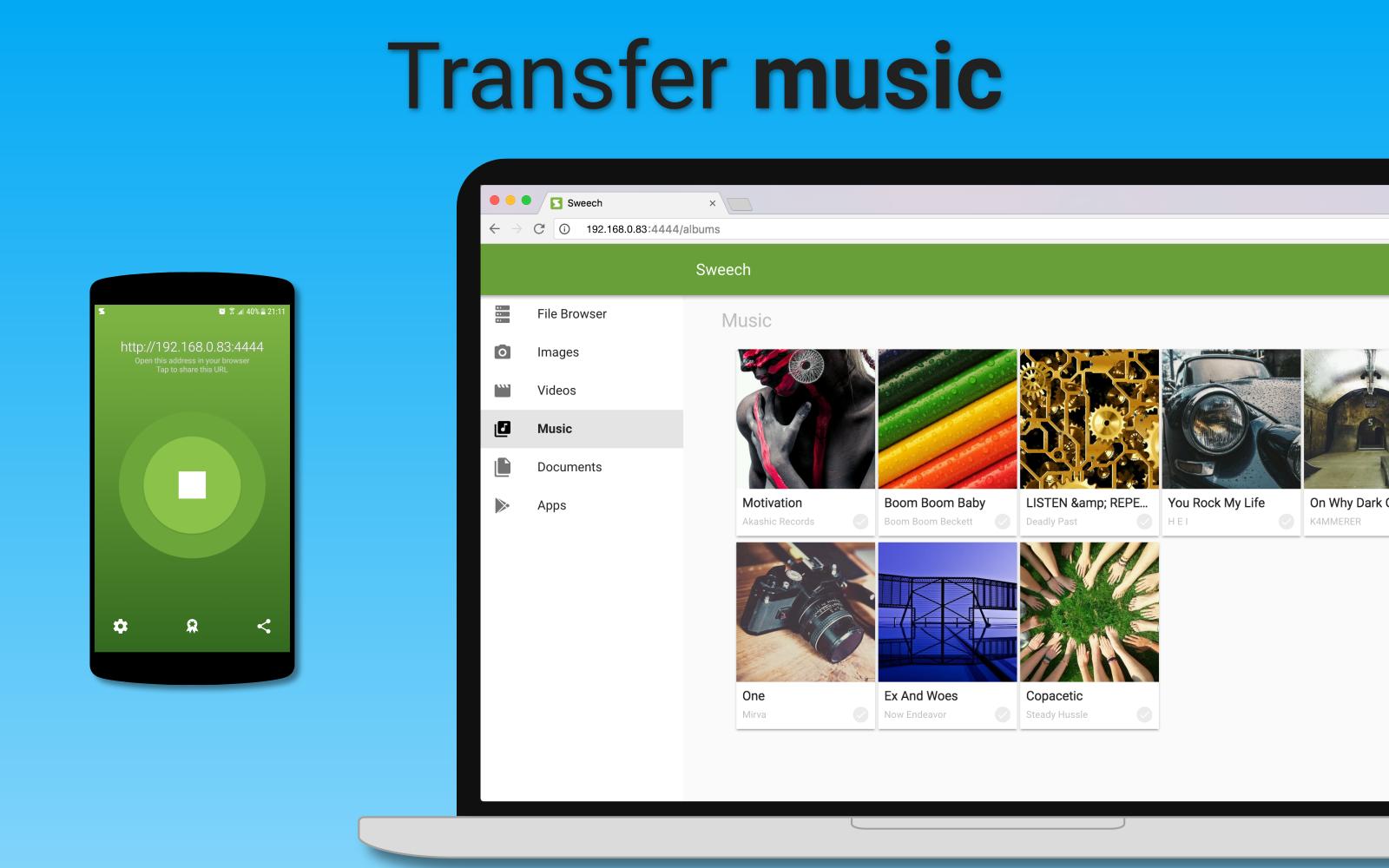
It opens a local URL that any device can access in a browser. Sweech then shows your phone storage like a simple file list, so moving items feels natural. At home or in the office, drop a video to your laptop or play photos instantly.
Short links let you share only a folder or a few files, not the entire device. With the premium upgrade, Sweech adds HTTPS encryption, passwords, IP based limits, and auto start on trusted WiFi. It suits quick handoffs to coworkers or private links for family.
You can get the Sweech latest version on APKPure to stay up to date. The APK usually downloads within a minute, depending on your connection. After the file finishes, Android may request install permissions. Once installed, open the app and start on the same WiFi network.
For best results, use a stable WiFi connection during setup. When ready, download Sweech and try sharing a small photo to confirm everything works. If WiFi is unavailable, the app can set up a hotspot automatically.





One-click to install XAPK/APK files on Android!

Thanks for your rating and feedback!
You have already rated.