Safe & Fast APK Downloads on APKPure
APKPure uses signature verification to ensure virus-free [Substratum] DARC APK downloads for you.

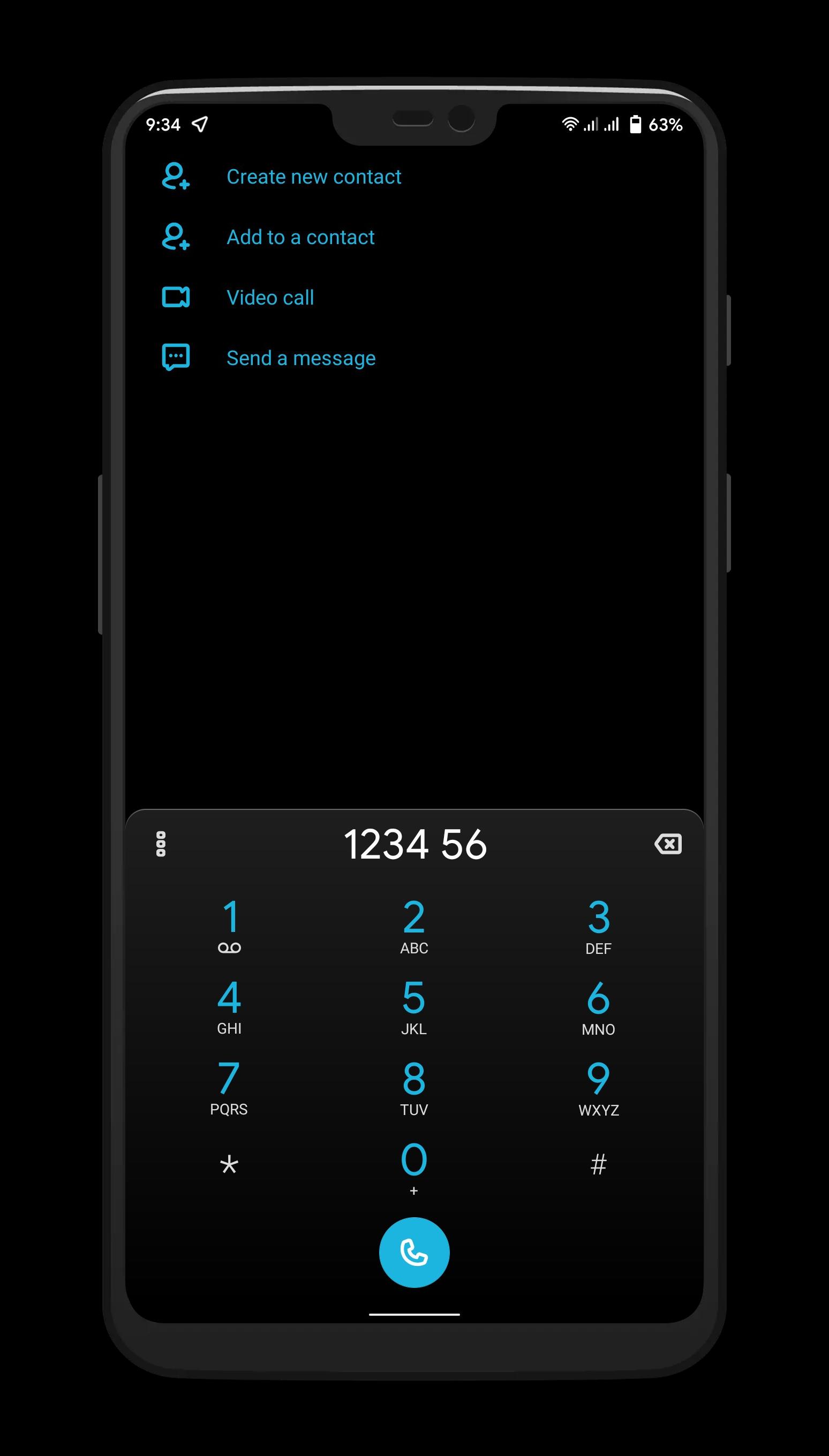
Powerfull Dark Theme for Substratum and Synergy only
Darc is an powerfull Dark, Black, Clear and Gradient Theme for Substratum and Synergy for samsung
Supported Device and Os
• Android Q 10 Pixel Stock and Custom Roms
• Oxygen OS Q 10
• Samsung Pie OneUi 1.x
• Android Pie
• Oxygen OS Pie
• Samsung Q OneUi 2.0 Supports Now !!!
Themed apps
https://del.dog/yrfexyg
How to?
• Enable Dark Mode from Settings
• All you need Substratum theme engine and supported roms
• Select darc theme to open in substratum app
• Select your android version first from the top of the overlay list
• Choose the option carefully in Android System and respective overlays
• From the bottom Fab select build and install
• Once it complet installing overlay reboot your device
• Now again open substratum app go to manager tab
• Select your installed overlays and enable it
• Reboot again
• Enjoy the theme
Links
Twitter: https://twitter.com/DeadmanxXd
Telegram Support: https://t.me/fantasy_themes
Hangouts: deadmanxxd@gmail.com
Changelog: https://t.me/samsoft_updates
Credits
Substratum - Development Community
Transparent and Samsung Guide - +BryanOwens (djdarkknight96)
Theme Logo Icon: Krishna AR
Icons - www.flaticons.com
Banners and Logo - www.freepik.com
Telegram Theme Testers and Friends





One-click to install XAPK/APK files on Android!

Thanks for your rating and feedback!
You have already rated.