Safe & Fast APK Downloads on APKPure
APKPure uses signature verification to ensure virus-free Steady Light APK downloads for you.

Use your phone as a flashlight.
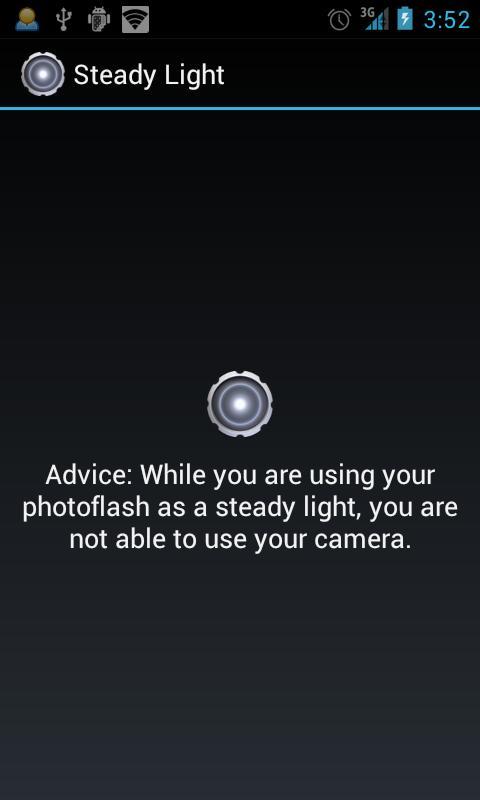
The app uses the LED of your camera if it is available. Otherwise your display will be used.
With LED you can:
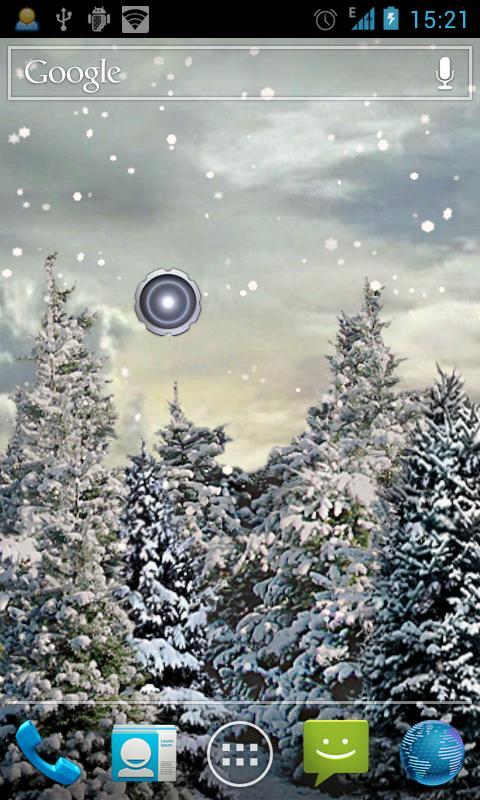
- Toggle LED with one touch via widget.
- Turn off the display to save power and not to be dazzled.
With DISPLAY you can:
- Toggle the display with one touch via widget.
PERMISSIONS:
Take pictures and videos
-> Necessary for the LED, because it is part of the camera.
Prevent phone from sleeping:
-> Necessary to turn off display while the LED still remains lit.
PRO-VERSION:
Get the pro version for FREE! You will get some extra features:
- Turn off light automatically if battery capacity drops below a defined level.
- Turn off light after a specified time.
Get Steady Light Pro for FREE now!
This normal version is no longer being maintained.


One-click to install XAPK/APK files on Android!

Thanks for your rating and feedback!
You have already rated.