Scan Date:Oct 30, 2026
Show More


9.2
635 Reviews
265.2 MB
File Size
Teen
Android 10.0+
Android OS
StarMaker: Sing Karaoke Songs is a karaoke singing app and music community for Android users.
SKYWORK AI PTE. LTD. builds StarMaker: Sing Karaoke Songs around one main idea: making mobile karaoke feel social, flexible, and easy to share. With a large song library and recording tools, it suits users who want to sing karaoke, post covers, or join live rooms with other singers. Here are the main features to know before you download StarMaker: Sing Karaoke Songs.
StarMaker: Sing Karaoke Songs gives users access to a broad karaoke catalog with more than 14 million trending tracks. The library includes local and international songs, so it works well for casual singers who switch between popular hits, familiar classics, and music shared by friends. Rolling lyrics appear while singing, which helps users keep pace with the track without needing a separate lyrics app.
The Sing tab is the main place to begin. Users can browse categories or use the search option at the top when looking for a specific track. After opening a song, the lyrics screen shows a Tap to Start prompt, and recording begins from there. This simple flow makes StarMaker download appealing for users who want to move quickly from choosing a song to recording a cover.
StarMaker: Sing Karaoke Songs supports several ways to record, including Solo, Duet, Group, and Hook modes. Solo recording is useful for full covers, while Duet and Group modes add a more social feel when users want to sing with friends or other community members. Hook mode is better suited for shorter parts of a song, especially when a user wants to share a quick vocal clip instead of a full performance.
During recording, the screen includes useful controls such as earphone feedback, sound settings, restart, and save or end options. These controls are easy to understand after a few tries, but new users may need a little time to get used to the number of choices. For better results, earphones and a quiet place can make a clear difference, especially when recording softer vocals or songs with detailed backing tracks.
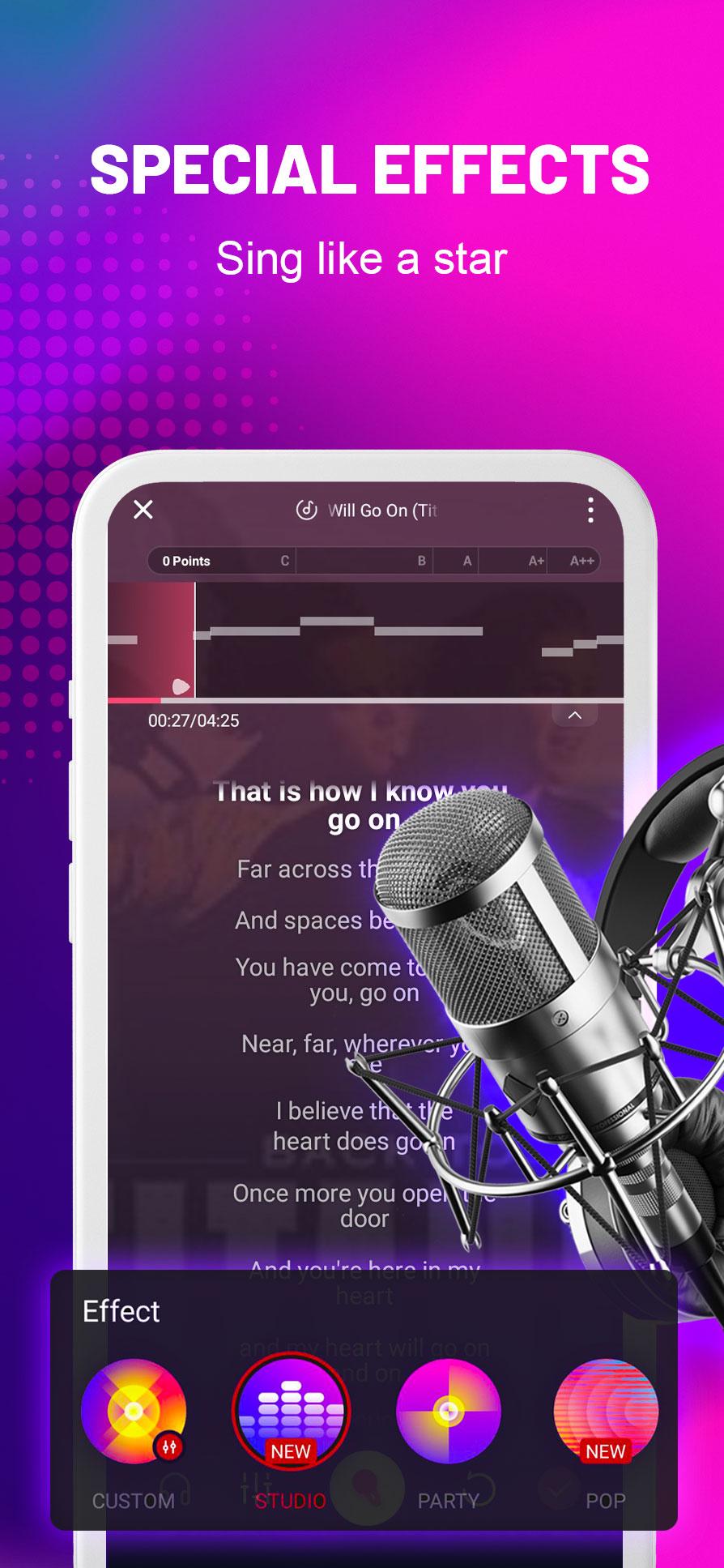
StarMaker: Sing Karaoke Songs includes editing tools that help recordings sound cleaner before they are shared. After recording, users can adjust denoise, EQ, latency, sound effects, track volume, and voice volume. Pitch correction and AI audio effects can also help newer singers make a take sound more balanced, without making the app feel only for experienced performers.
These tools are most useful when a recording sounds too quiet, slightly delayed, or affected by background noise. For example, lowering track volume can make vocals easier to hear, while denoise can reduce small room sounds. The app still depends on recording conditions, so a noisy environment cannot always be fully fixed. Even so, the editor gives enough control for users who want a better cover before posting it.
StarMaker: Sing Karaoke Songs also lets users turn performances into music-style videos with filters and templates. This is useful for singers who want their cover to look more polished before posting it to friends or followers. The video tools are not the main focus of the app, but they add personality to short clips and full song recordings.
Sharing options include popular social apps such as WhatsApp, Facebook, Instagram, and Snapchat. A user can record a song, adjust the sound, add a visual style, and then share the result outside the app. This makes the StarMaker APK useful not only for private practice, but also for users who like posting music moments after a quick session.
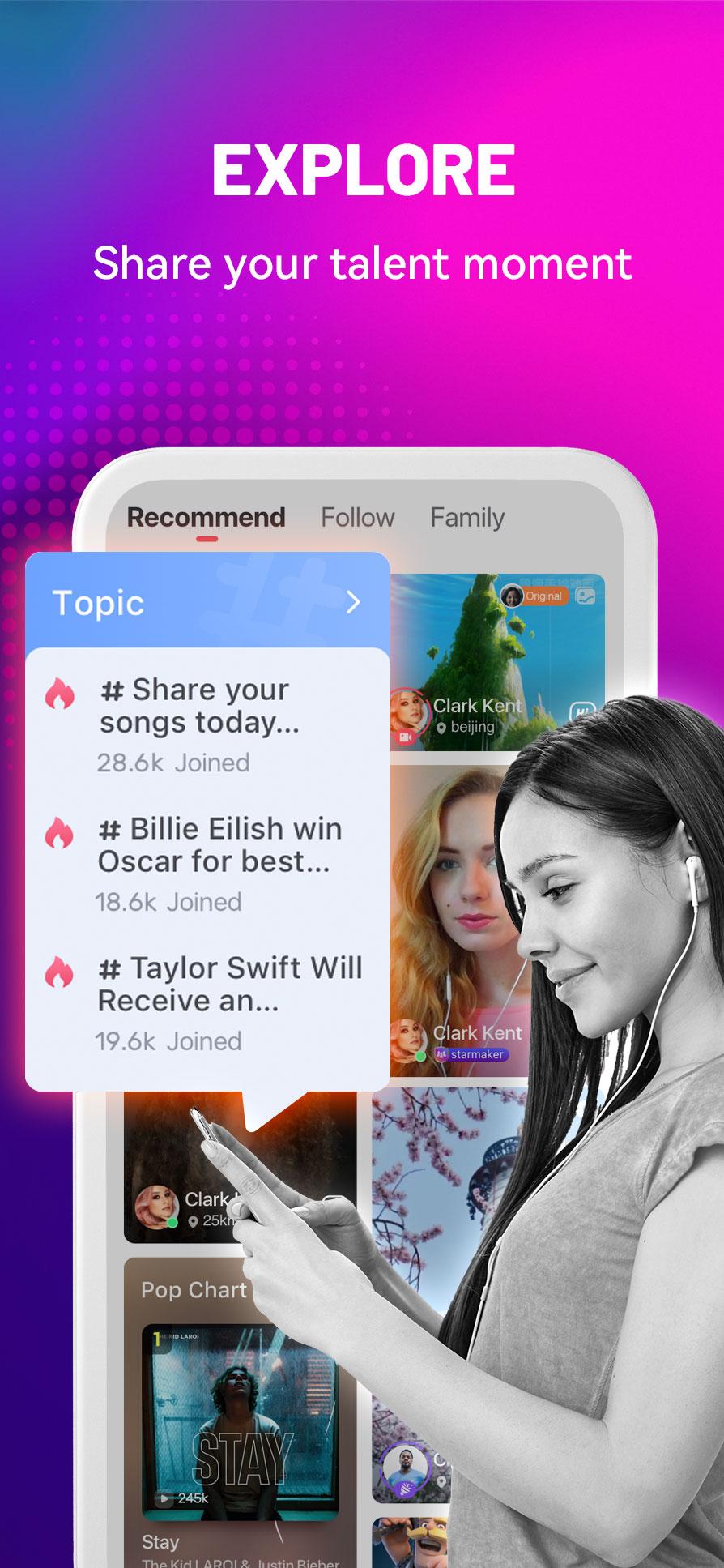
StarMaker: Sing Karaoke Songs places strong focus on community singing through Party Rooms, Live, and Family features. The Room section includes Party Room options for live solo or duet singing, while the Live tab includes Go Live for singing with video. These spaces help users meet other singers, join casual sessions, and take part in community activity beyond standard recordings.
The social side can feel busy at first because there are several tabs at the bottom, including Room, Movement, Sing, Chat, and Me. Users who only want karaoke recording can stay mostly in the Sing tab, while those who enjoy interaction can explore rooms and live sessions later. Availability of some songs or premium features may also vary by region and account, so the best experience can differ from user to user.
These points come from the app’s karaoke tools, social features, and practical recording needs. StarMaker: Sing Karaoke Songs offers strong creative options, but some parts may take time for new users to understand.
ProsUsers can get the StarMaker: Sing Karaoke Songs latest version from APKPure and install it on a compatible Android device. The APK is around 350MB, so download time can vary depending on the network. A stable Wi-Fi connection is recommended if mobile data is limited or the connection is slow.
During installation, Android may ask for confirmation before opening the file. After the StarMaker: Sing Karaoke Songs APK is installed, users can open the app, check the bottom tabs, and start from the Sing section to choose karaoke songs. For a smoother first recording, prepare earphones and try a quiet room before joining Party Rooms or Live singing sessions.





One-click to install XAPK/APK files on Android!

Thanks for your rating and feedback!
You have already rated.