Scan Date:Jun 7, 2026
Show More


10.0
5 Reviews
75.5 MB
File Size
Everyone
Android 7.0+
Android OS
Spike is an AI-powered email client that turns busy inboxes into clear conversations.
From developer Spike Email (Your Inbox reinvented), the standout focus is a clean, chat-like inbox powered by AI. The Spike latest version streamlines daily email with smart summaries, fast drafting, and tidy sorting across multiple accounts. It also brings lightweight team tools into your inbox so collaboration stays in the same flow. Here is what users can expect.
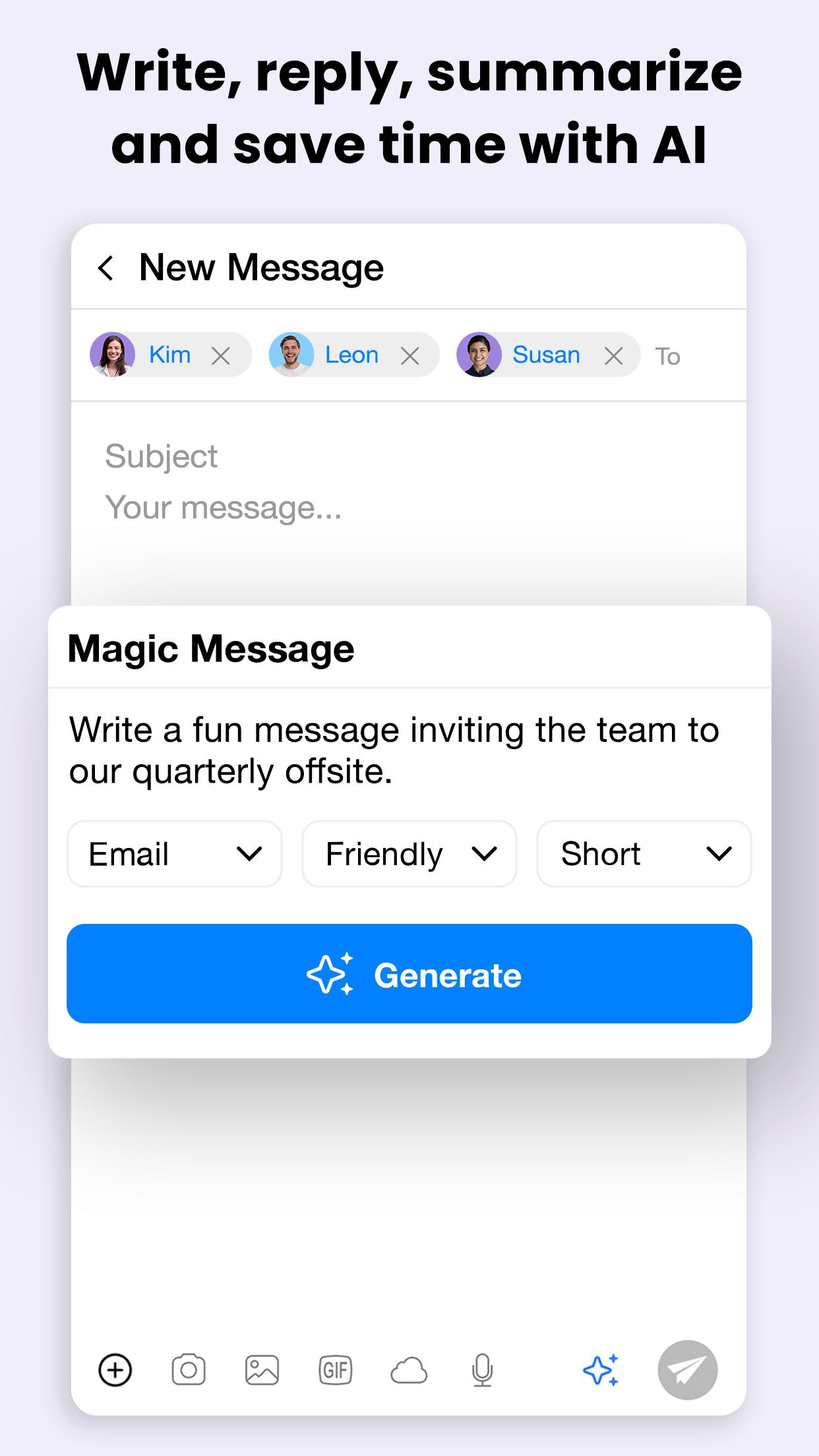
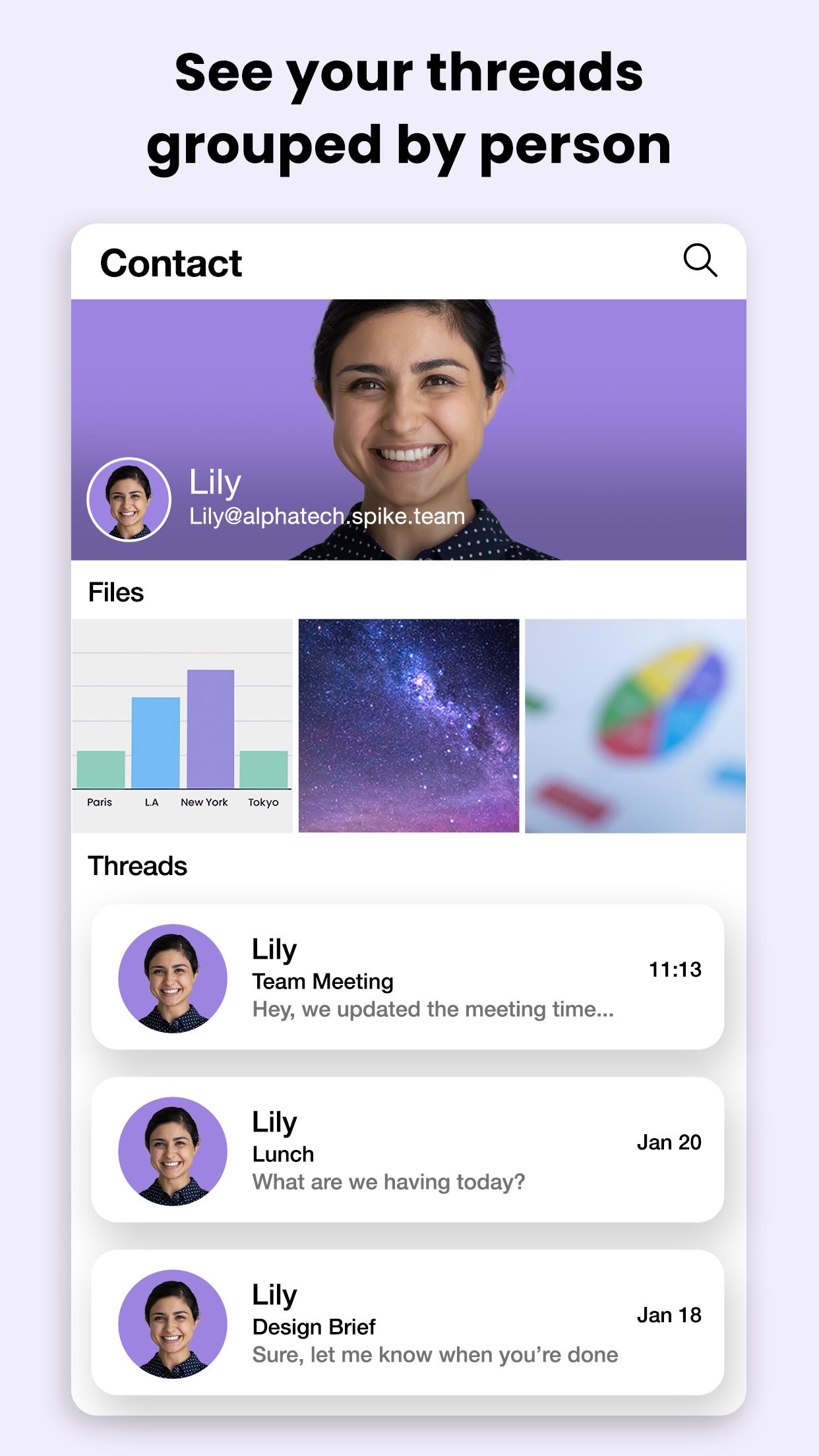
Spike turns long email threads into chat-style conversations and uses AI to save time. Summaries highlight the key points from lengthy exchanges and attached files, so you can reply with confidence. When a quick response is needed, context-aware drafts provide a solid starting point. Messages are grouped by people, and read indicators help decide when to follow up.
Spike lets teams manage support, sales, and internal work from a single place. Create a Teamspace with your domain and route messages into shared inboxes for fast triage. Discuss replies in built-in chat, turn emails into tasks, and search files without switching tools. If a thread needs more than text, jump into a voice or video call directly.
You can download the latest Spike APK from APKPure. The file is small enough for mobile data or Wi‑Fi, and the download typically completes in a short time. During installation, your device may ask for basic permissions or to confirm app installs from this source.
After setup, sign in to your email accounts and start with a focused inbox. For a smoother experience, ensure a stable connection during the first sync, especially if you handle large attachments or multiple accounts.






One-click to install XAPK/APK files on Android!

Thanks for your rating and feedback!
You have already rated.