





Thanks for your rating and feedback!
You have already rated.

Capture, organise and track invoices. Works offline. AI extraction optional.
Smart Invoices lets you photograph or import paper invoices and bills, extract all the data automatically with AI, and keep a searchable archive on your phone — with groups, statistics, PDF export, and Google Drive backup.
WHY USE SMART INVOICES
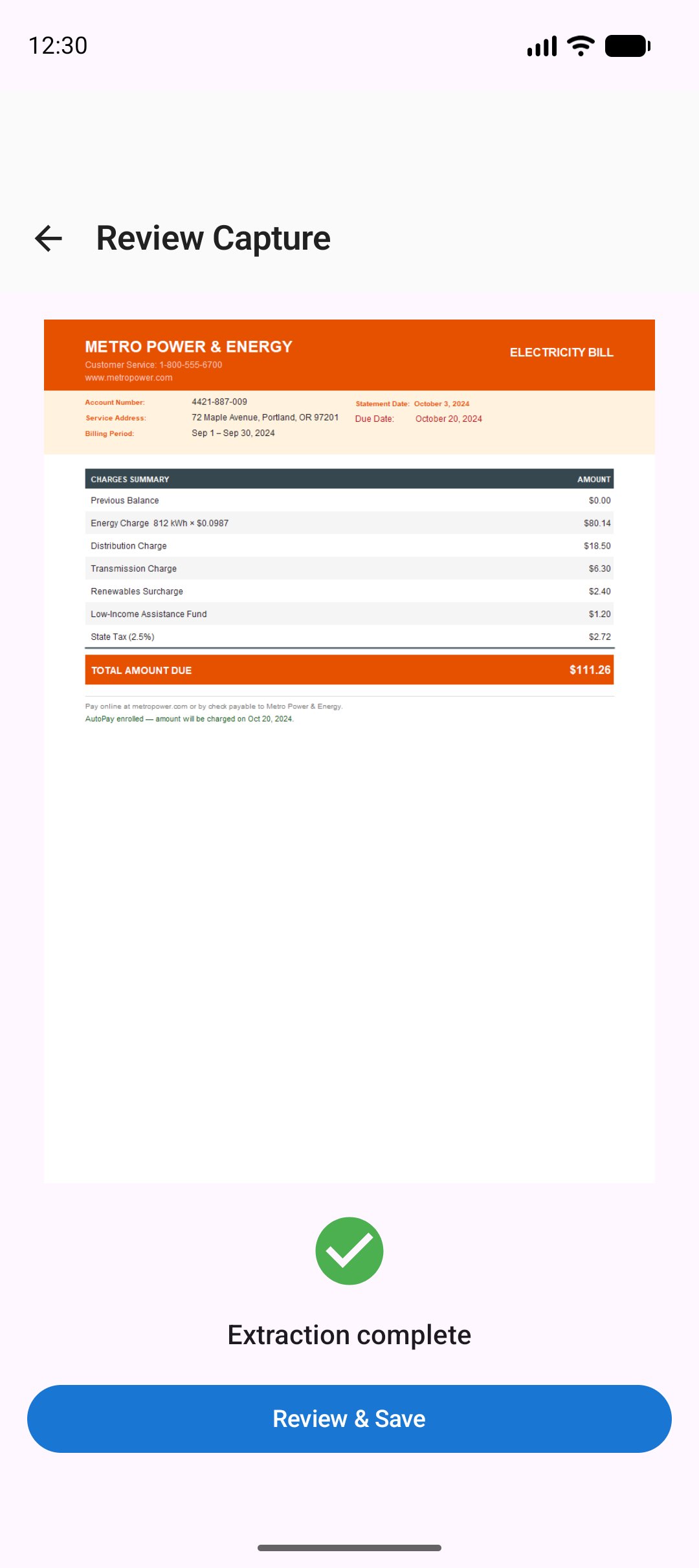
Paper invoices pile up fast. Smart Invoices turns a quick photo into a structured record: vendor, invoice number, dates, line items, amounts, payment status. No manual typing. No cloud account required for core features.
CAPTURE & AI EXTRACTION
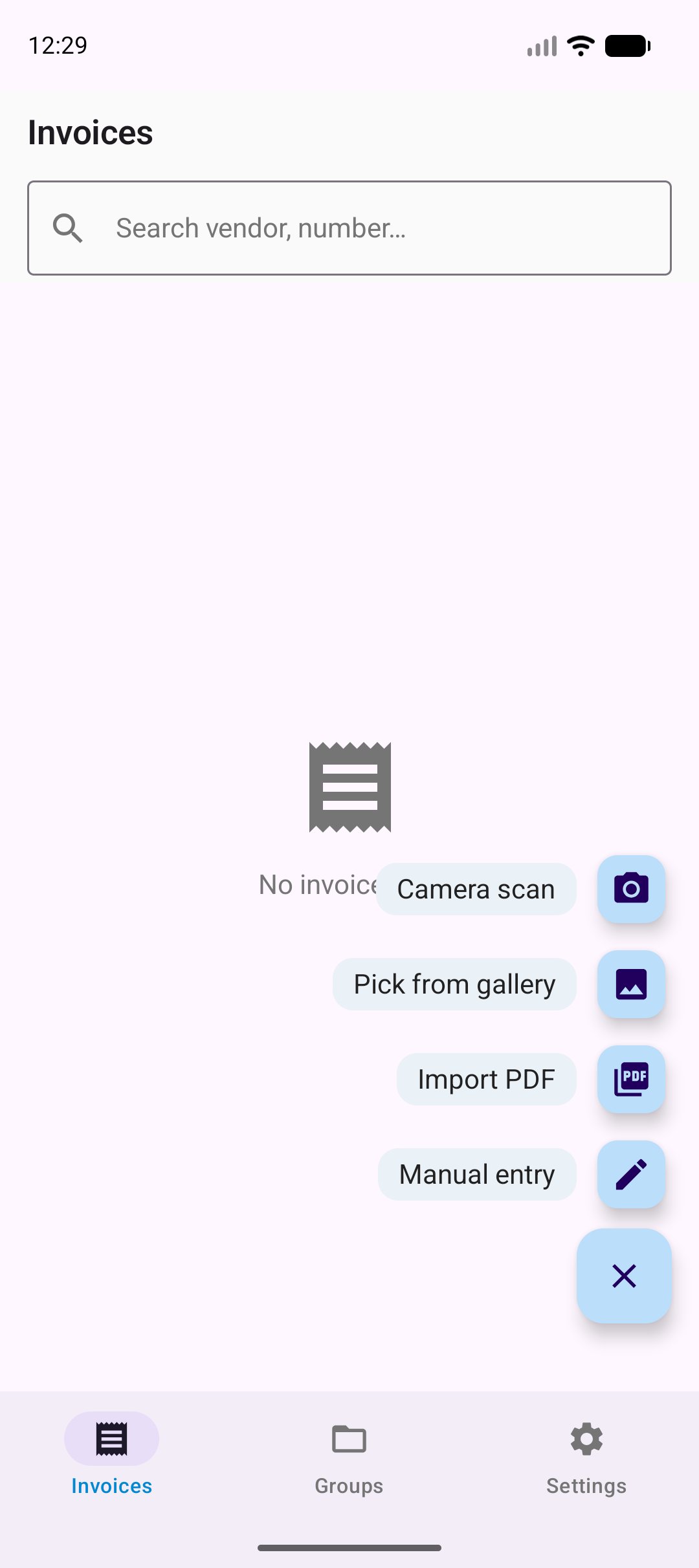
• Add invoices four ways: the in-app camera, the built-in document scanner, your photo gallery, or a PDF
• Import several photos at once — each invoice is reviewed and saved in turn
• Import straight from a PDF — the first page is read into the app, no screenshots needed
• ML Kit OCR reads the text on-device first — no data leaves your phone unless you choose AI
• If OCR confidence is high, a lightweight text-only AI call extracts the fields
• For complex layouts the full vision AI is used as fallback
• Intelligent fallback — if AI extraction is incomplete, an offline heuristic parser reliably extracts vendor, amount, and currency without using AI
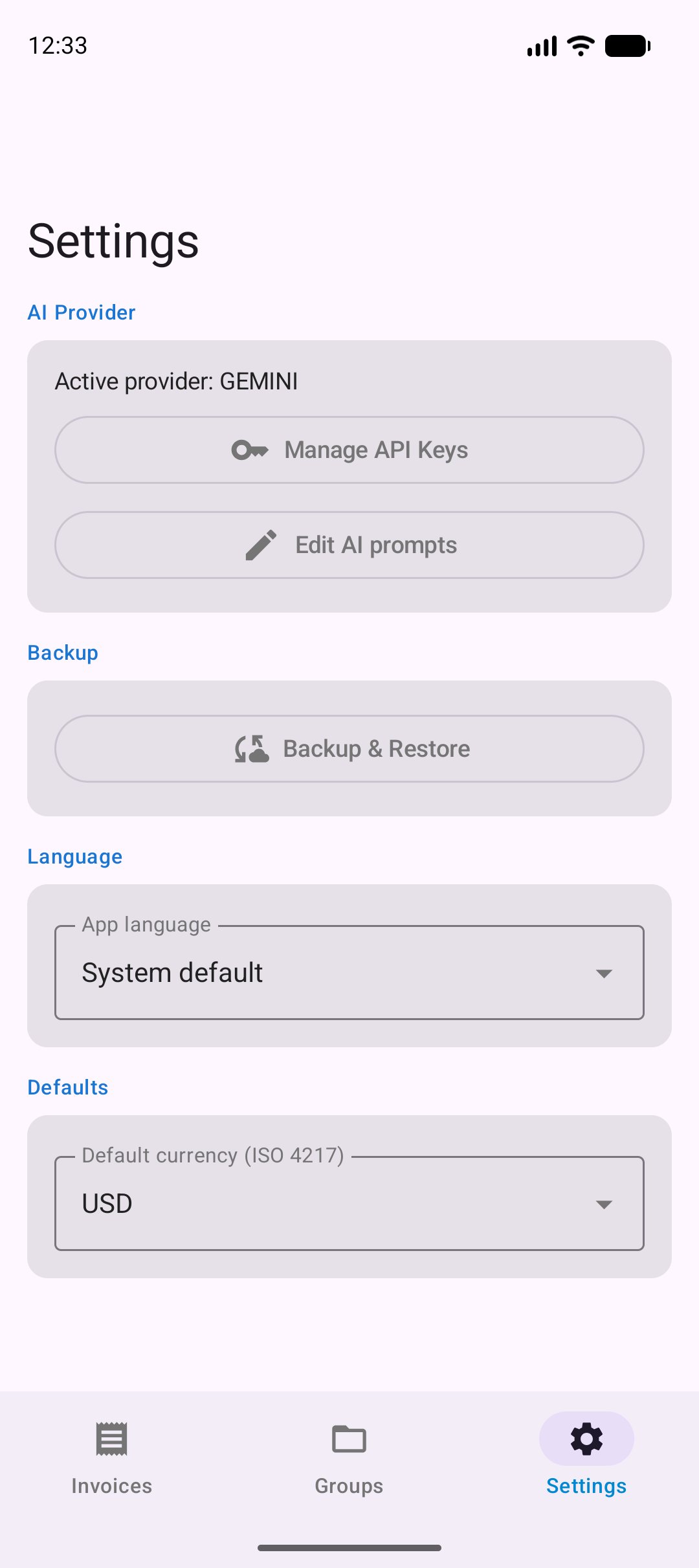
• Customize the AI extraction prompts in Settings, with one-tap reset to defaults
• Works with Gemini (1 500 free requests/day) and Groq (14 400 free requests/day) — you bring your own free API key
• Review and edit any extracted field before saving
INVOICE MANAGEMENT
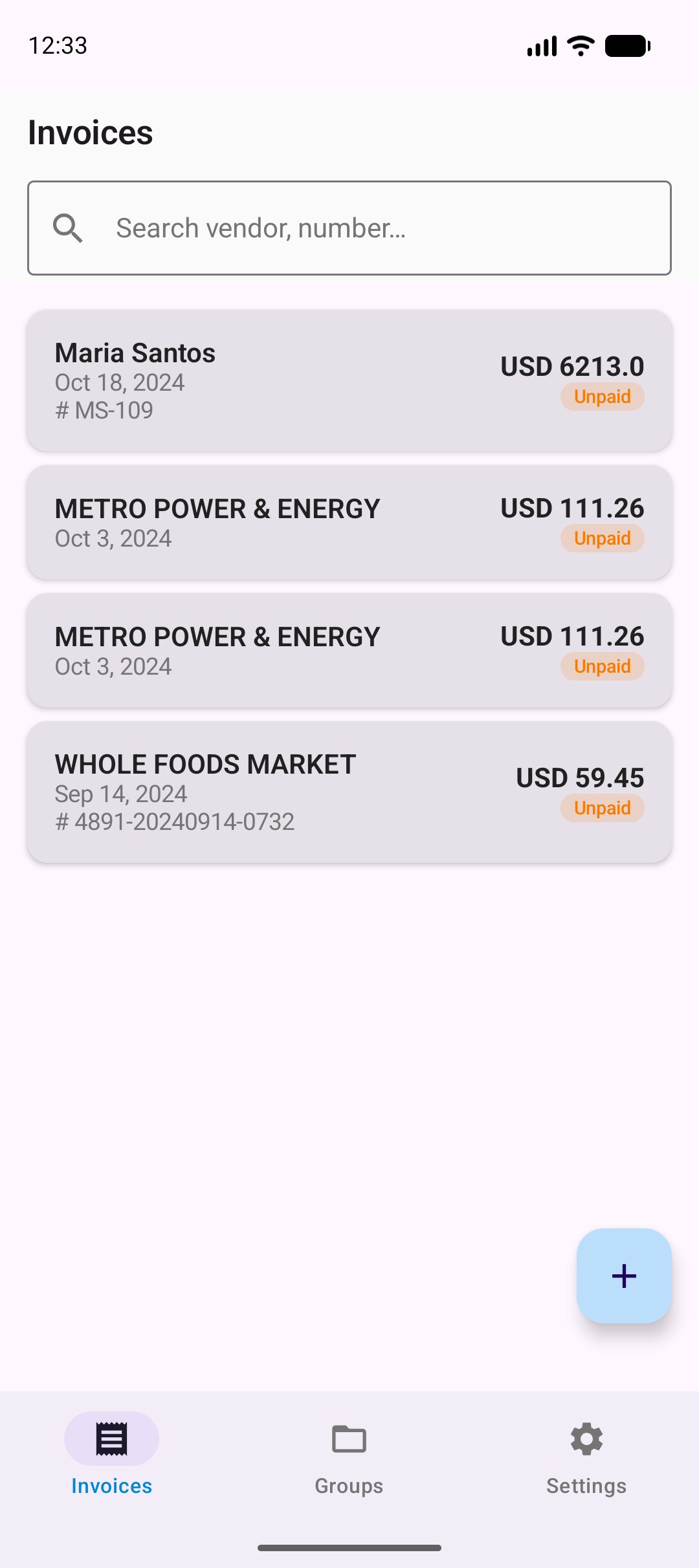
• Full invoice list with vendor name, amount, currency, due date and payment status
• Currency auto-detection based on your device locale (EUR in Europe, GBP in UK, etc.)
• Mark invoices as Paid, Unpaid, or Overdue
• Edit any invoice manually — line items, tax, discount, notes, payment method
• Soft delete with recovery — nothing is permanently lost by accident
• Full-text search across vendor name, invoice number, and notes
• Attach and view the original photo full-screen
GROUPS & STATISTICS
• Organise invoices into named groups (by client, project, or period)
• Per-group summary: total, paid vs unpaid split, invoice count, per-currency breakdown
• Group detail view lists all member invoices
PDF EXPORT
• Generate a PDF report for any invoice group
• Formatted table with line items, totals, and payment status
• Share via email, Google Drive, or any app
GOOGLE DRIVE BACKUP
• Back up your entire invoice database to your Google Drive app folder
• Backups are AES-256-GCM encrypted on-device before upload
• Restore with one tap — app restarts cleanly after restore
• Optional auto-backup: daily or weekly, runs only when connected
PRIVATE BY DESIGN
• No account required to use the app
• All data stays on your device
• AI calls are direct HTTPS requests to the provider you choose — no intermediary server
• API keys are stored in Android Keystore, never logged or shared
• Google Drive backup is stored in your personal app-data folder, invisible to other apps
WORKS WITH
Any invoice or bill: retail receipts, service invoices, utility bills, contractor quotes. Supports any currency and any language that ML Kit can recognise.
REQUIREMENTS
• Android 9.0 (Pie) or higher
• Free Gemini or Groq API key for AI extraction (optional — manual entry always works)
• Google account for Drive backup (optional)

One-click to install XAPK/APK files on Android!
Thanks for your rating and feedback!
You have already rated.