Safe & Fast APK Downloads on APKPure
APKPure uses signature verification to ensure virus-free Smart Control Center APK downloads for you.

Different Control Center Experience
Access desired applications at will in the control center
Have you ever envied a smooth and intuitive control center? Now, there's no need to change your phone, let's immediately provide a different control center for your Android phone! In the control center, you can freely access the applications you want.
【 Control Center Features 】
The application designed by this user will bring you an operational experience. It simulates the style and interaction of the control center, allowing you to easily control various functions of your phone, including volume, brightness, Wi Fi, Bluetooth, and more.
√ Custom gesture display control center: You can set gestures to slide up, left, or right to display the control center view.
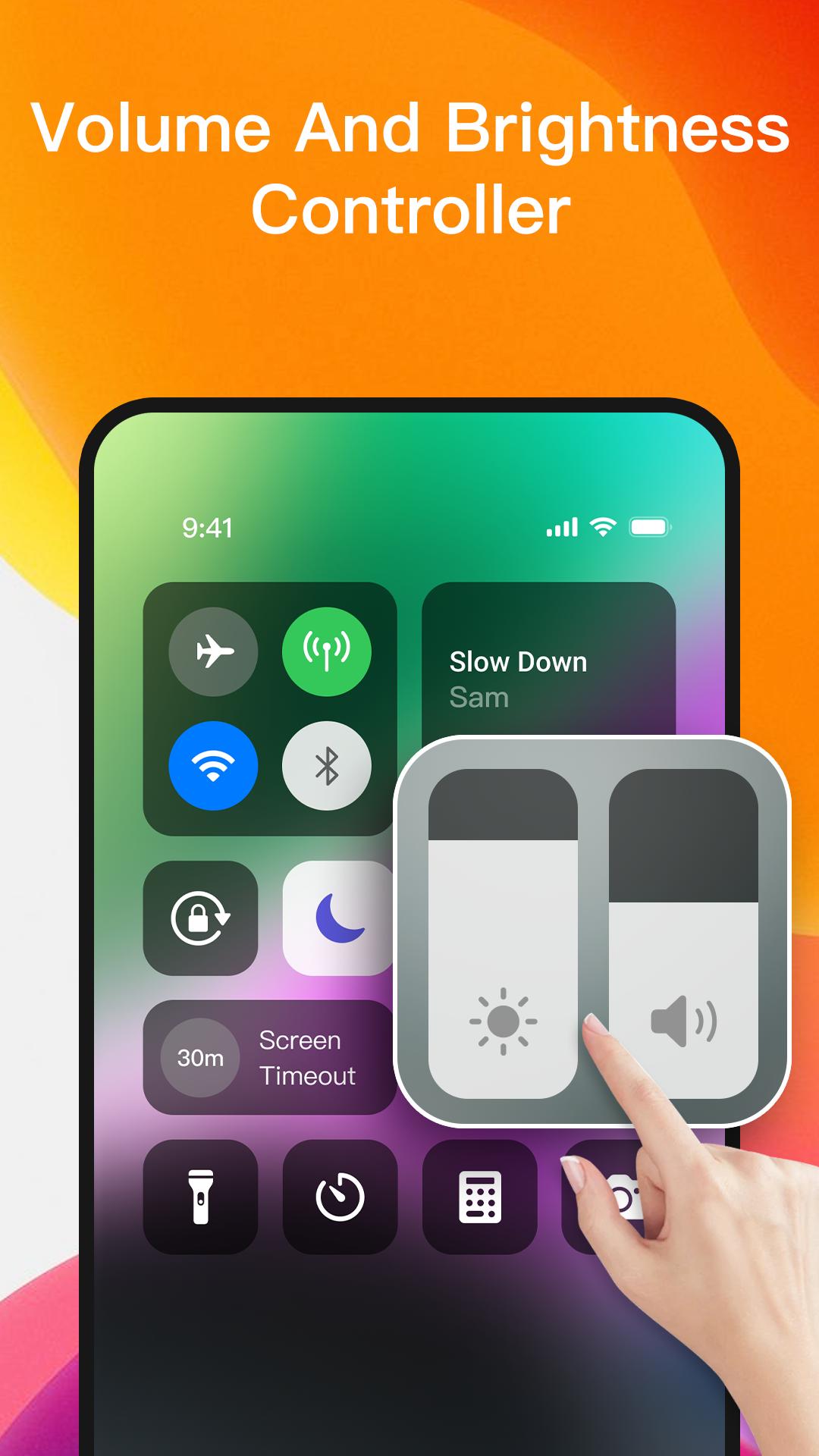
√ Sound and Brightness Control: Use a dedicated slider to easily adjust brightness and sound to adapt to different environments, whether you are in dimly lit rooms or outdoors in bright sunlight.
√ Screen rotation lock: Easily lock the screen direction to your preferred mode, ensuring a stable viewing experience.
√ Music player: Control the volume and music switching of the currently playing music in the control center.
√ WiFi, Bluetooth, and network control: Quickly access WiFi, Bluetooth, and network settings.
√ Flash control: Simply click on the custom control center application to receive additional light when needed.
【 Personalized Customization 】
Not only that, the control center style also supports customization. You can adjust the background, icons, layout, etc. of the control center according to your preferences to create a personalized control center for you.
【Stable and Stable】
We focus on user experience and continuously optimize the performance and stability of applications to ensure that you can smoothly use the control center and enjoy a similar operating experience as the original phone
Instructions for applying for ACCESSIBILITY SERVICES:
In order to achieve product functionality, this application uses ACCESSIBILITY SERVICES.
To display the Control Center view on the screen of an Android phone, you need to enable ACCESSIBILITY SERVICES.
In addition, to use the music player functions in the control center, such as controlling volume increase or decrease, controlling music, and closing system dialog boxes, you need to allow applications to use ACCESSIBILITY SERVICES.
This application protects user data and privacy, does not disclose any user information related to accessible services, and does not store user data related to this access.





One-click to install XAPK/APK files on Android!

Thanks for your rating and feedback!
You have already rated.