Safe & Fast APK Downloads on APKPure
APKPure uses signature verification to ensure virus-free Smart AOD Clock & Standby Mode APK downloads for you.


80.2 MB
File Size
Everyone
Android 7.0+
Android OS
Smart standby display with stylish AOD clocks, calendar, notifications, battery
Are you looking to keep important information at your fingertips without unlocking your phone?
The Smart AOD Clock & Standby Mode application is designed to provide a seamless and customizable experience, allowing you to view essential information on your screen at all times.
💢AOD features with Standby Mode – Stay informed at a glance
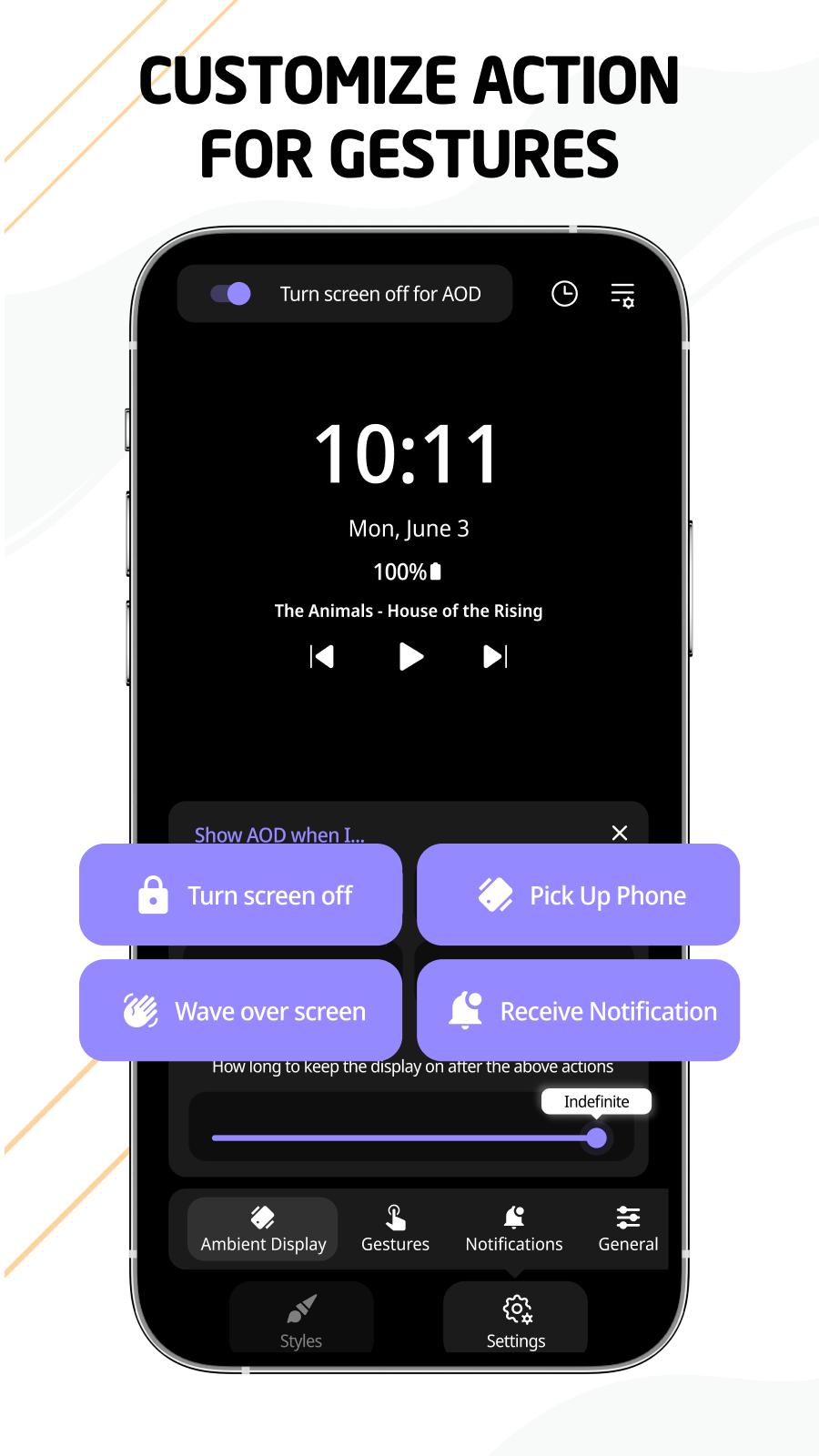
Enable Standby Mode for a functional, power-efficient screen when idle. View the time, weather, and important notifications without unlocking your phone. It’s perfect for nightstand use, keeping you updated without distractions.
💢Key Features of smart AOD clock app:
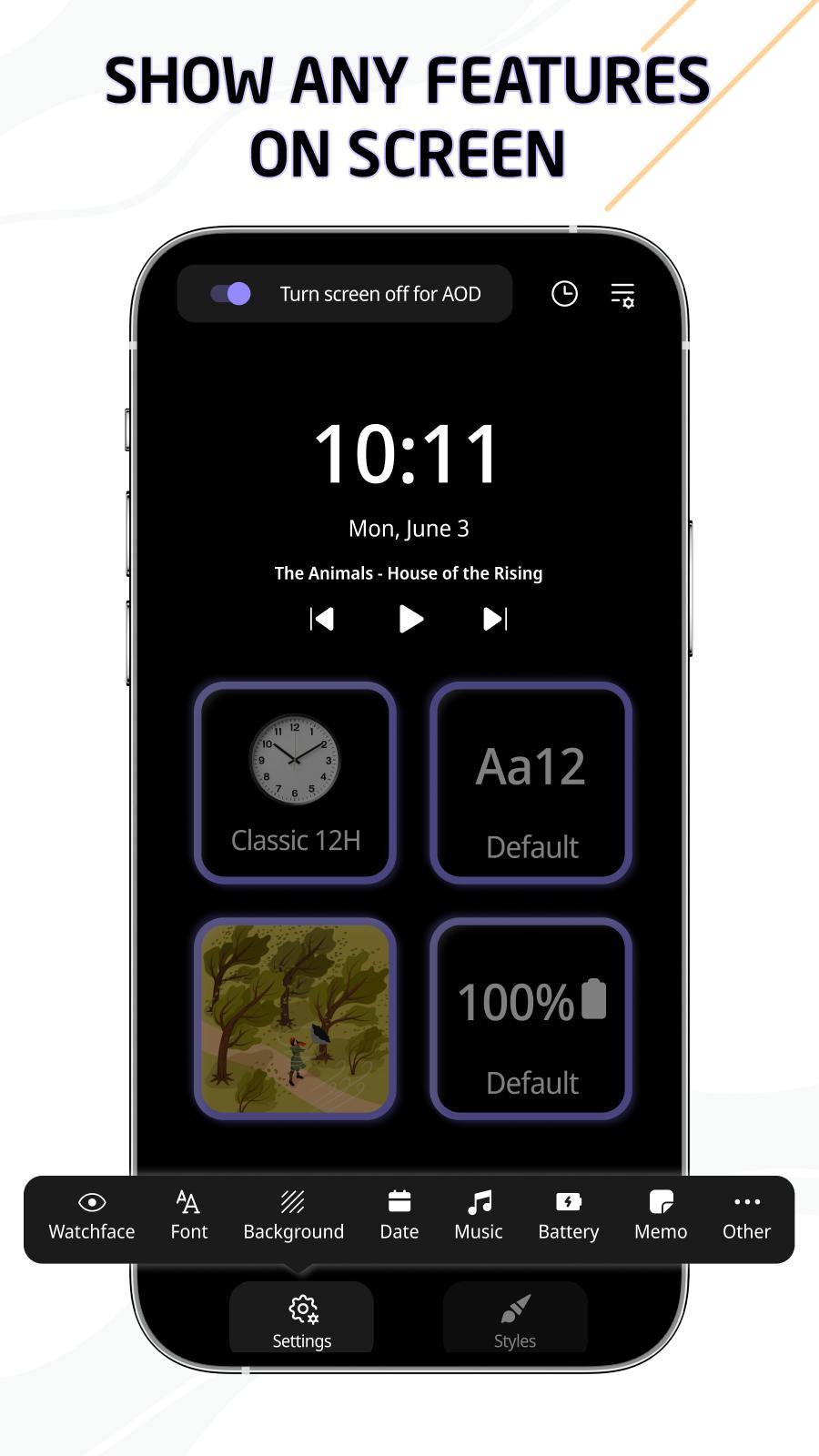
✔️ Customizable Always-On Display (AOD) with stylish clock designs
✔️ Standby Mode for quick access to essential information
✔️ Battery-friendly operation for extended screen use
✔️ Display notifications and calendar events
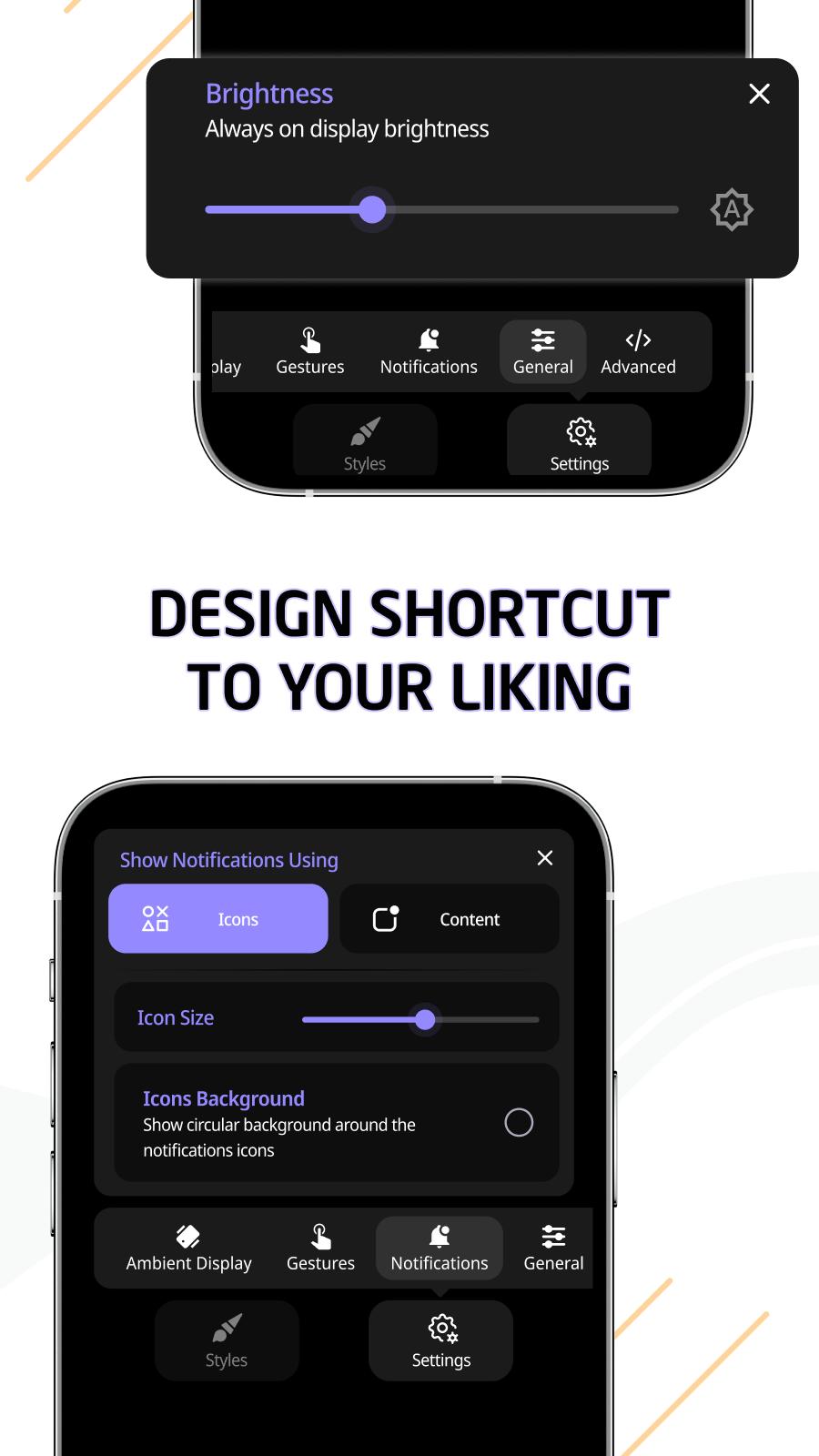
✔️ Auto-brightness adjustment for optimal visibility
✔️ Works seamlessly with OLED & AMOLED screens
With this always on display clock app, you can choose to always on display widgets or information directly on your screen. Enjoy the convenience of the always on display amoled app with just a few taps, saving time and improving device accessibility.
💢In addition to, you can:
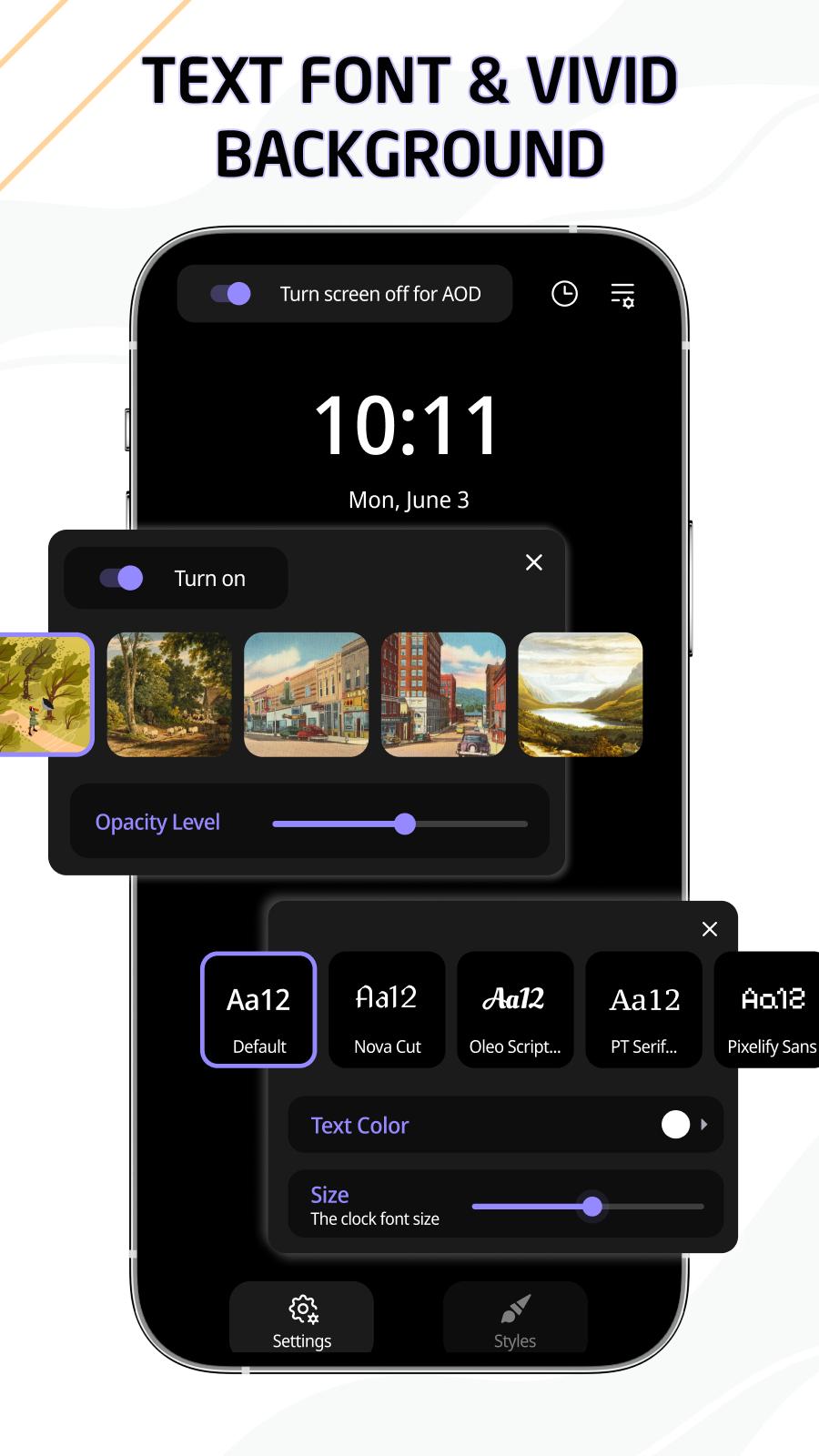
✔️ Customizable Standby Display – Adjust theme color, clock color, size, and opacity to create the perfect look for your screen.
✔️ Variety of Stylish Clock Designs – Choose from a diverse collection of smart AOD clocks, blending functionality with aesthetics.
The Always on Display application is perfect for anyone who wants to keep their phone's screen informative and stylish. With its range of customizable features, you can ensure that your display is as unique as you are.
Try the Smart AOD Clock & Standby Mode app today and transform the way you use your phone!
If you have any questions about the AOD clock widget app, don’t hesitate to contact us immediately. We will reply as soon as possible. Thank you for using the Smart AOD Clock & Standby Mode app!

One-click to install XAPK/APK files on Android!

Thanks for your rating and feedback!
You have already rated.







