Safe & Fast APK Downloads on APKPure
APKPure uses signature verification to ensure virus-free Signature Maker APK downloads for you.

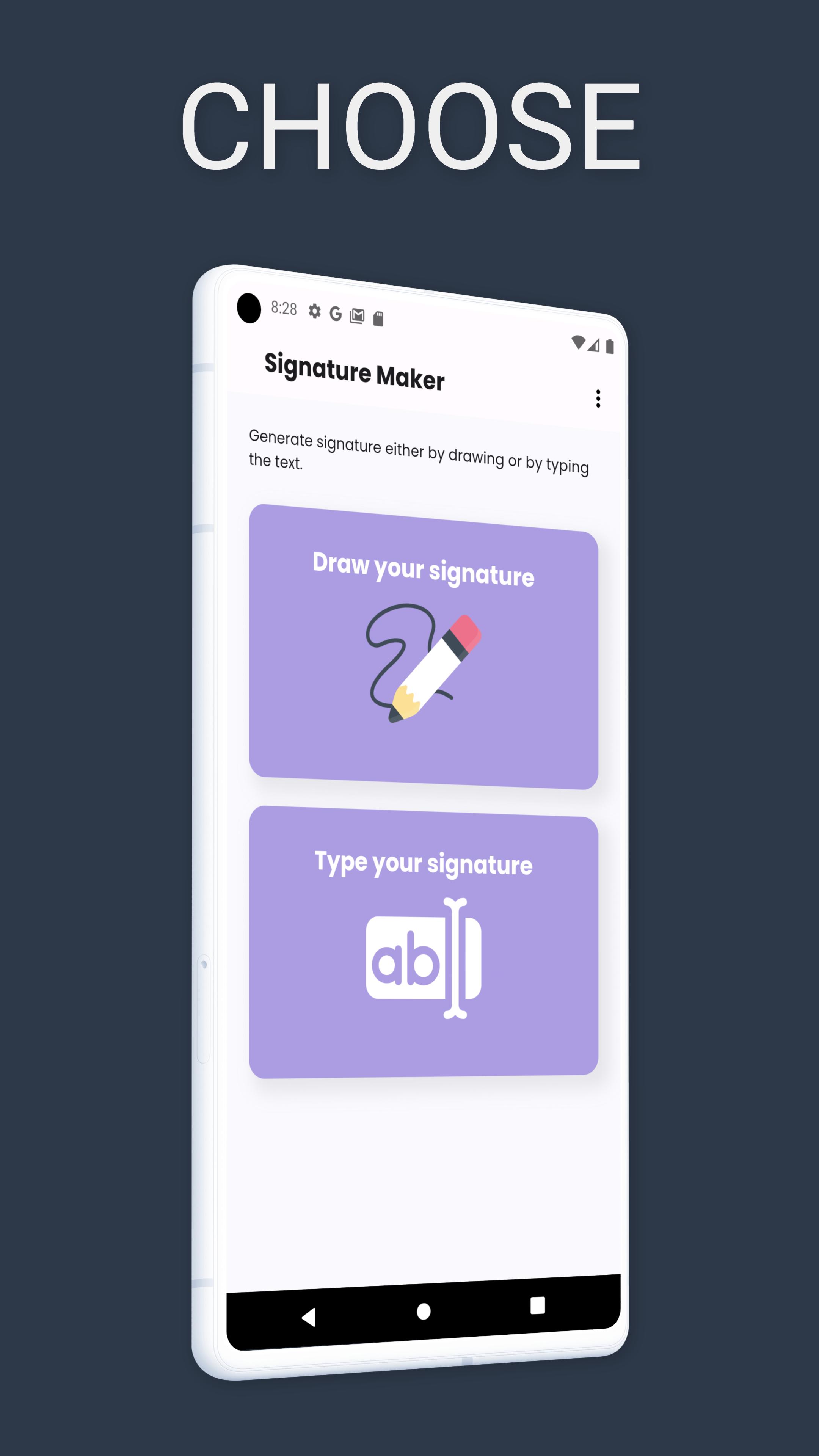
Create Your Signature From Drawing or Typing
The Signature Maker app helps you easily create signatures digitally in seconds.
This app is designed to generate a signature by letting you draw your signature in a paint-like interface or by typing your name to explore different signature designs.
How to Use:
1. Download the app.
2. Choose to draw your signature manually or type your name.
3. Customize and preview your signature design.
4. Save your signature.
Benefits:
1. Create signatures easily and quickly.
2. Offers both handwritten and typed signature options.
3. Save your signature.
4. If you have any questions regarding this app, feel free to contact us at info@thulotechnology.com
Keep making signatures from your phone for free. Happy Signing!



One-click to install XAPK/APK files on Android!

Thanks for your rating and feedback!
You have already rated.