Safe & Fast APK Downloads on APKPure
APKPure uses signature verification to ensure virus-free Screen Recorder, Video Editor APK downloads for you.


85.2 MB
File Size
Everyone
Android 5.0+
Android OS
screen recorder with video editor and sound trimmer
With Screen Recorder, you can record smooth and clear videos of your screen including tutorials that are perfect for YouTube. You also have the option to take screenshots easily with this tool! In addition to recording HD video content on demand like game plays or how-to guides from internet browser windows; it's possible now even while playing games live streamed directly into one app - no need to download anything onto device just exclusive use within gaming session itself.
With the best screen recorder, you can effortlessly record your 24/7 interesting activities. Simply open a floating window on the mobile screen and start recording.It'll capture everything in view without interrupting.
Features:
• Real-time screenshots may be captured in a clean and elegant manner.
• Clearly explain how to utilize a video app or game to consumers.
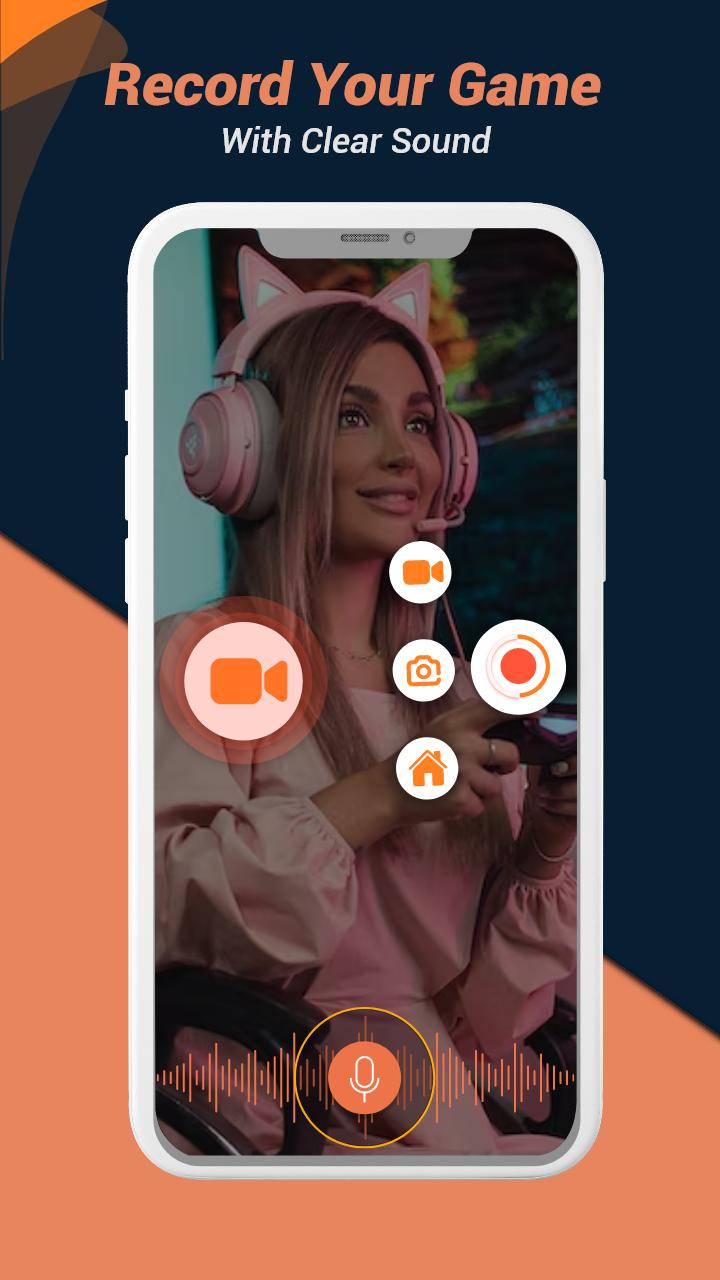
• Record your game play with crisp animations and voice during the game.
• There is no outside voice in this internal audio recording.
• Game play live stream to enjoy the game as well as display it to the rest of the globe.
• Online YouTube broadcasting to demonstrate your live gaming.
• Using the video editor option, you may trim, delete the center section, add music, or alter the pace.
• Export full-HD videos with editing capabilities.
• Take and record watermark-free images and videos.
• There are no recording time limits, and no root is required.
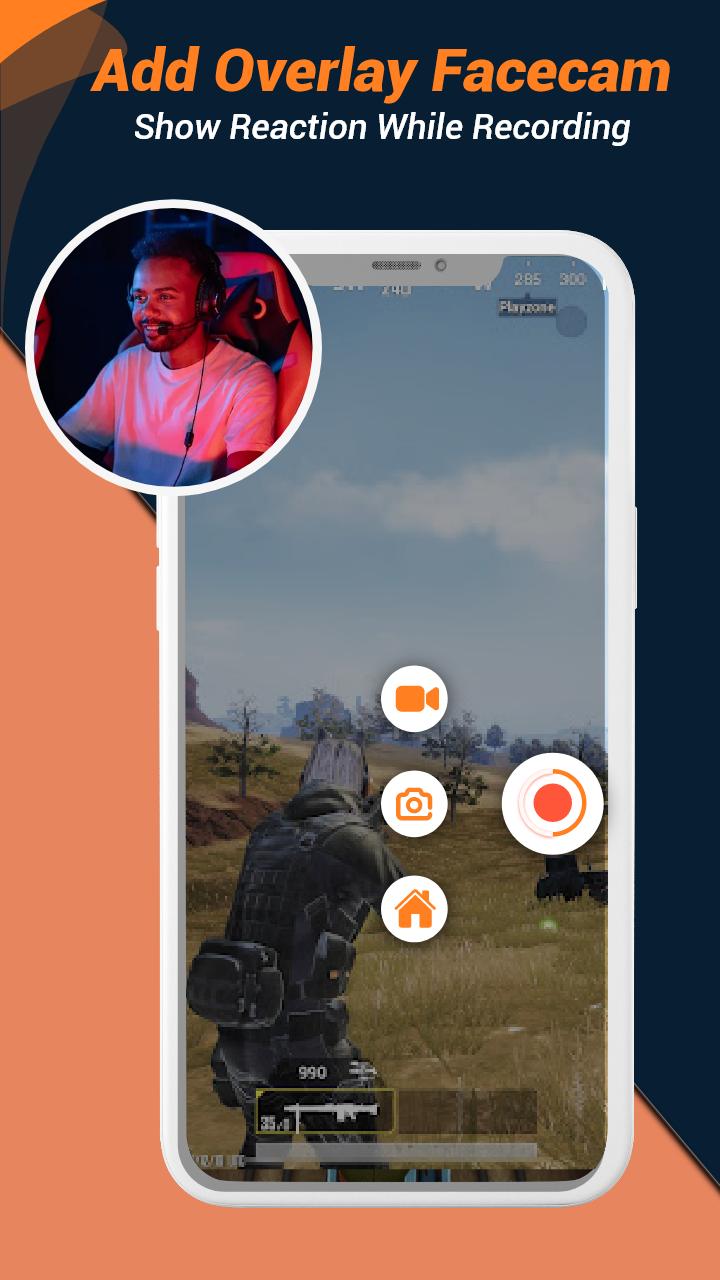
• One-touch floating window to capture the exact moment or hide it when not required.
• Countdown timer to completely prepare for a perfect screen recording; easy pause/resume recording; and screen rotation.
• To record the screen and store it to your mobile device, use the Screen Recorder in FULL HD mode.
• Full-featured Video Editor with editing, merging, dubbing, and slow motion video support.
• Game Recorder with no time limit and time duration recording support.
The request is for recording screen only, and we assure you that our software will never do any harm to your device.
Feedback
We are thankful to you for your download of Screen Recorder, Video Editor.If you have any issues or feedback, please contact us through Google Play Store. We will do everything in our power to make sure every customer feels satisfied with their experience at this app store.Also, don't forget to add your precious reviews.




One-click to install XAPK/APK files on Android!

Thanks for your rating and feedback!
You have already rated.






