
Safe & Fast APK Downloads on APKPure
APKPure uses signature verification to ensure virus-free Screen Recorder: Video & Audio APK downloads for you.

Capture and edit screen videos, screenshots. Record screen with sound in HD.
📷 Capture highlights in one tap! Best screen record for android. Free screen recording apps.
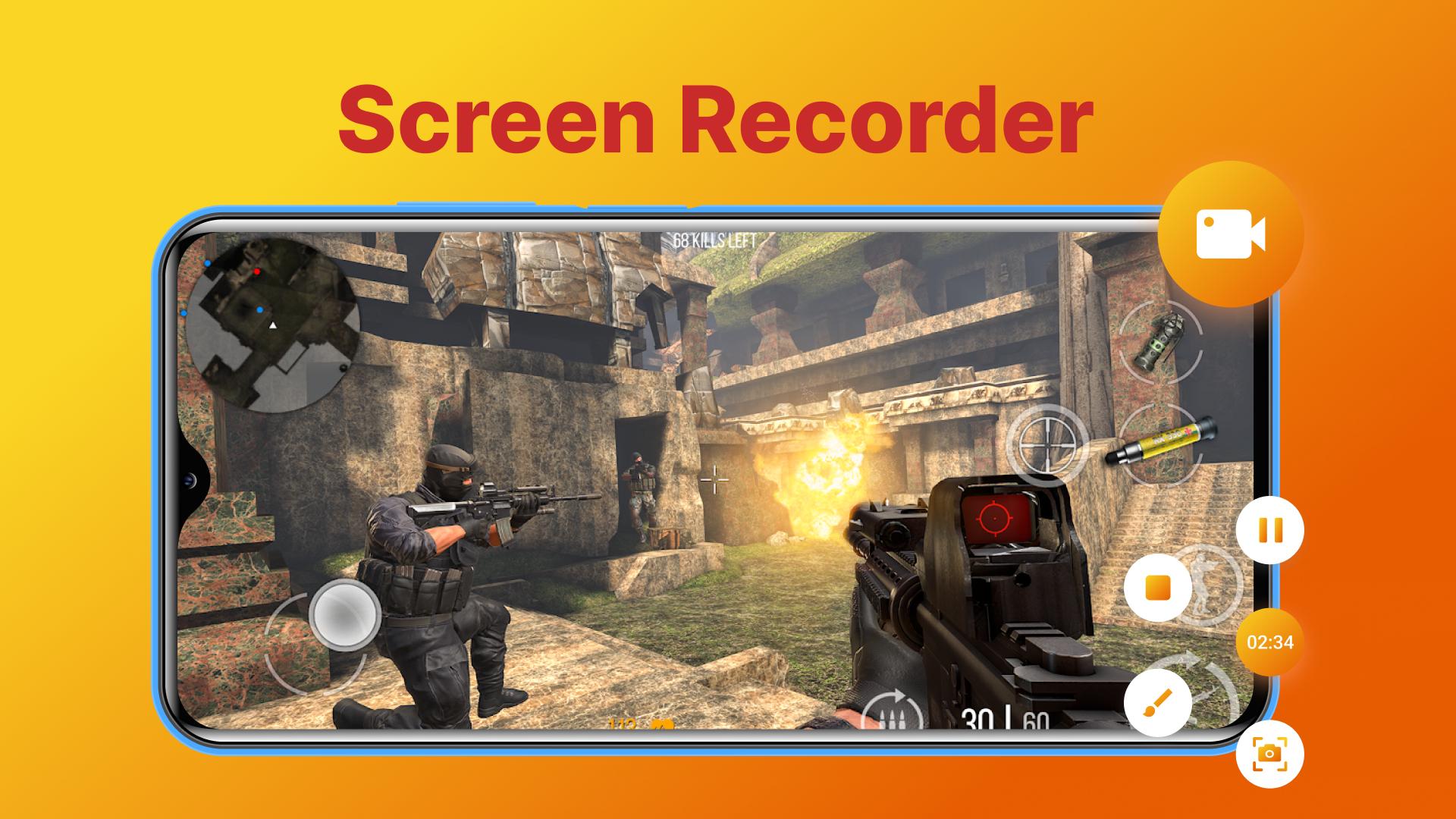
📱 Screen Recorder: Video & Audio 📱 give you a quick and easy way to record your phone screen for gaming, lesson, tutorial, liveshow.
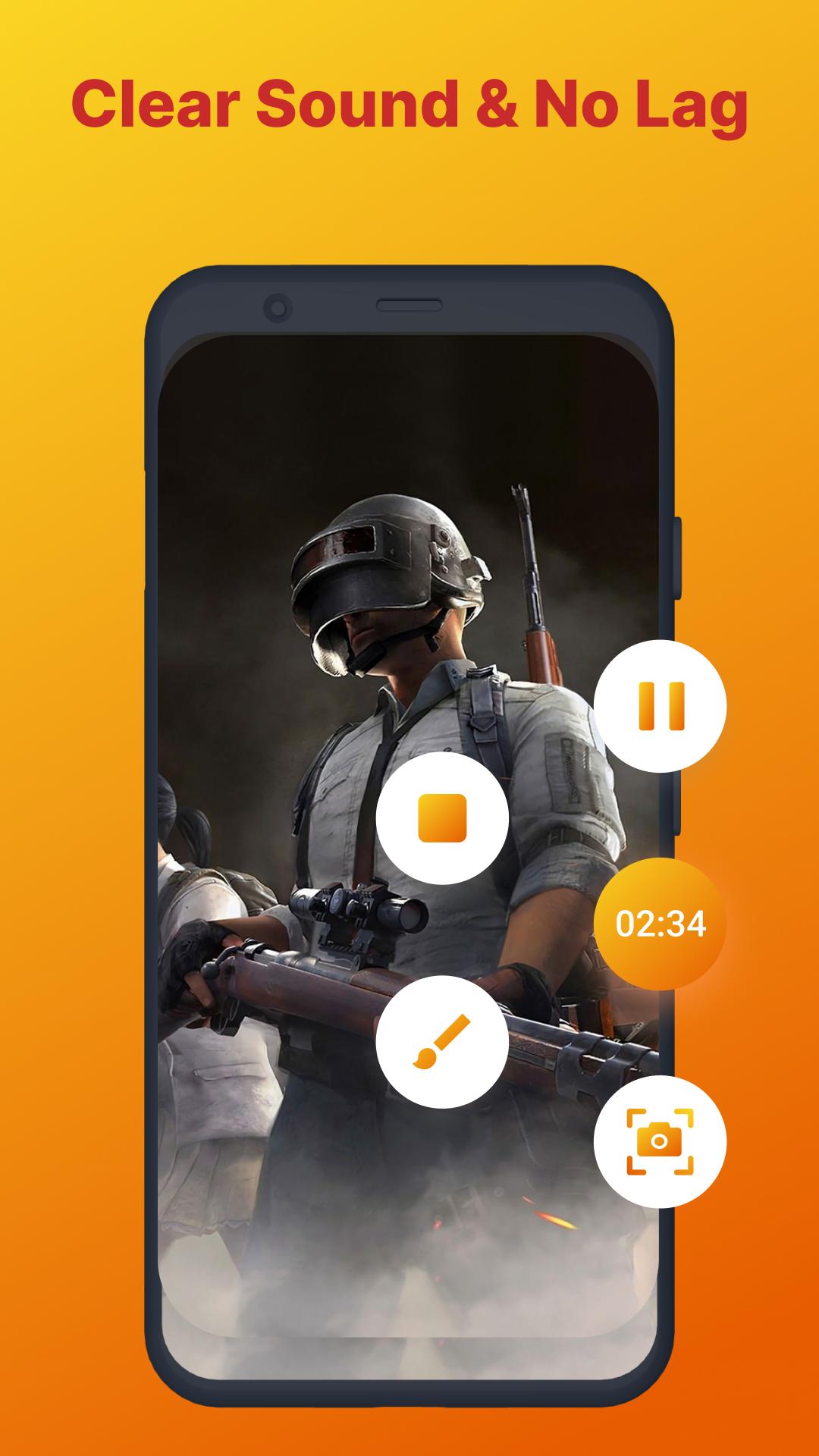
With Screen Recorder: Video & Audio, you can capture smooth & clear screen videos, screenshots effortlessly. Our app is 100% free, you don't have to root device or pay anything for extra feature. Just 1 touch on the main screen and you can record HD video tutorials, video calls and videos that can not be downloaded. No watermarks, smooth user experience. Capture highlights in one tap. Record and share your screen with friends without a time limit.
Screen Recorder: Video & Audio has many useful features:
• Record Video with no watermark
• Free to record your screen without time limit
• No need to root device
• Record HD quality video. You can record video with quality up to 1080p and 60 FPS
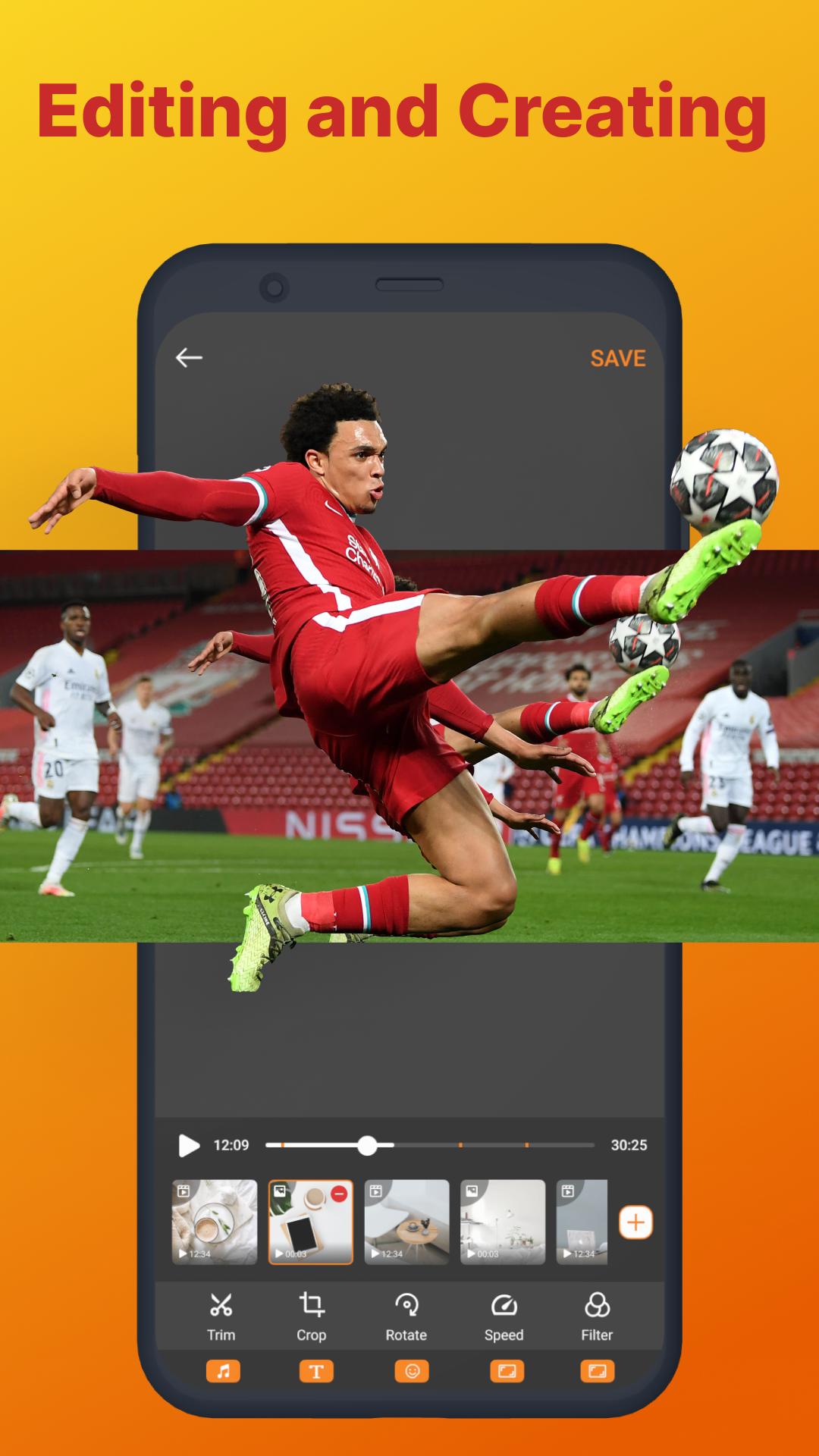
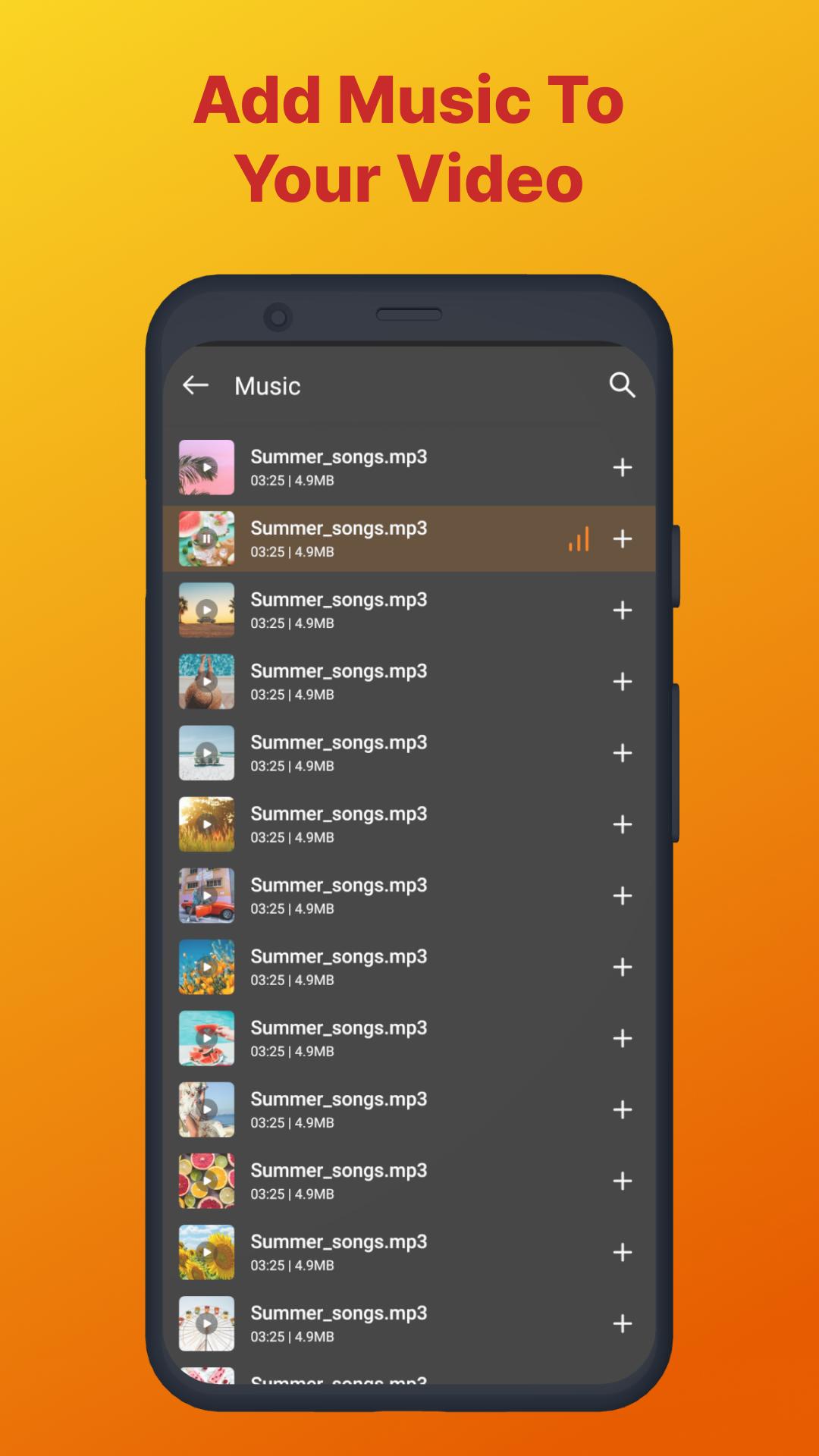
• Edit recorded video: trim or remove part of video, add music and speed control.
• Internal audio recording, screen voice recorder without noise (ONLY Android 10 or above)
• Record your facecam video.
• Store your video anywhere, internal storage or SD card
• Export Full HD video with many custom settings: 240p to 1080p, 60FPS, 12Mbps
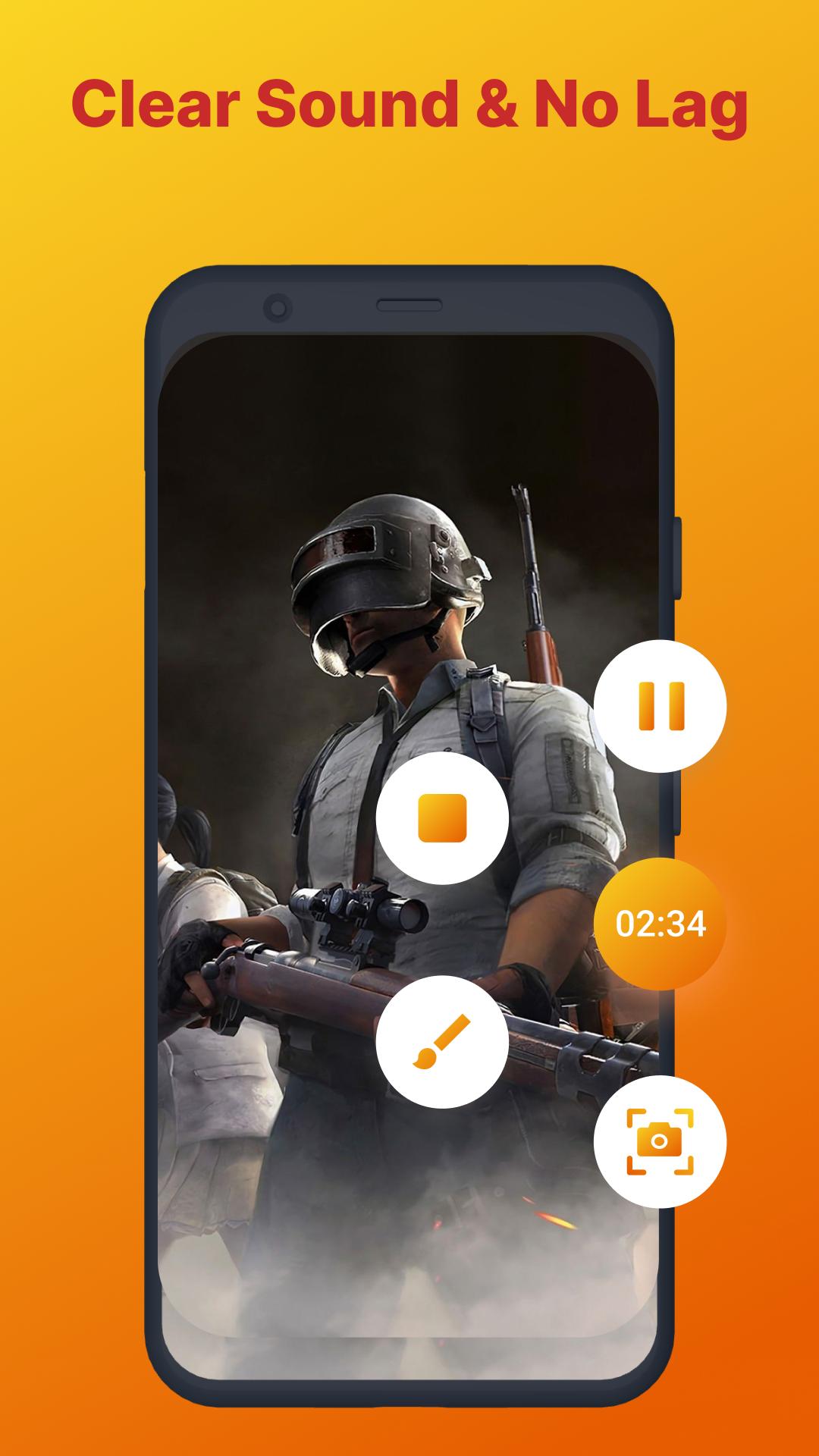
• Record Videos without lag: Record screen smoothly on Android devices
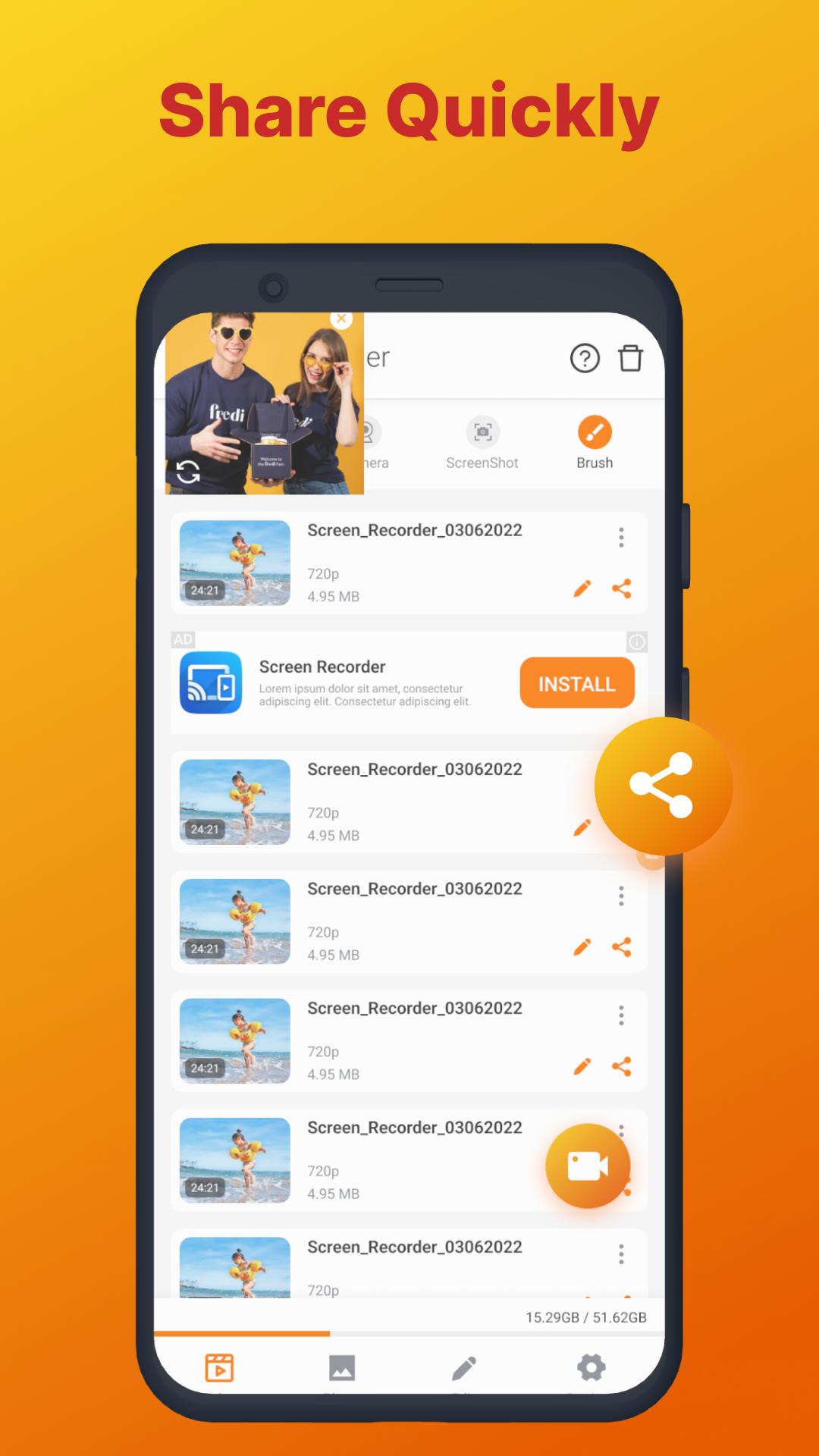
• Share your recordings with friends
• Video recording with useful screen capture tool
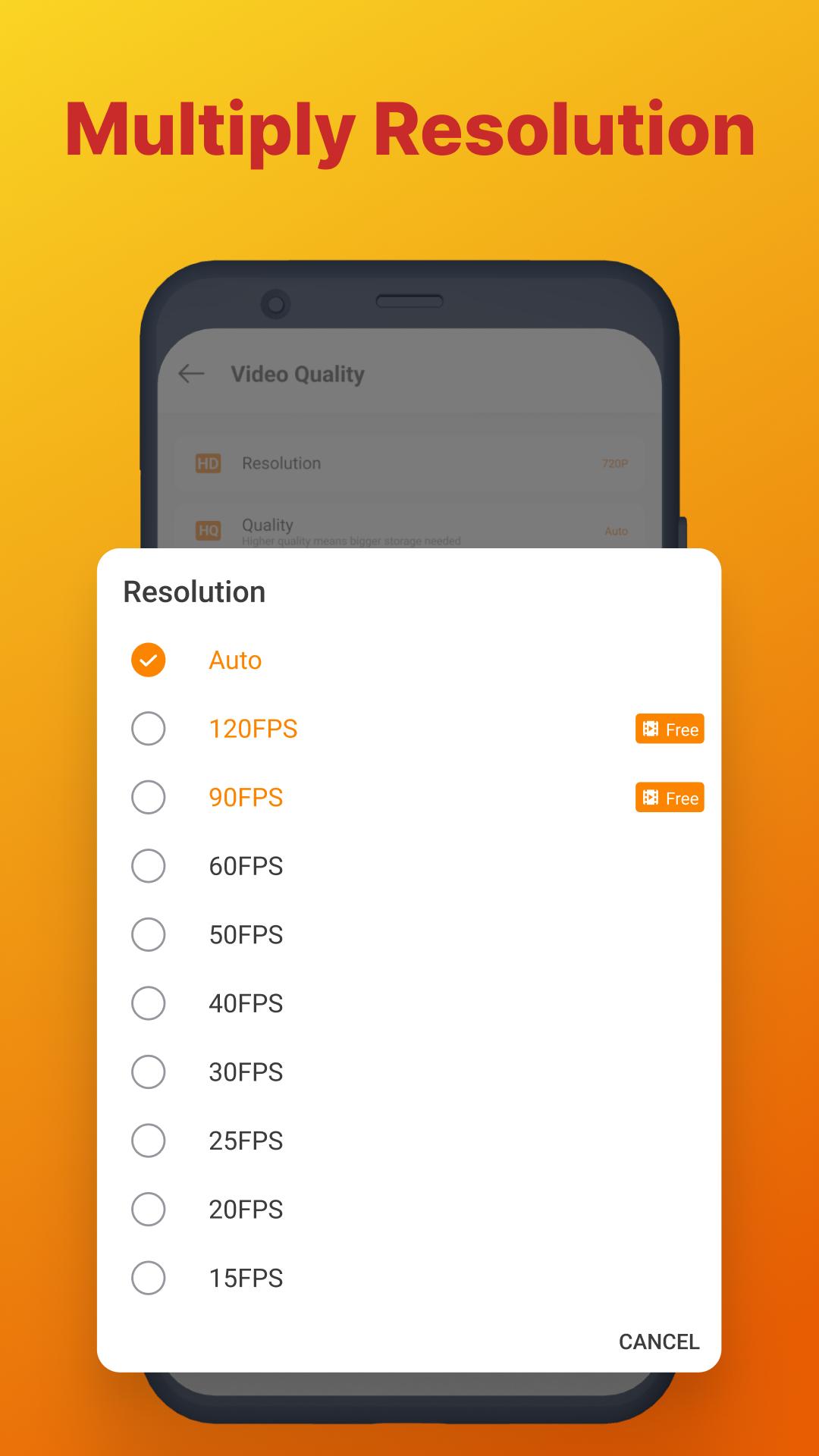
🎮 Screen Recorder: Video & Audio is a game screen recorder no root, let you record games screen in the highest quality with adjustable resolution and FPS (240p-1080p, 15-60FPS)
🎥 Screen Recorder: Video & Audio provide a handy Video Editor with many useful features: trim, merge, cut video, add sound and adjust video speed.
📷 Screen Recorder: Video & Audio is a high quality screen recorder for android and the best game recorder and screen capture tool. Record your game screen with no limit.
🖼️ Screen Recorder: Video & Audio is a phone screen recorder with audio let you capture and record your screen with no watermark
👾 Screen Recorder: Video & Audio record gameplay, video tutorial with sound
🥰 Screen Recorder with Facecam help your record your expression and reaction in a small window
📱 Screen Recorder: Video & Audio 📱 is an all-in-one free screen recorder mobile and video editor. Download Screen Recorder to Capture your phone's highlights in one tap!
We will keep working to further optimize and add more feature to our mobile screen recorder app to deliver the best user experience.
Permissions Notice
Camera: This is used for facecam while recording video
Microphone: This is used to record audio while recording.
Storage: This is used to save video and to open files from storage.





One-click to install XAPK/APK files on Android!

Thanks for your rating and feedback!
You have already rated.



