Safe & Fast APK Downloads on APKPure
APKPure uses signature verification to ensure virus-free Samsung Mobile Print Manager APK downloads for you.

A fast and easy tool for printer configuration and management.
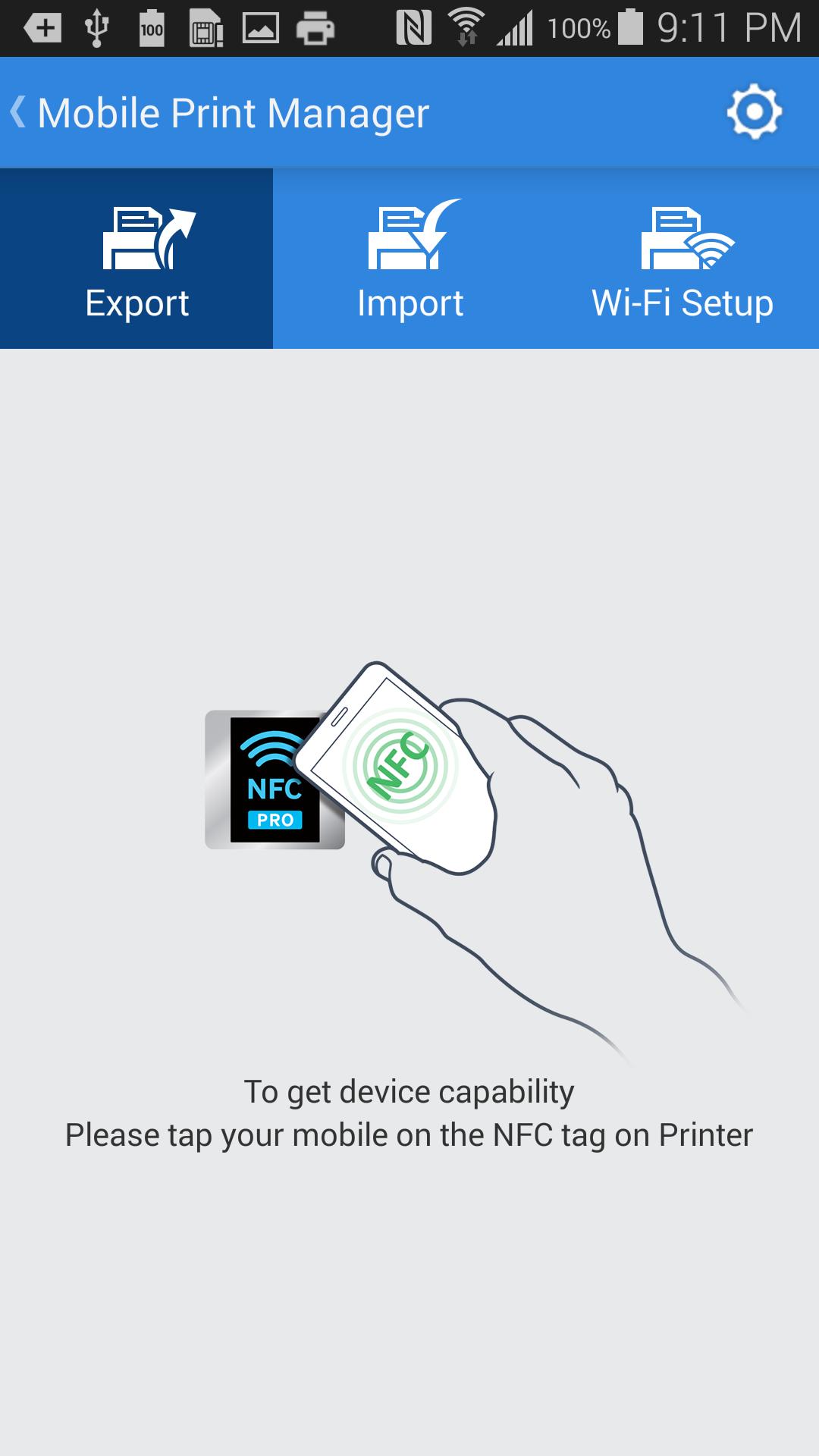
Mobile Print Manager is a free app that makes printer configuration and management easy using NFC.
Using this app, printer settings can be managed remotely through mobile devices in an enterprise environment.
Printer settings for copy, fax, scan and network can be transferred from one printer to other printers just by taping your mobile on the Printer.
You would also be able to connect printer to the same Wi-Fi networks as Mobile device is connected to.
For security purposes you would need to provide printer's registered administrator ID / PW.
*To use Mobile Print Manager app, NFC / Wi-Fi option will be required to be installed.
- SL-NWE001X
[Supported Models]
M4580/M5370/K4300/X4300
[Supported environment]
- Android 4.0 and above.
[Required Permissions]
- android.permission.ACCESS_NETWORK_STATE
- android.permission.ACCESS_WIFI_STATE
- android.permission.CHANGE_WIFI_STATE
- android.permission.INTERNET
- android.permission.NFC
- android.permission.READ_EXTERNAL_STORAGE
- android.permission.READ_PHONE_STATE
- android.permission.VIBRATE
- android.permission.WRITE_EXTERNAL_STORAGE




One-click to install XAPK/APK files on Android!

Thanks for your rating and feedback!
You have already rated.