
Package Name:kr.co.neoandroid.qrcode
Show More

QR code scanner, barcode reader & QR code generator. Scan with camera or photos.
QR Code is a QR code scanner, barcode reader and QR code generator in one simple app.
Point your camera at any QR code or barcode to read it instantly, or type text or a link to make your own QR code.
■ QR code scanner & QR reader
• Just point the camera at a QR code. It is detected automatically, no button needed.
• Read QR codes on restaurant menus, flyers, posters, business cards, product packaging and event tickets.
• Turn on the flashlight in dark places and pinch to zoom in on small or distant codes.
• The result is shown first, so you can check an unfamiliar link before you open it.
■ Barcode scanner & barcode reader
• Scan product barcodes (EAN-13, EAN-8, UPC-A, UPC-E) and ISBN barcodes on books.
• Read Code 128, Code 39, Code 93, ITF and Codabar barcodes used in shipping and inventory.
• 2D codes such as Data Matrix, PDF417 and Aztec are supported too.
■ Scan QR codes from photos and screenshots
• Share a photo or screenshot from your gallery to "Scan" in this app to read the QR code or barcode inside it.
• Check QR code images sent in chats without using the camera.
■ Use results right away
• Links (URL), text, email, phone numbers, SMS, Wi-Fi, contacts, locations and calendar events are recognized and labeled by type.
• Open websites, open the phone dialer, write a message or email, or see a location on the map.
• Wi-Fi QR codes show the network name, password and security type.
• Copy any result with one tap and paste it into other apps.
■ QR code maker & QR code generator
• Enter text or a website address and tap "Create QR code" to get your QR code instantly.
• Add link (https://), email (mailto:), phone (tel:) or SMS (smsto:) prefixes with one tap to make URL, phone and SMS QR codes.
• Paste copied addresses with the paste button.
• Share your QR code as an image in messengers, social media or documents.
• Great for shop promotions, business cards, event info, survey links and portfolios.
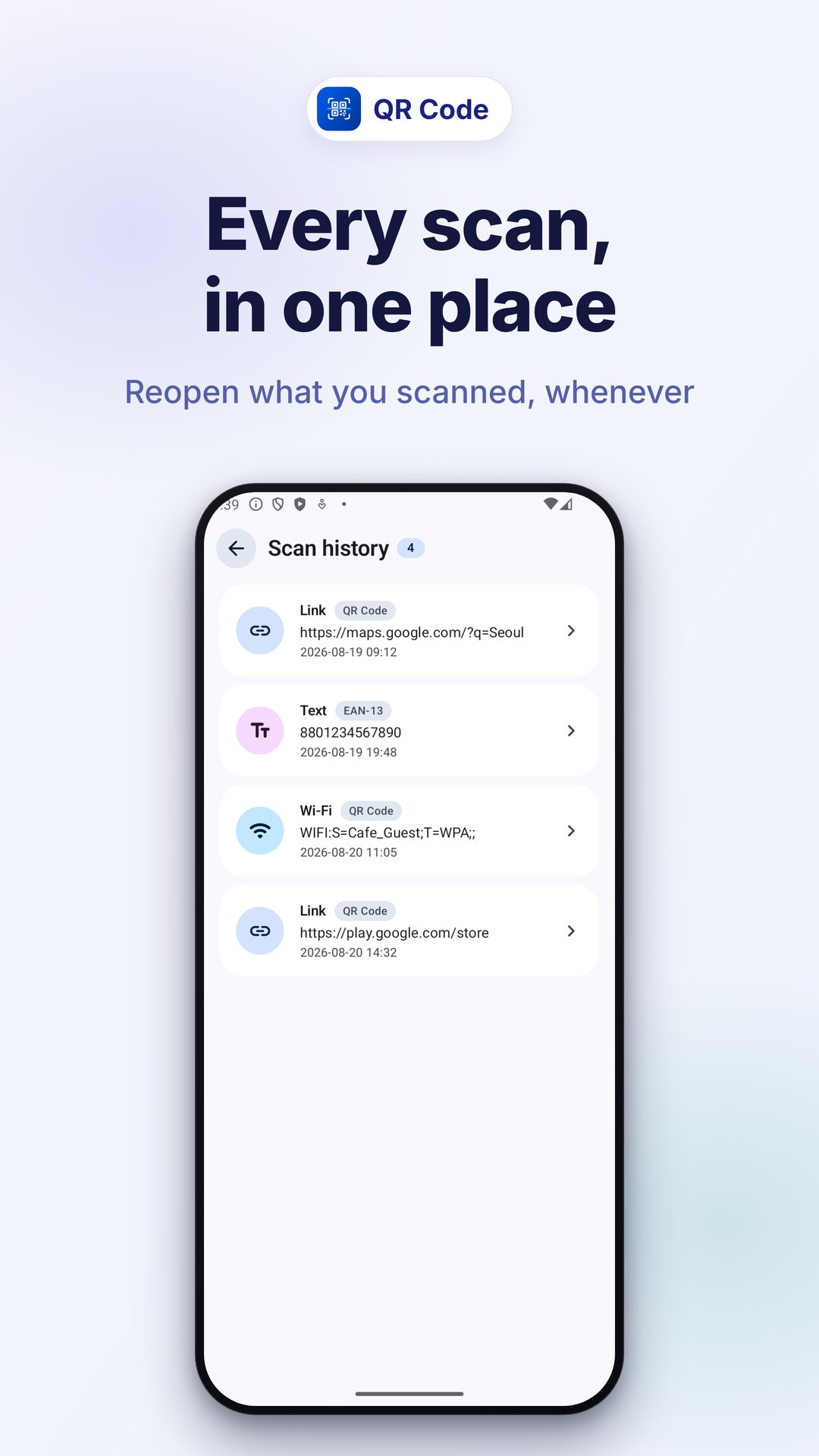
■ Scan history & created history
• Scanned and created codes are saved to history automatically.
• Tap a past item to open, copy or share it again, and delete what you no longer need.
• See how many items are saved right on the home screen.
■ Dark mode
• Choose light, dark or system theme for comfortable use at night.
■ Great for
• Anyone looking for a light QR scanner app and barcode scanner
• Shop owners and organizers who make their own QR codes
• Checking product barcodes or book ISBN numbers
• Keeping scanned links and created QR codes in one place
From reading QR codes to creating them, do it all with QR Code.





One-click to install XAPK/APK files on Android!

Thanks for your rating and feedback!
You have already rated.







