




Thanks for your rating and feedback!
You have already rated.

Application for remote controlling DSLR
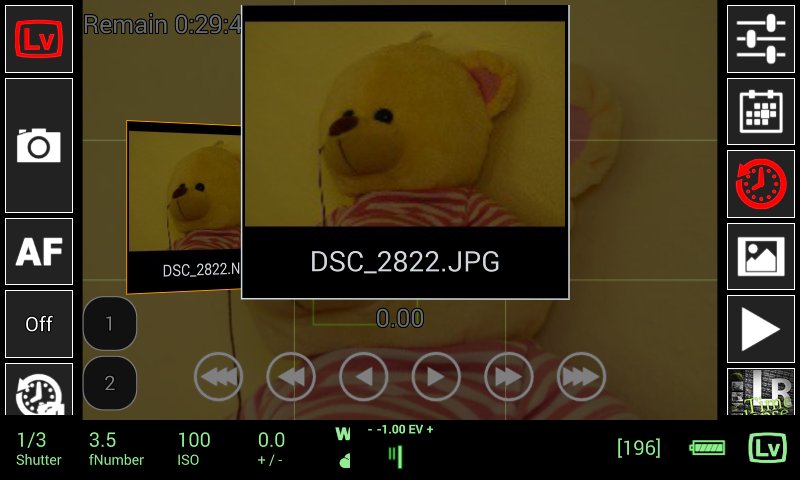
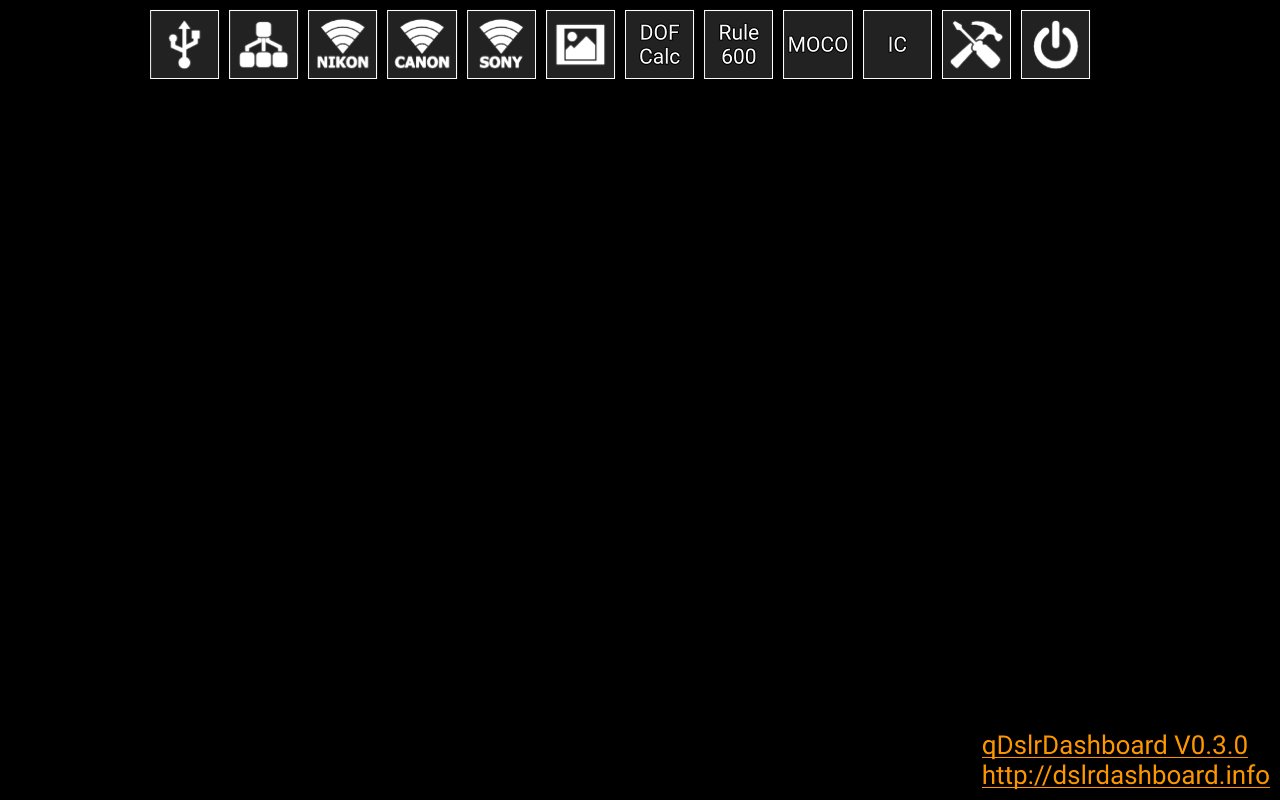
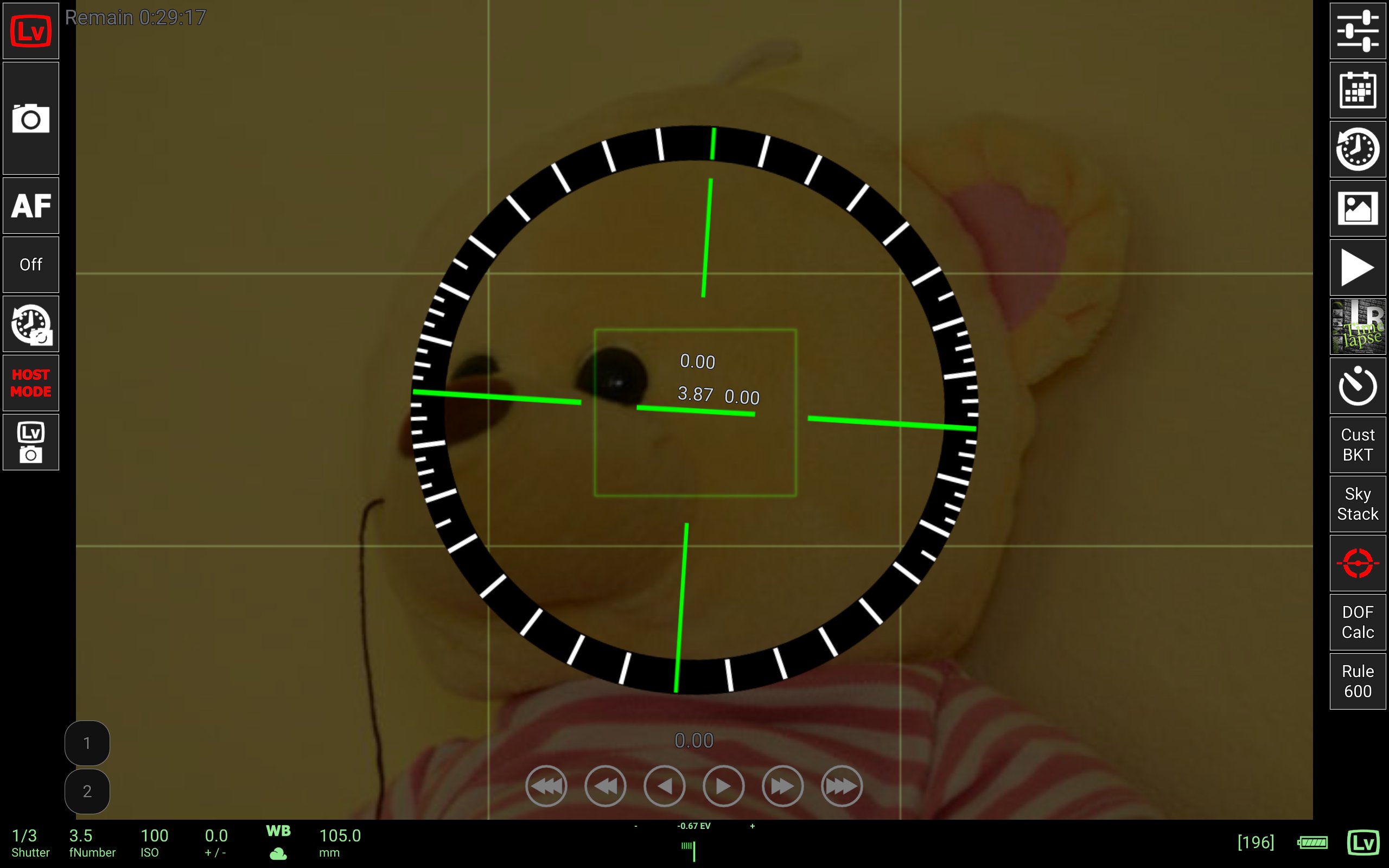
qDslrDashboard is an application for controlling your Nikon, Canon DSLR or Sony mirrorless camera.
For USB connection an USB OTG adapter is needed and the device must have the USB host function.
qDslrDashboard home: http://dslrdashboard.info
FAQ: http://dslrdashboard.info/phpBB3/viewtopic.php?f=6&t=1574
qDslrDashboard feautres:
Multiple camera support
Remote capture,
Synchronized capture,
Connect to DSLR using protable wireless router (ddserver),
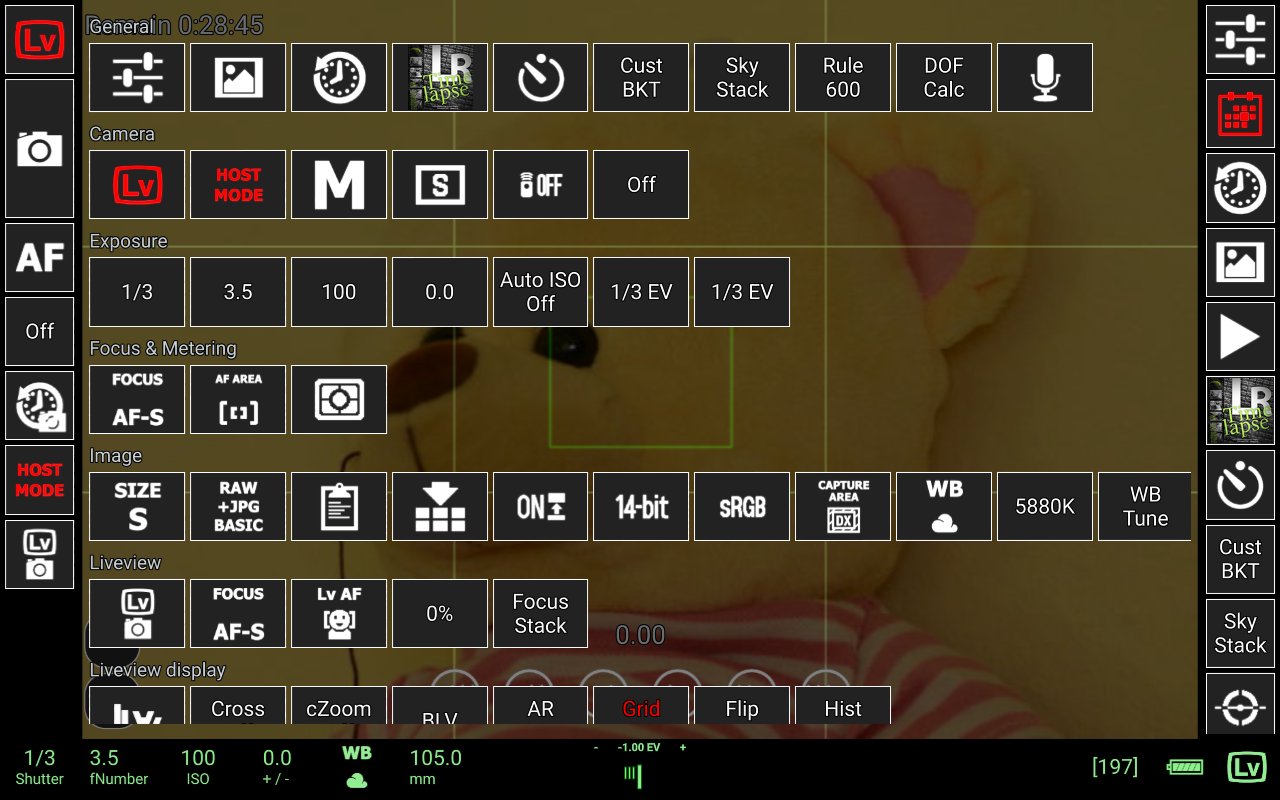
Change camera properties,
Browse images on camera,
Transfer images from camera to Android device,
Preview images (jpg and raw),
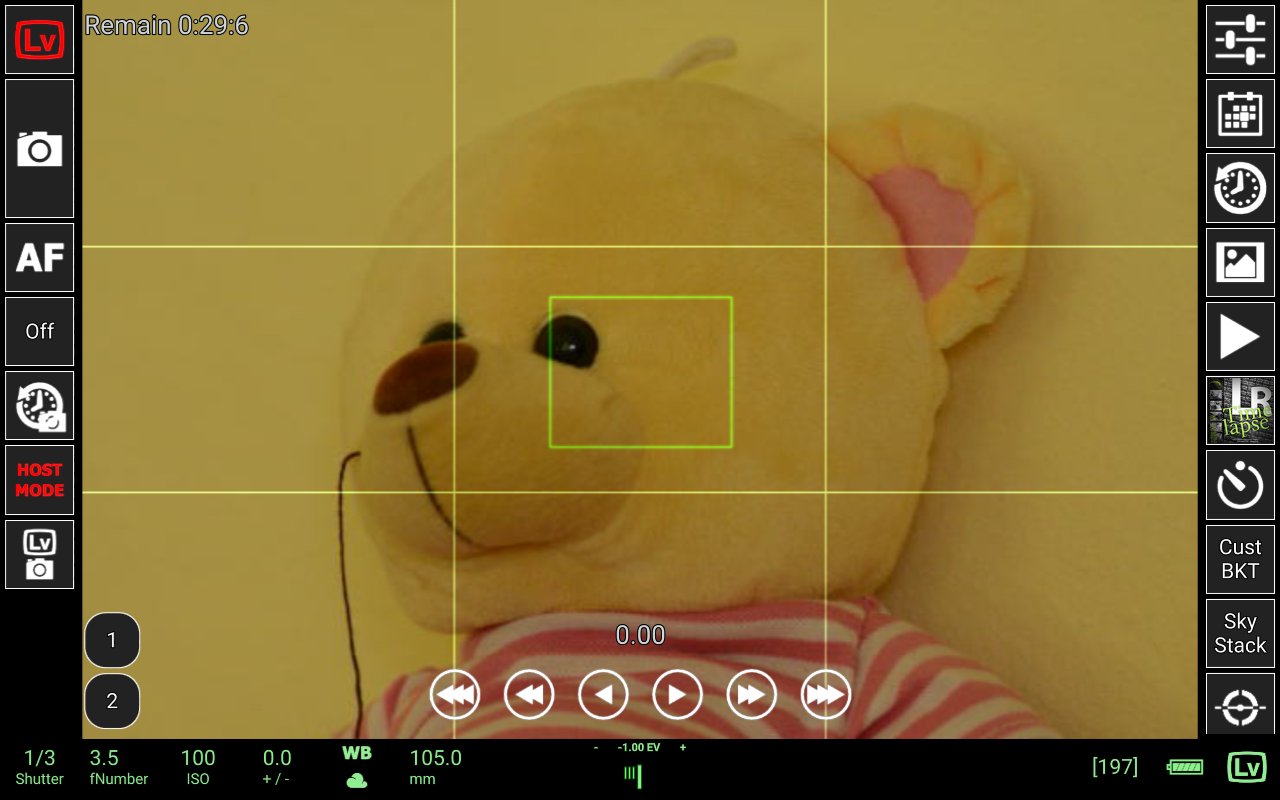
Live view,
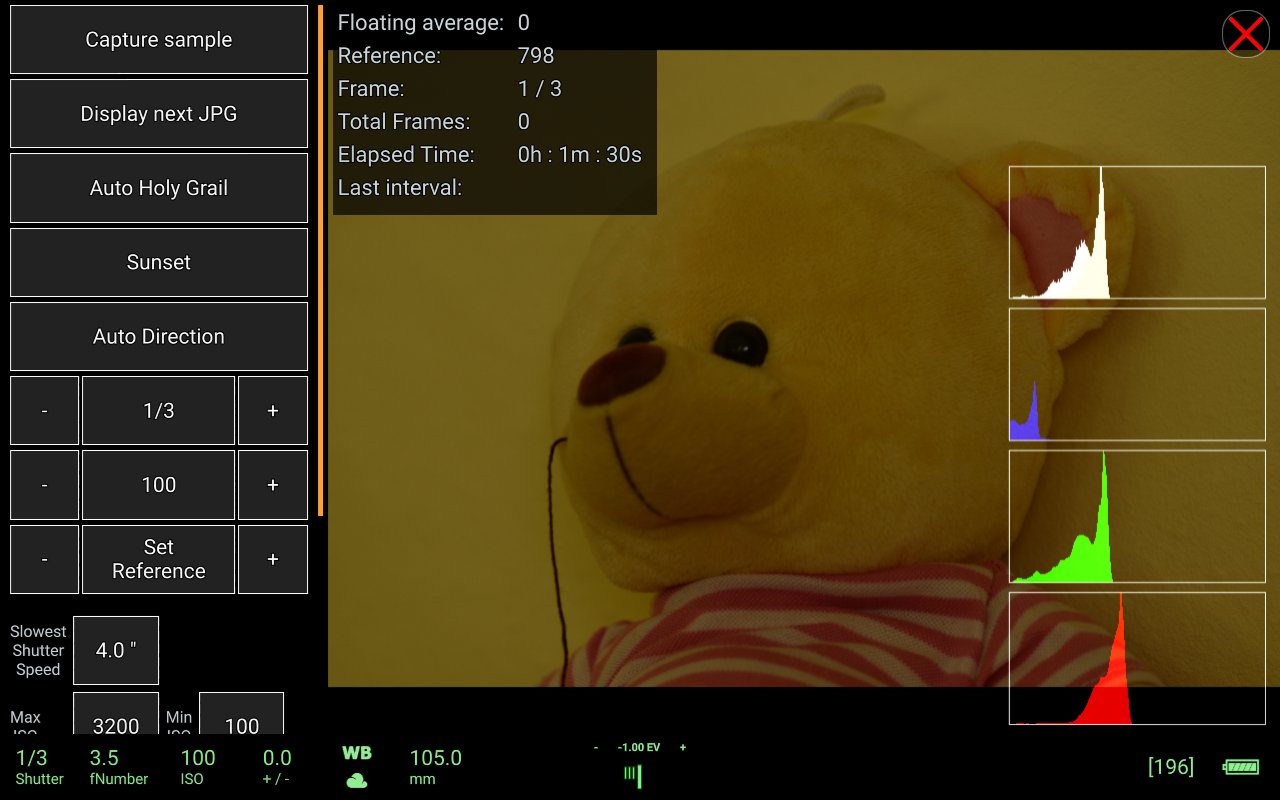
Live view histogram,
Manual focus movement while in live view,
Start movie recording (only on camera models that support it),
Custom bracketing,
Focus stacking,
Time-lapse (simple and advanced with control file and ability to move focus and send commands to Arduino),
Sound initiated capture (with spectral display and frequency/intensity selector,
DoF calculator.
Rule600 calculator.
Sky stacking helper.
Custom profiles.
Remote control over wireless network (Android devices must be on same network)
Support for WU-1a/1b adapter (PTP/IP)
LRTimelapse screen for auto holy grail timelapse
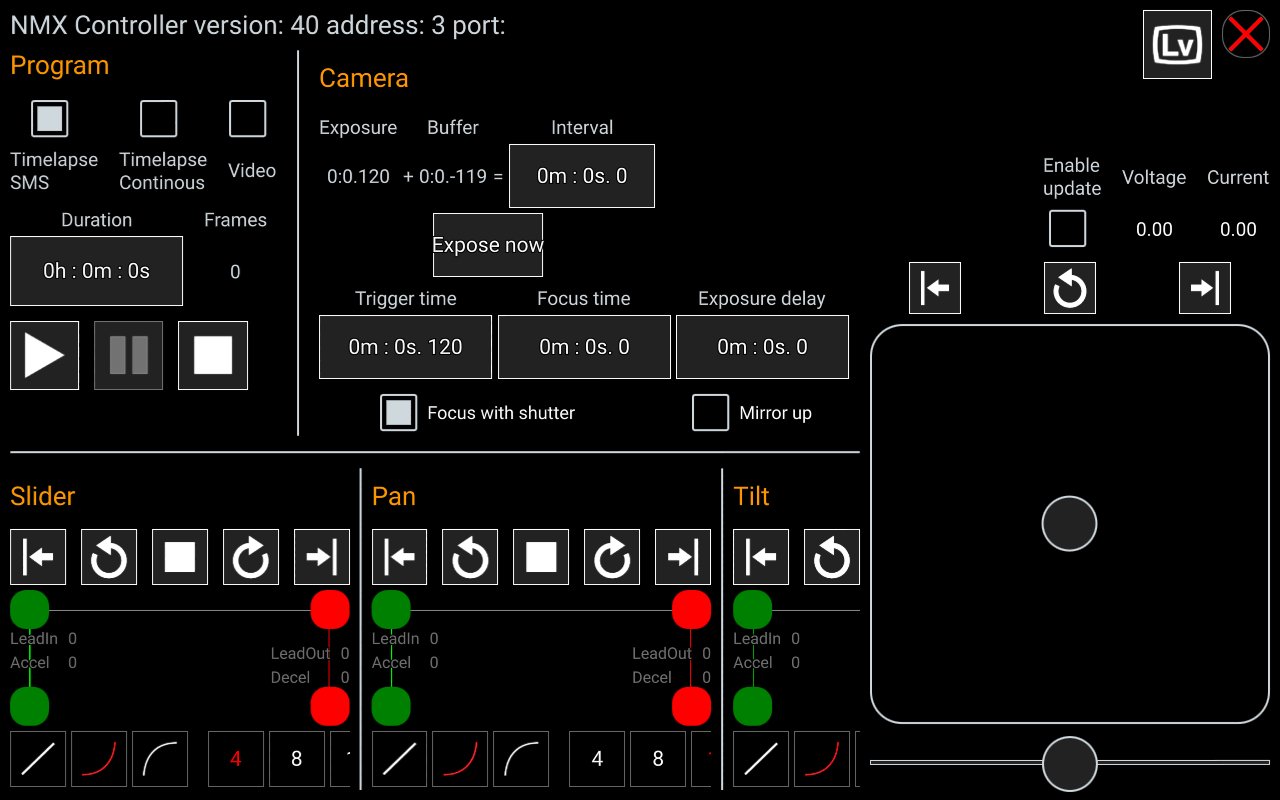
Dynamic Perception NMX motion controller support over Bluetooth LE
Interval controller.


One-click to install XAPK/APK files on Android!
Thanks for your rating and feedback!
You have already rated.