













Thanks for your rating and feedback!
You have already rated.


6.5
9 Reviews
315.7 MB
File Size
Teen
Android 10.0+
Android OS
PRISM Live is a mobile live streaming app for camera, screen, and VTubing.
Built by NAVER Corp, PRISM Live Studio brings camera streaming, screen casting, and VTuber avatars together in one place. The main appeal is simple multistreaming to YouTube, Facebook, Twitch, and BAND with interactive overlays that feel professional yet easy to manage. You can download PRISM Live and start broadcasting with chat, media, and effects in minutes. Also known as PRISM Live Studio, it packs more into each stream without extra complexity. Below are the core highlights for quick reference.
PRISM Live lets you go live with your camera, cast your screen for games or app demos, or appear as a VTuber using built-in 2D and 3D VRM avatars or your own models. Each mode is designed for real-world use: switch cameras mid-stream, share mobile gameplay with overlays, or bring a virtual persona to life when you want anonymity or a specific brand style.
A creator can hop from a front-facing talk segment to a screen-captured tutorial without stopping the broadcast. Gamers keep their action in focus while still overlaying chat and alerts. VTubers fine-tune avatars to match mood and lighting. Quality depends on your device and network, so choosing a sensible resolution for your phone helps keep the stream stable if performance dips.
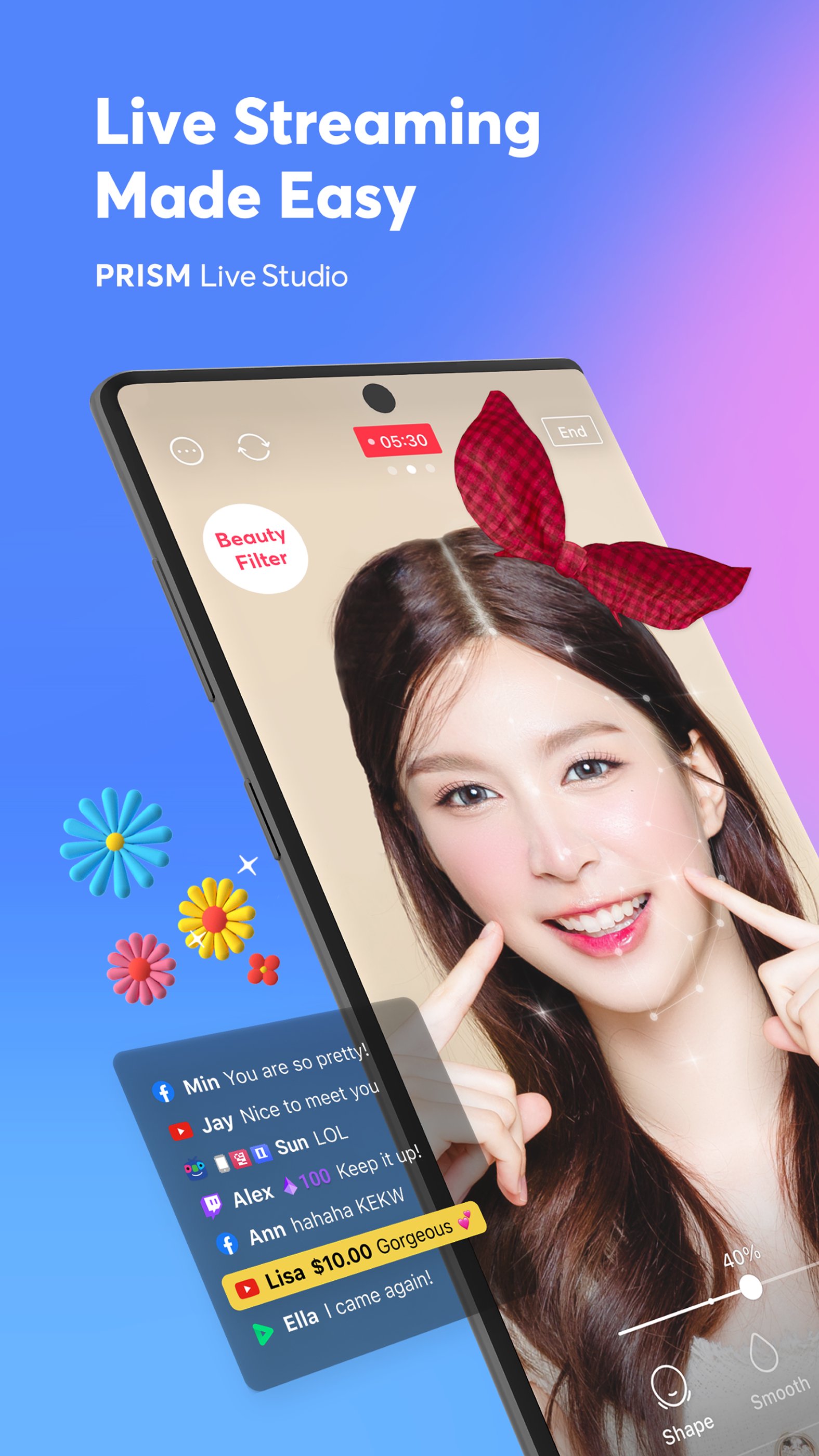
In PRISM Live, you link destinations like YouTube, Facebook, Twitch, and BAND and simulcast to multiple platforms at once without extra network usage. The on-screen chat widget brings messages from linked platforms directly into the broadcast, letting you highlight key comments. You can also add web widgets via URL and layer photos, clips, and playlists from My Studio.
During a live talk show, it’s easy to push lower-third titles, play intro music, and keep viewer messages visible so everyone feels included. If you use custom RTMP for a special destination, note that the in-app chat overlay will not appear; linking accounts directly is the workaround for interactive chat on stream. Message highlighting helps important questions stand out, making Q&A segments smoother.
PRISM Live includes a creative toolkit that adds polish without needing a full studio. Beauty effects, masks, background filters, touch and emotion filters, and animated text themes help shape a consistent on-screen look. The pen tool lets you draw or annotate on top of the stream, useful for quick explanations during tutorials or strategy breakdowns.
For more control, mobile chroma key supports clean green screen composites, while advanced camera settings adjust exposure and focus to suit tricky lighting. Saving favorites trims prep time, so regular overlays and styles are ready when you go live. Use effects lightly to avoid distractions; combining a subtle filter with clear text and music often creates a more professional feel than stacking many visuals at once.
PRISM Live supports adaptive or fixed bitrate, resolutions up to 1080p/60fps, background streaming during calls, and real-time updates to titles and links. Adaptive bitrate helps maintain stability when network conditions change, and fixed bitrate offers predictable quality if your connection is strong. When frame rate or resolution is set too high for your hardware, lowering it quickly recovers smooth playback.
CONNECT mode bridges mobile and desktop, turning your phone into a video and audio source for PRISM PC. This is handy for multi-camera setups or when a mobile angle fits better than a webcam shot. On device AI Scripts export can prepare broadcast scripts, making repeat shows faster to organize. For consistent quality, use reliable Wi-Fi or 5G and close unused apps to free up resources before going live.
Built for creators who want flexibility without complexity, PRISM Live combines multistreaming with creative tools and practical pro features that work well on mobile. The design encourages quick setup and consistent production value without heavy gear.
ProsYou can download the PRISM Live APK safely from APKPure and install it like any standard app. Download time depends on your network speed and available storage, and the APK size may vary by version. After installation, grant camera, microphone, and storage permissions so streaming and saving videos work smoothly.
Open the app, link your destinations, and review resolution and bitrate settings before going live. If the stream stutters, switch to adaptive bitrate or reduce resolution for a steadier result. For best performance, ensure sufficient storage and keep background apps to a minimum. To stay current with new features and improvements, get the PRISM Live latest version when it becomes available.



One-click to install XAPK/APK files on Android!
Thanks for your rating and feedback!
You have already rated.




