Scan Date:Jun 25, 2026
Show More


64.6 MB
File Size
Everyone
Android 4.4+
Android OS
It is a video, network and music player compatible with all formats.
Player Cast: It is a complete file explorer for videos, IPTV list, network services and play music songs by genres, albums, artists and folders.
Characteristic:
Main menu
Video: In this section it will scan all the video formats that are stored on your phone.
Audio: It will search for all content that is stored on your cell phone, they are ordered by artists, albums, tracks and genres and you can order them by genres.
Explore: Its function is to extract all the folders and external memories that the phone has. Local network whose function is to examine the computers that are in our same network. Another of its features is that you can connect your FTP, FTPS, SFT, NMB, NFS, SFTP server.
Playlist: Its functionality is to scan all the IPTV lists that are added to your storage.
New transmission: If you have a URL of the type: https, mms or rtsp you can add it to play it on Chromecast.
History: All your reproductions will be saved in this section for when you want to consult and reproduce said content.
Player and its features.
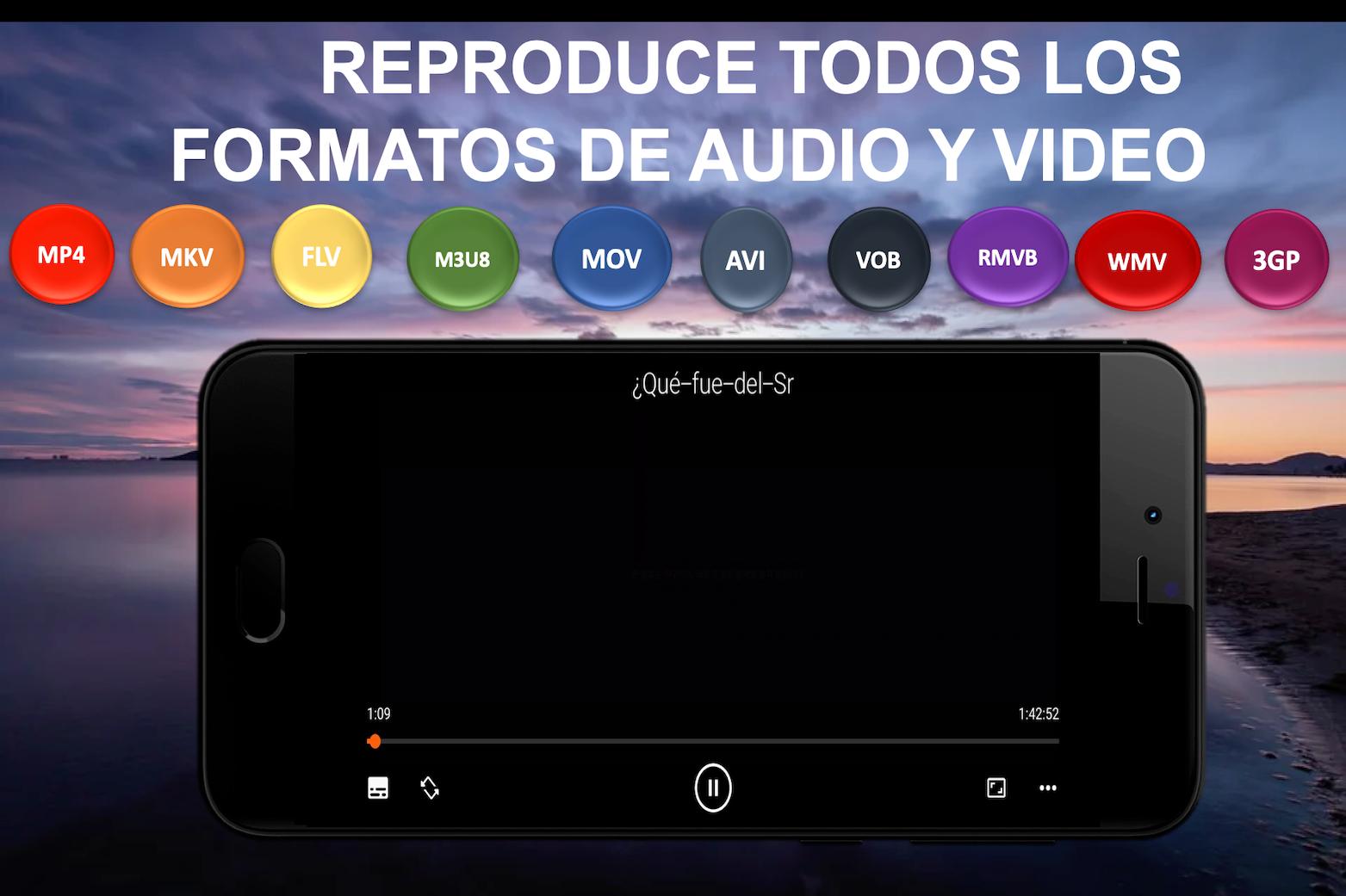
It can play all formats including MKV, MP4, AVI, MOV, WMV, RMVB, FLV
M3U8, 3GP, Ogg, FLAC, TS, M2TS, Wv and AAC etc. All codecs are included without separate downloads.
-Content in floating mode.
-Go forward and back with double tap.
-Pinch to zoom.
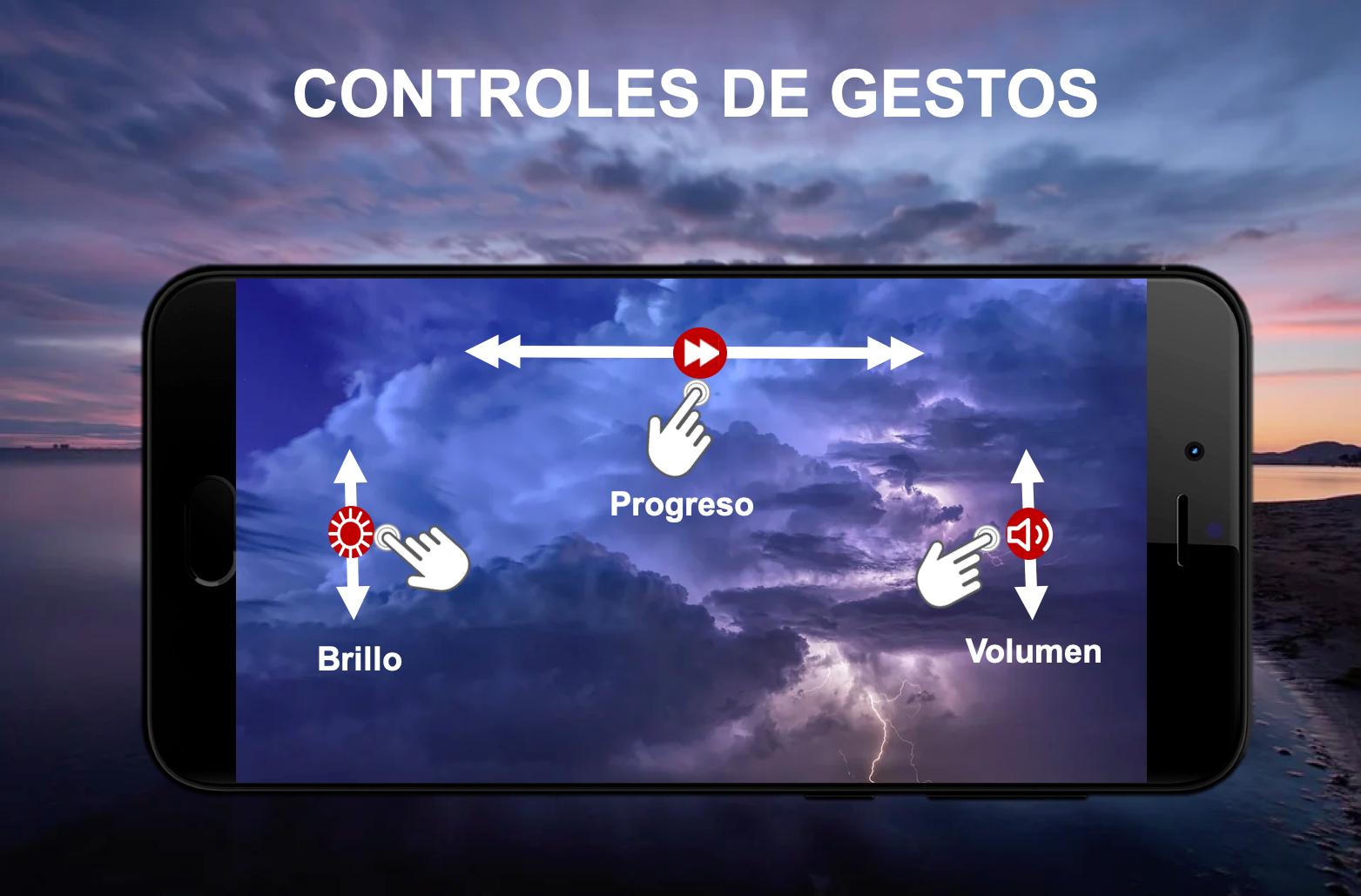
-Swiping your finger down and up adjust the volume and brightness.
-Add online and local subtitles.
-Block player.
-Screen size adjustment.
-Vertical and horizontal mode.
-Off timer.
-Playback speed.
-Equalizer Play as audio.
-Repeat mode.
-Video information.
-Repeat playback.
-Save video to playlist.
-Download web links.
** PERMISSIONS OF THIS APPLICATION.
Player Cast needs access to these categories: -Photos / Media / Files" to read all your media files. - Storage will read all your media files on SD cards. - Other: check network connections, change volume, set ringtone call, and and display the popup view.
PERMITS DETAILS:
• You need to "read the contents of your USB storage", to be able to read your media files on it.
• You need to "modify or delete the contents of your USB storage", to allow file deletion and store subtitles.
• You need "full network access", to open network and Internet streams.
• You need to “stop phone from sleeping” to prevent… your phone from going to sleep while watching a video.
• You need to "change audio settings", to change the audio volume.
• You need to "modify system settings", to allow you to change your audio ringtone.
• You need to "view network connections" to monitor whether the device is connected or not.
• You need to "draw over other apps" to launch the custom picture-in-picture widget.
• You need "control vibration" to feed back the controls.
• Requires "run at startup" to set recommendations on Android TV home screen, only used on Android TV devices.
• You need "microphone" to provide voice search on Android TV devices.





One-click to install XAPK/APK files on Android!

Thanks for your rating and feedback!
You have already rated.







