Bezpieczne i Szybkie Pobieranie APK na APKPure
APKPure używa weryfikacji podpisu, aby zapewnić bezpieczne pobieranie plików APK Regal for KLWP bez wirusów dla Ciebie

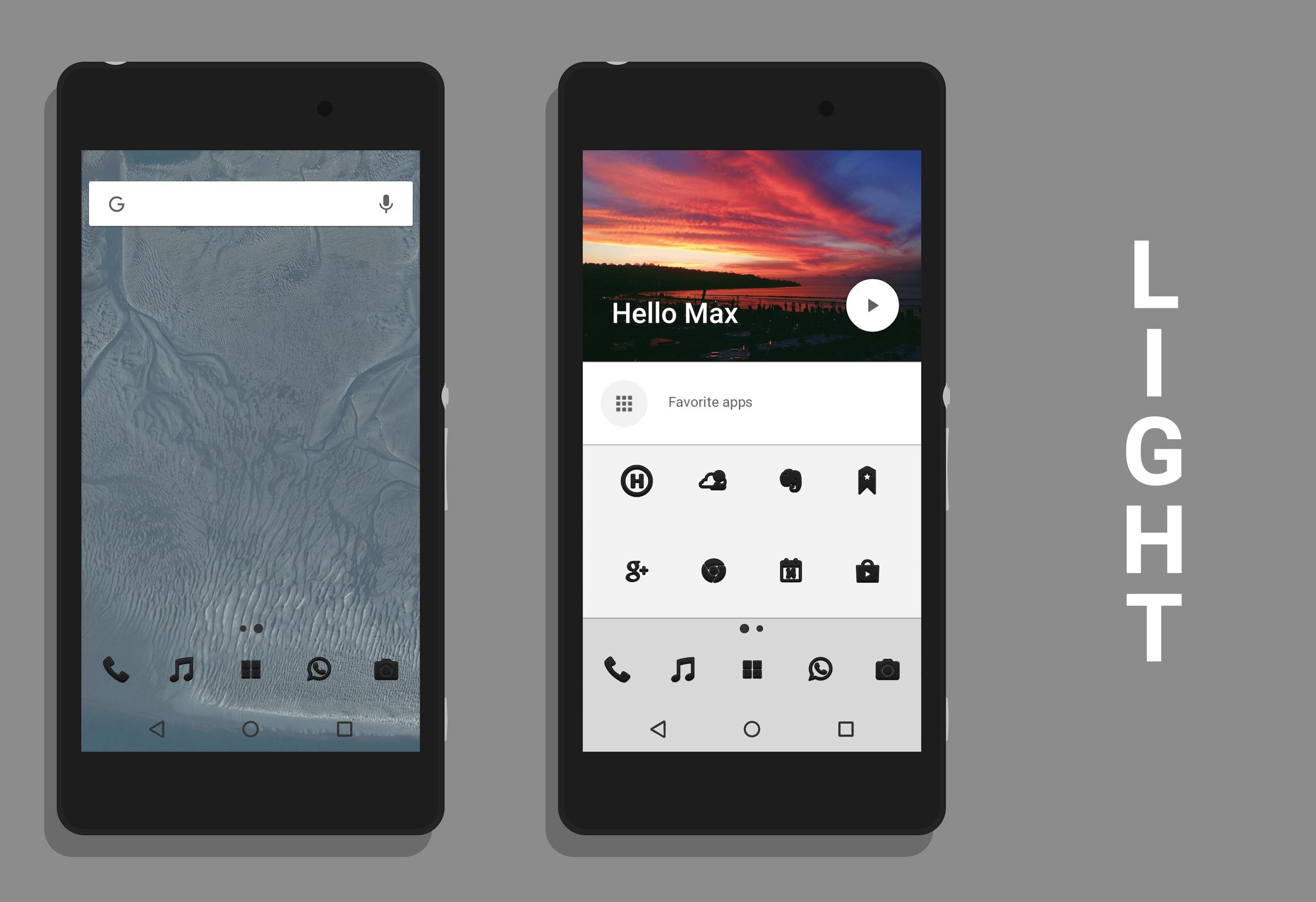
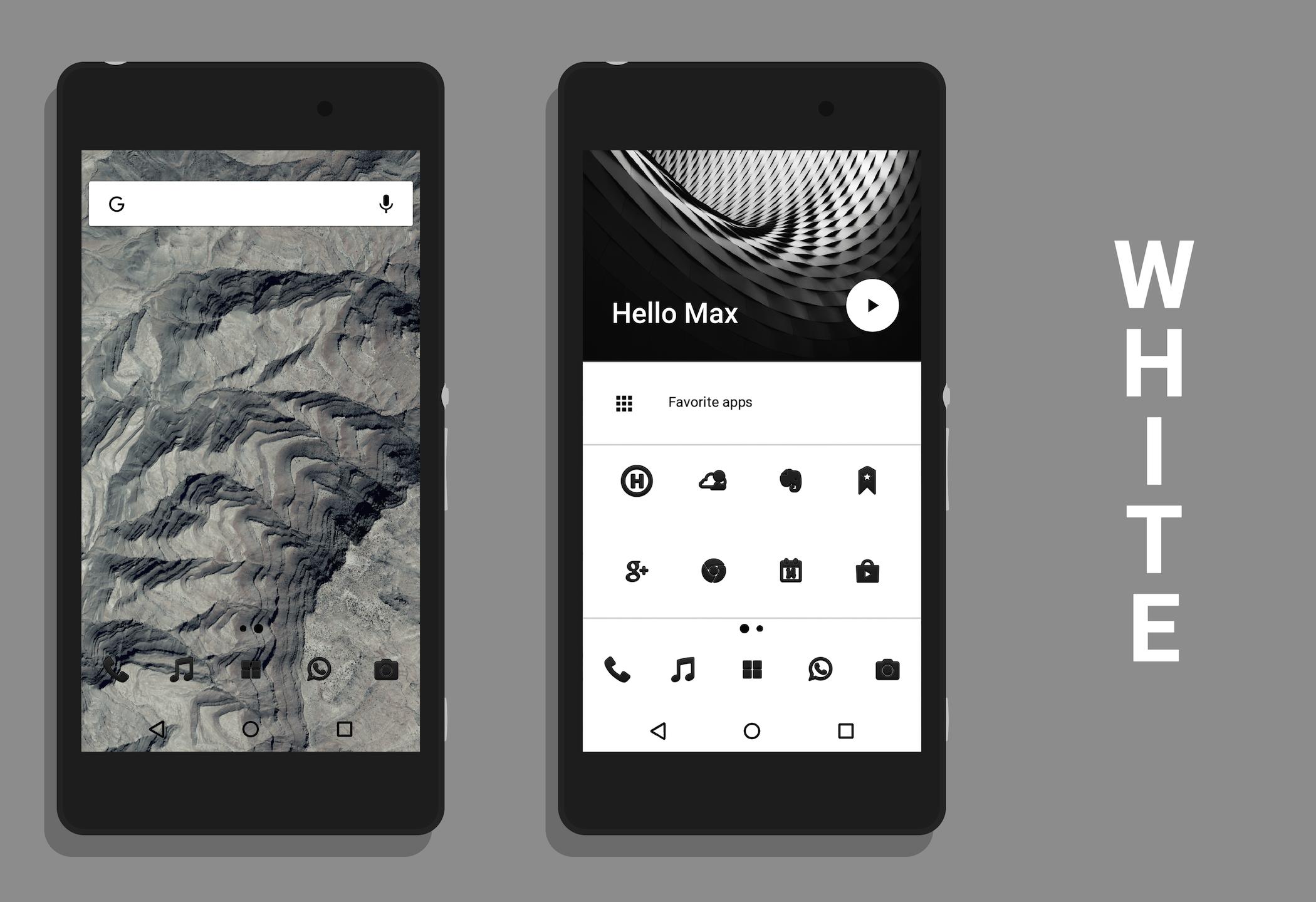
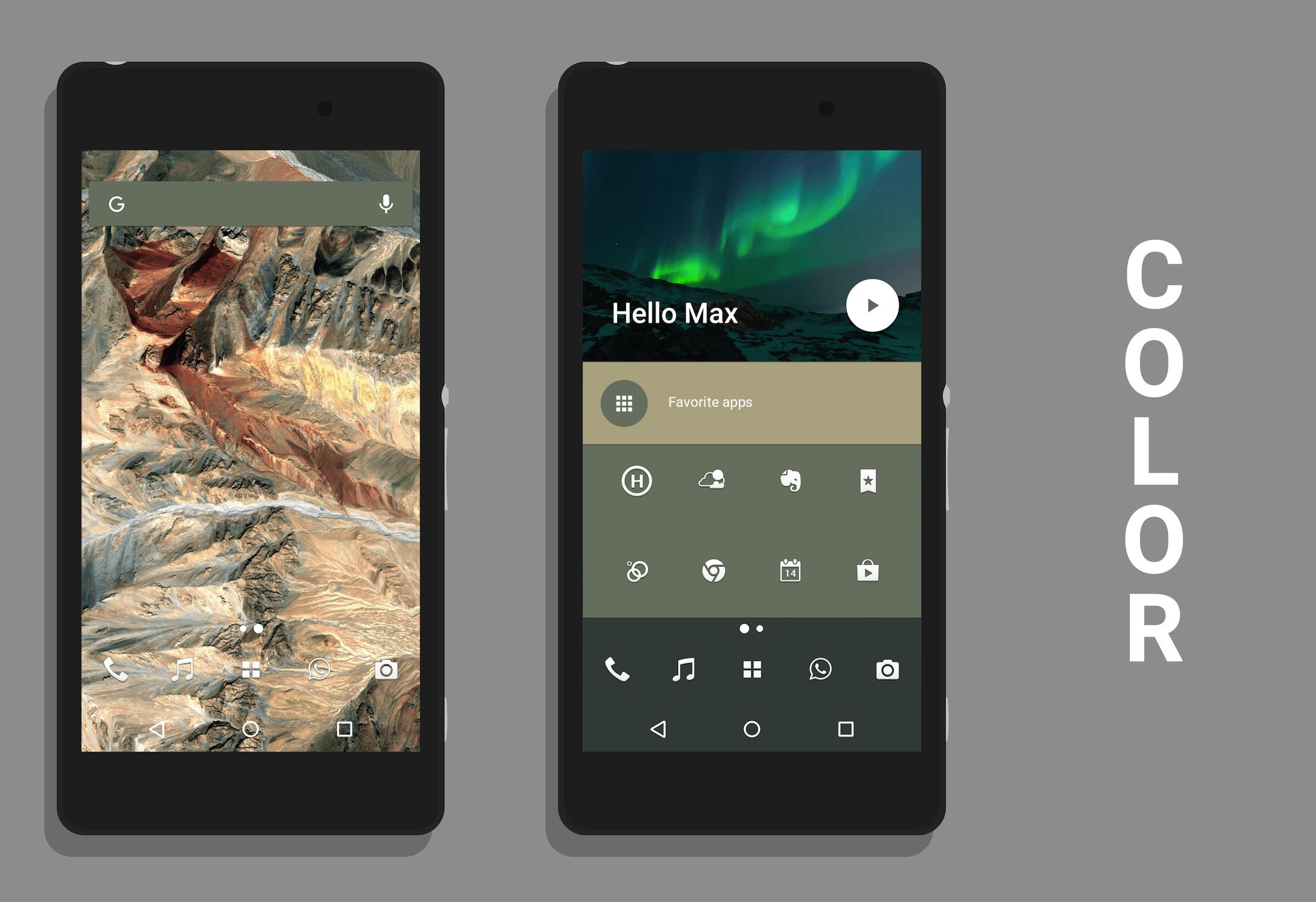
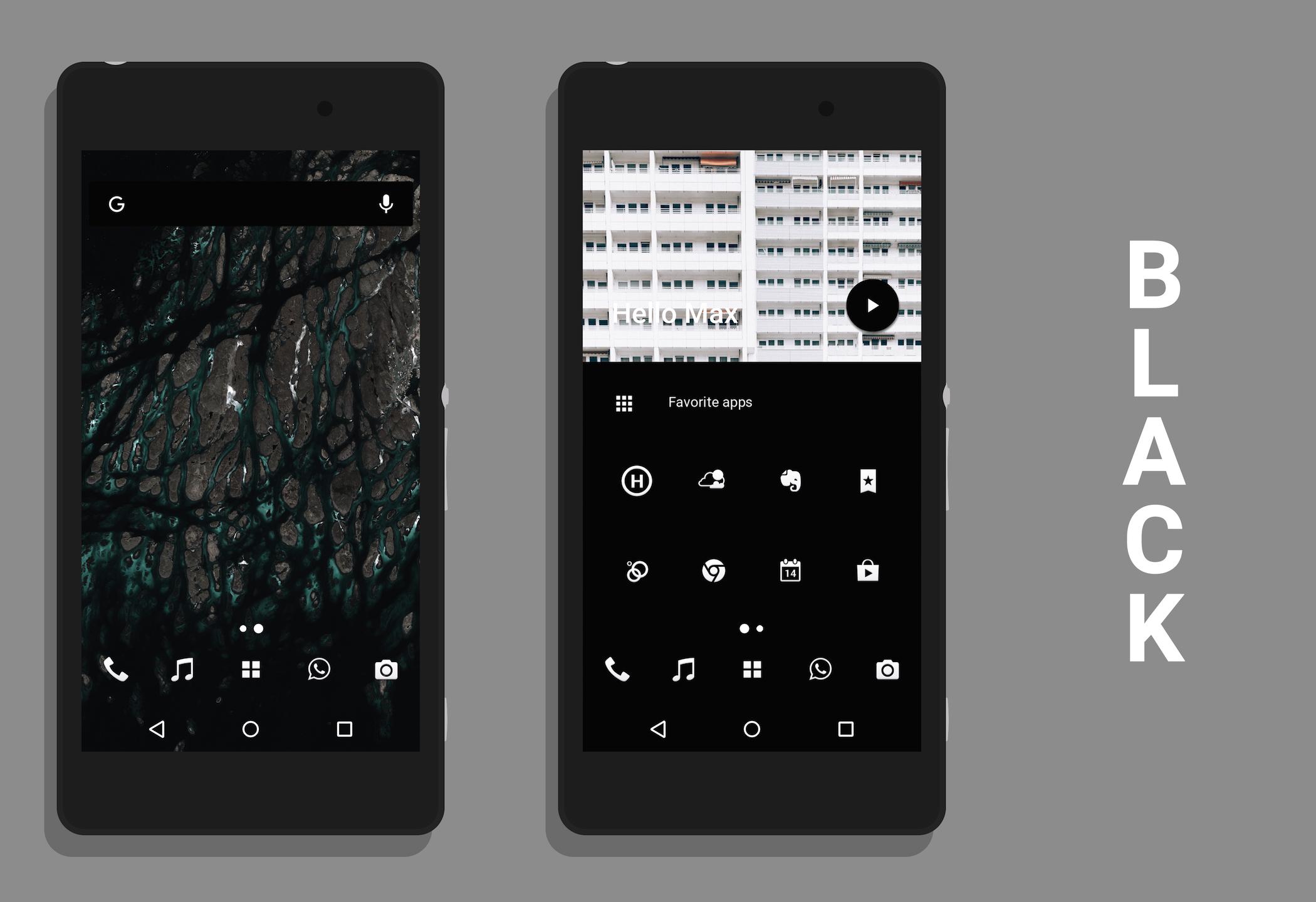
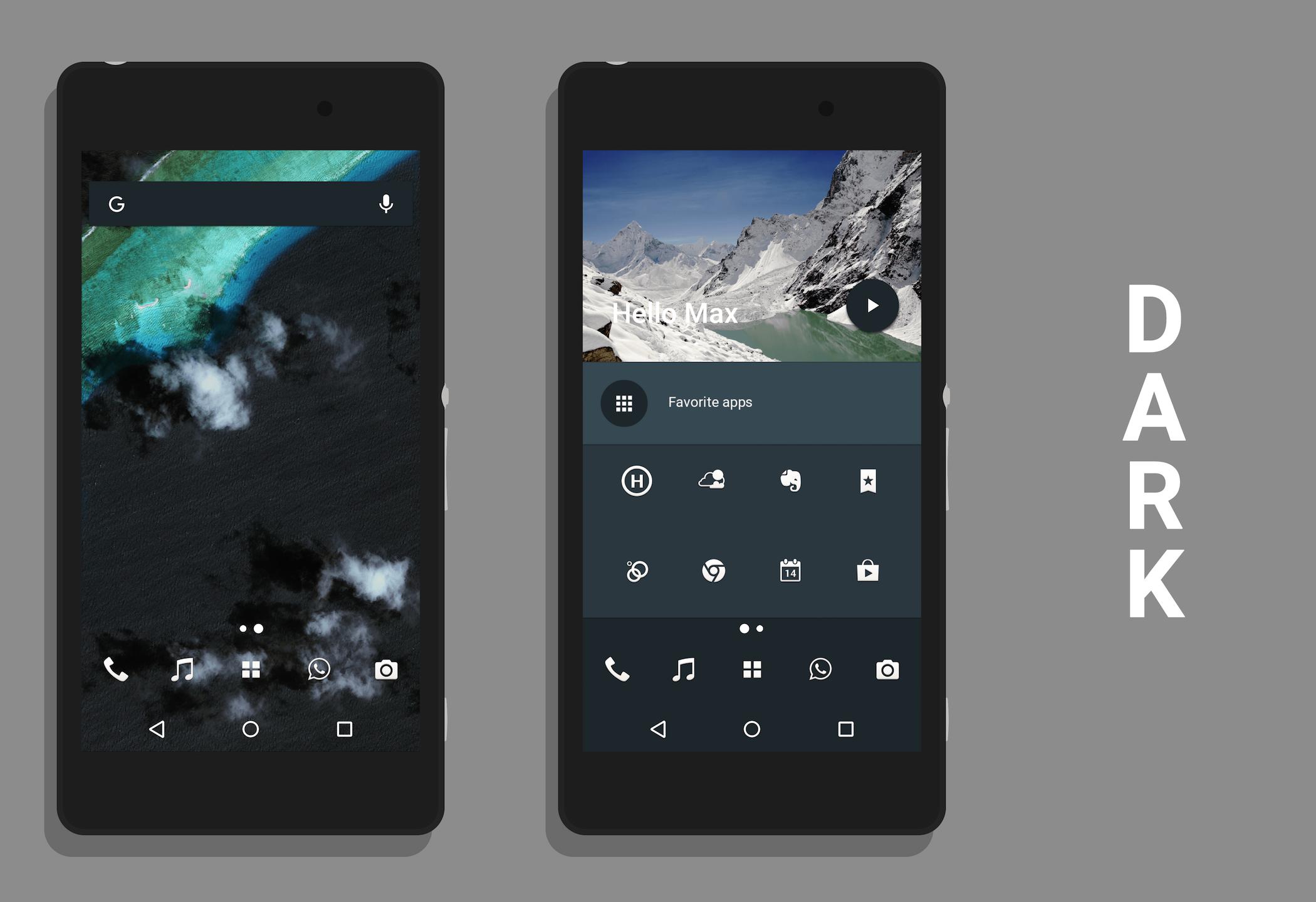
A 2 ekranem tapety na żywo w OxygenOS półki wyrzutni stylu.
KLWP REQUIRED
A 2-screen live wallpaper in the OxygenOS shelf launcher style.
HOW TO APPLY:
I. Set KLWP as your wallpaper.
II. Go to "Load Preset" in KLWP Settings.
III. Load the theme by clicking on theme icon in the list.
HOW TO CUSTOMIZE:
I. Open KLWP.
II. Go to the last point named "Globals".
III. Customize the wall according to your preferences.
THEME DESCRIPTION:
- 2-screen KLWP preset
- heavily inspired by the OxygenOS shelf launcher
- a big amount of globals to customize the wall
- built-in music control
- built-in news feed
I want to thank:
Ryan Kelly (https://plus.google.com/+RyanKelly/) for the Earthview walls from his app Terra and the icon packs Min and Minoir
Chintya Lia R.K (https://plus.google.com/110894962435070686023/) for the wonderful header image featured in the preset
Caitlin Wynne, Roman Kraft, Samuel Zeller and Marcelo Quinan for the header images featured in the screenshots
Toastcode (https://plus.google.com/+ToastcoDe/) for letting me edit my screenshots with their app Screener
Neither the icons and the dark navbar nor all wallpapers shown in the screenshots are in the app.



Jedno kliknięcie, aby zainstalować pliki XAPK/APK na Androidzie!

Dziękuję za ocenę i opinie!
Już oceniłeś.