
Bezpieczne i Szybkie Pobieranie APK na APKPure
APKPure używa weryfikacji podpisu, aby zapewnić bezpieczne pobieranie plików APK PDF - DocScanner bez wirusów dla Ciebie

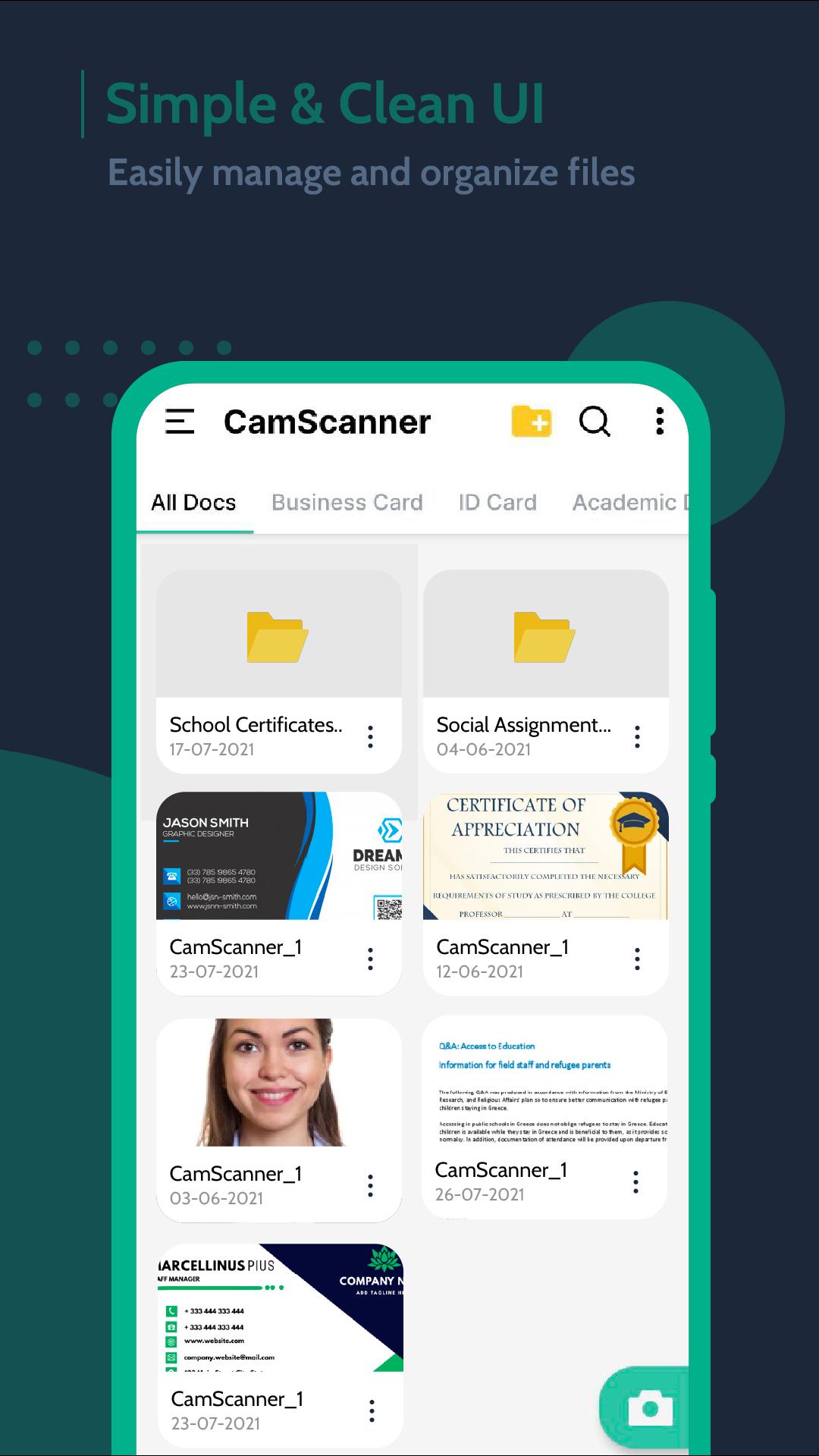
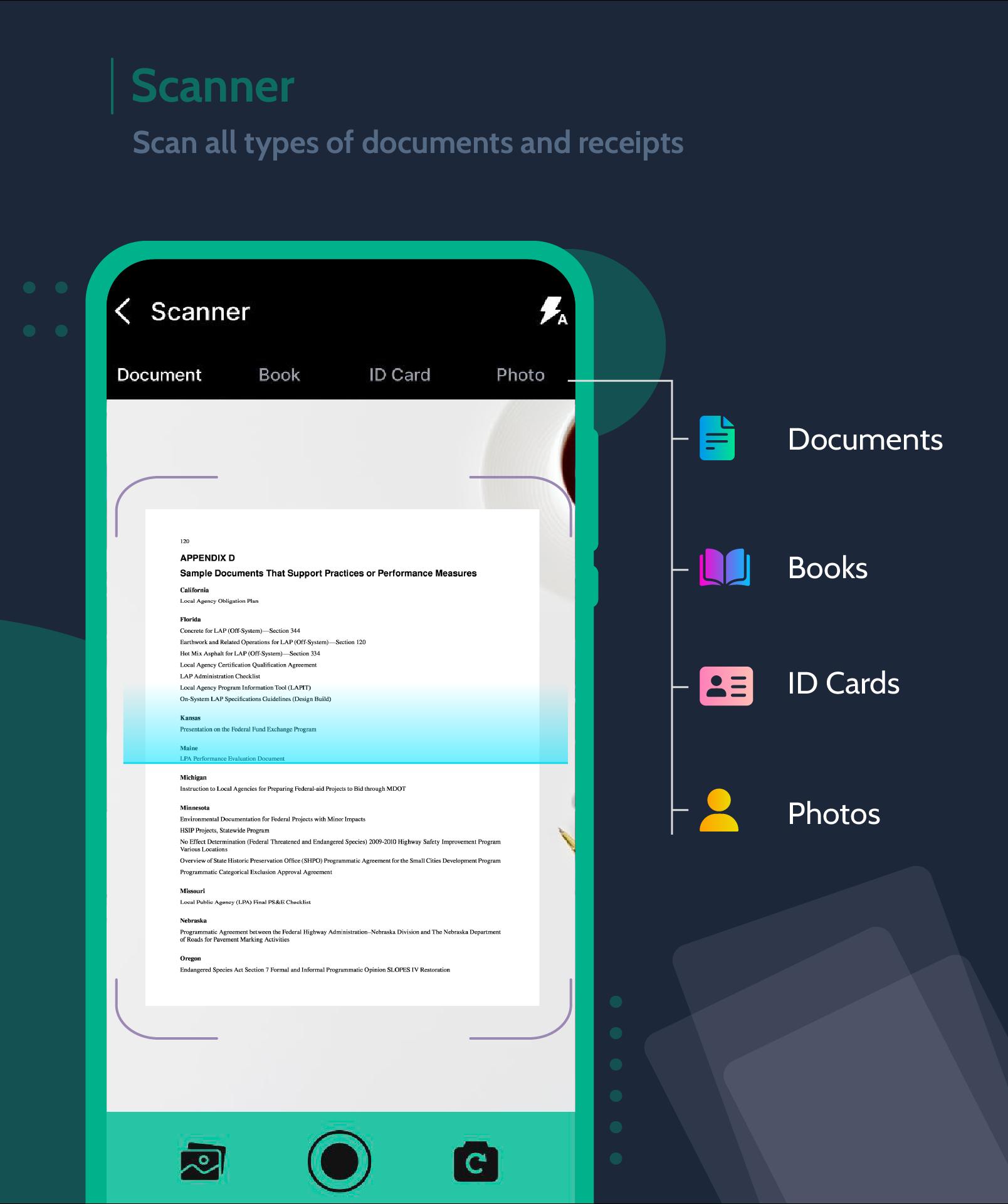
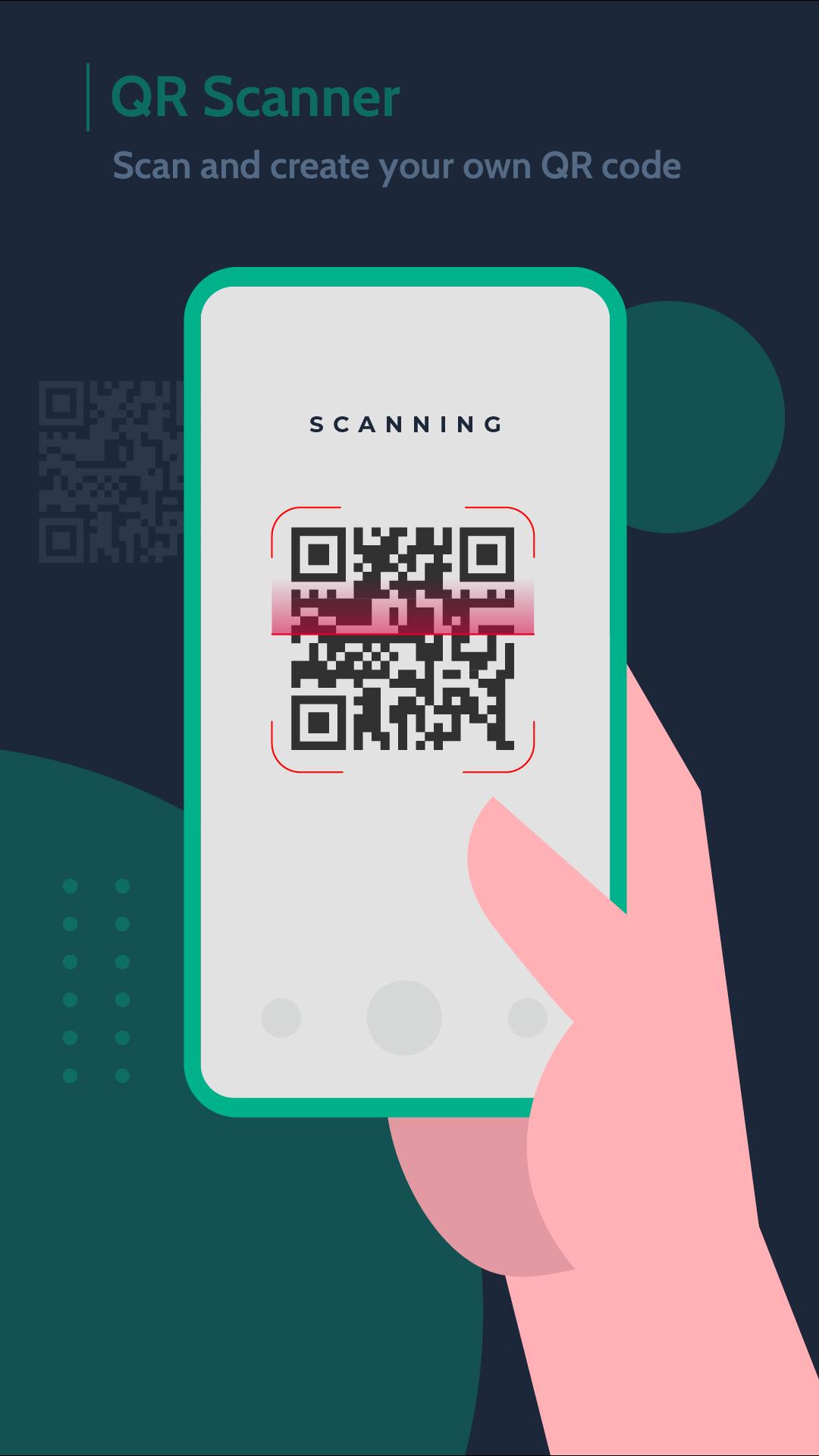
Skanuj wszelkiego rodzaju dokumenty, takie jak dokumenty, wizytówki, dowody osobiste, zdjęcia.
DocScanner is an excellent tool for all your paper documents. You can scan all types of documents like Business Cards, ID Cards, Photos, Receipts, Personal Tags and more.
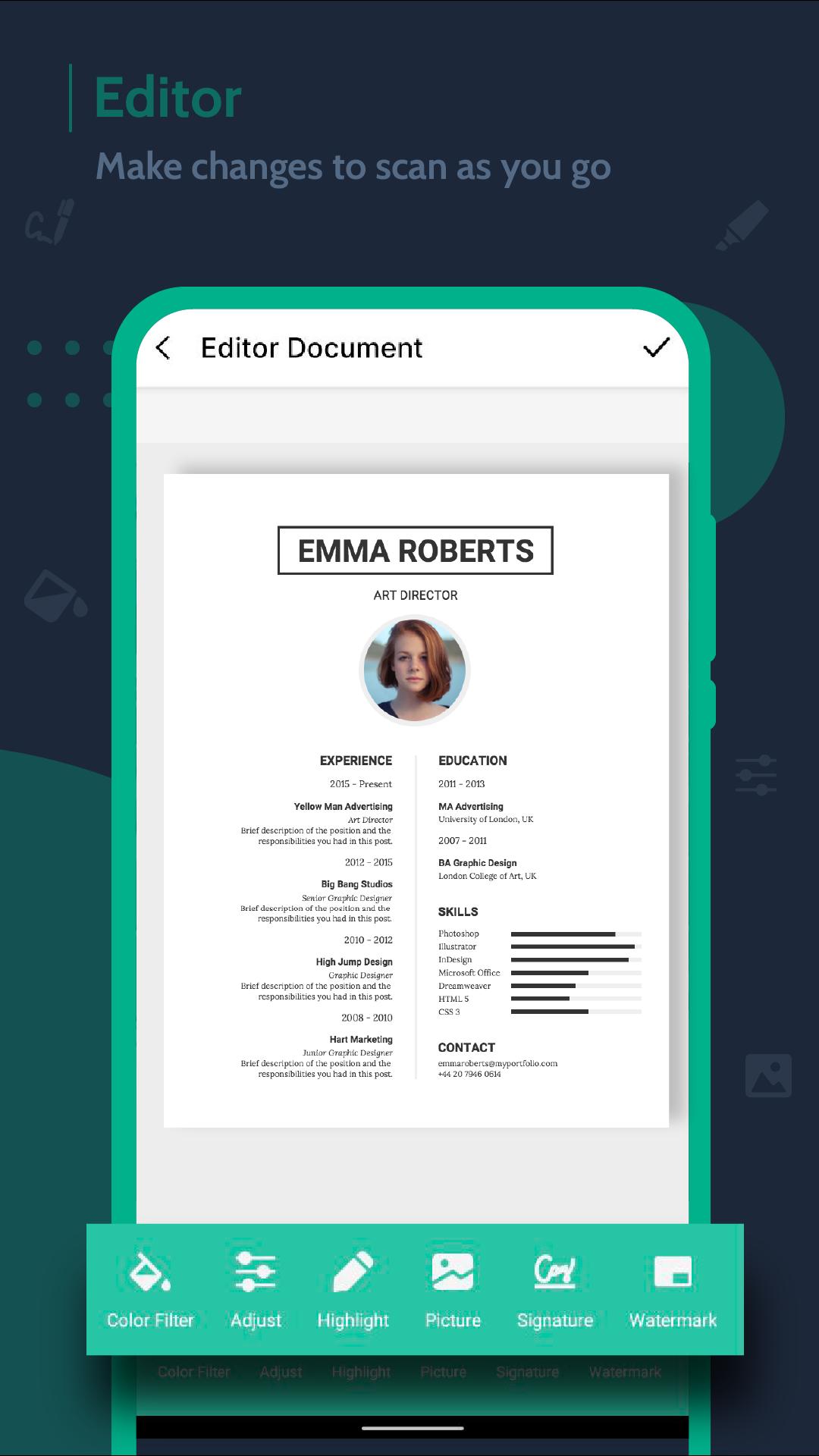
Import your document by portable scanner and edit your document by applying colors, texts, images.
Add unlimited pages to document and scan into one page PDF or Image.
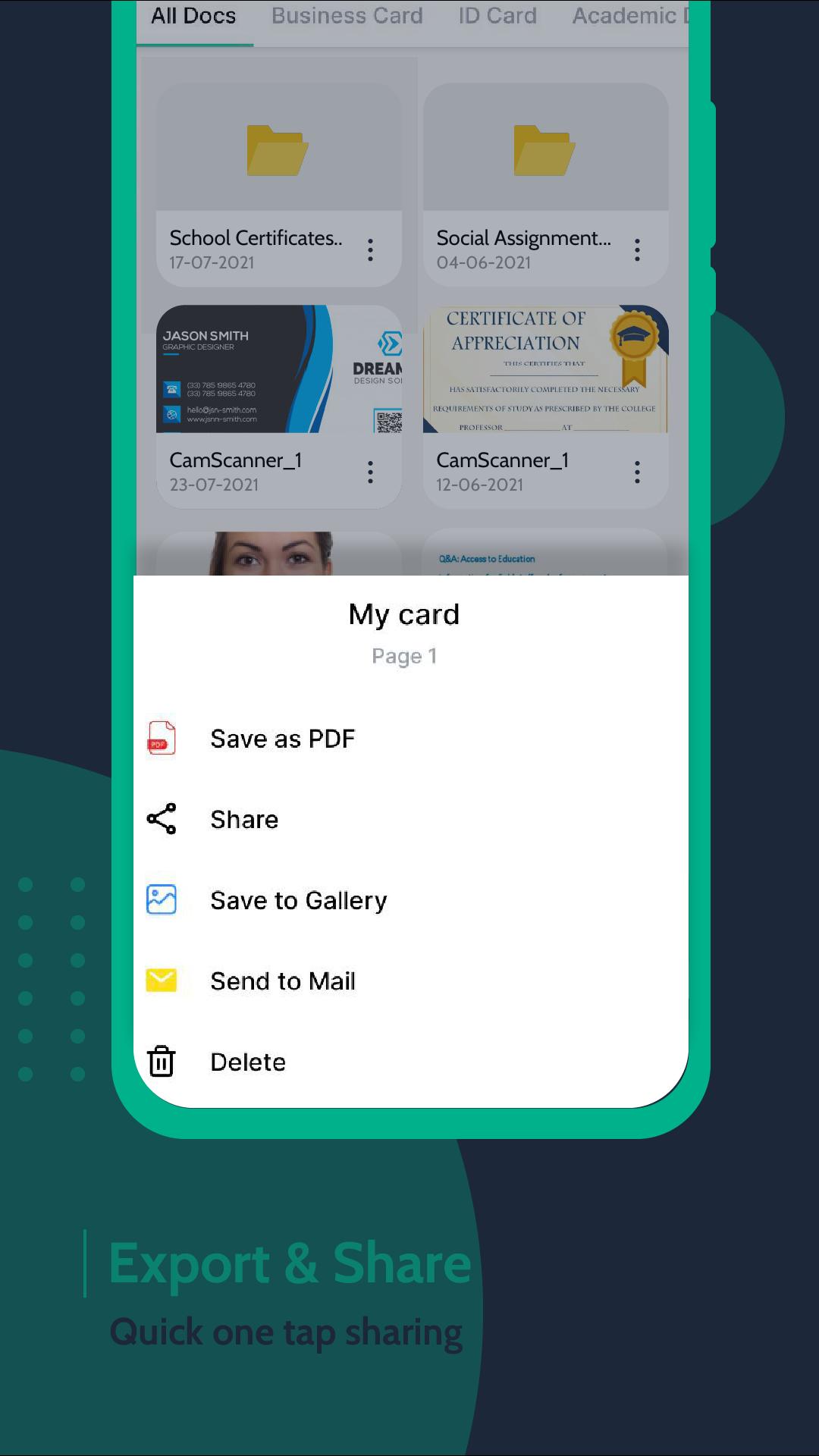
DocScanner scans documents to PDF to multipage documents, whiteboards, receipts, notes. You can quickly scan your documents and share documents through Email, WhatsApp, Google Drive and other social messengers.
Features
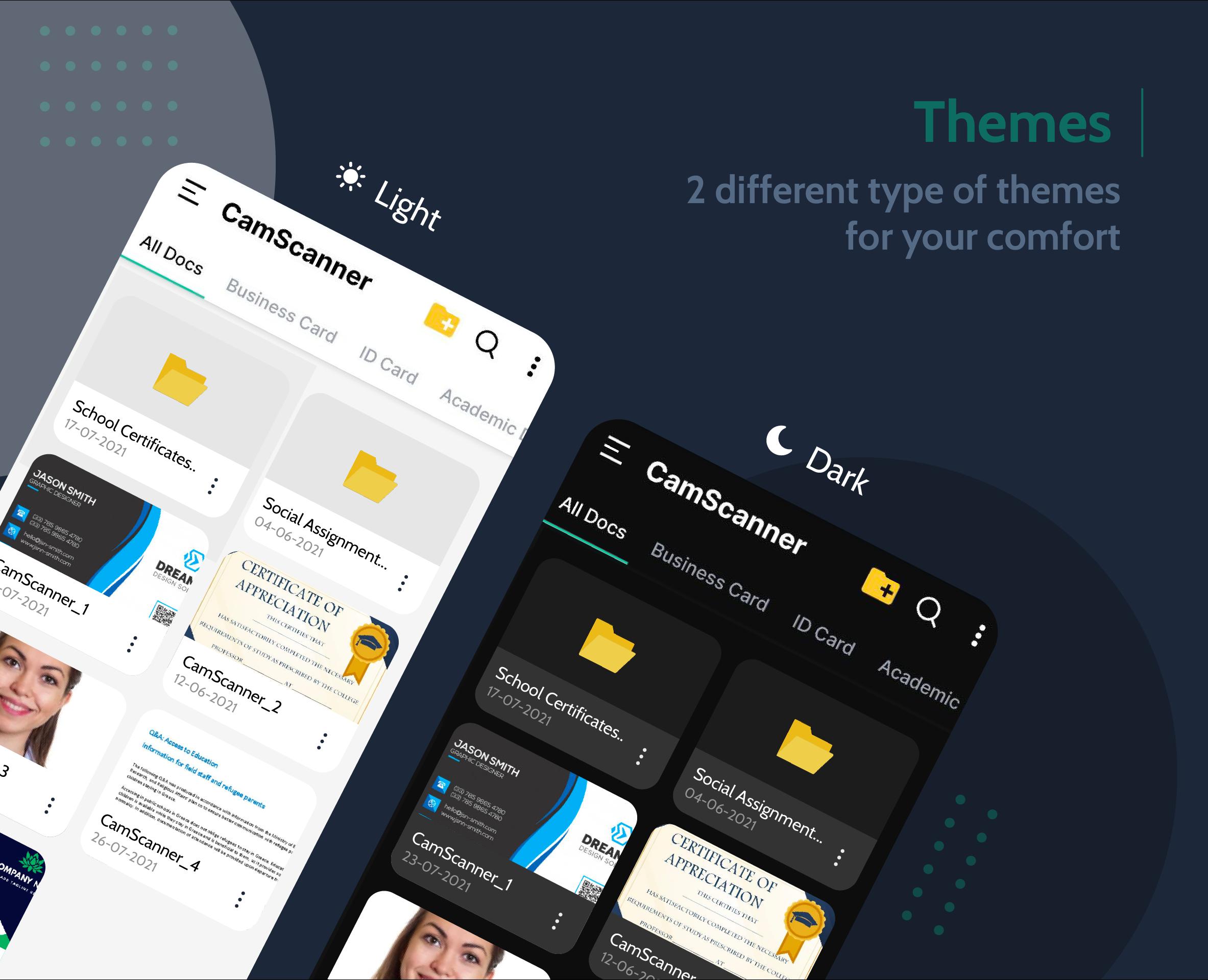
✓ Easily Manage your documents
✓ Edit documents in color, grayscale, black & white
✓ Scan documents in different sizes like A4, A3, A2, Letter, Business Cards, ID
Card, PDF, Word Doc etc.
✓ Scan multiple pages at a time by adding pages to one document
✓ Automatic document edge detection to adjust the edges of the document
correctly and smoothly
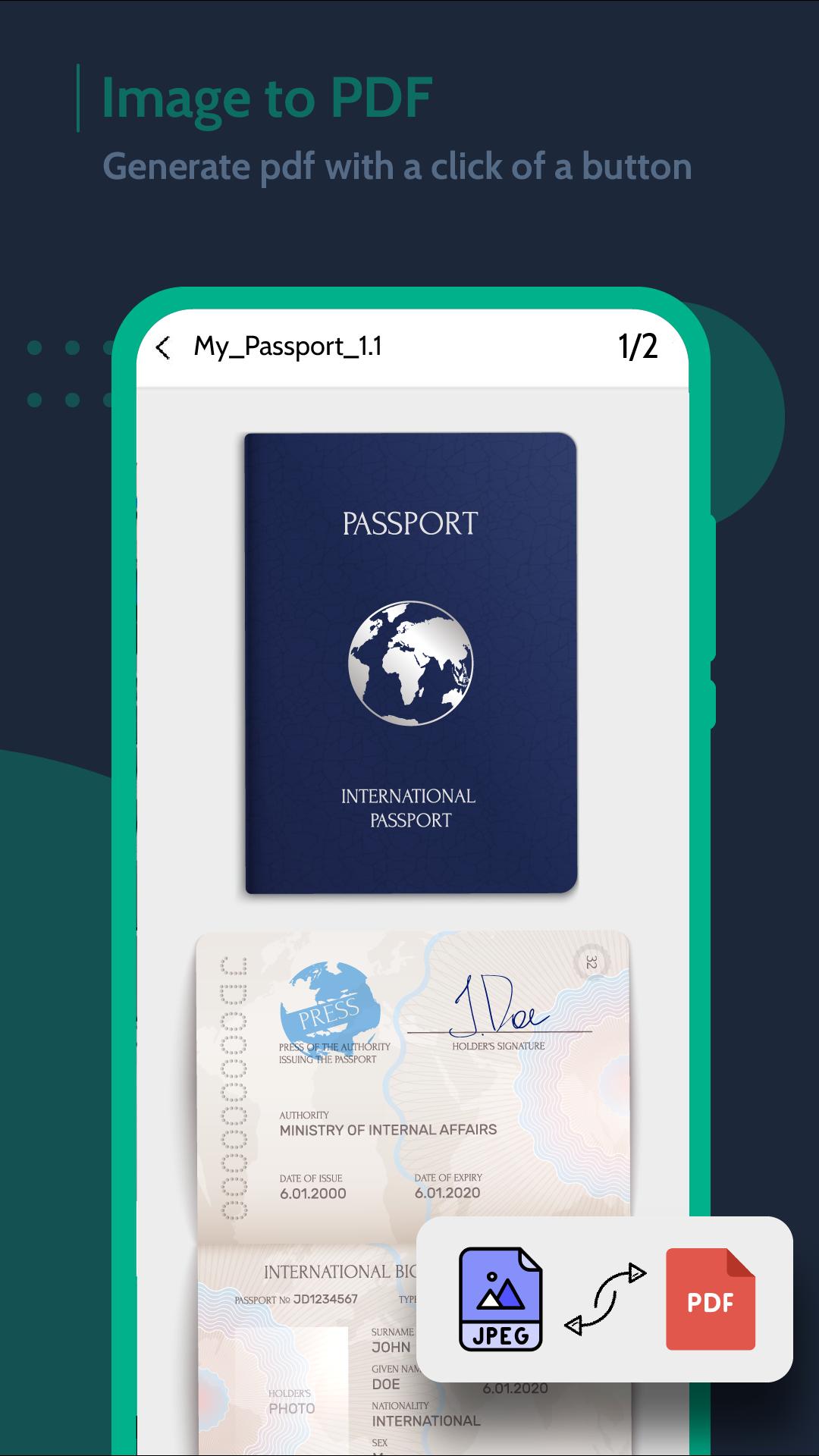
✓ High Quality PDF scanner
✓ Easily share docs in PDF or JPEG format through Email, WhatsApp, Social
Media

Jedno kliknięcie, aby zainstalować pliki XAPK/APK na Androidzie!

Dziękuję za ocenę i opinie!
Już oceniłeś.





