
How to Download Android App Older Versions
You can easily find old version history of your favorite apps on APKPure. In this article, you'll learn how to download and install older versions of an app.
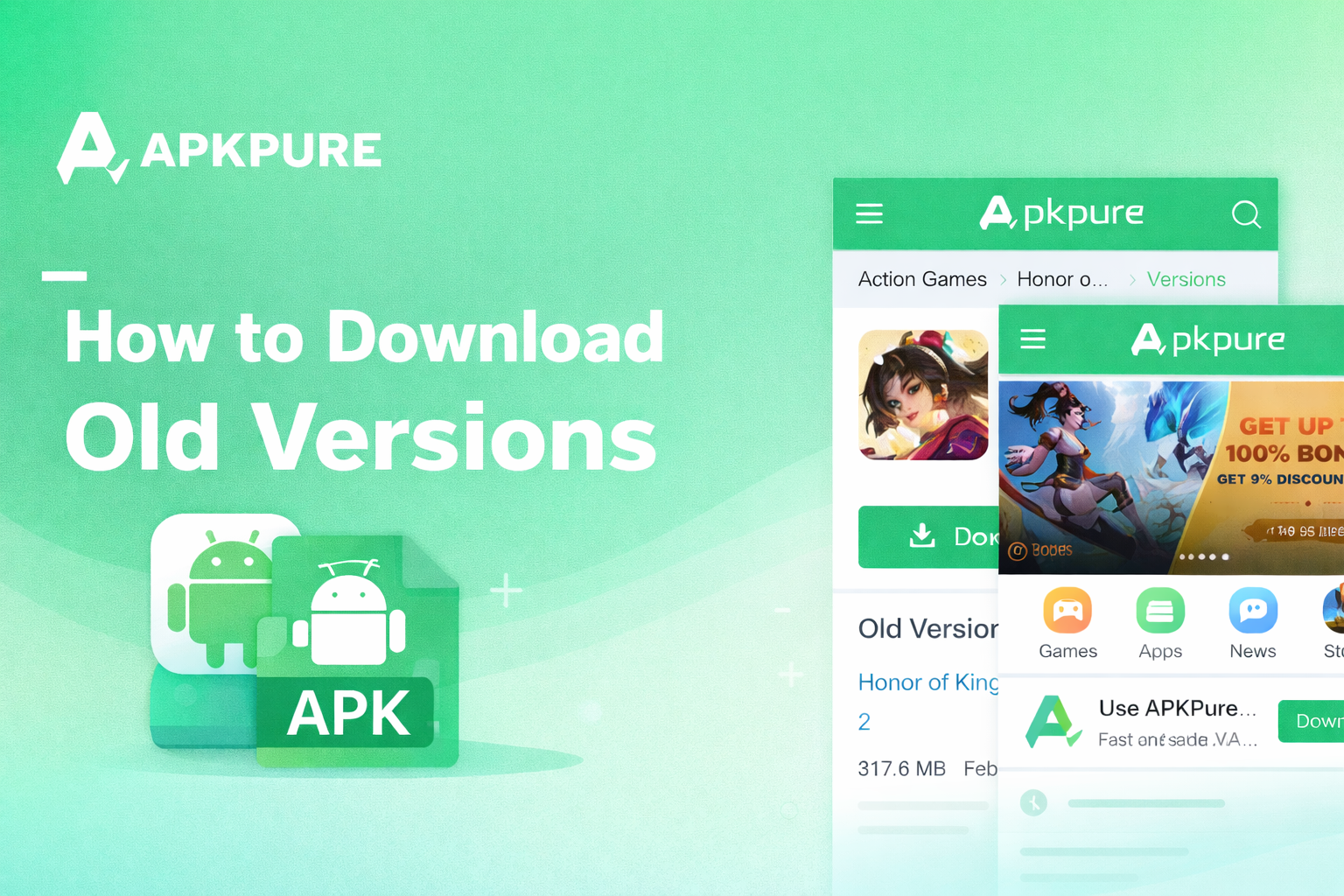
How to Download Old Versions on APKPure
One of the biggest advantages of APKPure compared to Google Play is that it saves older versions of each app. Below is a detailed guide on how to download older versions of Android apps:
- Search for the older version of the app you want to download in APKPure.
- Click to enter the app's details page.
- Scroll down to find the Old Versions section. Here you can see the app's version number, size, and release date; you can also click All versions to browse all previous versions.
- Select the specific version you want and click Download.
- After downloading, find the APK file in your download history and complete the installation.
Note: You can find older app versions on APKPure, but not all of them will install successfully. This usually depends on whether the developer supports backward compatibility for that specific version. Sometimes, developers will force an update to ensure security and user experience. In such cases, the system will block the installation of an old version.
FAQ
Is it safe to download older versions of apps?
Older versions of apps provided by APKPure are safe to download; you can scan the APK file with VirusTotal before installation. However, sometimes app version updates are specifically designed to address security issues, so you should carefully consider the risks before downloading older versions.
Why am I forced to update apps?
Forced updates are typically initiated by app developers to release new features or enhance security, ensuring you receive the latest services and security patches. Generally, developers also retain some stable older versions for users who don't want to update. If you don't want to update the app, you can disable forced updates in the app settings.