








Thanks for your rating and feedback!
You have already rated.


10.0
5 Reviews
15.9 MB
File Size
Everyone
Android 7.0+
Android OS
Merge, split, compress, sign & annotate PDFs. Offline. No subscription needed.
All-in-One PDF Editor, Scanner & Signer — free offline PDF tool
The complete offline PDF toolkit for Android — no subscription, no account, no Wi-Fi needed. Scan, sign, annotate,
merge, split, compress and more. Everything runs on your device; your files are never uploaded to any server.
WHY PDF UTILS?
• No subscription — upgrade once to remove ads, or use free forever
• 100% offline — works without internet, no server uploads, no privacy concerns
• All-in-one — 20+ PDF tools in a single free app
CREATE
• Document Scanner — scan to PDF with your camera. Auto edge-detection and perspective correction included.
• Image to PDF / Photo to PDF — convert JPG, PNG, TIFF, and BMP (including pictures and photos) to PDF. Free, offline.
• Text to PDF — convert custom text and emojis to PDF.
• Web to PDF — share any web page to our app and save as PDF.
SIGN & ANNOTATE
• Sign PDF / E-Signature — draw your digital signature and stamp it onto any PDF page. Drag to reposition before
saving.
• Annotate PDF / Highlight PDF — freehand draw, highlight, and mark up PDF pages directly. Full undo support.
• PDF Watermark — add text or image watermarks to your PDFs.
• Add Page Numbers — stamp page numbers onto any PDF.
EDIT
• Merge PDF / Combine PDF — merge PDFs or images into a single PDF file, free. Supports Google Drive and OneDrive.
• Split PDF — split PDFs into smaller files or extract specific pages from a PDF.
• Reorder PDF Pages — drag and drop pages into any order.
• Cut PDF / Extract Pages — cut pages or extract sections to reformat your content.
• Crop PDF — crop individual pages with a visual overlay.
• Rotate PDF — rotate pages 90, 180, or 270 degrees.
• Delete PDF Pages — remove any PDF page with a single swipe.
• PDF to Image — convert PDF pages to PNG or JPG.
• Extract Images from PDF — extract embedded images from any PDF.
PROTECT & COMPRESS
• Compress PDF / Reduce PDF Size — reduce PDF file size with quality control. Choose compression level and preview
results before saving. Free and offline.
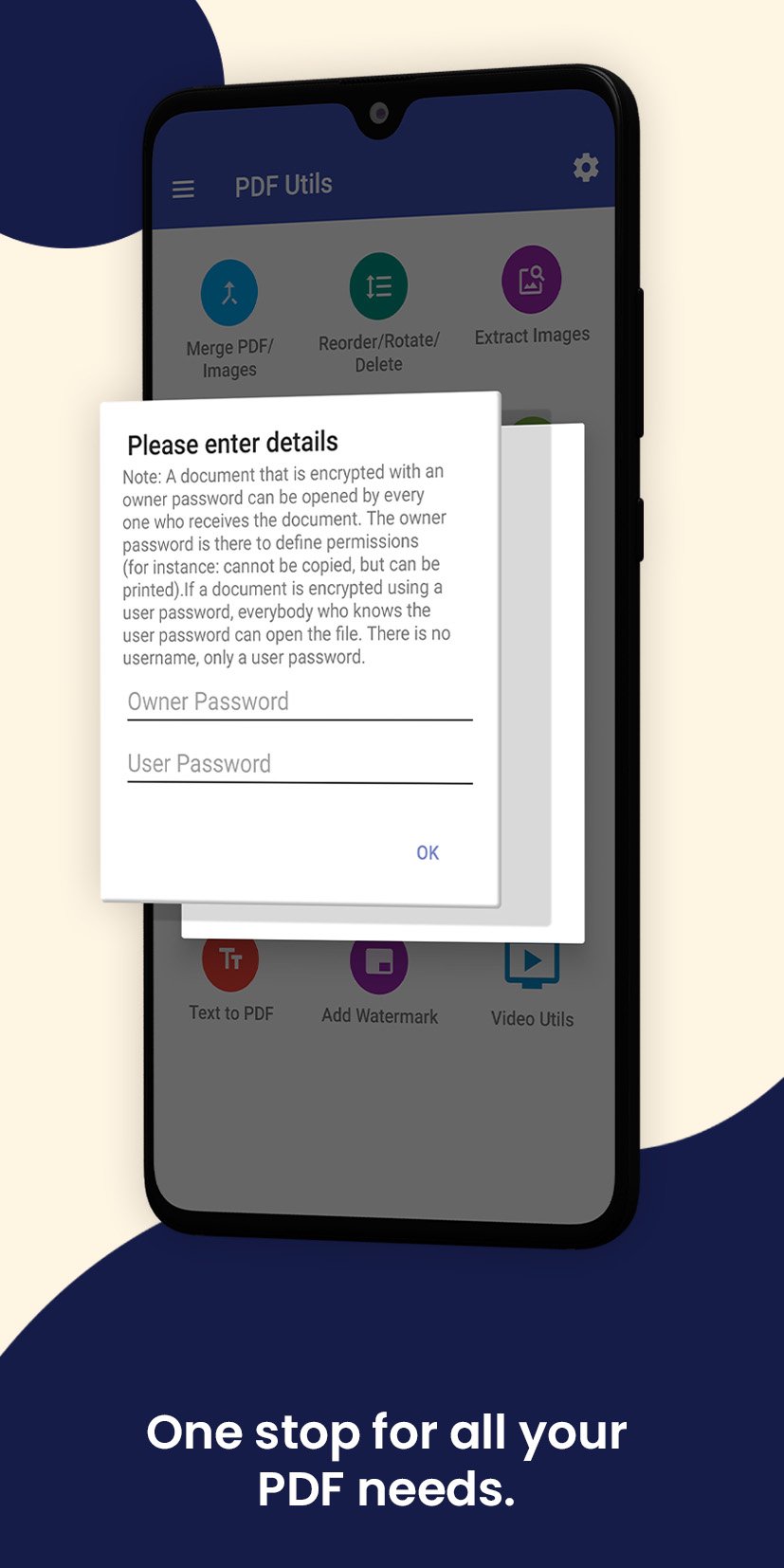
• PDF Password Protect — encrypt PDFs with owner and user passwords, or remove existing password protection.
READ
• PDF Reader / PDF Viewer — open and view PDFs with a smooth, customisable offline PDF viewer.
GREAT FOR
• Students — annotate lecture notes, merge assignments, compress files before submission
• Professionals — sign contracts, watermark documents, protect sensitive files with passwords
• Everyday use — scan receipts, ID cards, and documents; compress and share instantly
Works fully offline. No subscription required. Free PDF editor with optional ad-free upgrade. Supports Google Drive
and OneDrive — share any file to our app and start editing your PDFs instantly.
📺 Tutorial videos:
Merge PDF: https://youtu.be/Ws_-xr3VYhs
Reorder, Delete & Rotate: https://youtu.be/bpbS0XBDyyU
Cut PDF: https://youtu.be/kYbcGzNokqI
Extract Image: https://youtu.be/4v0ixO7co7A
Split PDF: https://youtu.be/puJZyPdT6eQ
Watermark: https://youtu.be/uHfH5wjBg_g
📧 Feedback or suggestions? pdfutils.shash9989@gmail.com
Love the app? Upgrade to ad-free to support development.



One-click to install XAPK/APK files on Android!
Thanks for your rating and feedback!
You have already rated.