Package Name:com.dsandds.pdftools.sp
Show More

37.5 MB
File Size
Everyone
Android 6.0+
Android OS
PDF tools: read, edit, sign, watermark & convert images to PDF. smart tools.
PDF Tools – Read, Edit, Sign & Convert PDF Files Easily
Manage your documents efficiently with a powerful and easy-to-use PDF tools app designed for everyday productivity. This all-in-one PDF editor and viewer allows you to read, edit, organize, and create PDF files directly from your device without complex steps.
With this versatile PDF reader and editor, you can view all your PDF files, make quick edits, add signatures, and convert images into PDFs. Whether you're a student, professional, or regular user, this PDF management app helps simplify document handling in one place.
KEY FEATURES:
PDF Reader & Viewer
Open and read PDF files quickly with a smooth and simple PDF viewer. Access all your documents in one place and navigate easily.
Edit PDF Files
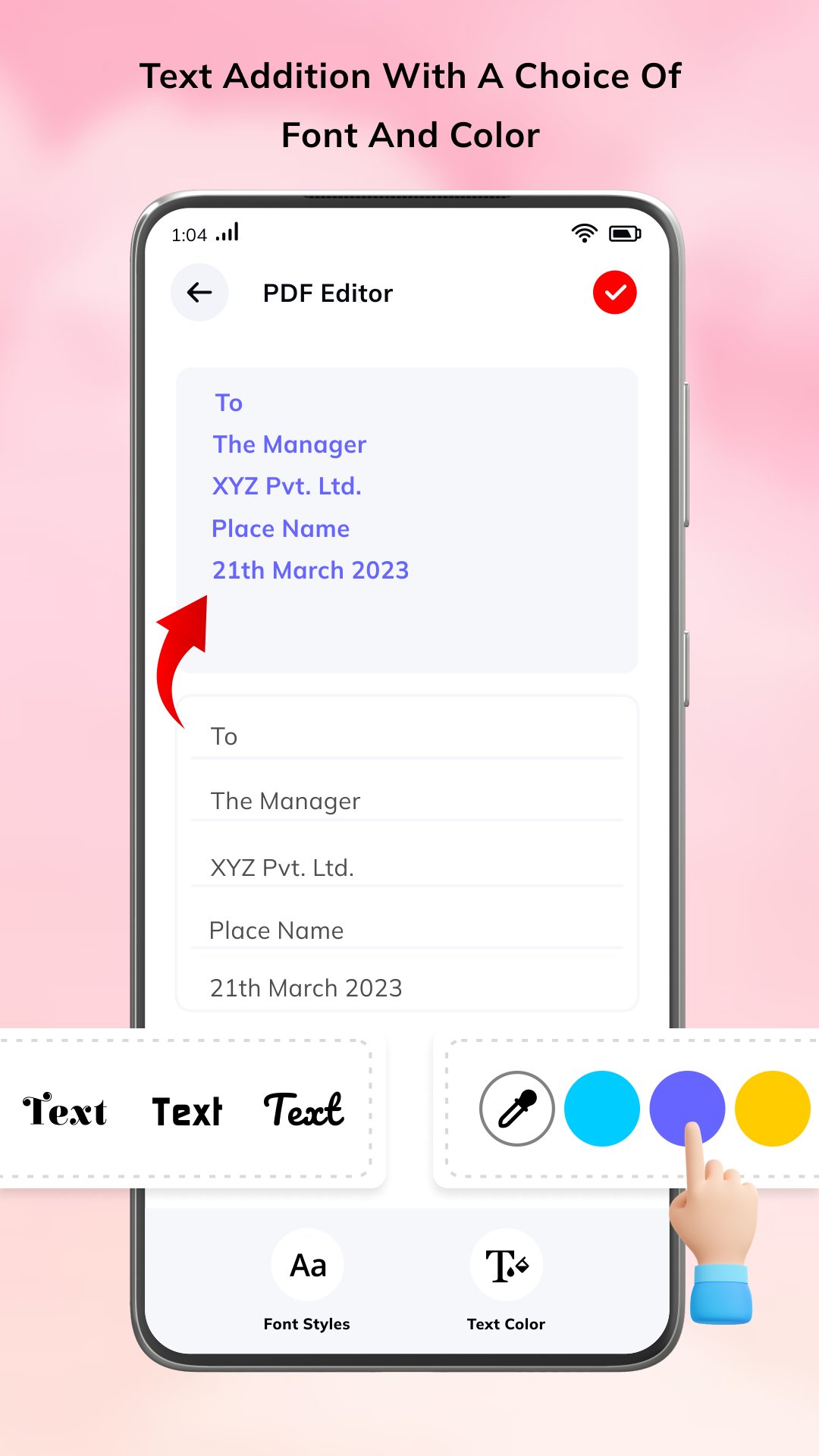
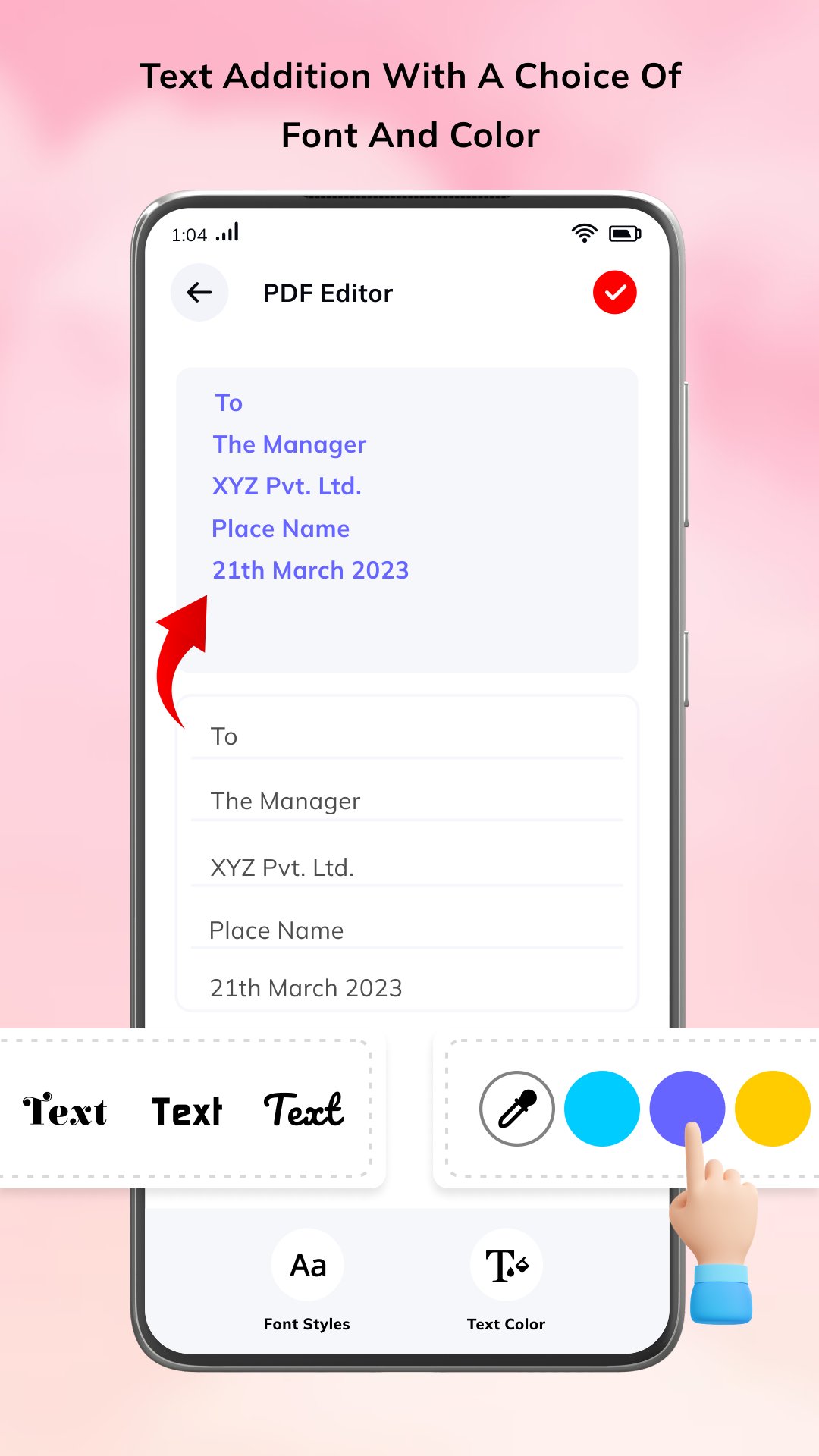
Make basic edits to your PDF content with an easy-to-use PDF editor tool designed for mobile users.
Add Signature to PDF
Draw your signature and apply it directly to your documents. Ideal for forms, approvals, and digital signing needs.
Image to PDF Converter
Convert images from your gallery or camera into PDF files quickly using the built-in image to PDF converter.
Add Watermark to PDF
Protect your documents by adding custom watermarks such as text or signature overlays.
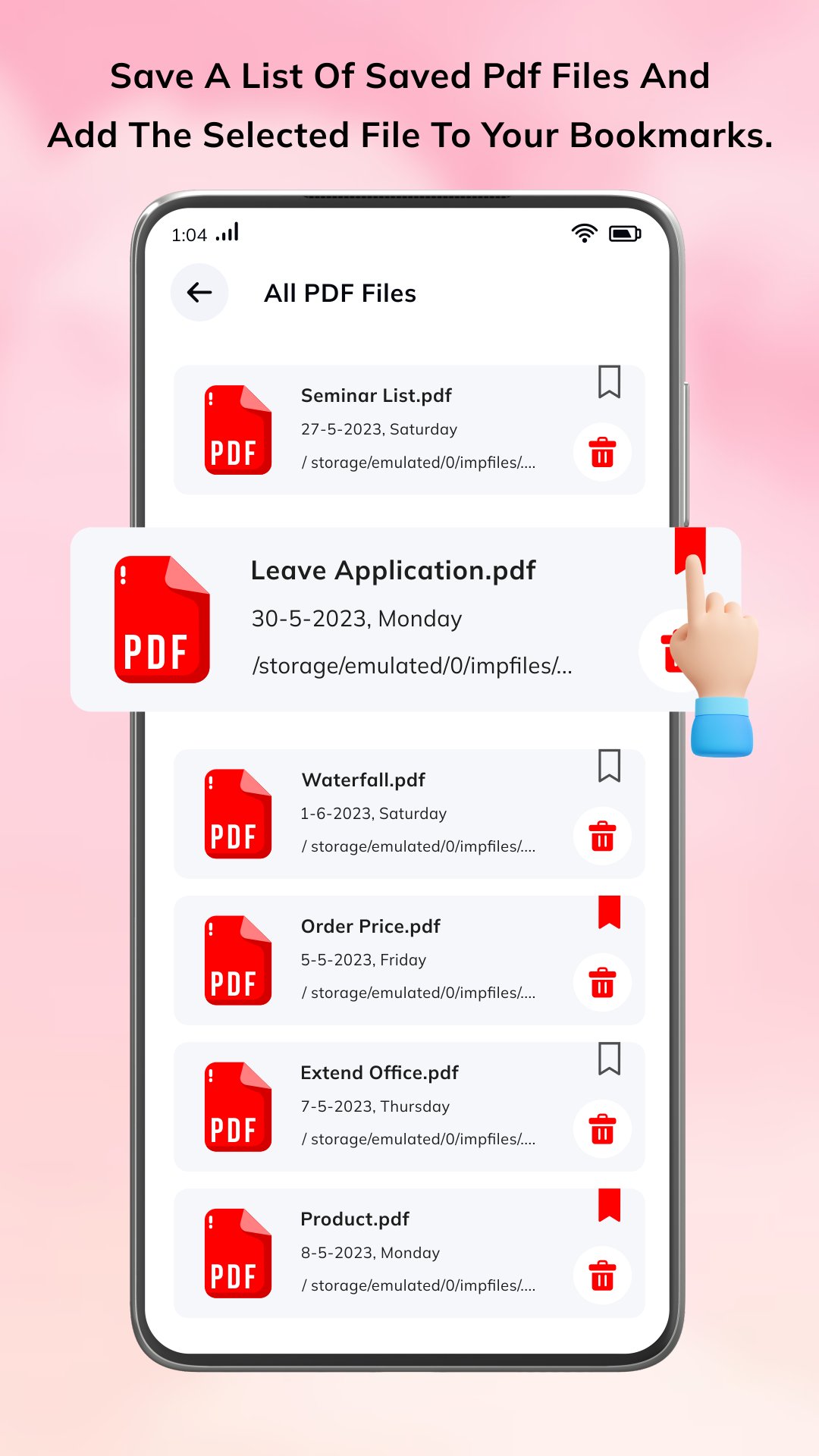
All PDF File Manager
View, organize, and manage all your PDF files in one place. Easily select, open, share, or delete files as needed.
Bookmark & File Access
Quickly access important files and manage frequently used documents with organized file display.
Share & Manage Documents
Share PDF files with others directly from the app and manage document storage efficiently.
WHY USE THIS PDF TOOLS APP?
Simple and user-friendly PDF reader and editor app
All essential PDF tools in one place
Fast image to PDF conversion
Easy digital signature and watermark support
Lightweight and optimized for smooth performance
Suitable for daily document management
COMMON USE CASES:
Read and manage PDF documents
Sign documents digitally on your phone
Convert images into PDF files
Organize work, study, or personal files
Add watermark for document identification
PDF tools help users manage documents efficiently by combining reading, editing, and conversion features into one application.
HIGH SEARCH KEYWORDS (ASO OPTIMIZATION):
pdf tools, pdf editor app, pdf reader, pdf viewer, sign pdf app, image to pdf converter, pdf creator app, edit pdf files, pdf watermark app, pdf manager, pdf scanner app, document reader, pdf file editor, pdf organizer app, mobile pdf tools, pdf converter app free
HOW TO USE:
Open the app and select a PDF file or image
View or edit your document as needed
Add signature or watermark if required
Save and manage your files easily
Share documents directly from the app
IMPORTANT NOTES (POLICY COMPLIANT):
Some editing features may vary depending on file type
Performance may depend on device storage and processing capability
Ensure required permissions (storage access) are enabled for proper functionality
The app processes files locally on your device
Download now and simplify your document workflow with an easy-to-use PDF tools app to read, edit, sign, and convert PDF files anytime, anywhere.
Thank you






One-click to install XAPK/APK files on Android!

Thanks for your rating and feedback!
You have already rated.