Scan Date:Mar 6, 2026
Show More


43.8 MB
File Size
Everyone
Android 8.0+
Android OS
Create PDF files on your device for images, docs offline.
Convert Your Documents with PDF Maker - The Ultimate Conversion Companion!
📄 Transform your documents and images into professional, password-protected PDFs with PDF Maker and Reader. Whether you're compiling reports, creating portfolios, or just organizing receipts, our app makes the process seamless and secure.
🌟 Key Features of PDF Maker - Photo to PDF Converter:
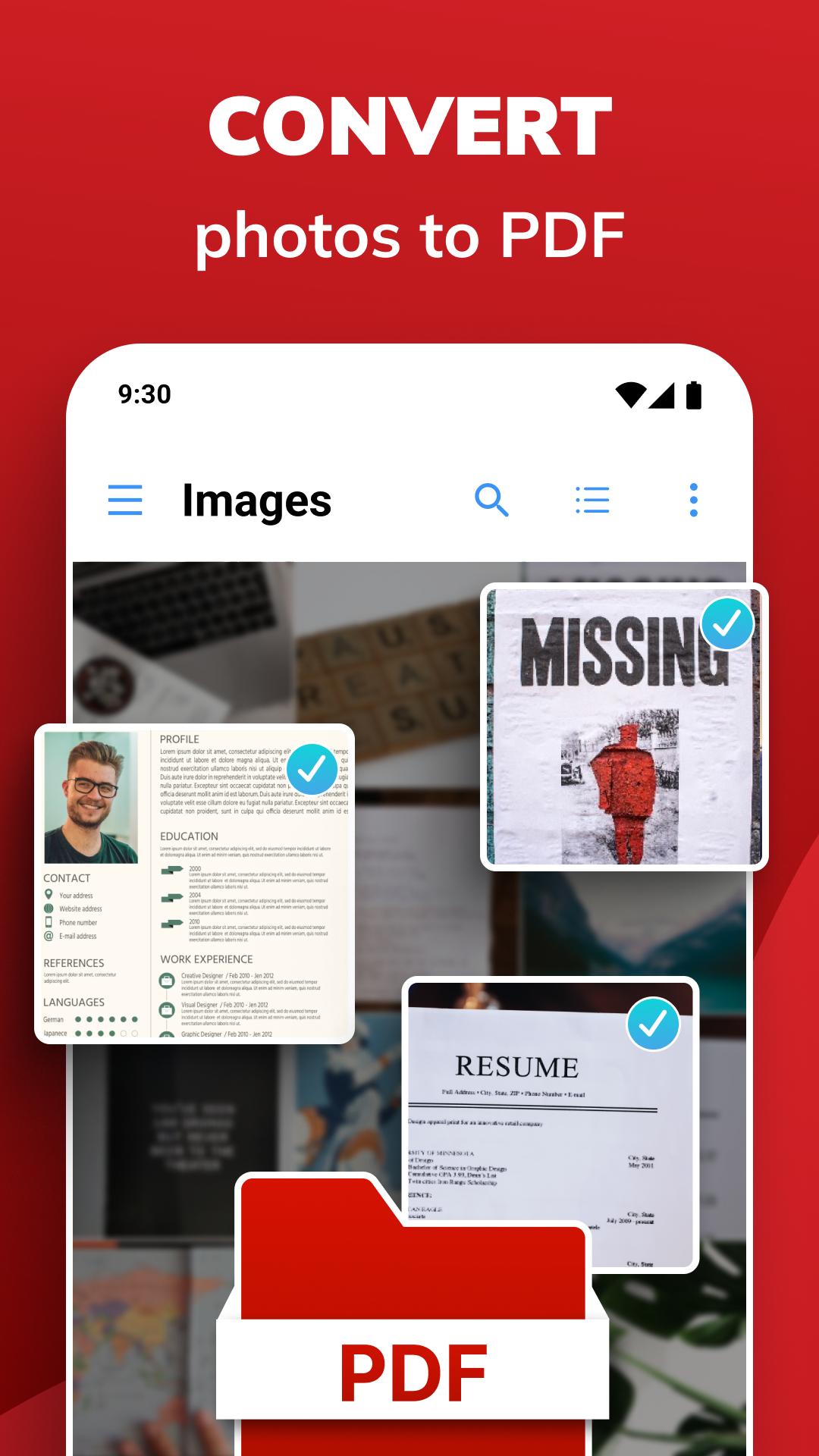
✅ Effortless Conversion: Turn your photos, images, and text documents into PDFs with just a few taps.
✅ Customization at Your Fingertips: Adjust margins, compress images for smaller file sizes, and improve your documents.
✅ Enhance & Personalize: Add, position, resize, and rotate images to create a uniquely yours PDF. Easy to use PDF Free Maker App!
✅ Work on Your Terms: Save your progress and pick up where you left off. All documents are stored for future editing and reuse.
✅ Complete Control: Open, share, print, or delete PDF files directly from the app. Plus, send images and text from other apps to PDF Maker to easily add your documents.
✅ Quality Assured: Convert your documents without losing clarity, and add that professional touch without any watermarks.
🚀 Why Choose PDF Maker - Image to PDF Converter?
🌟 Go Offline: No internet? No problem! Convert Photos to PDF anytime, anywhere.
🌟 Fast & Efficient: Enjoy quick Image to PDF conversions and a user-friendly interface that completes the job in seconds.
🌟 Share with Ease: Distribute your newly created PDFs with friends, family, or colleagues in just a few taps.
🌟 No Sign-Up Required: Jump straight into converting without tedious registration processes.
🌟 Security First: Protect sensitive information with robust encryption and password protection.
🌟 Versatile & Powerful: From photos to text, convert a wide range of file formats into sleek, professional PDFs.
📲 How to Use PDF Maker and Reader:
👍 Select & Convert: Pick your images or documents and let our app transform them into a polished PDF.
👍 Review & Share: Access your PDFs in a dedicated folder, then share your documents as you see fit.
👍 Customize to Your Needs: Edit, crop, set page sizes, apply grayscale, and adjust borders to create the perfect document.
👑 Elevate Your Productivity:
Photo to PDF Converter isn't just an app; it's a productivity powerhouse. Scan, convert, and create documents that stand out. From personal projects to professional tasks, our app is your go-to for all things PDF.
💼 Your Professional Edge:
Create documents that reflect your professionalism. With our powerful editing tools and sleek interface, you'll craft PDFs that impress instantly.
🔒 Privacy Protected:
Photo to PDF Converter App keep your documents yours alone. With advanced encryption and password protection, your sensitive information stays secure. Discover why this is one of the most popular PDF Free Maker Apps!
🌟 Try PDF Maker and Reader now and experience the ultimate in document conversion and customization!
📥 Ready to Transform Your Files?
Download PDF Maker and Reader today and experience the ease and efficiency of the ultimate PDF conversion tool. Remember, it's not just fast—it's SUPERFAST!



One-click to install XAPK/APK files on Android!

Thanks for your rating and feedback!
You have already rated.