Scan Date:Jun 19, 2026
Show More

26.1 MB
File Size
Everyone
Android 12.0+
Android OS
Edit, sign, scan & compress PDFs. Add text, images and signatures. No limits.
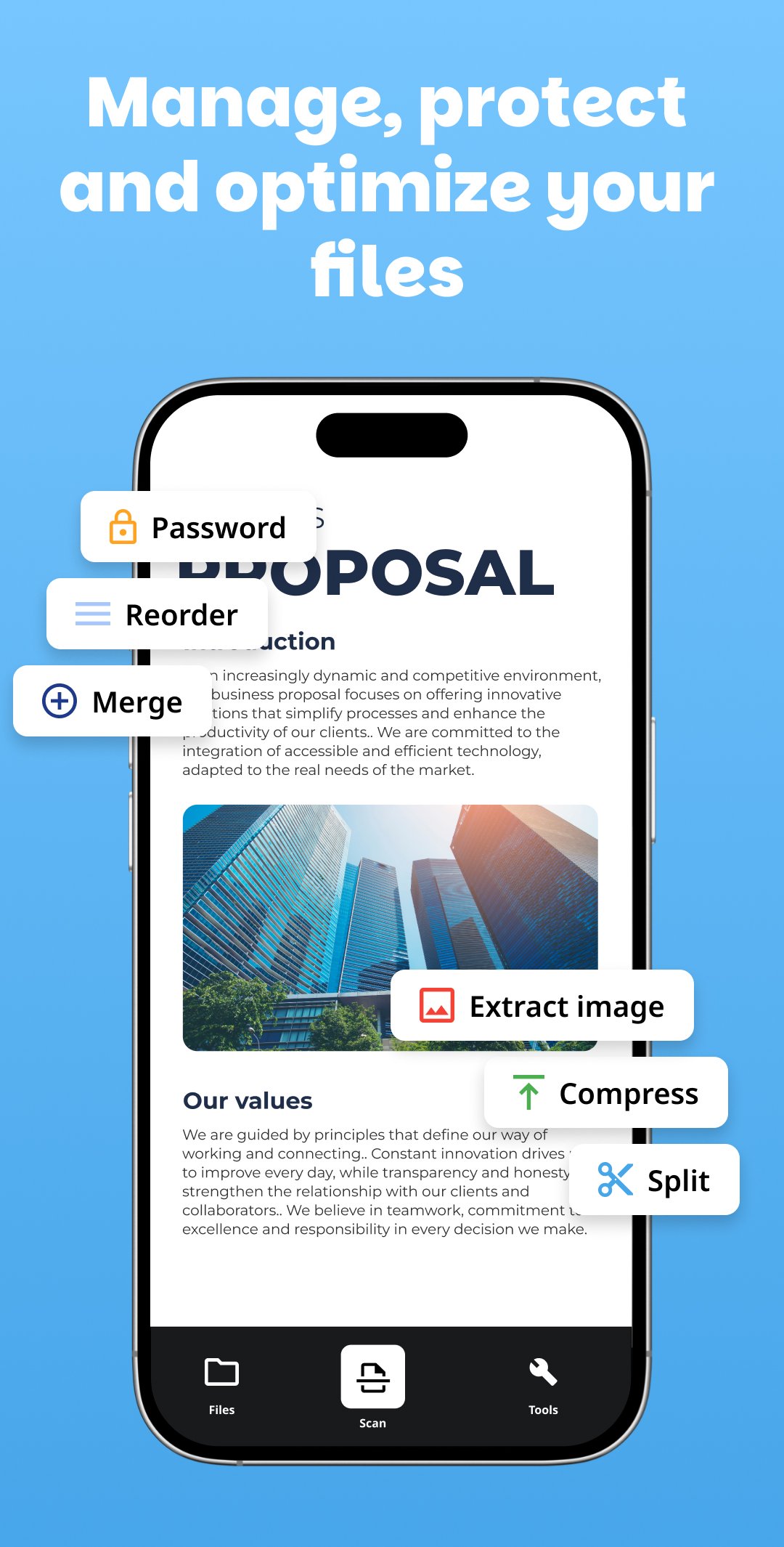
PDF Editor: the complete tool to edit, sign, scan and manage your PDF files from your Android, for free and without registration.
Whether you need to fill out a contract, scan an invoice, or compress a heavy file, this app has everything you need in one place.
────────────────────────────
✏️ EDIT & DELETE TEXT
────────────────────────────
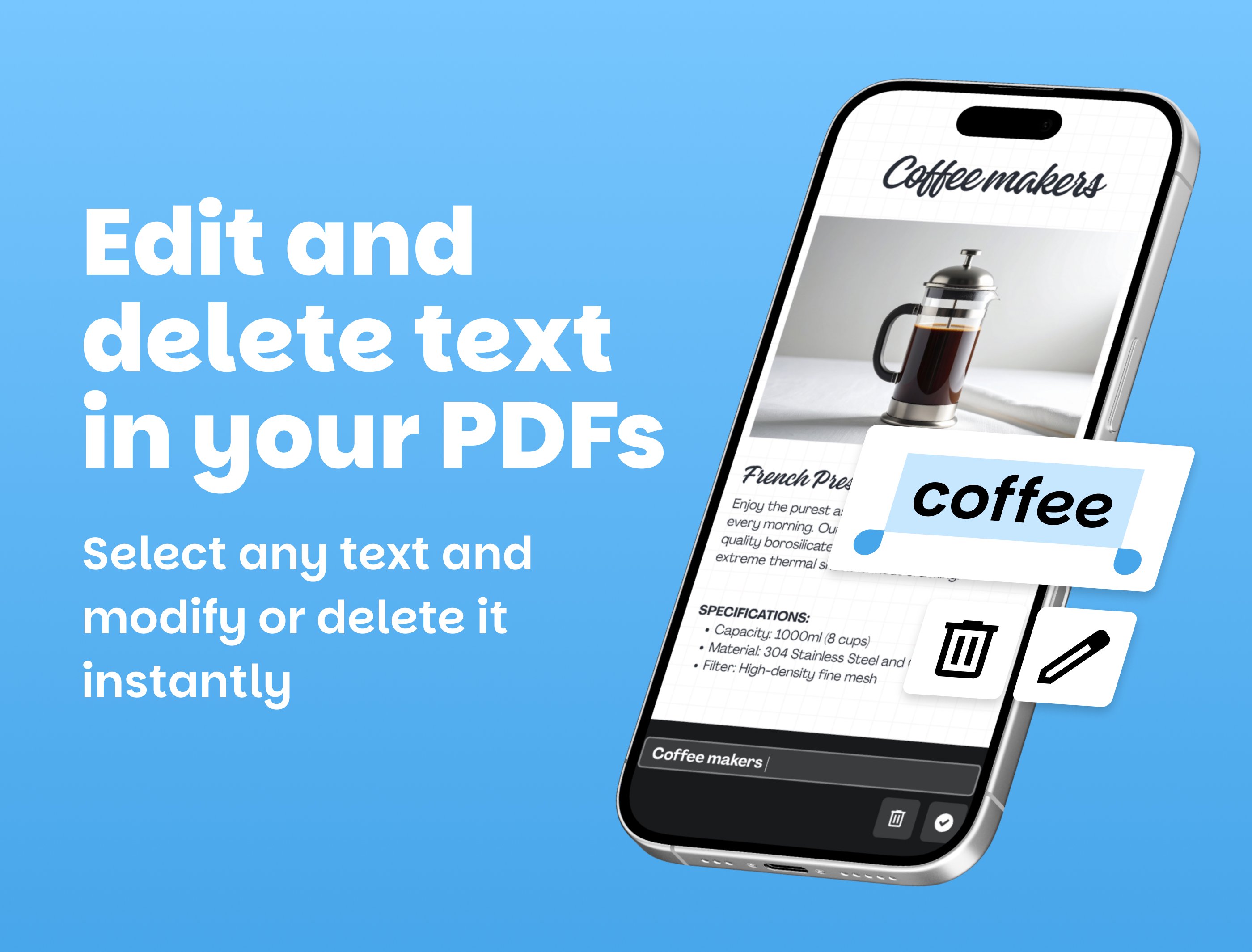
Select any text in your PDF and edit or delete it instantly. Place new text anywhere on the page, choose the font size and color.
────────────────────────────
🖊️ SIGN PDF
────────────────────────────
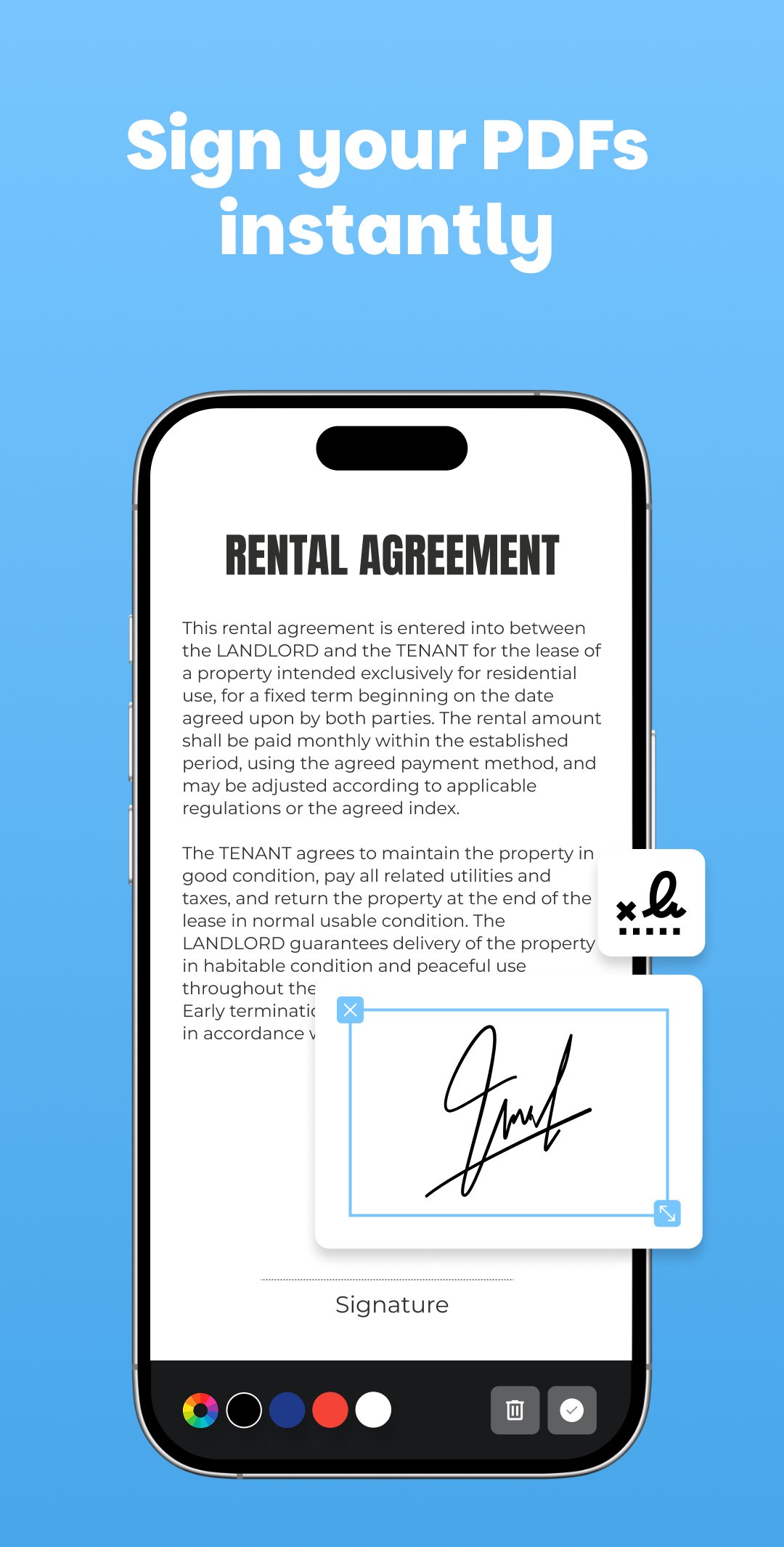
Draw your signature with your finger, choose its color, and place it anywhere on the document. Your signature is saved so you can reuse it on any page or file, as many times as you need.
────────────────────────────
🖼️ ADD TEXT AND IMAGES
────────────────────────────
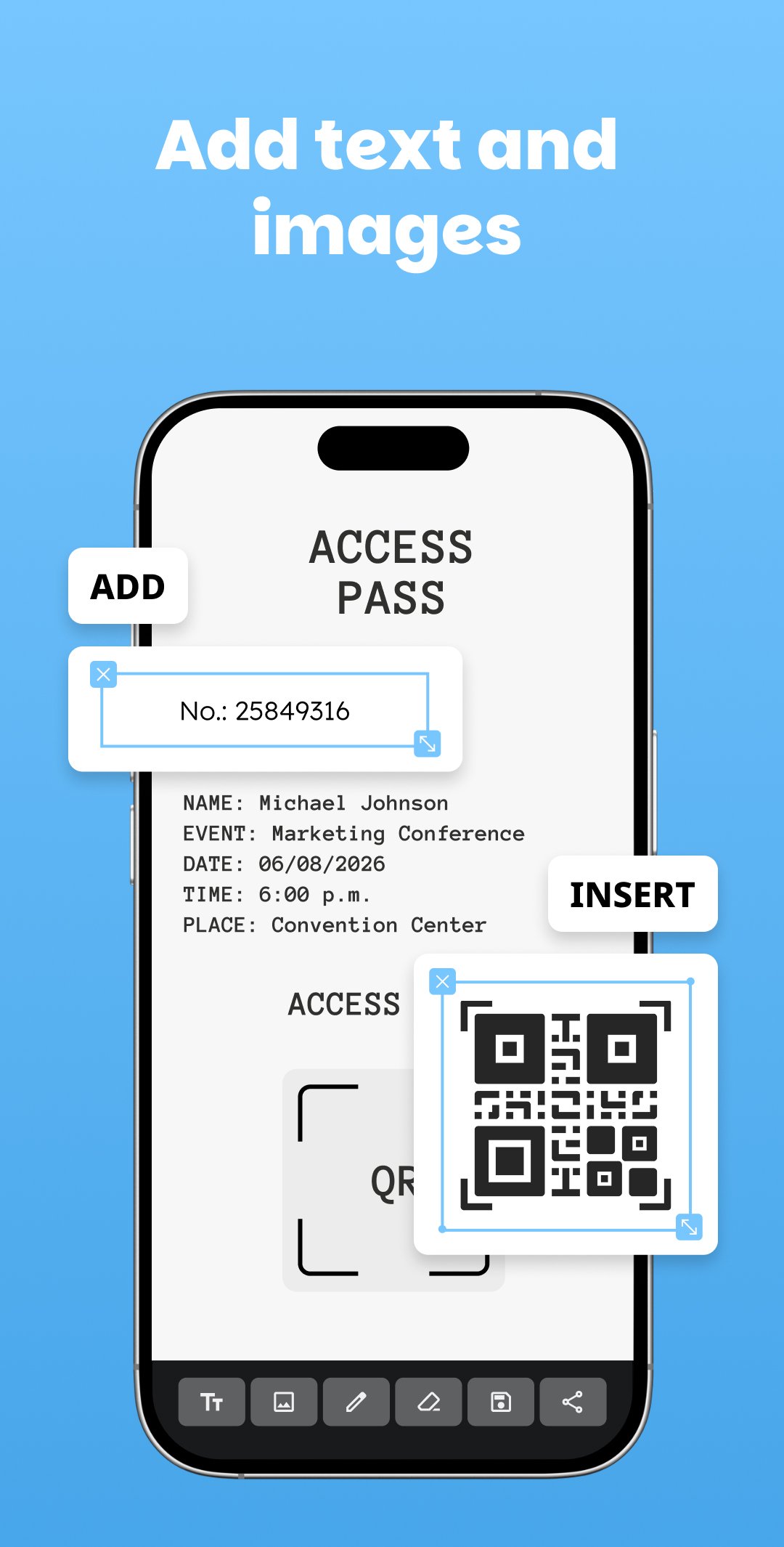
Insert text boxes and images anywhere in your PDF. Perfect for completing forms, adding logos, stamps, or personalizing any document.
────────────────────────────
📷 SCAN DOCUMENTS WITH AI
────────────────────────────
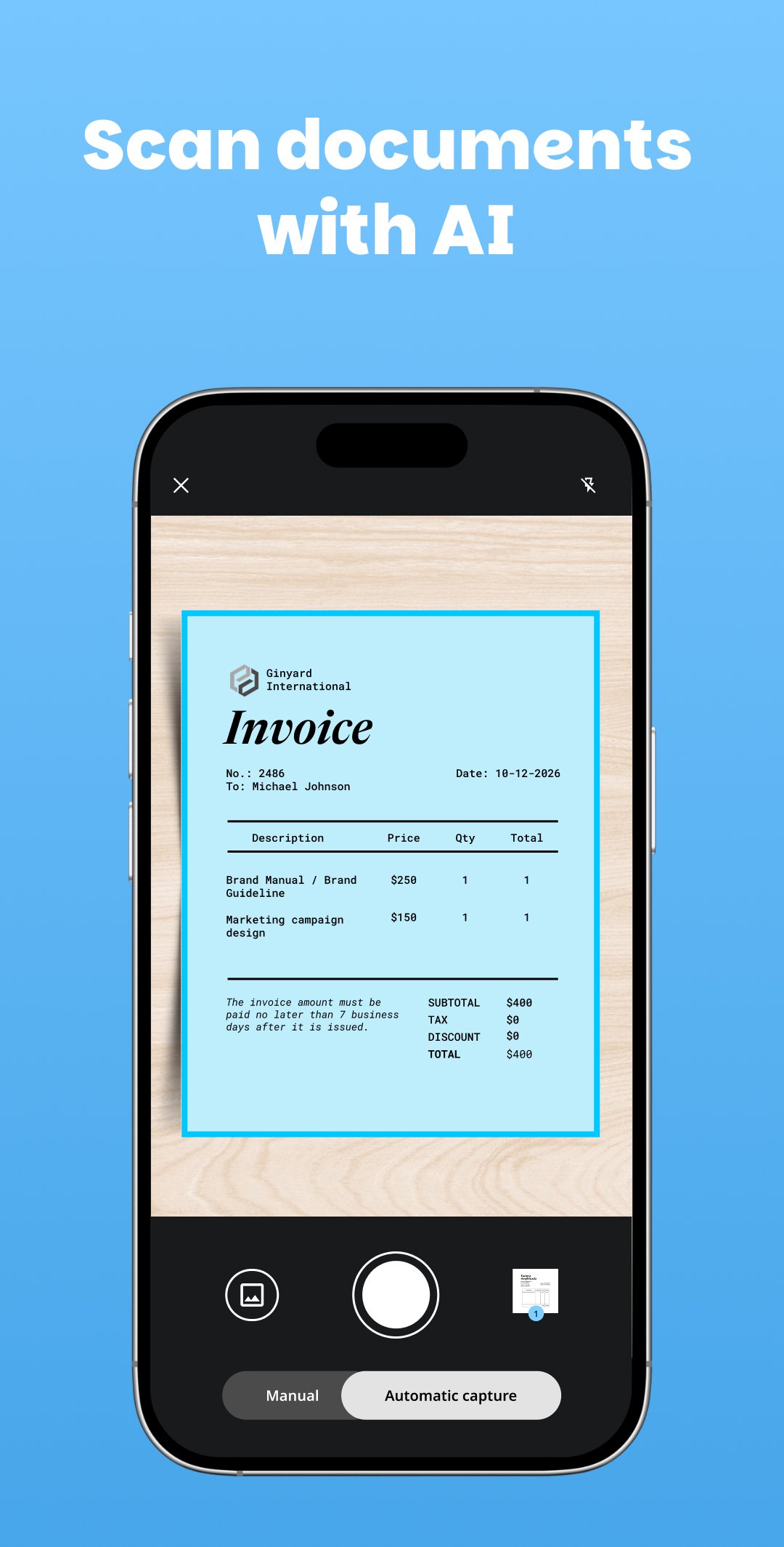
Point your camera at any paper document and the app automatically detects and captures it. AI converts it into a clean, editable PDF file in seconds.
────────────────────────────
✍️ FILL OUT FORMS
────────────────────────────
Type on top of any PDF to fill out applications and forms without printing.
────────────────────────────
🔒 PASSWORD PROTECT
────────────────────────────
Protect your PDF files with a password to prevent unauthorized access. Keep your sensitive documents safe.
────────────────────────────
🗜️ COMPRESS PDF
────────────────────────────
Reduce the size of your PDF files without losing quality. Ideal for sending files by email or WhatsApp.
────────────────────────────
✂️ SPLIT AND MERGE PDF
────────────────────────────
Split a PDF into multiple files or merge several PDFs into a single document.
────────────────────────────
📑 ORGANIZE PAGES
────────────────────────────
Reorder, move, or delete pages with a simple drag-and-drop interface.
────────────────────────────
🖼️ EXTRACT IMAGES
────────────────────────────
Extract any image embedded in a PDF and save it to your device with a single tap.
────────────────────────────
WHY CHOOSE THIS PDF EDITOR?
────────────────────────────
✅ Free and without registration
✅ No editing limits
✅ All tools in one app
✅ Clean and intuitive interface
────────────────────────────
FREQUENTLY ASKED QUESTIONS
────────────────────────────
❓ How to edit a PDF document?
Select the text you want to modify, edit it directly or delete it, and save the document.
❓ Can I sign a PDF on multiple pages?
Yes. Your signature stays saved for quick use on any page of the file.
❓ Is the scanner automatic?
Yes. The AI detects document edges and captures them instantly, or you can do it manually.
❓ Can I merge several PDFs into one?
Sure! Select multiple PDFs and combine them into one single document.
💬 Missing a feature? Leave a comment, your feedback shapes the next update.
Download PDF Editor now and take your productivity to the next level!

One-click to install XAPK/APK files on Android!

Thanks for your rating and feedback!
You have already rated.