Scan Date:Apr 13, 2026
Show More


30.4 MB
File Size
Everyone
Android 8.0+
Android OS
Password Manager App protects your Private Data! Lock it before it too late.
🔐Tired of memorizing many passwords or irritated of forgetting them? 🔐
Password Manager App: Keepass 🔑 helps you store all your logins, passwords, and other private information safely and securely in encrypted cloud storage. This free “password manager” secures your passwords and personal information in an encrypted password vault. The only thing that you have to do is to remember your one password which is used as encryption keychain access. It is powerful encryption that protects your password & secures it
Along with being the best password manager, it lets you store your data on cloud storage. With cloud storage, you can have ultimate security of your data and passwords which no one can ever hack. With such security and anti-theft features, this password manager app would make your life quite easy. I hope you enjoy the password keeper app and make full use of it.
💭 CLOUD STORAGE
Your data is automatically synchronized with your cloud account. This way you can easily restore your entire data from a cloud to a new phone or computer if it gets lost or an upgrade is needed. Get your phone, tablet, and computer automatically synchronized between each other via a cloud. Cloud it before your loose it. Getting it on cloud would make your data and passwords safe from any attack and it can be accessed from anywhere around the world.
🔑 SYNC ALL YOUR PASSWORDS ACROSS VARIOUS DEVICES
With this password manager, manage access and keep your passwords updated from anywhere. Now take control of your every password. Password manager is completely designed in a way to provide you with the ease of getting a password whenever it is needed. The password will be saved with your email ID and you can retrieve it anytime.
EASY TO USE
This Password keeper is easy to use. Just you are handling your data. You don’t need to get afraid about any data leak, hacked server data or similar as the Password Manager is incredibly advanced. You nonetheless have the opportunity to backup your data and restore them easily. You can have one password for all the apps or your can have multiple passwords for different apps
🔑 PASSWORD GENERATOR
Generate your unique password through this Password generator. It is easy to stay secure with unique passwords and is also extremely difficult to hack your unique passwords. If you need a new strong password you can simply create one with the built-in password generator. Generate your passwords and keep them all in one place. Do not share your passwords with anyone.
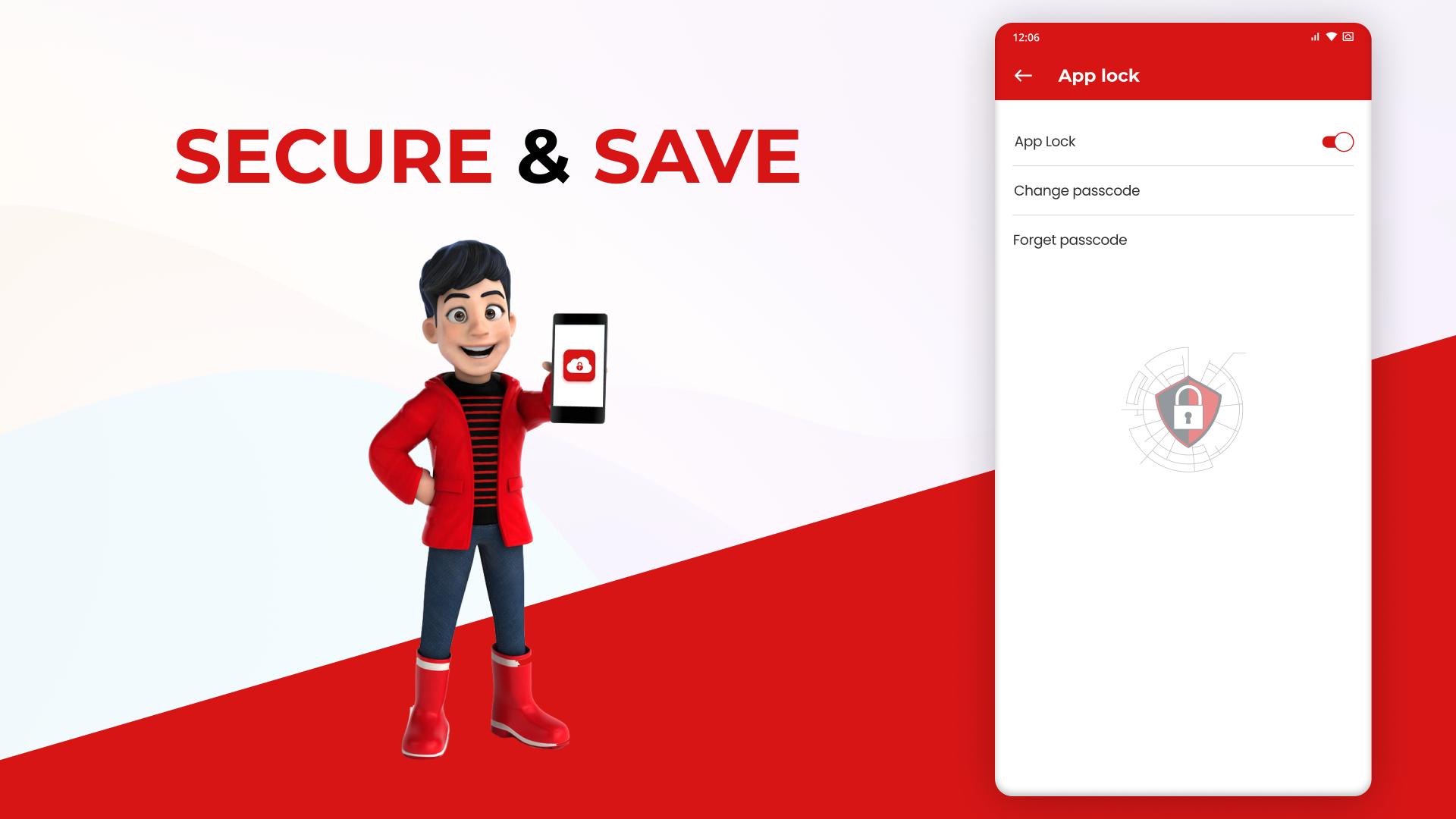
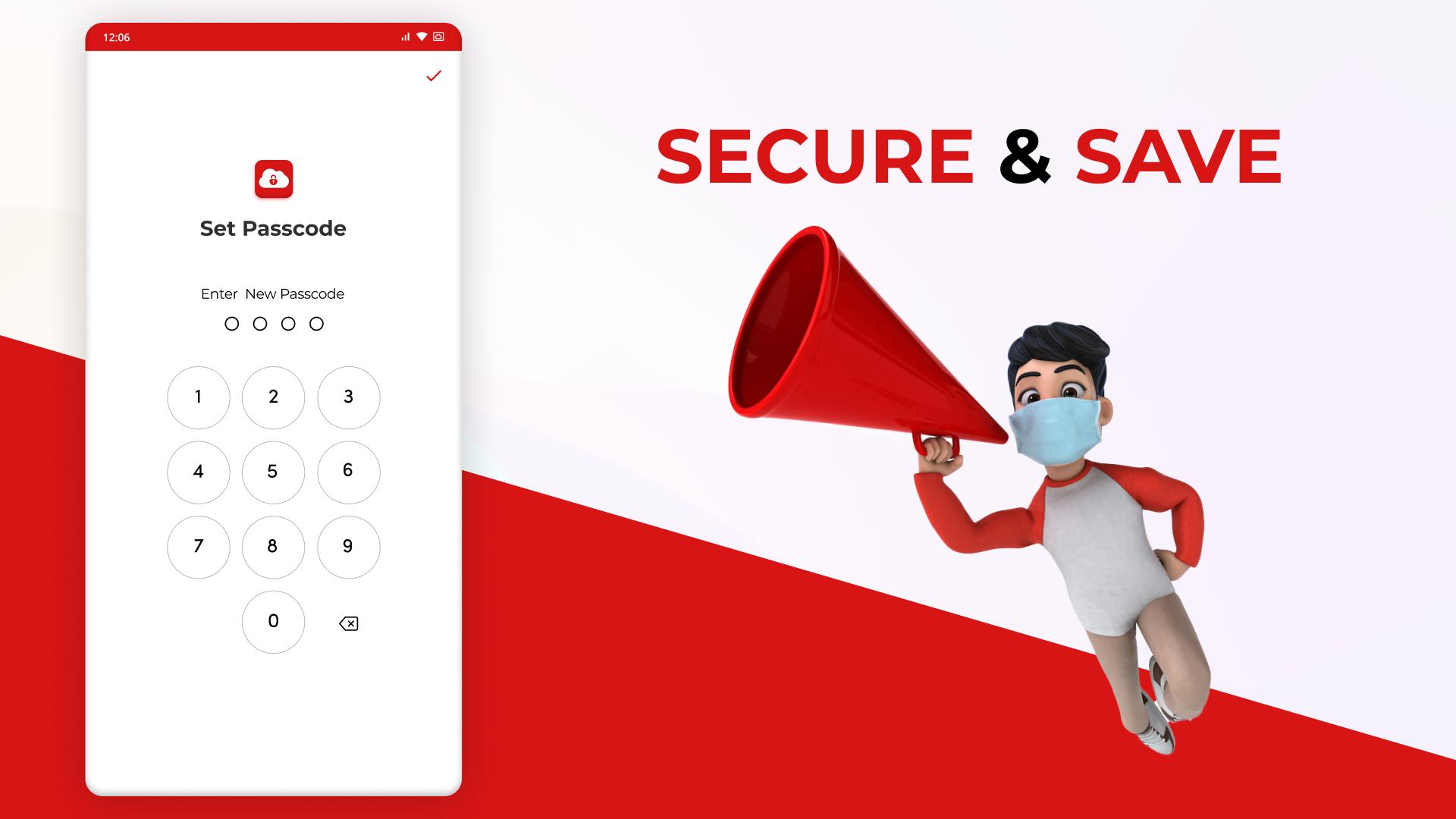
🔑 LOCK APPS AND UNLOCK THEM THROUGH A PASSCODE
This Password App can lock pictures and videos. Only you’ll have an access to all your photos and videos. Protect passwords and private memories easily. Only one pin can do it all. It is like a password vault for all your data to be secured. This Password App contains advanced security system. Stay safer!
🔐 PROTECT YOUR CREDENTIALS
Protect all your passwords for apps. Now you can surf the internet without remembering passwords for every website. Be advanced and stop getting worried about forgetting your passwords It’s simple and easy to recover your passwords and resume your activities. Since you would only have the access to the passwords, no one can access them. This is your Backup assistant and Password Manager
KEY FEATURES
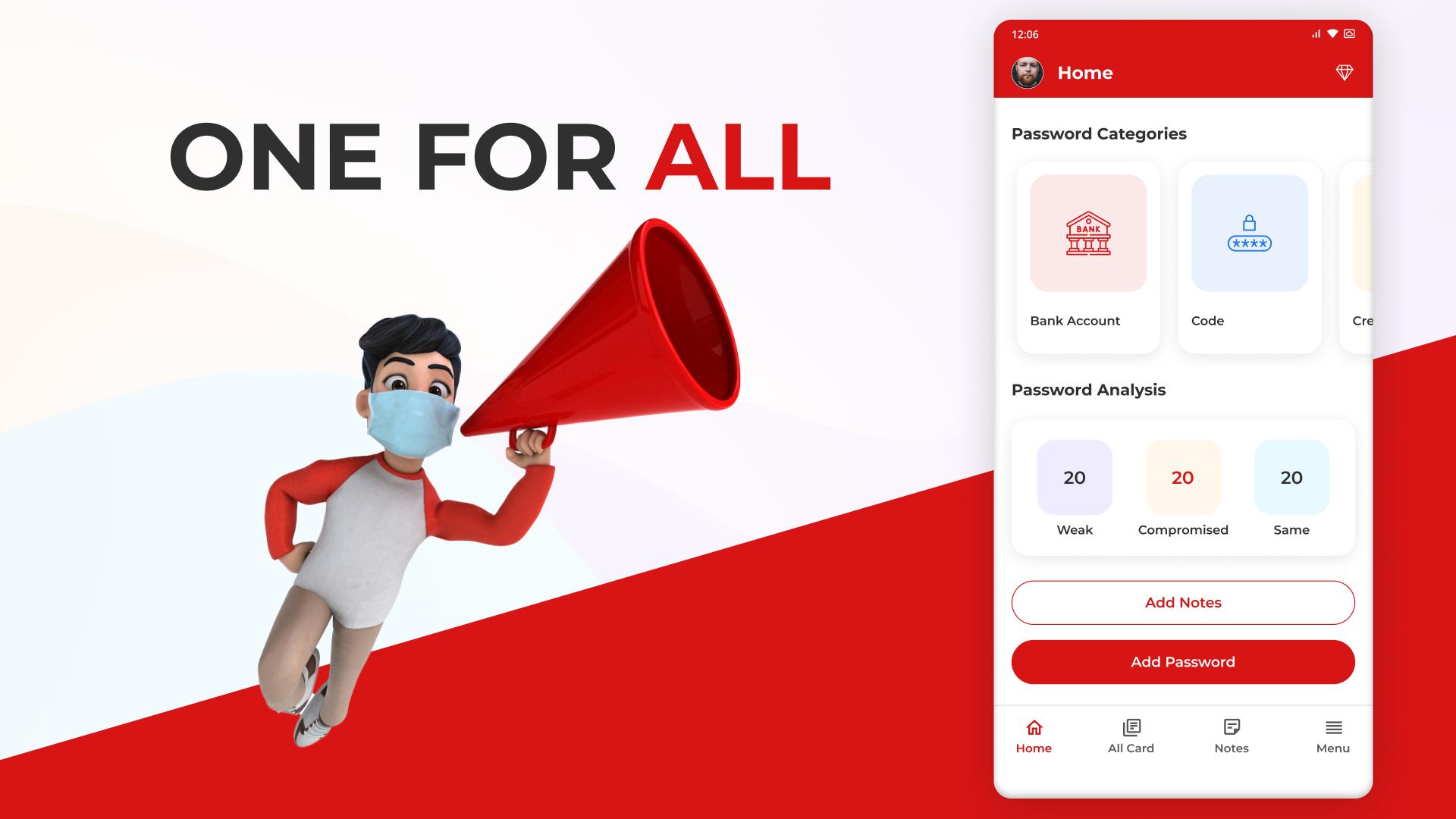
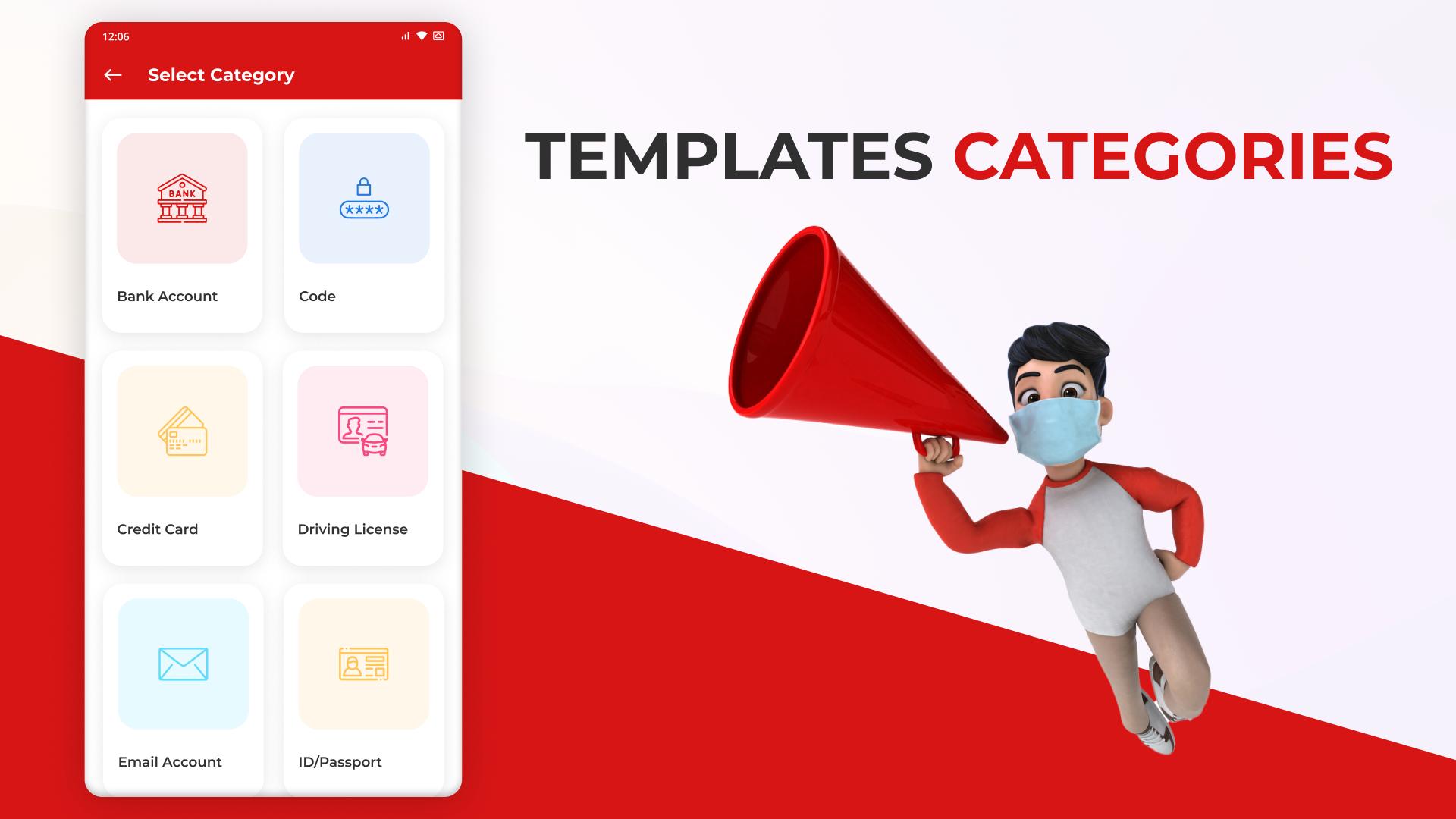
🔐 All kinds of password-saving services
🔐 UX/UI design/Colored Theme
🔐 Advanced and Strong Encryption
🔐 Cloud synchronization
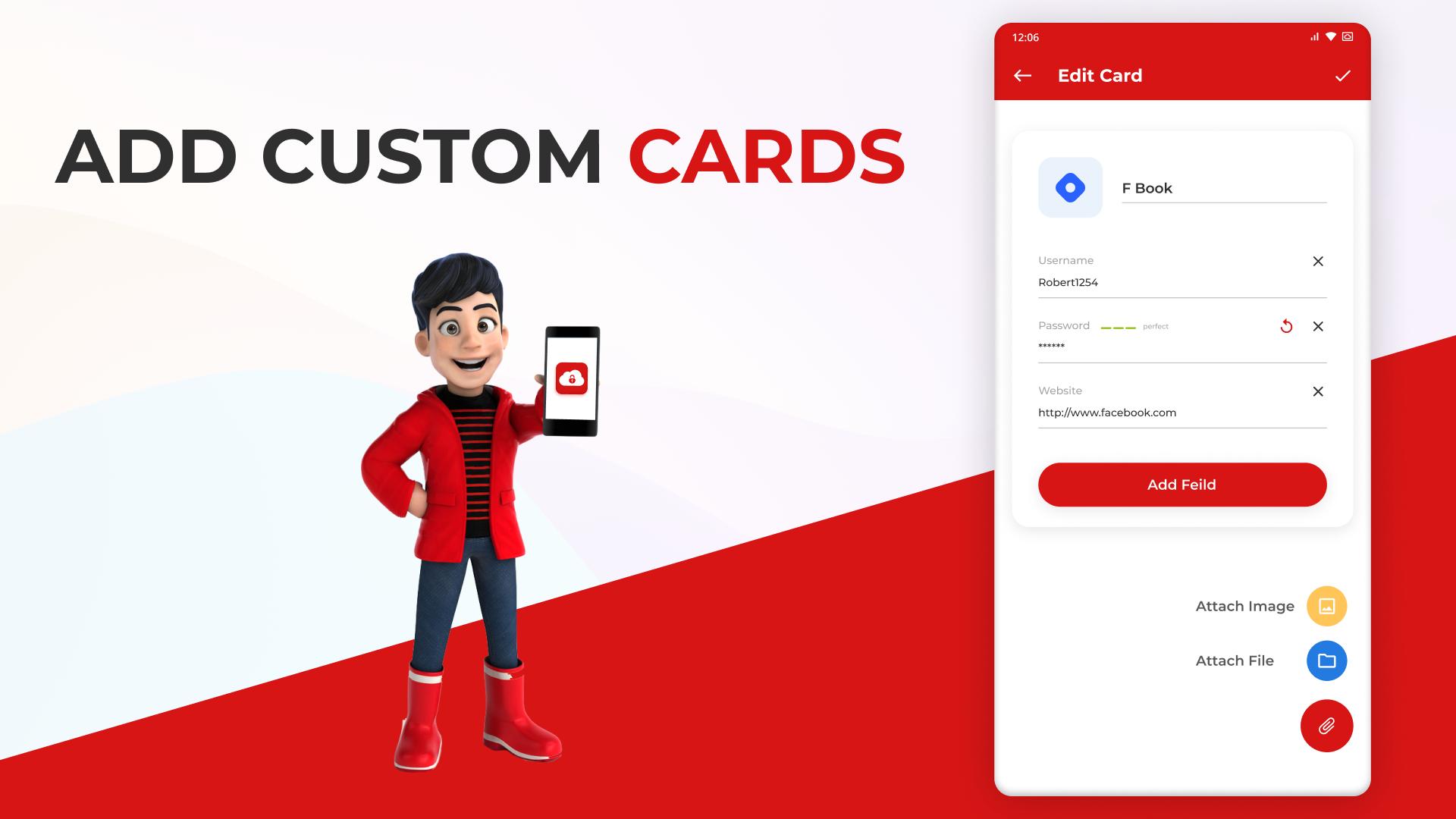
🔐 Password Strength Analyzer
🔐 Password Generator
🔐 App Lock and Unlock through a passcode
🔐 User Friendly
🔐 Localized Language


One-click to install XAPK/APK files on Android!

Thanks for your rating and feedback!
You have already rated.