Scan Date:Oct 30, 2026
Show More


10.0
4 Reviews
14.0 MB
File Size
Everyone
Android 6.0+
Android OS
Panda Touch Pro is a touch mapping and automation tool for mobile gaming.
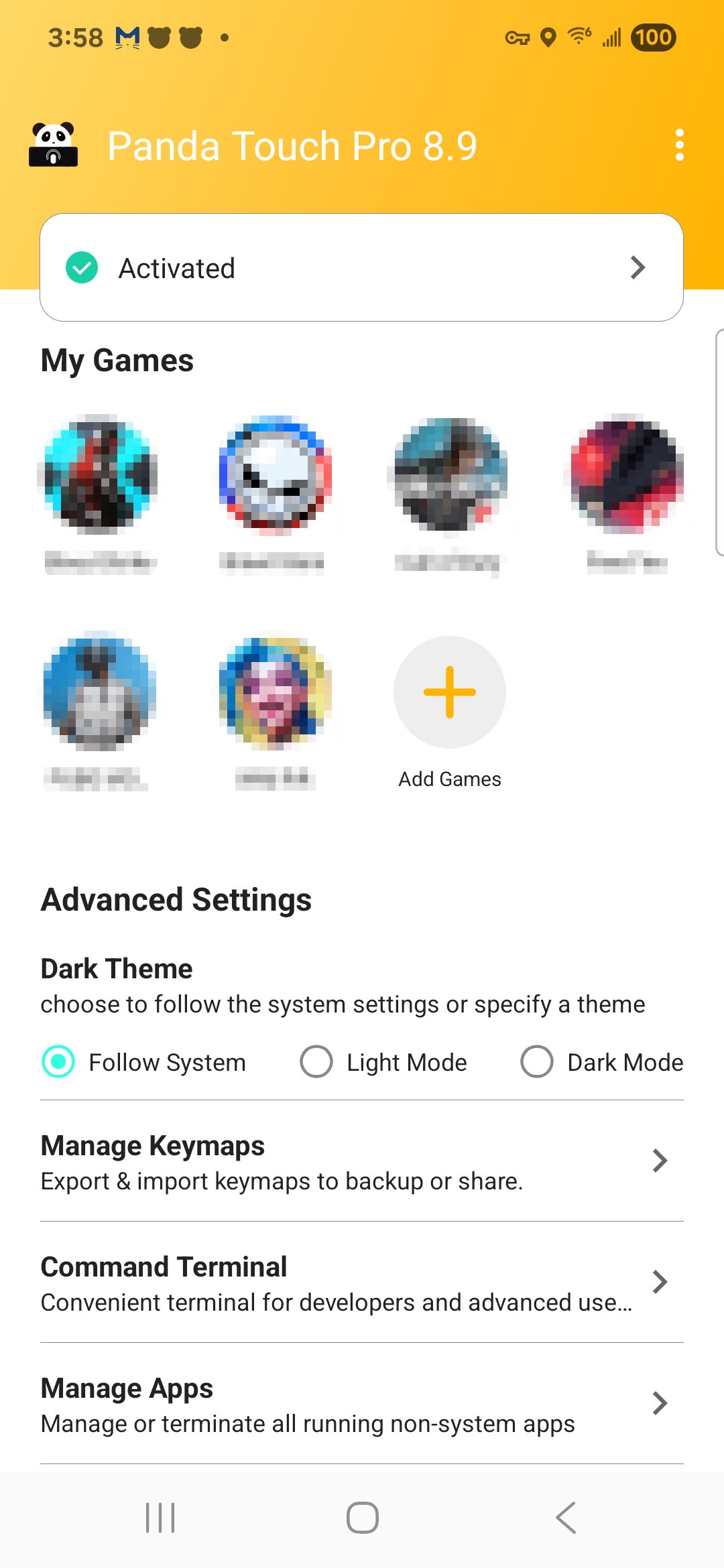
Panda Gaming Studio delivers a touch mobilizer built for precision and control. It converts simple taps and hardware keys into multi-touch gestures and timed macros, so inputs feel consistent in fast, competitive games. Free to use with ads, it offers streamlined activation on Android 11 and above, with simple PC/Mac connection for Android 10 and below. Get started with Panda Touch Pro APK and see what its core tools offer. Here's what stands out in daily play.
The macro engine automates taps, swipes, delays, and multi-presses as one action. In the Panda Touch Pro latest version, activation is streamlined on Android 11 and above, so macros trigger consistently after setup. Players often bind a single tap to a complex combo, like quick-looting or skill chains, keeping focus on movement while the macro handles repetition.
Crosshair customization adds clearer visual aim cues with adjustable types, colors, and sizes. With Panda Touch Pro, you set a bright crosshair for dark maps or shrink it for tighter shots, improving target tracking without clutter. A quick tweak before a match can make aiming feel steadier across different games.
You can download Panda Touch Pro on APKPure; the file usually completes in moments, depending on your connection. After the download, open the APK to start installation.
During installation, Android may ask to allow apps from your browser or file manager. On first launch, activation is quick on Android 11 and above; Android 10 can require a short PC/Mac connection, and rooted devices activate automatically. Once ready, try mapping a hardware key to a one tap macro to feel the control boost.



One-click to install XAPK/APK files on Android!

Thanks for your rating and feedback!
You have already rated.











