











Thanks for your rating and feedback!
You have already rated.

Outline Icons - Icon Pack is a paid Android icon pack for clean launcher customization.
RandomVector focuses on a colourful outline look that keeps home screens tidy without making icons feel plain. It suits users who like minimal wallpapers, dark setups, and carefully matched app icons. Those planning to download Outline Icons - Icon Pack can expect a design-focused Icon Pack with broad launcher support and practical customization tools. Key highlights include:
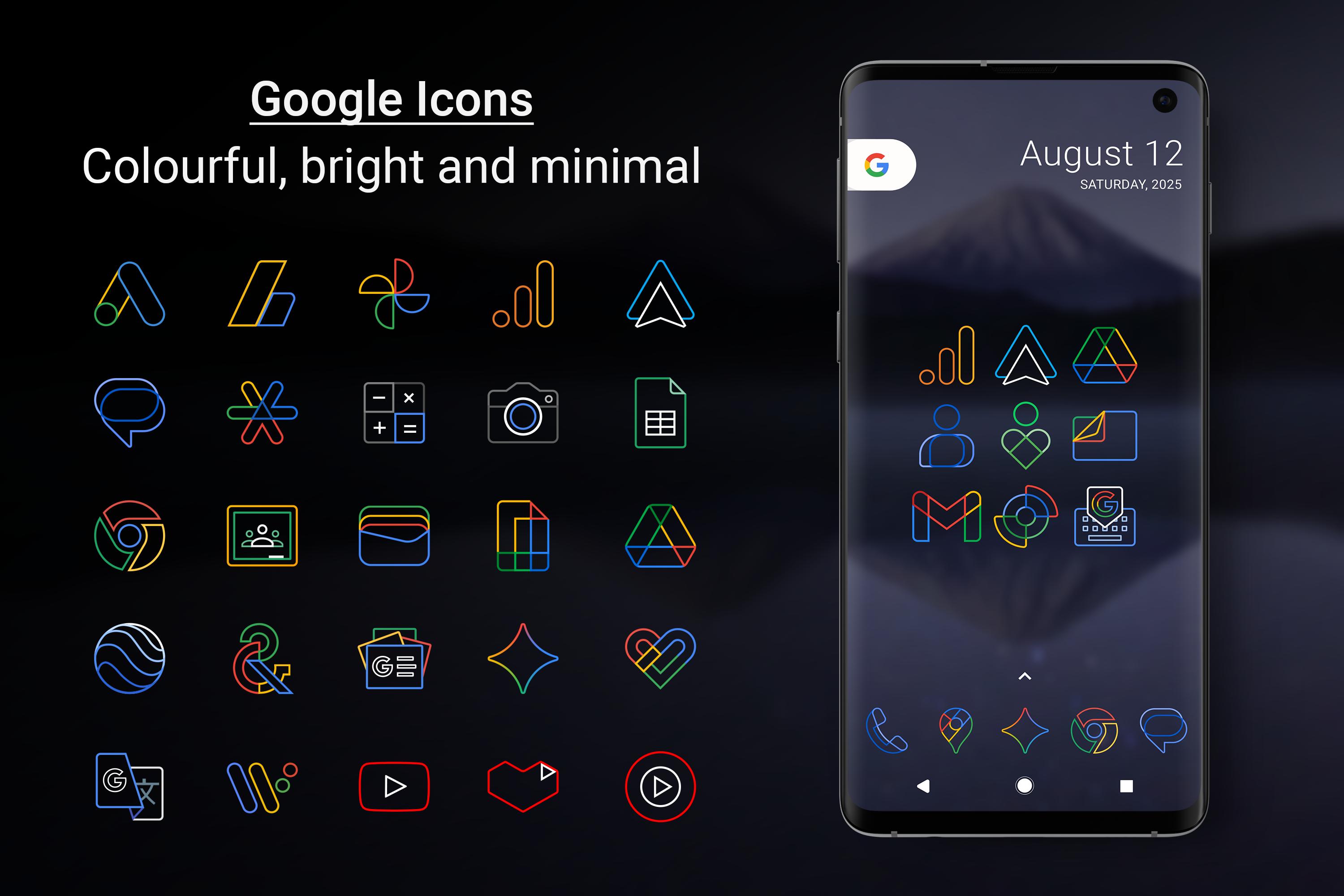
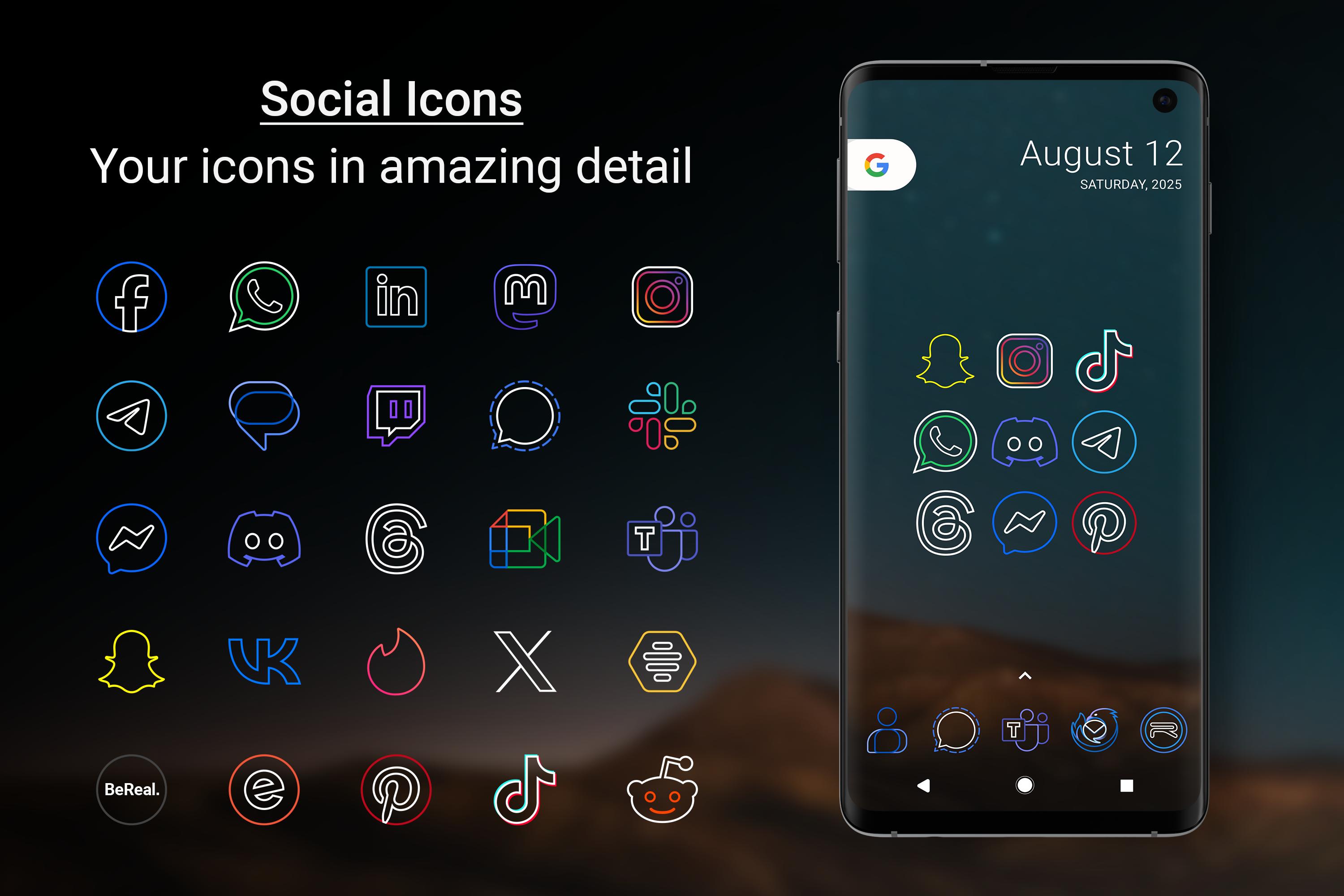
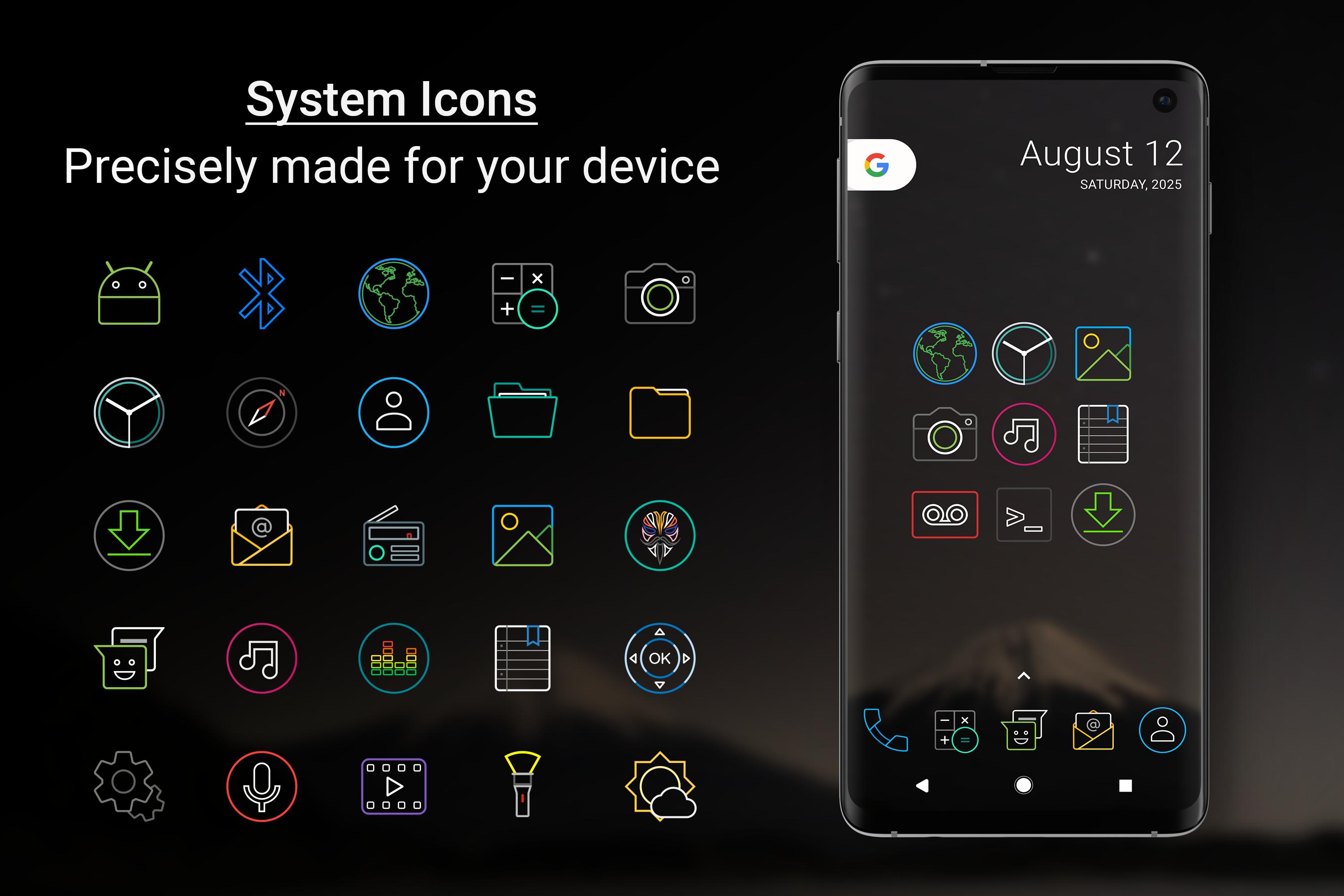
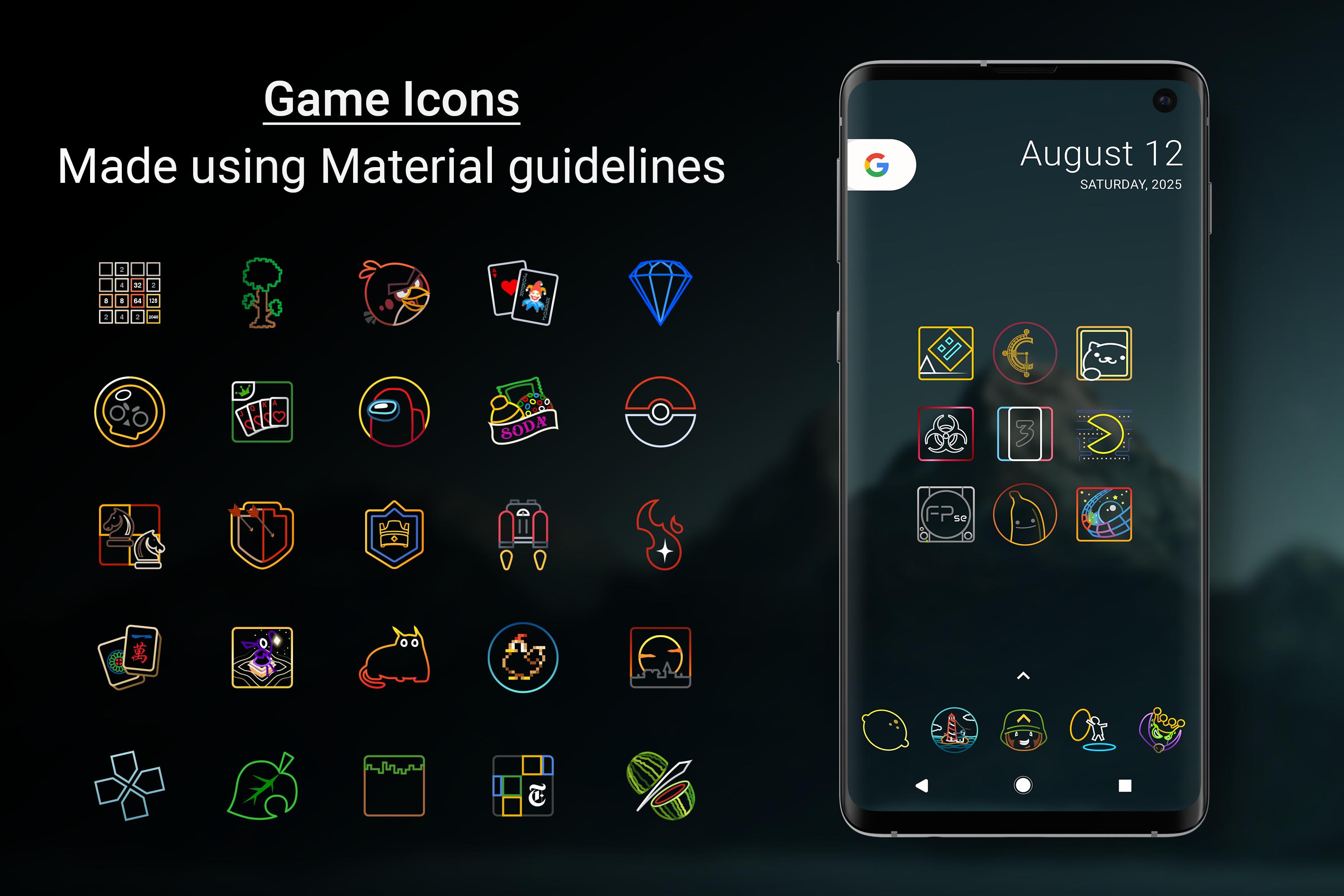
Outline Icons - Icon Pack gives users a very large collection of outline-style icons built for daily app layouts. The library includes more than 14,000 hand-crafted HD icons, so common social, tool, media, shopping, and system apps have a good chance of being covered. The style uses bright color accents with clean outlines, which works well when a home screen uses simple widgets or a dark wallpaper.
The size of the library also helps users keep multiple screens consistent. For example, a user can set up a work folder, media folder, and messaging dock without switching between mixed icon styles. Because the collection is so large, finding a specific icon may take a little time, but the built-in search and preview tools make browsing more manageable.
Outline Icons - Icon Pack supports more than 32 launchers, which makes it flexible for users who already customize their Android home screen. Supported launchers include Nova, Niagara, Smart, Lawnchair, Microsoft, Action, Apex, and many others. This matters because icon packs depend on launcher support, and not every default home screen applies them directly.
In regular use, the Apply section lets users choose a supported launcher when it appears in the app. If a launcher is not listed there, the icon pack can usually be selected from that launcher’s own appearance or icon settings. Nova Launcher users may need to adjust icon style settings for better results, especially when older app icons need automatic shaping.
Outline Icons - Icon Pack includes icon masking, which helps unthemed apps blend more naturally with the rest of the setup. This feature is useful because even a large library cannot cover every regional app, banking app, or newly released tool. Instead of leaving one or two icons looking completely different, masking gives them a more consistent shape and background treatment.
This is most noticeable on home screens with strict visual themes. A user who keeps only a few icons on the main screen may still see an unsupported app, but the masked version usually feels less distracting. For apps that still look out of place, the icon request feature gives users a practical way to ask for future coverage.
Outline Icons - Icon Pack also includes 26 high-resolution royalty-free wallpapers designed to fit the icon style. The selection covers minimal, dark, blurred, and OLED-friendly looks, so users do not need to search separately for a background that matches the icons. The wallpapers help the colourful outlines stand out without making the screen look busy.
This is useful for quick setup after applying the pack. A dark or blurred wallpaper can make the icons easier to read, while an OLED-friendly option may suit users who prefer a quieter screen at night. The app’s wallpaper and preview tools make it easier to test the overall look before settling on a final layout.
Outline Icons - Icon Pack receives updates that expand and refine the icon library. The latest update fixed a crash on some devices, added 44 new icons, updated Google icons, refreshed the dashboard, and corrected many icons with missing activities. These changes are practical because icon packs need ongoing maintenance as apps change their names, activities, and visual branding.
The app also includes Dynamic Calendar support, category folders, alphabet icons, alternate system icon colours, FAQ access, and icon requests. Samsung OneUI 4.0+ users can apply the pack through Theme Park, though they may need to repeat the apply process after updates to get the newest icons. This extra step is worth noting before choosing the Outline Icons - Icon Pack latest version for a Samsung setup.
These points come from the app’s feature set, launcher requirements, and typical home screen customization needs. Outline Icons - Icon Pack is strongest for users who want a polished, consistent setup and already use a compatible launcher.
ProsUsers can download the latest Outline Icons - Icon Pack APK from APKPure and then apply it through a supported launcher. Since the listed APK file size may vary by version and package update, the download should be checked on the app page before installing. On a stable Wi-Fi connection, an icon pack download is usually quick, but the final time depends on network speed and device storage status.
After installation, open the app and check the Apply section first. If the preferred launcher does not appear there, use that launcher’s appearance or icon settings instead. Samsung OneUI 4.0+ users can apply the pack through Theme Park, and repeating the process after updates may be needed to show newly added icons. Before installing, make sure the device uses a compatible launcher so the Outline Icons design can be applied properly.





One-click to install XAPK/APK files on Android!
Thanks for your rating and feedback!
You have already rated.