Scan Date:Oct 24, 2026
Show More

48.6 MB
File Size
Everyone
Android 7.0+
Android OS
Capture voice memos, manage to-do lists, and keep your notes locked and synced.
📝 NOTES - IOS STYLE NOTEPAD
Write, record voice notes and voice memos, and tick off a to do list in one place. An iOS style notepad on Android, with Drive sync, math notes, offline summaries and pastel backgrounds. Free, private, offline.
Your daily notebook, journal, diary and memo pad. Download this notes app and start note taking in seconds: an offline notepad and journal app that works without a network.
🔄 SYNC ACROSS YOUR DEVICES
Sign in with Google and sync folders and attachments on every phone using that account. Drive sync keeps the same pages on every device.
🎙️ VOICE NOTES & AUDIO RECORDING
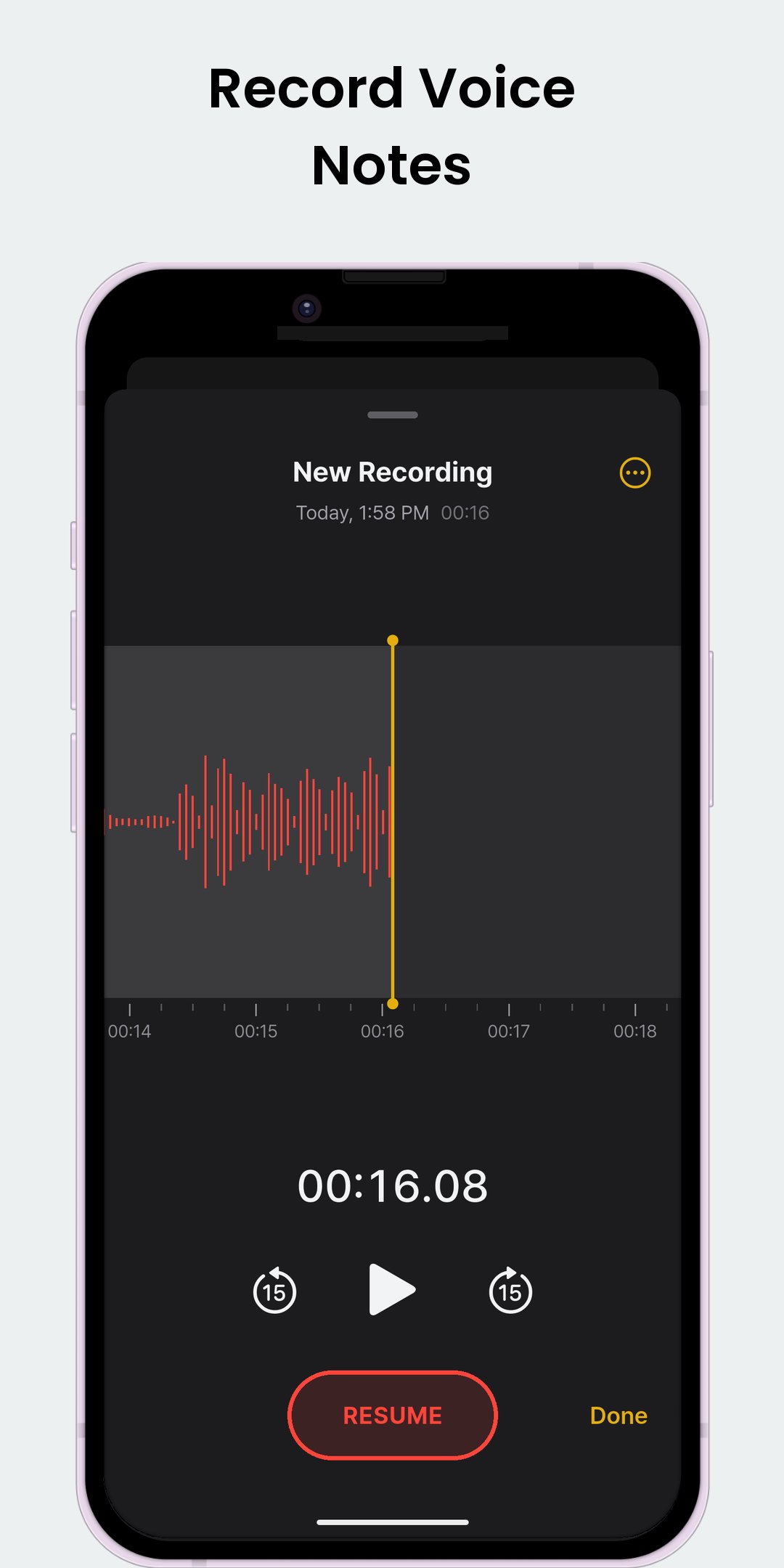
Record voice notes in a page and play them back without leaving it. A voice recorder for lectures, meetings and voice memos. Keep audio notes and a voice recorder in your pocket for ideas you do not want to type.
✅ CHECKLISTS & TO-DO LISTS
Add a checklist: grocery list, shopping list, packing list, a to do list or a daily todo list. Checked items can move to the bottom. A swipe creates a nested sublist.
🔒 APP LOCK & NOTE LOCK
Note lock protects chosen pages with a password; app lock covers the whole app. Open with fingerprint or face. Set how long it waits to lock, and a recovery email if you forget the passcode. Use note lock on one page at a time.
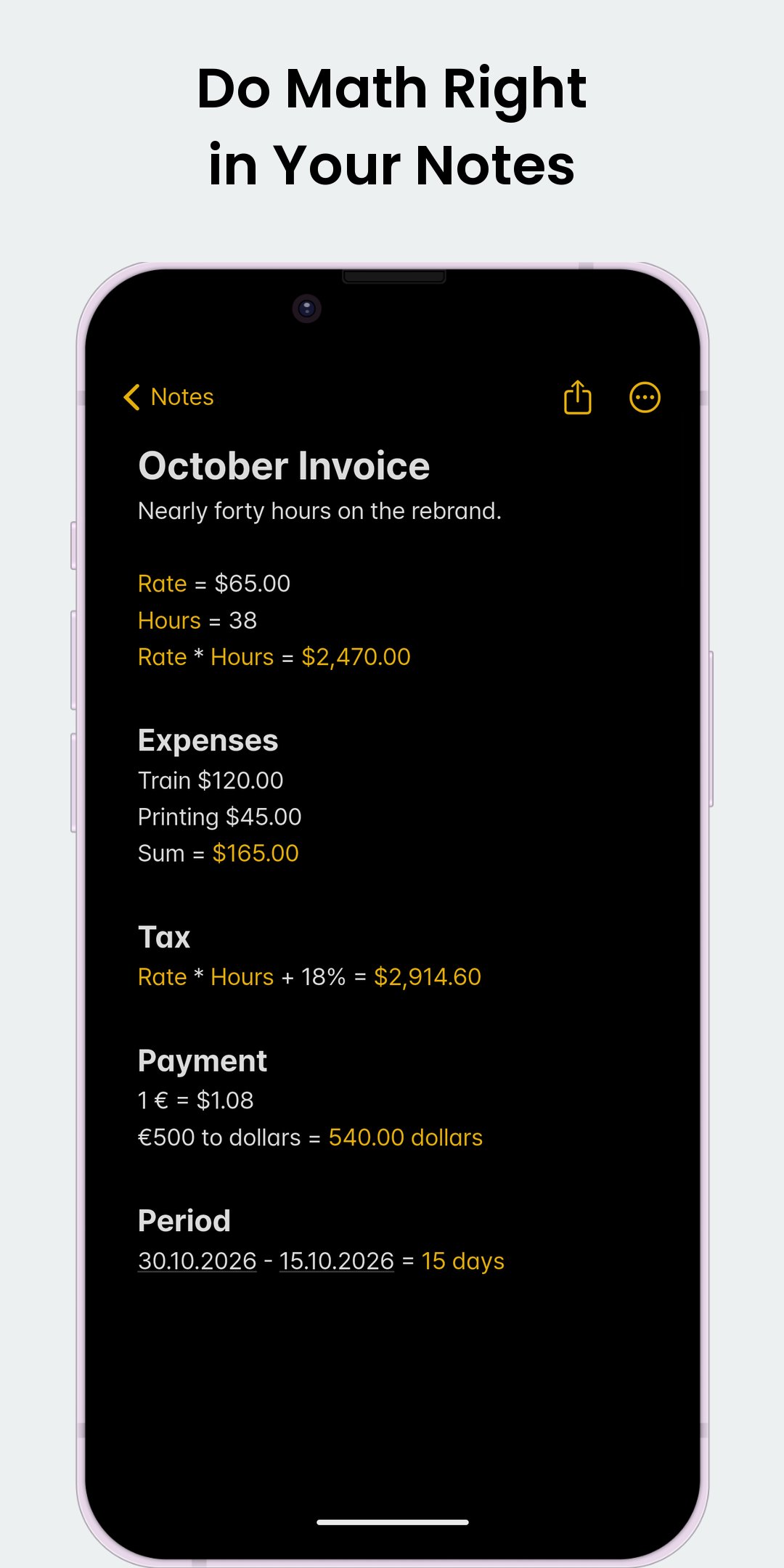
🔢 MATH NOTES
Do calculations right where you write. Type an expression, add = to see the result. Percentages, a built-in unit converter, unit conversions and reusable values: everyday math notes.
✨ OFFLINE SUMMARIES
Summarize on the device itself. See key points, tasks, dates, numbers and contacts at a glance.
🎨 NOTE BACKGROUNDS
Give any page its own look: a pastel color or a photo. Blur or darken so the words stay readable.
☁️ AUTOMATIC GOOGLE DRIVE BACKUPS
Automatically back up writing, images and voice recordings to Google Drive: daily, weekly or monthly. Restore backups on the device too.
📤 EXPORT, PRINT & SHARE
Export as PDF, Markdown or HTML, one page or several. Import Markdown, print, or share by message, email or social apps.
📷 PHOTOS & DOCUMENT SCANS
Add photos, paste from the clipboard, or add GIFs and stickers. Use the document scanner to scan documents with the camera, then export a scan PDF or save as images.
📌 PIN, SEARCH & SORT
Pin what matters, sort by title or date, and search from the list. Find & Replace inside a page jumps between matches. Type >> to link another page.
🌗 DARK MODE & TEXT SIZE
Dark mode, light mode or your system theme, plus a color theme. Set text size with one slider. Add a page cover, text color, highlights and links.
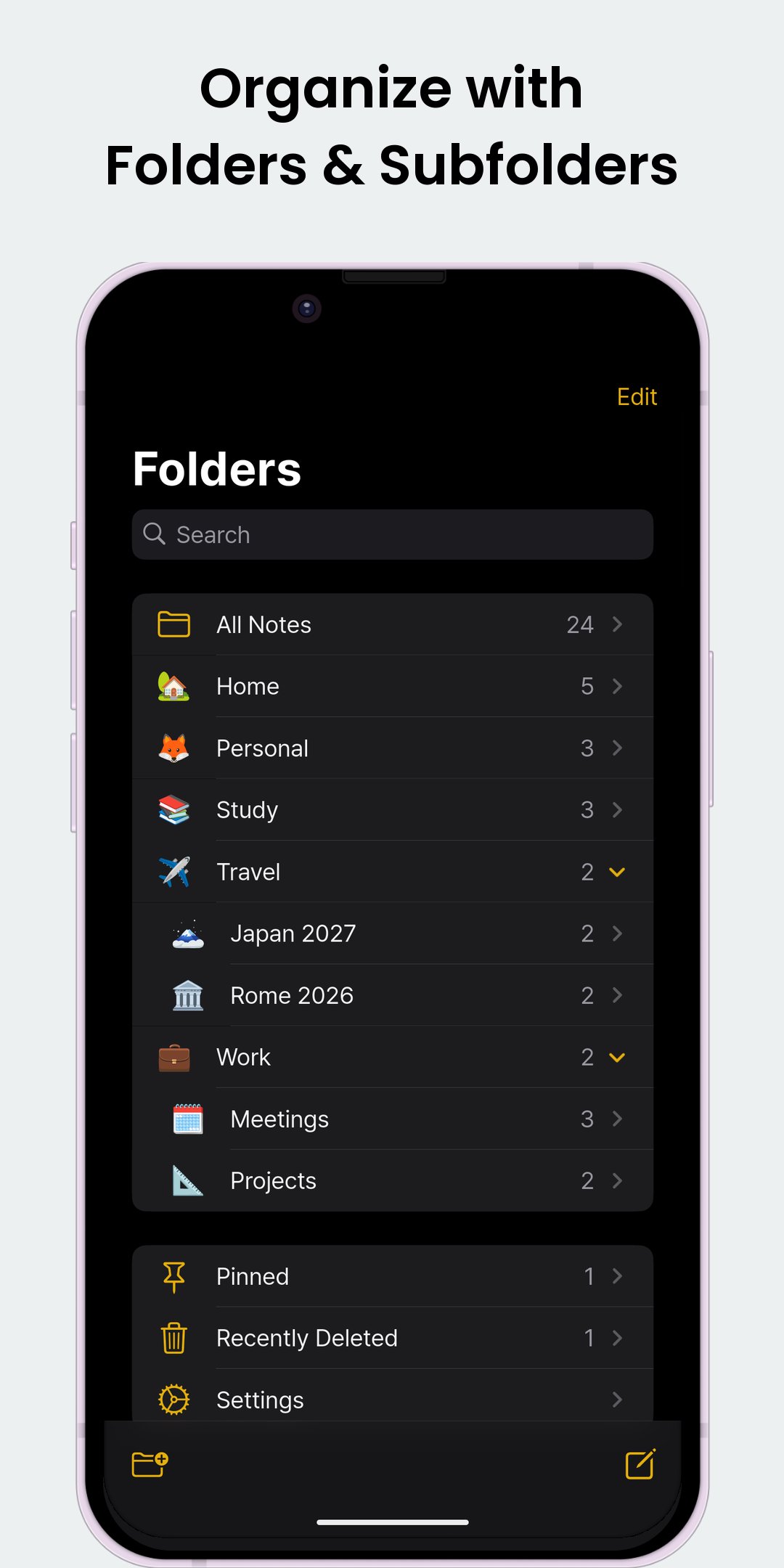
📂 FOLDERS & SUBFOLDERS
Folders and subfolders, each with its own icon, emoji or color.
🗑️ NOTHING GOES MISSING
Deleted items wait in Recently Deleted for 30 days. Auto save keeps every word as you type.
⚡ QUICK WAYS TO START
Share text or images into the app from any app, or add the New Note tile to Quick Settings. Tap a date to add it to your calendar, or a phone number to call it.
🌍 19 LANGUAGES, WITH RIGHT-TO-LEFT SUPPORT
🎯 PERFECT FOR
• Students: class notes, math notes, lecture recordings, study notebook
• Professionals: meeting notes, project memos, quick ideas
• Writers: drafts for note taking in a private journal
• Everyone: daily pages, todo lists, grocery lists and a private journal
🌟 WHY CHOOSE THIS APP
• Familiar iOS layout, built for Android
• Private writing that works with no network
• Drive sync, plus backups to Google Drive or your device
Download Notes, the free iOS style notepad, voice notes and voice recorder app for Android.





One-click to install XAPK/APK files on Android!

Thanks for your rating and feedback!
You have already rated.