Safe & Fast APK Downloads on APKPure
APKPure uses signature verification to ensure virus-free Note 8 Lock Screen APK downloads for you.

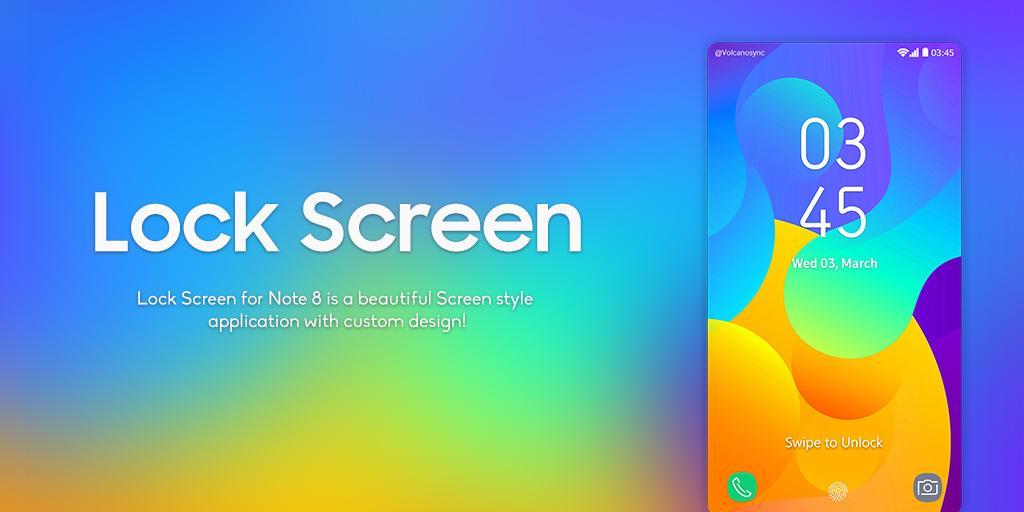
Change your mobile lock screen to look like Note 8 Lock Screen
Note 8 Lock Screen is designed to change your mobile lock screen look similar to latest mobile Galaxy Note 8. The new design of on screen controls just like wifi , location etc.
Note 8 Lock Screen provides a secure PIN lock system with is impossible to bypass thus provides you a secure way to protect your personal data. Note 8 Lock Screen also provides beautiful wallpapers which can be downloaded on the go. The Lock screen has also setting screen to customize in your own way.
Features:
★ Battery Status
★ Call Alert
★ SMS Alert
★ Wallpapers
★ Date and Time
★ Beautiful & sophisticated interface
★ Set your pattern as a password
★ Very Useful and easy to use
★ No privacy assault
★ No chance of hack of your lock sequence
★ Free of cost
★ Realistic sound effects of door opening.
★ Finest security lock screen
★ Look like a real stylish wooden door lock screen.
★ FREE for everyone



One-click to install XAPK/APK files on Android!

Thanks for your rating and feedback!
You have already rated.










