
Package Name:com.nodeterm.android
Show More

Your terminals in your pocket: SSH, tmux sessions and AI agents, anywhere.
nodeterm puts your terminals in your pocket.
Connect to any server over SSH, or pair your computer in seconds with a QR code and reach it from anywhere. Your tmux sessions stay exactly where you left them — attach, detach, and pick up long-running work across devices.
Built as the mobile companion to nodeterm on the desktop, it keeps you close to your workflow when you step away from your machine.
FEATURES
• SSH & tmux — attach to persistent sessions; nothing is lost when you disconnect
• Pair your desktop with a QR code — no port forwarding, no VPN
• Live agent status — see when Claude, Codex or Gemini are working or need you, with push notifications
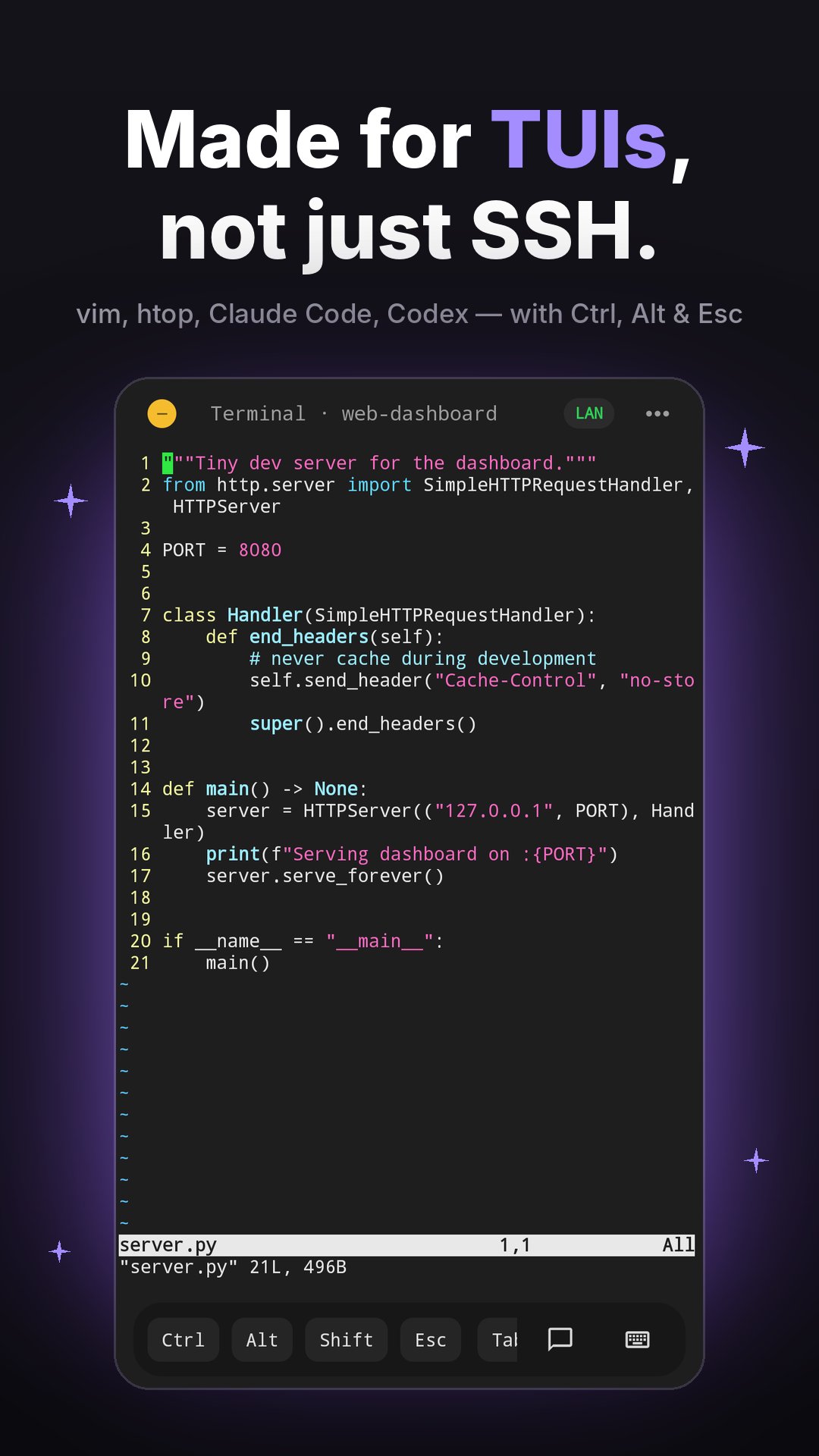
• A real terminal — hardware-keyboard support, an extra-keys row (Ctrl, Alt, Esc, Tab) and a fast renderer
• Projects & sessions — jump straight back into what you were doing
• Files, git and source control on your server
• Voice dictation — speak prompts into your terminal, transcribed on your device (Pro)
• File & photo upload — send files straight to your server (Pro)
• Available in English, Deutsch, Español, Français, 日本語, Polski, Português (Brasil), Türkçe and 简体中文
FREE & PRO
Start free with 5 connections a month — reconnecting to the same server on the same day is always free. Go Pro for unlimited connections, voice dictation and file upload. One Pro plan covers the desktop app and Android.
SUBSCRIPTIONS
nodeterm Pro is available as a monthly or yearly auto-renewing subscription, or as a one-time Lifetime purchase. Payment is charged to your Google Play account. Subscriptions renew automatically until you cancel; you can manage or cancel them any time in Google Play → Payments & subscriptions.
Privacy Policy: https://nodeterm.dev/privacy
Your terminal, everywhere.





One-click to install XAPK/APK files on Android!

Thanks for your rating and feedback!
You have already rated.