
Veilige en snelle APK Downloads op APKPure
APKPure gebruikt handtekeningverificatie om virusvrije Volume Control Tool 2 APK downloads voor u te garanderen.

Profielen in te stellen en gemakkelijk het volume op uw apparaat aan te passen.
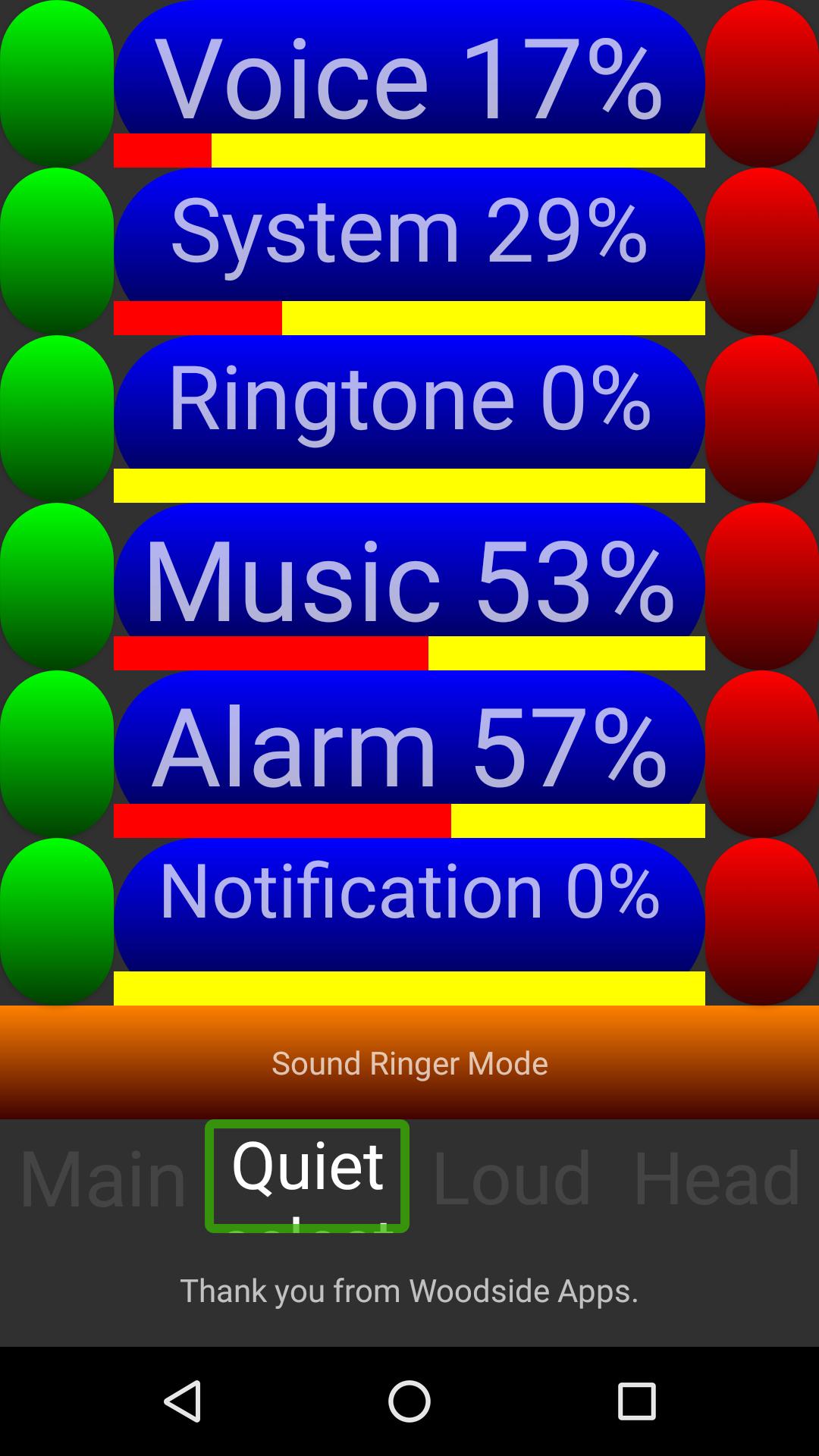
This app makes it easy and fast to change the
volume settings on your device.
To increase a channels volume setting click on the red icon [right side] next to
the channel you want to modify or the green icon [left side] to decrease the volume.
These icons have additional labelling for Talkback users.
To change the ringer mode tap the button located below the last volume setting
this will cycle through the available ringer modes.
The App will auto detect headphones in the headphone socket.
Select one of the four profiles to apply the settings or edit the profile settings.
To remove the advert please consider purchasing Woodside Apps Key.
Features
Large buttons for fast and accurate volume customization.
4 profiles for you to customize to your own settings.
Auto detects headphones for ease of use.
Talkback Compatible
Thank you from
Woodside Apps 2016


Eén klik om XAPK/APK-bestanden op Android te installeren!

Bedankt voor je beoordeling en feedback!
Je hebt al beoordeeld.