
Safe & Fast APK Downloads on APKPure
APKPure uses signature verification to ensure virus-free NekoBox for Android APK downloads for you.

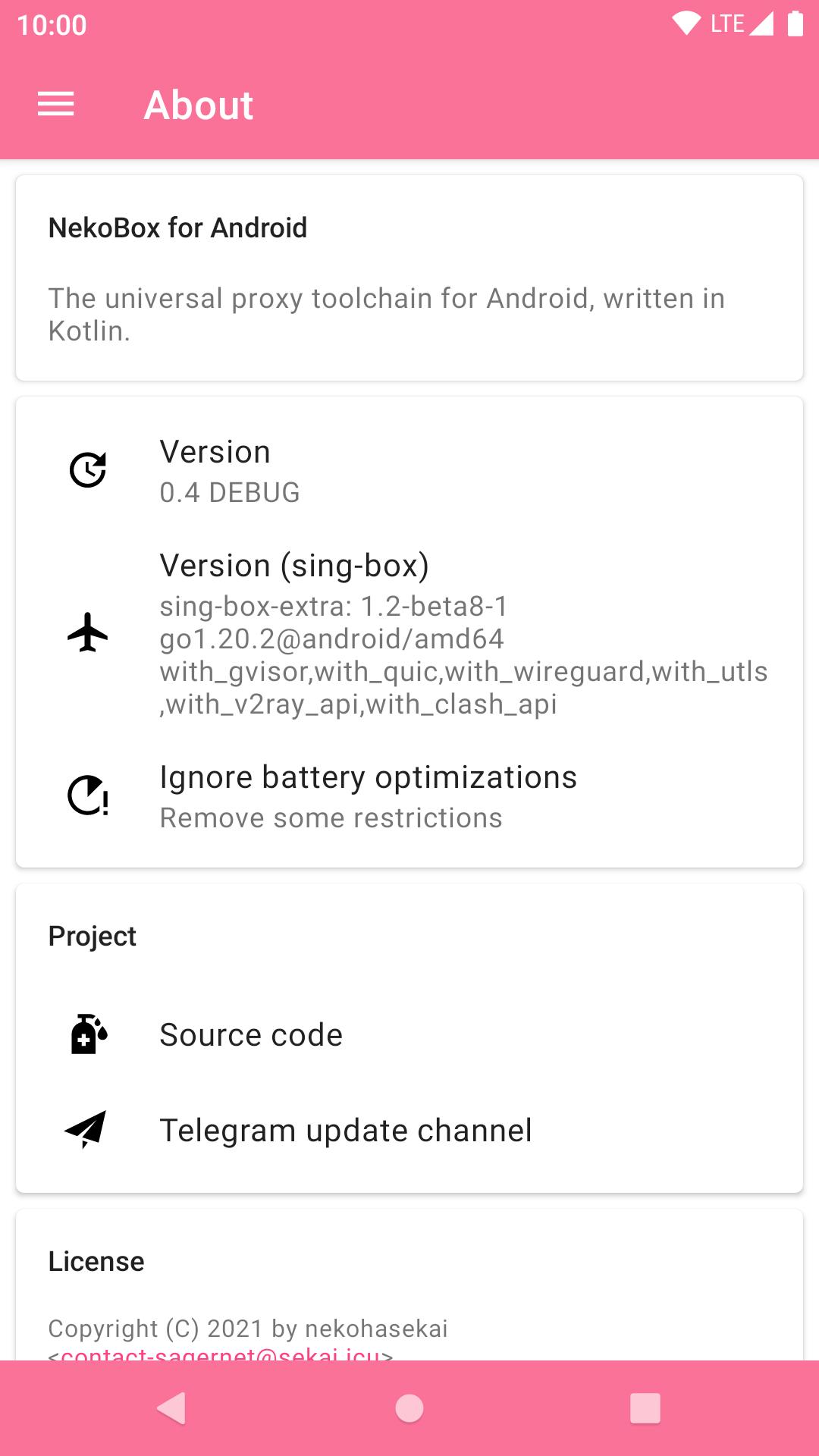
NekoBox for Android is a universal proxy and VPN tool for Android.
Built by Xiau, it brings multi-protocol support powered by the sing-box toolchain. Its key appeal is flexible, secure connectivity across Shadowsocks, VMess, VLESS, and Trojan through a VPN tunnel on your device. Users who want privacy on public Wi‑Fi or a stable route for region-locked services benefit most. You can download NekoBox for Android to quickly set up reliable connections without complicated extras. Read on for the core features that shape everyday use.
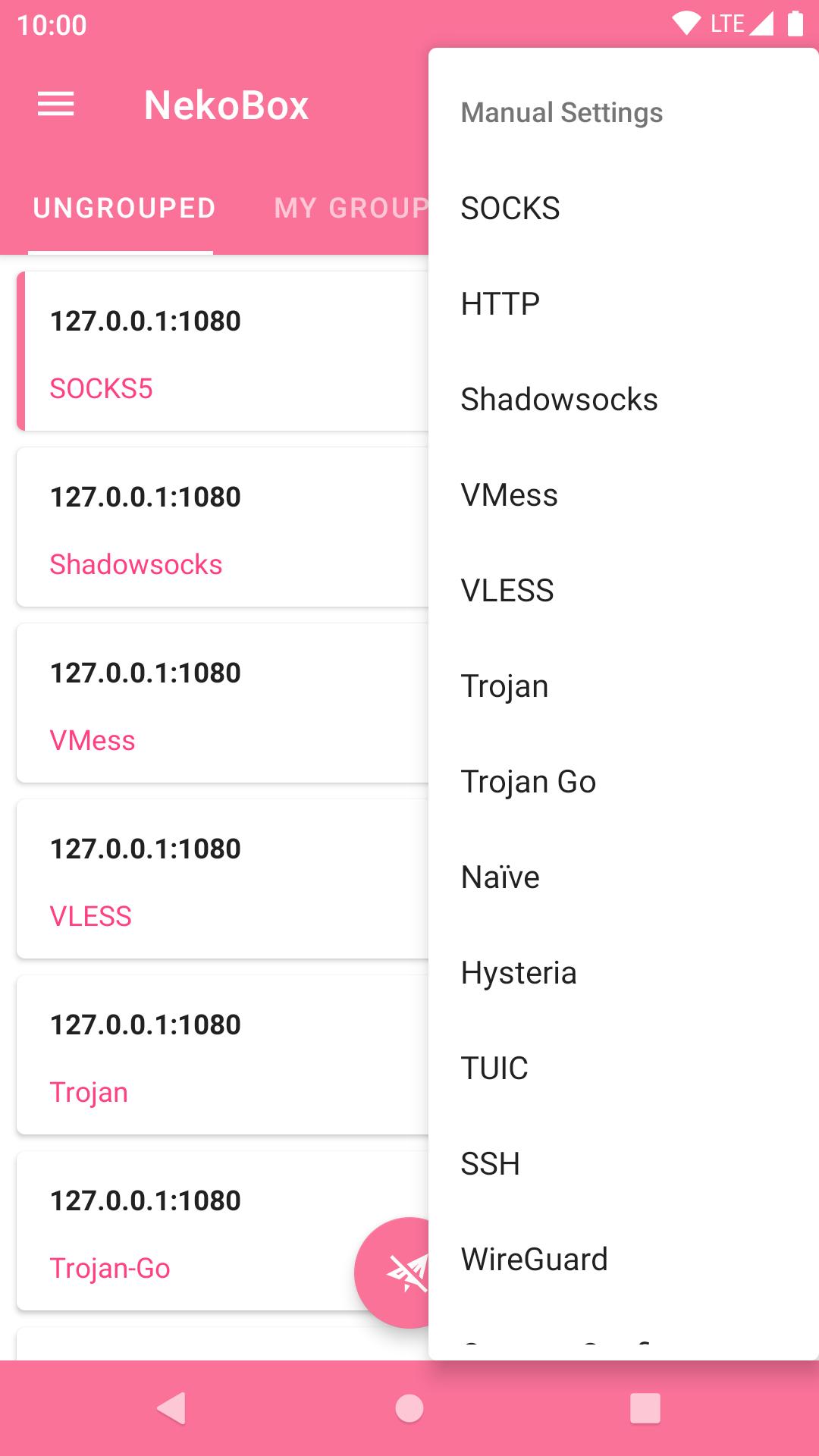
It supports Shadowsocks, VMess, VLESS, and Trojan so you can match servers you already run or rent. Switching between profiles helps keep browsing stable when network conditions change, like moving from home broadband to cafe Wi‑Fi. Importing or selecting a profile feels straightforward and quick. NekoBox for Android integrates most sing-box capabilities to keep behavior consistent across different protocol setups.
It uses VpnService to create an encrypted tunnel to a chosen server, shielding traffic from snooping. This helps load sites and apps that a campus or hotel network blocks, and supports streaming with regional catalogs when available. On first connect, Android may ask for permission to build the connection, then the status icon shows activity while it runs. With the NekoBox for Android latest version, prompts and status messages are clear enough for day-to-day use.
Get the NekoBox for Android APK from APKPure to install the app on your device. The download usually completes in a short time, depending on your connection speed. After the file saves, open it to start installation and follow the usual Android prompts.
On first launch, the app may request permission to create a VPN connection before going online. Allow it to proceed, then choose a profile and connect when ready. If a server fails to respond, try another network or profile and test again. Keep the app updated for stability and protocol compatibility.



One-click to install XAPK/APK files on Android!

Thanks for your rating and feedback!
You have already rated.