Scan Date:Jul 31, 2025
Show More


10.0
2 Reviews
8.0 MB
File Size
Everyone
Android 6.0+
Android OS
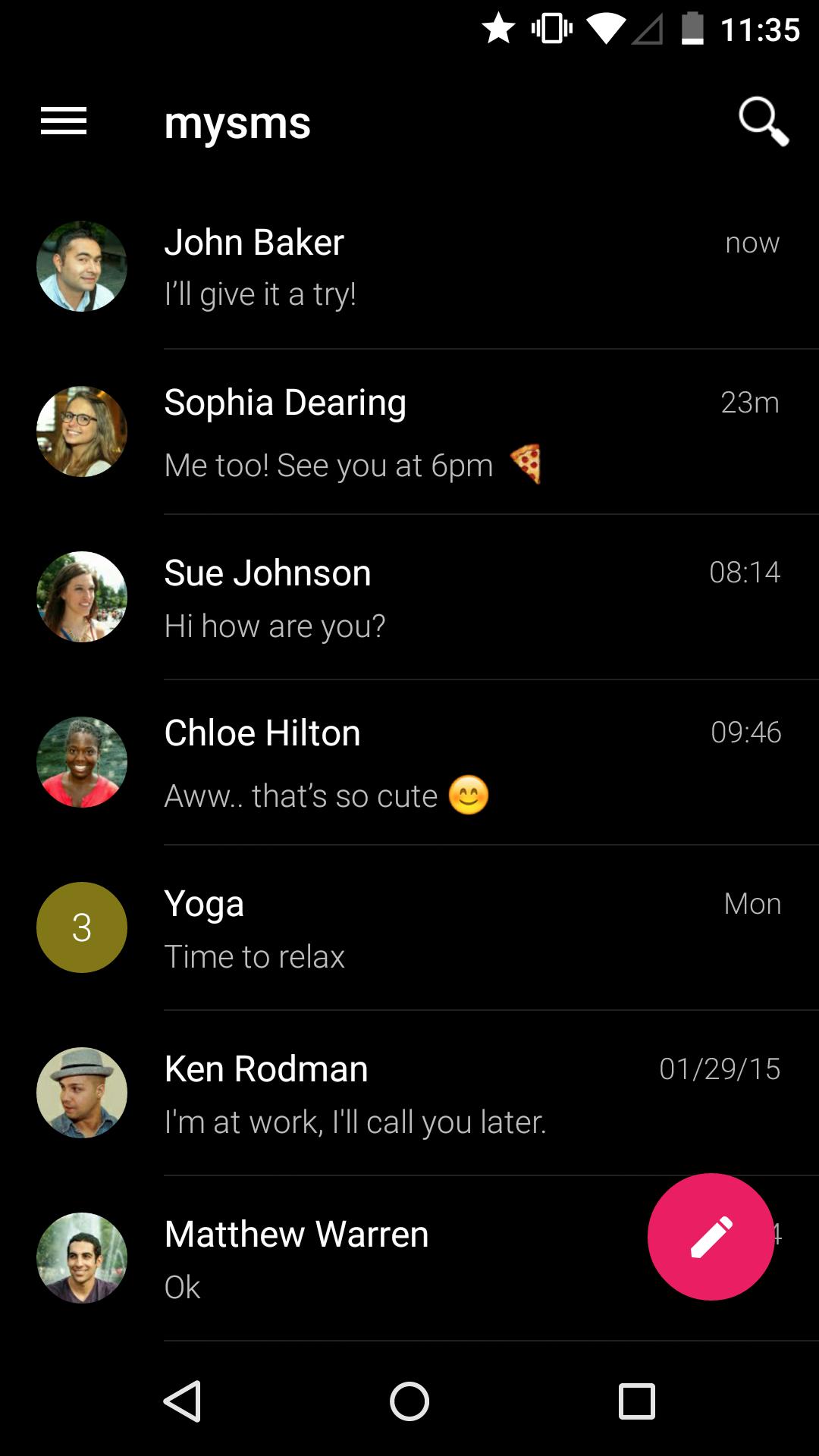
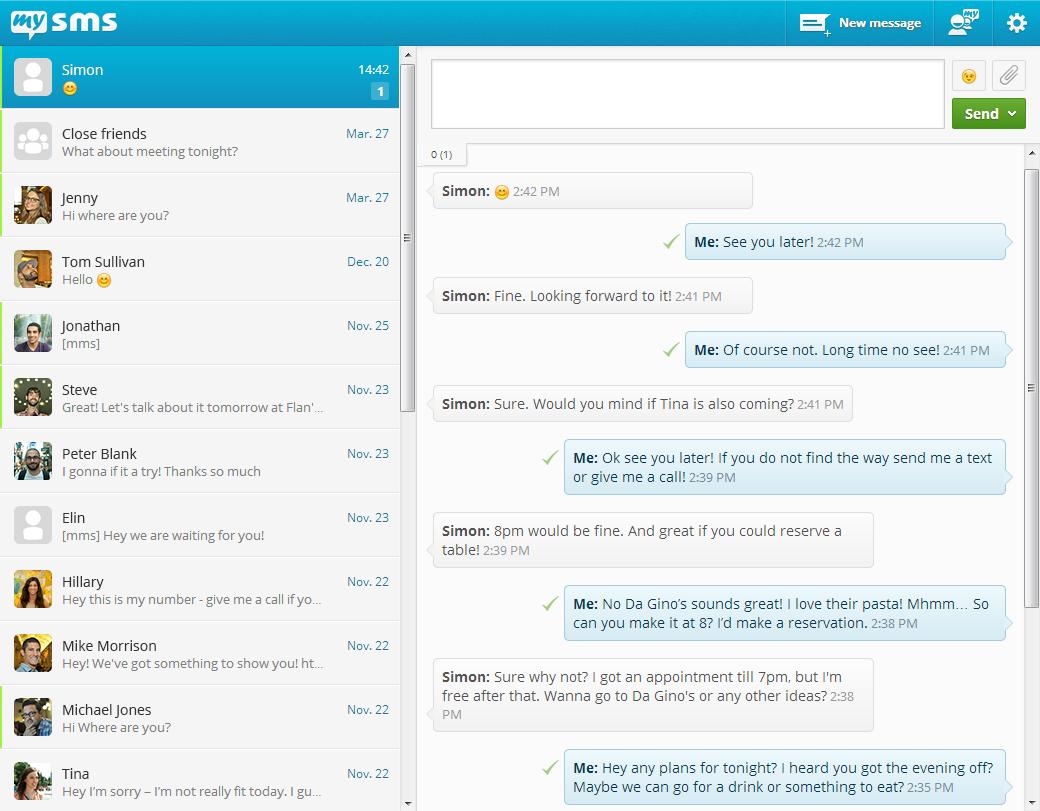
SMS texting from your PC or tablet without touching your Android phone
★★★Featured on Google Play in 130+ countries.★★★
As seen on by The Times, PCWorld, TheNextWeb, Gizmodo, All Things Digital, Android Central and many more.
SMS & calls on your PC or tablet in perfect sync with your Android phone.
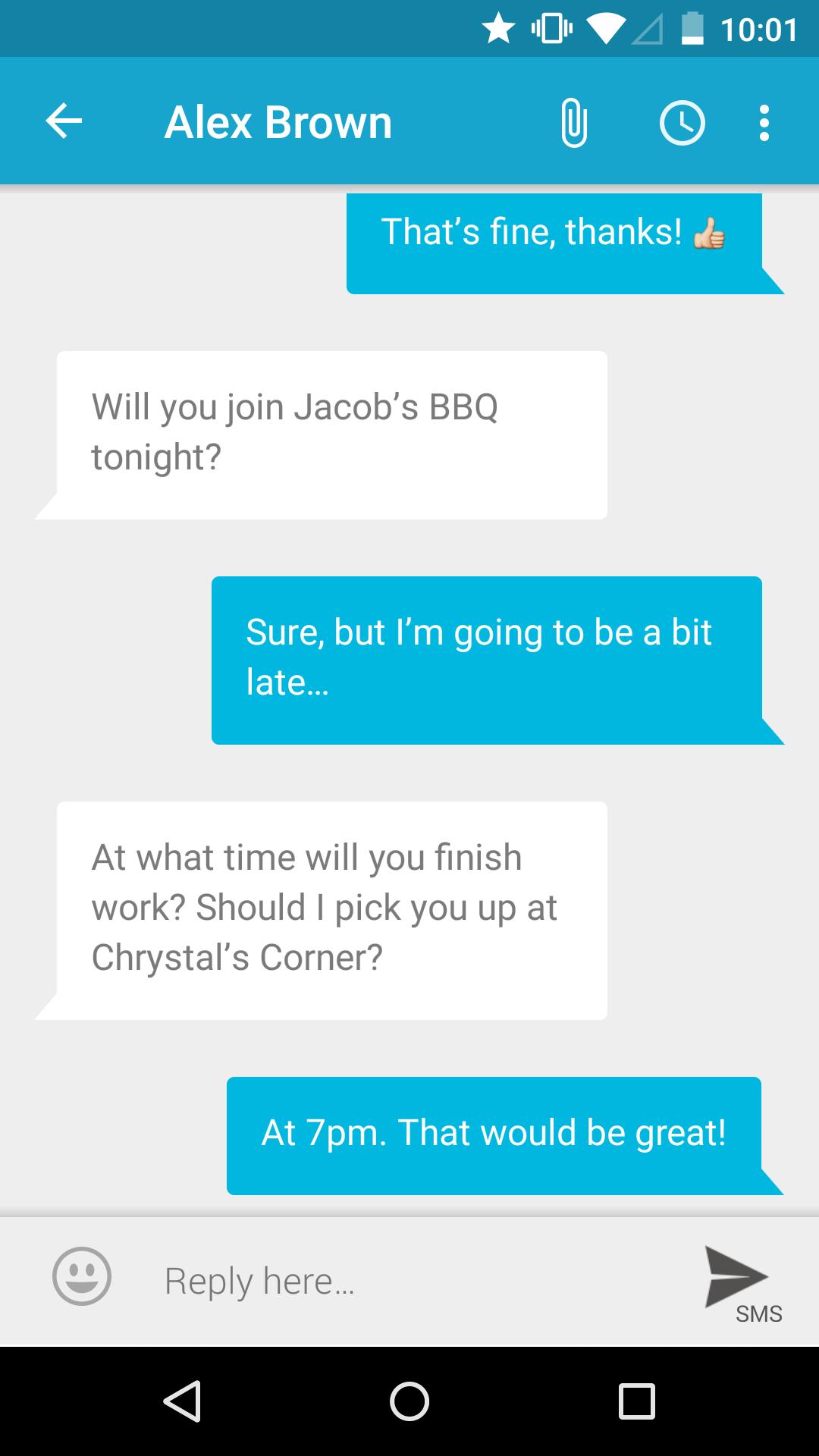
● Text from computer and tablet (real SMS and MMS) using your Android #
● Call notifications on your computer - when you receive a call on your phone
● The only remote texting app with native apps for Android tablet, Windows 7/XP, Windows 8 desktop & tablet and Chrome
● Complete call log history from your Android on your PC & tablet
● MMS Group Chat (group messaging)
● Multimedia messages (picture messages and files)
● Support for any browser (Chrome, Internet Explorer, Firefox, Safari, Opera …)
● Sync your contacts and messages from your phone to the mysms cloud to text from any device
To connect your computer or tablet to your Android phone, download this app on your phone and register for an account. When you then start texting from your computer at https://app.mysms.com or use one of our native apps, you will find all existing SMS messages and contacts synchronized from your Android to your computer/tablet. There is no additional charge from what your carrier charges when you text from your computer.
HOW TO GET STARTED:
1) Install this mysms app on your Android phone
2) Start texting on your computer at https://app.mysms.com or download one of our native desktop and tablet apps at https://www.mysms.com/apps
mysms enables you to manage your Android SMS notifications on your computer and tablet. You also have the choice to use mysms as default SMS app on your Android phone offering you great customization options, expandable notifications and many more features that your preinstalled stock SMS app cannot beat.
When you are in the office, leave your phone in your pocket and send and receive text messages using your full computer keyboard. During meetings you can use mysms as your personal assistant and respond with text to incoming calls from your computer.
If you want even more you can upgrade to Premium for advanced management of your messages. Price: Only USD 9.99 per year. You can also try out mysms Premium free of charge for 14 days.
mysms Premium offer:
● Backup SMS and restore SMS to a new smartphone, or after a reset
● Sync messages and calls between your business phone and private smartphone (-> download mysms mirror)
● Archive SMS & MMS messages in your Evernote, Dropbox or Google Drive or email account
● Full SMS export of your messages to a .CSV file
● No attachment of "via mysms.com" text at the end of the message
We’d love to hear from you! Do you have a suggestion, question or comment? Just contact us at http://support.mysms.com.





One-click to install XAPK/APK files on Android!

Thanks for your rating and feedback!
You have already rated.