Safe & Fast APK Downloads on APKPure
APKPure uses signature verification to ensure virus-free My Miko APK downloads for you.

My Miko is a companion robot app for playful learning and chat.
Created by Emotix, it pairs with the Miko robot to deliver adaptive conversations and game-based learning through GameHub. Kids can talk or text with Miko, and parents get tools to manage profiles and track progress. If you download My Miko, you also keep the robot updated through in-app alerts and firmware updates. Below are the core features that define the experience.
Kids can speak to Miko through the mic or switch to typing for quiet spaces. The app’s “Talk to Miko” tab supports both styles, and the stickers panel adds fun emoticons to keep chats lively. The more a child interacts, the more responses feel tuned to their interests and pace.
Short chats fit well between homework or during quick breaks, while typed messages help in public places. Conversations can start with simple questions and move into playful exchanges using stickers. The My Miko app is designed so kids can bounce between voice and text without breaking the flow, making daily interactions feel natural. A compatible Miko robot, such as Miko 3, is required for these features.
GameHub brings education-meets-entertainment titles under one roof. Kids can browse tiles and launch experiences like Miko Bat Ball Championship for quick action, Miko Story Time for gentle narratives, or Miko Aap Banengay Crorepati for quiz-style fun. Sessions can be brief and repeatable, which works well for after-school routines.
Community features allow players to leave comments or message other users around the games they enjoy. This adds a social layer, especially when kids want to compare scores or share favorite moments. The My Miko app keeps navigation simple, so users can move from playing to commenting with minimal friction. Note that full functionality relies on a paired, compatible Miko robot; without one, GameHub’s robot-connected experiences are limited.
Parents can set up and edit child profiles to tailor content and track engagement over time. Progress views give a sense of what kids are playing and how often, making it easier to support healthy screen habits. Families with more than one device can connect multiple Miko bots, keeping profiles organized in a single place.
Setting location helps deliver localized experiences where supported. In practical terms, this means siblings can share the same app while parents keep an eye on individual activity. The My Miko app offers enough oversight to guide usage without feeling heavy-handed. Progress tracking reflects activity inside supported features, so results improve as kids use GameHub and chat more frequently.
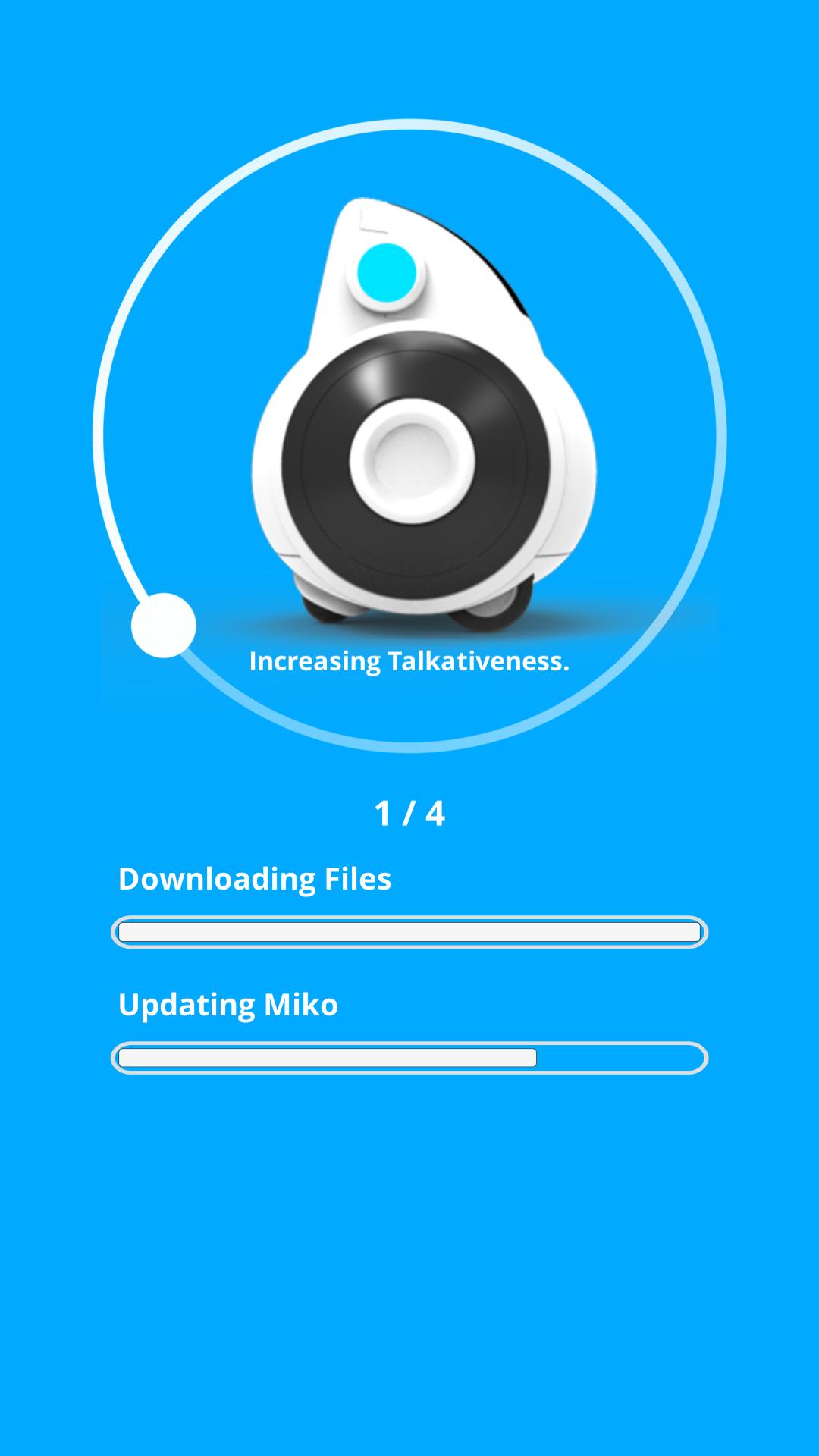
Notifications alert you to new content and firmware updates that keep the robot current. Update prompts arrive in-app, and running them ensures smoother interactions and fewer hiccups during games and conversations. It is best to have the robot charged and on a stable Wi-Fi connection before starting an update.
Realistically, pairing or setup issues may occur for some users, as documented in the Help Center. If something stalls, try checking your network, restarting the robot, or reviewing Help Center steps. The My Miko app streamlines updates and alerts, but timing can vary based on your connection and the update size. Keeping the robot nearby during setup usually helps the process complete faster.
You can download the My Miko APK from APKPure and install it in a few minutes, depending on your connection speed. File size may vary by build, so ensure sufficient storage before starting. During installation, you may see standard prompts and permissions; accept them to proceed, then open the app to sign in and pair your Miko robot.
If pairing takes longer than expected, follow the in-app guidance or check the Help Center. For the best results, use Wi-Fi and keep your robot charged. To stay current with features and content, get the My Miko latest version and update when notifications appear. Once installed, start with a quick chat or launch a GameHub title to explore what your child enjoys most.




One-click to install XAPK/APK files on Android!

Thanks for your rating and feedback!
You have already rated.