Scan Date:Jun 27, 2026
Show More


5.9 MB
File Size
Everyone
Android 5.0+
Android OS
My Device IDs: GSF GAID viewer is a handy Android tool for viewing device identifiers.
Developed by APSoft Studio, it centers all major IDs in one clean view, ready to share. The My Device IDs: GSF GAID viewer latest version keeps GAID, GSFID, and OAID details accurate for testing and support. With everything organized and easy to copy, it suits quick checks during development or troubleshooting, and makes sharing IDs with teammates simple. It’s free to use and shows the essentials without extra clutter. Explore the highlights below.
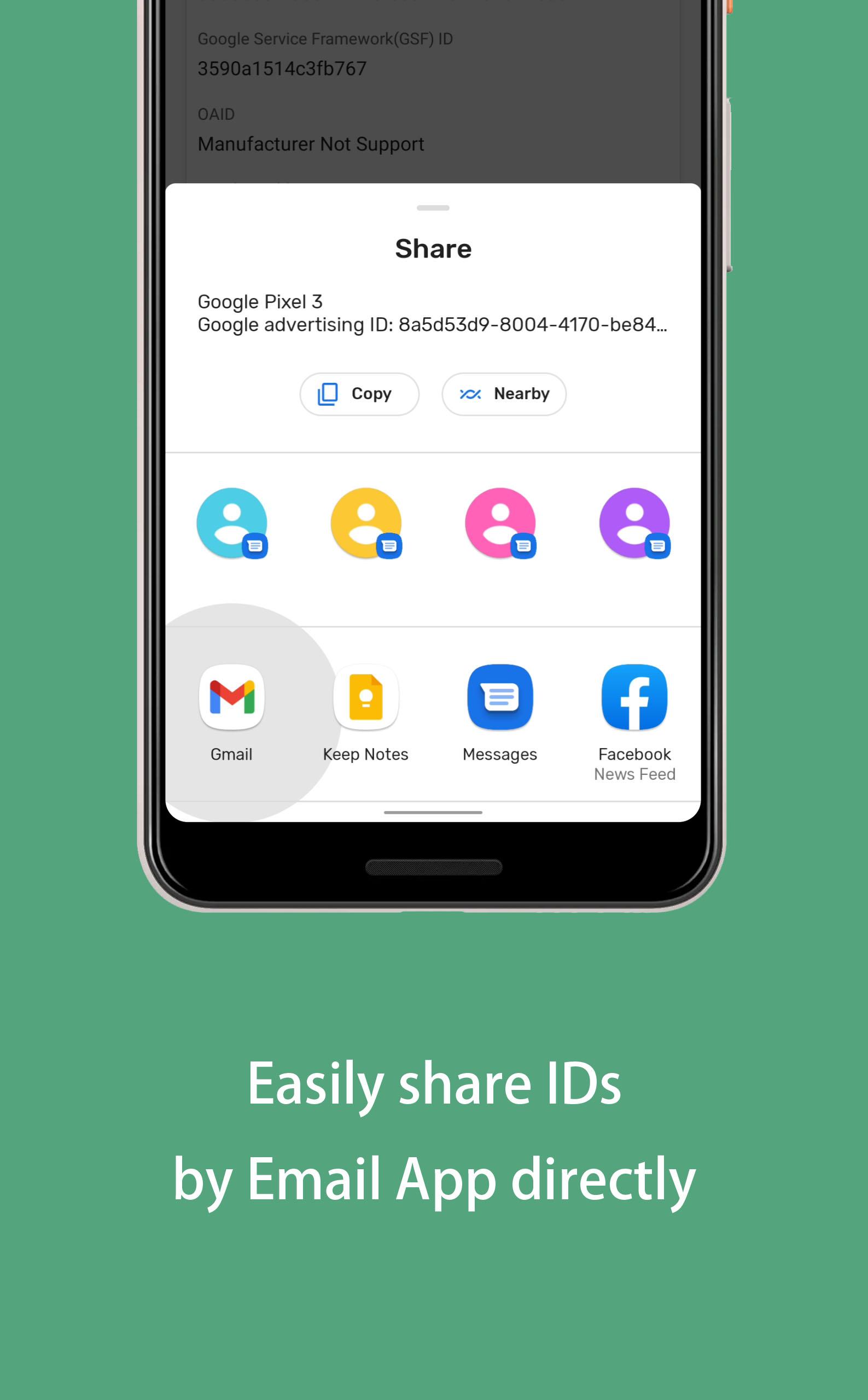
Shown right on launch, GAID/AAID and, where available, OAID are easy to read and copy. This helps when setting up a test device for AdMob or confirming installs in AppsFlyer. After you download My Device IDs: GSF GAID viewer, you can share the ID with teammates in seconds.
My Device IDs: GSF GAID viewer shows your GSFID alongside basic system info so you can verify certification status or resolve “device not certified” messages faster. Copy the ID and send it to support, or keep it handy when checking eligibility on Google’s device pages.
Get the My Device IDs: GSF GAID viewer APK from APKPure to install the latest build safely. The package is small, and the download usually finishes in seconds depending on your connection.
During installation, Android may ask for permission to install apps from your browser. Follow the on screen prompts, then open the app to see GAID, GSFID, and OAID right away.
If IDs are needed for testing, copy and share them with your team. For stability, finish setup before switching networks or resetting advertising IDs.




One-click to install XAPK/APK files on Android!

Thanks for your rating and feedback!
You have already rated.