Package Name:org.bumbumapps.musicplayer
Show More


6.9 MB
File Size
Everyone
Android 7.0+
Android OS
Offline MP3 music player with sleep timer, albums, queue, widget and dark mode.
Music Player is a simple offline music player for the songs already on your phone. It finds your MP3s and other audio files, sorts them into songs, albums, artists and genres, and plays them without internet. No account, no streaming, just your own music.
SLEEP TIMER AND MODERN DESIGN
• Sleep timer: the music stops by itself after 5 to 90 minutes
• Share the song you are listening to with friends
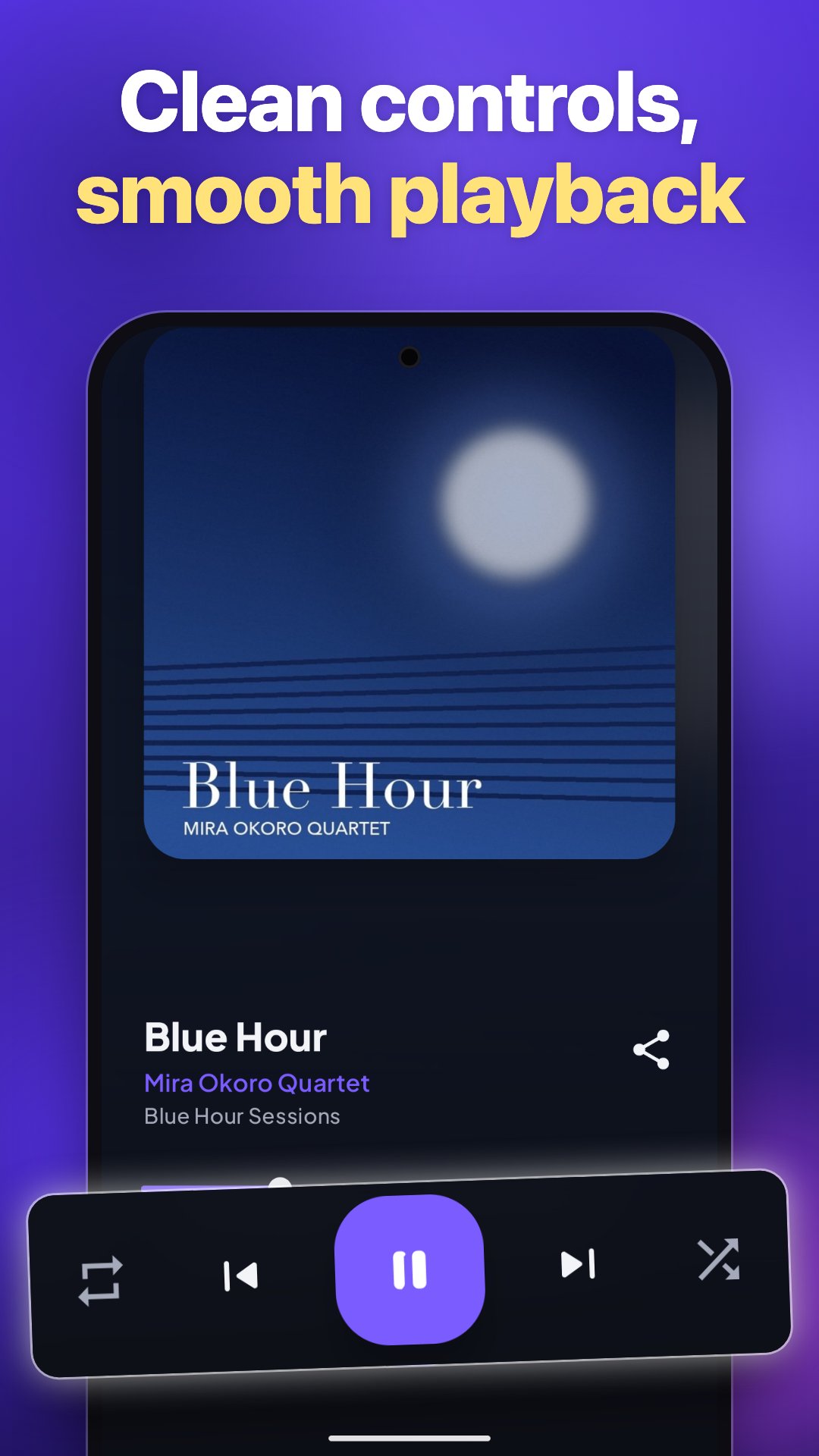
• Modern dark design with a full-screen Now Playing view and quick menus
YOUR MUSIC LIBRARY
• Browse by Songs, Albums, Artists and Genres
• Hide the tabs you don't need and put them in your own order
• Sort by name, artist, album or year
• Fast scroll through big libraries
• Search your whole music library in seconds
PLAYBACK YOUR WAY
• Shuffle and repeat all or repeat one song
• Choose what plays when you tap a song: all songs, the album, the artist or the genre
• Play next and add to queue
• Drag to reorder the queue, remove songs you want to skip
• Your music and position are remembered, so you can carry on later
CONTROLS EVERYWHERE
• Media controls in the notification and on the lock screen
• Home screen music widget in several sizes, with the album cover
• Headset and Bluetooth buttons work too
• Pauses automatically for calls and resumes when the headset is plugged back in
A CLEAN LOOK
• Album covers everywhere, with optional rounded corners
• Light and dark theme that follows your phone
• Pure black theme for AMOLED screens
• 17 accent colours to choose from
SMART LITTLE SETTINGS
• Excluded folders: keep ringtones or other folders out of your library
• Remember shuffle when you start a new song
• Rewind before skipping back
• Open audio files directly from your file manager
PLAYS YOUR FORMATS
Music Player plays the common formats on Android: MP3, FLAC, M4A, OGG, WAV and more.
How to use Music Player:
1. Open the app and allow access to your music.
2. Your songs appear sorted by songs, albums, artists and genres.
3. Tap a song to play it, tap the bar at the bottom to open the player and the queue.
4. Add the widget to your home screen for quick control.
Music Player is free and supported by ads. There are no in-app purchases. Questions or ideas? Leave a review, we read them all.





One-click to install XAPK/APK files on Android!

Thanks for your rating and feedback!
You have already rated.








