Safe & Fast APK Downloads on APKPure
APKPure uses signature verification to ensure virus-free Multi Space Pro-Multi Parallel APK downloads for you.


2.0
1 Reviews
24.1 MB
File Size
Everyone
Android 6.0+
Android OS
Multi Space Pro is a lightweight Android app cloning tool for running multiple accounts on one device.
Developed by Puzzle Funny Studio, Multi Space Pro focuses on simple, reliable multi-account use so you can keep work and personal profiles separate. To get started easily with the Multi Space Pro APK, check the core functions below.
Clone social, messaging, and gaming apps for dual space convenience.
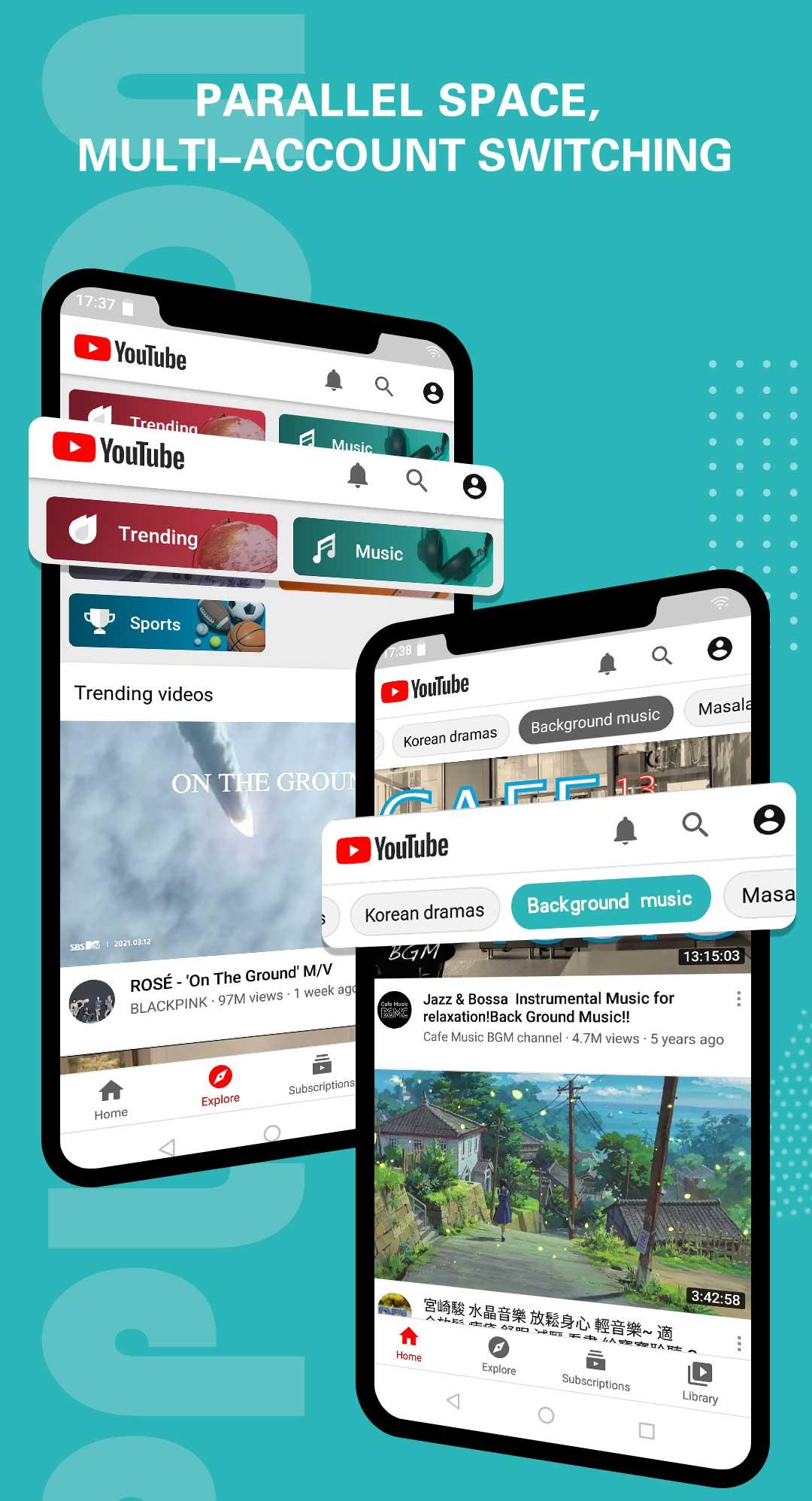
Switch between accounts with one tap within a clean interface.
Long‑press a clone to add a home‑screen shortcut for quick launch.
Streamlined mode reduces battery and memory use during daily multitasking.
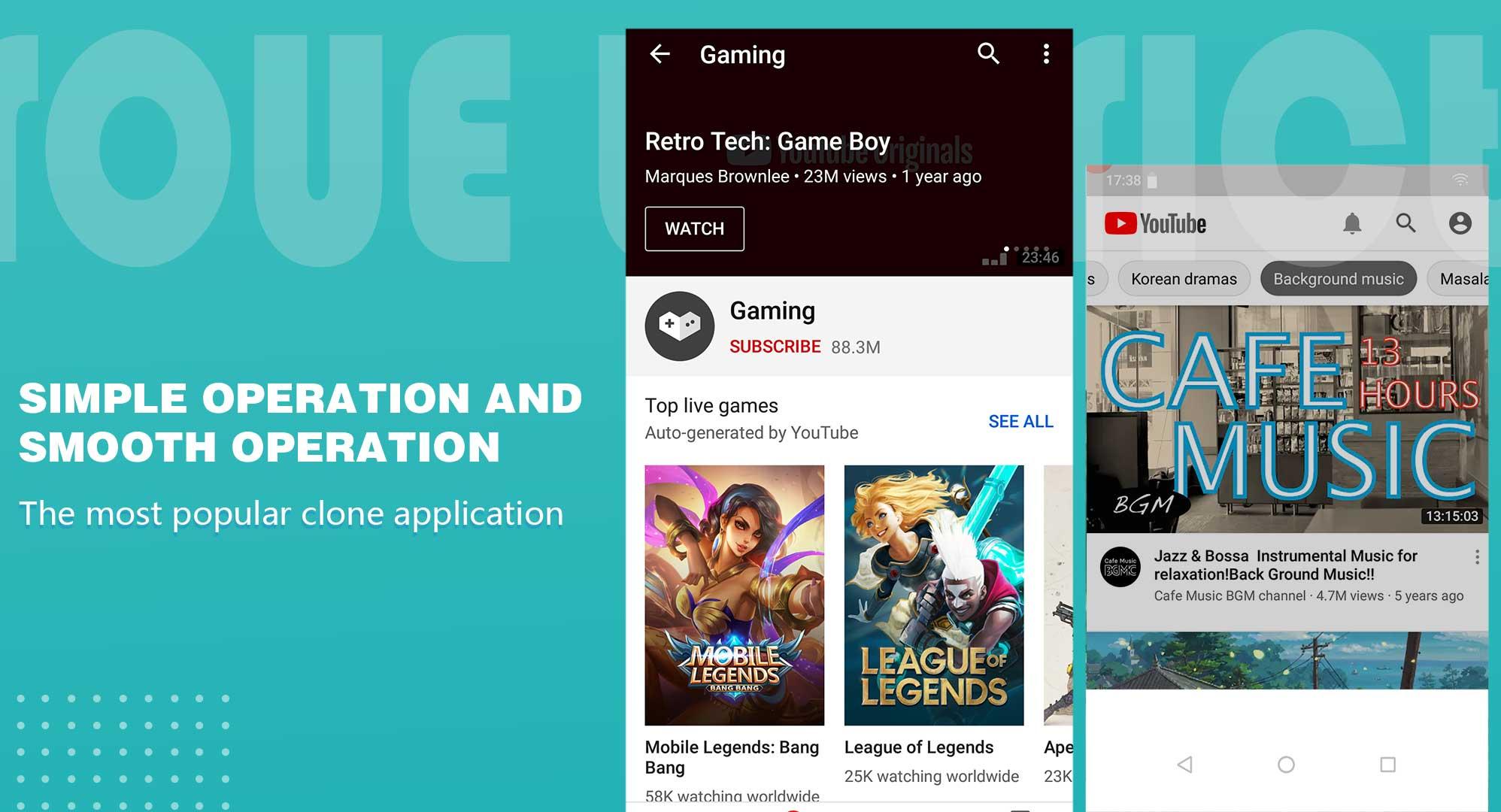
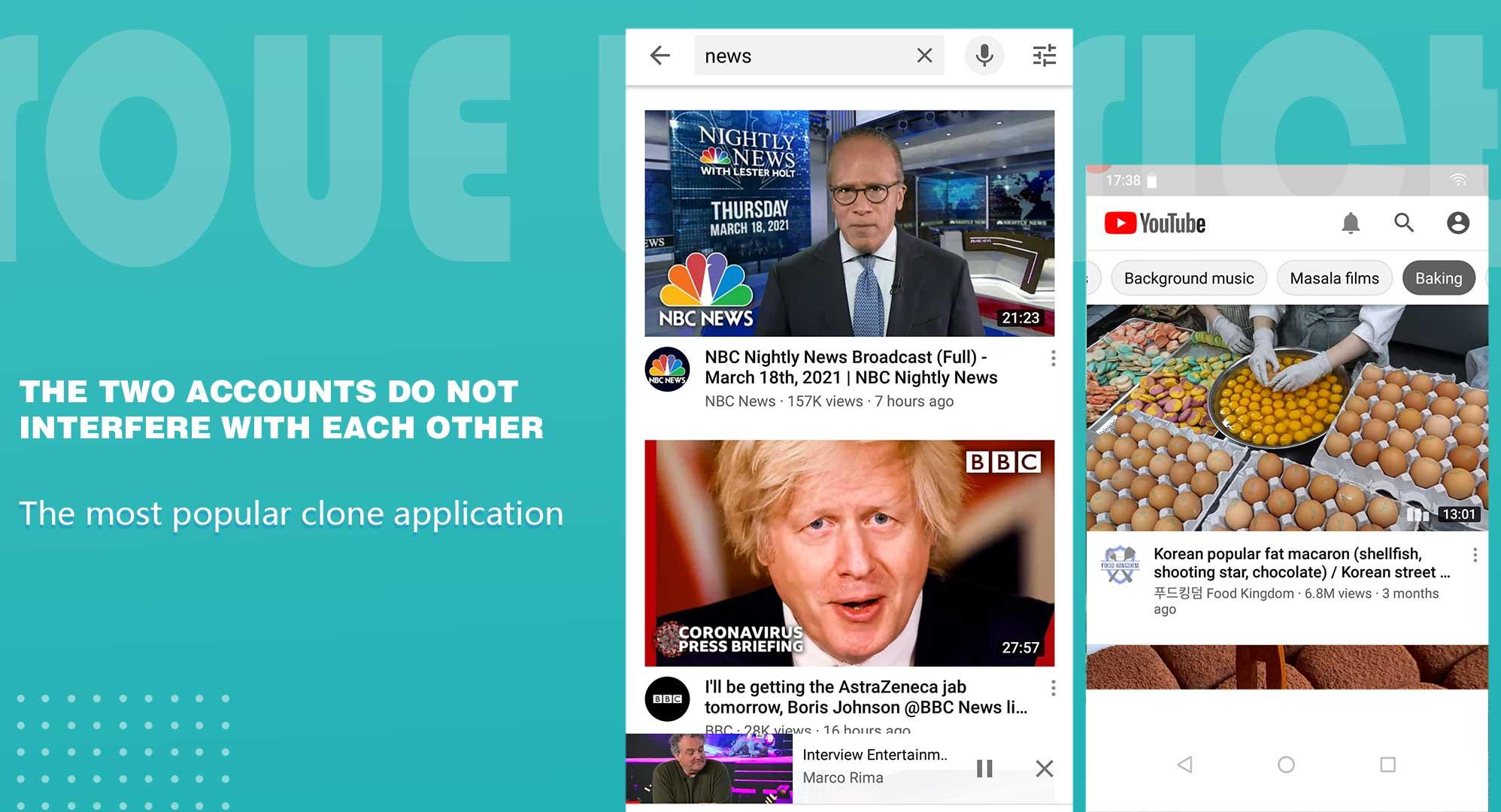
Each clone runs in its own virtual environment for better separation.
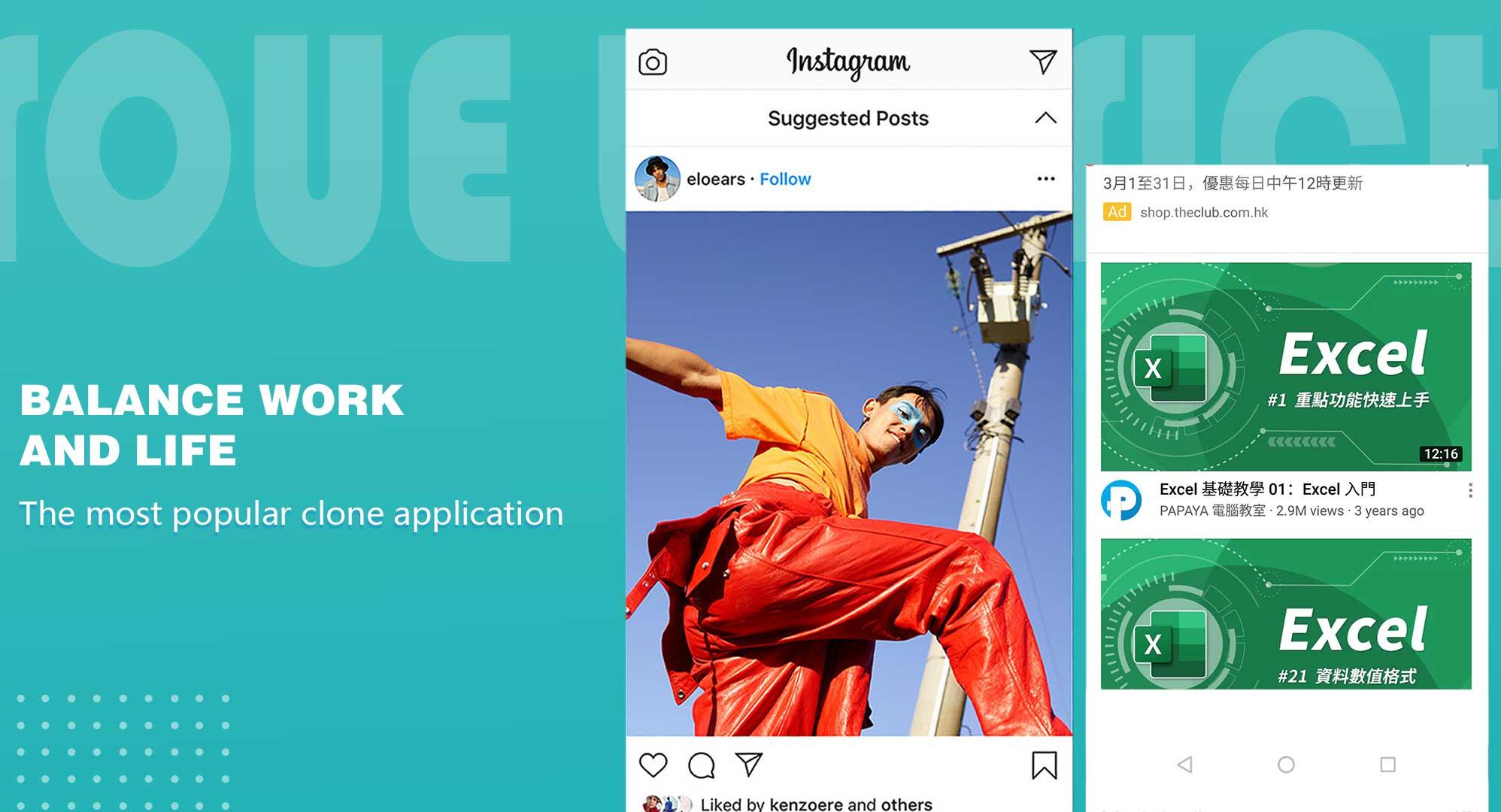
The core of the app is cloning, which lets you run multiple accounts for the same app on one phone. The Multi Space Pro app supports popular social, messaging, and gaming titles, creating a clear divide between work and personal profiles.
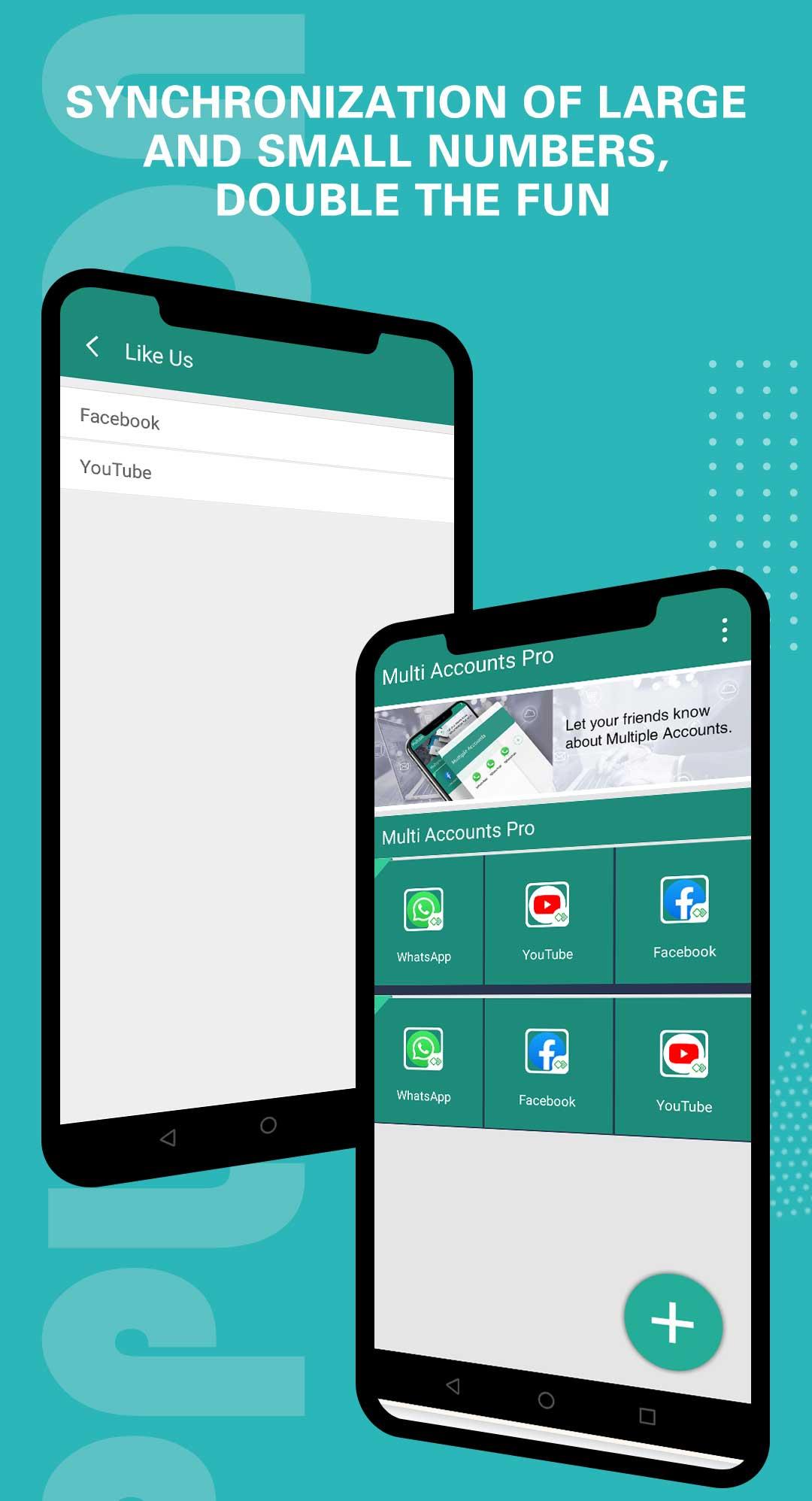
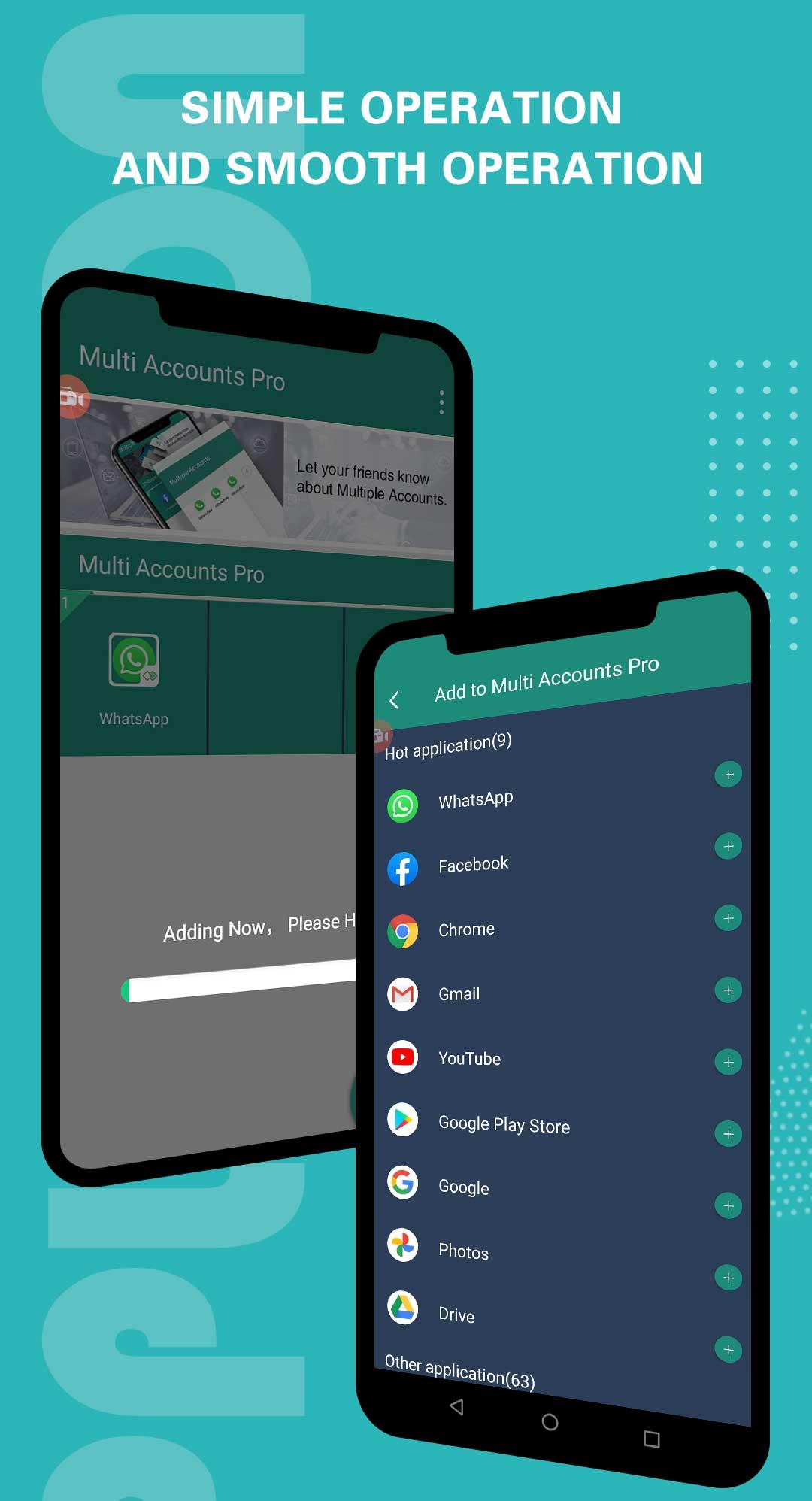
It’s useful for daily routines like checking a business inbox while keeping personal chats muted, or managing two guilds in a game without constant logouts. After opening the app, tap the “+” button to add the apps you want to clone, then grant the requested permissions so the clone can access storage and other required features. Once set, each clone sits in its own virtual environment, keeping data streams separate.
Multi-account use is only helpful if switching is fast. In Multi Space Pro, you can jump between primary and secondary accounts with one tap, so responding to messages or swapping into a different game profile is quick.
For even faster access, long‑press a cloned app inside the interface to add a home‑screen shortcut. This helps in busy moments, such as hopping from a personal chat to a team channel during working hours, or moving from a casual account to your ranked game profile before a match. You can remove shortcuts anytime from the launcher if you prefer to keep the home screen minimal.
Cloned apps naturally use extra system resources, especially if you keep several running at once. With Multi Space Pro, Streamlined mode trims background activity to reduce battery drain and memory use while you multitask.
This matters during longer days on mobile data or when your device is older. If you notice occasional slowdowns, enable Streamlined mode from the main interface and close unused clones to free resources. For heavy sessions, try launching only the clones you need, then exit them when finished. These small steps help keep performance stable.
The app’s interface is straightforward, with all clones visible in one place and clear labels for quick identification. Multi Space Pro keeps each clone in a virtual environment, which improves separation and reduces the chance of accounts mixing data.
Management is simple: tap to open, long‑press to shortcut, and remove clones you no longer need from the same screen. The free version shows ads and limits the number of clones, which is fine for light use. If you need more capacity for multiple accounts, upgrading to premium increases the limit and removes ads, helping you focus on daily multitasking without interruptions.
Based on everyday use, the Multi Space Pro app balances convenience with resource impact for multi-account users.
Pros
Runs multiple social, messaging, and gaming accounts reliably.
One‑tap switching and home‑screen shortcuts save time.
Streamlined mode reduces battery and memory usage.
Clean interface with clear clone management.
Cons
Free version has ads and clone limits.
Extra resource use can cause occasional slowdowns.
You can download the Multi Space Pro APK latest version from APKPure. The installer is about 24.1 MB, so the download usually finishes quickly. On stable Wi‑Fi, it often completes in under a minute. Using mobile data may take longer and use more data, so plan accordingly if your data plan is limited.
Multi Space Pro supports Android 6.0 and above. After installation, the first launch may ask for permissions so cloned apps can access storage, notifications, or other features. Grant what’s needed for the apps you plan to use.
Once set up, add your first clone, place a home‑screen shortcut if helpful, and enable Streamlined mode when multitasking heavily. If you often juggle multiple accounts, download Multi Space Pro and keep your profiles organized without constant sign‑ins.

One-click to install XAPK/APK files on Android!

Thanks for your rating and feedback!
You have already rated.







