
Safe & Fast APK Downloads on APKPure
APKPure uses signature verification to ensure virus-free Mihon APK downloads for you.

Mihon is an open-source Android reader for manga, comics, and webtoons.
Developed by Mihon, its main appeal is putting reading sources you choose into one personal library. It has no built-in catalog, so you add repositories and extensions before searching for titles. This gives readers more control over where they browse and how they store chapters. For anyone planning to download Mihon, these are the features that matter most.
Add source extensions and search separate comic catalogs from one place.
Organize ongoing series and favorites with flexible library categories.
Receive chapter updates and sync reading progress with tracking services.
Adjust page direction, filters, gestures, and volume-key page turns.
Download chapters over Wi-Fi for reading without a connection.
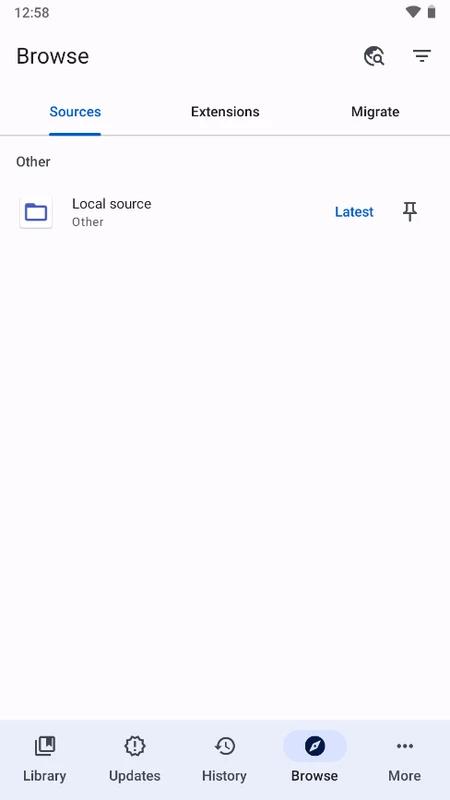
Mihon uses extensions to connect with comic and webtoon sources, rather than supplying a catalog of its own. After opening Browse, users can add an extension repository, install the sources they want, and search within each available catalog. This setup suits readers who follow titles from different places and prefer to keep discovery separate from their reading library. Source availability can change when external sites change, so installed extensions may occasionally need updating or replacing.
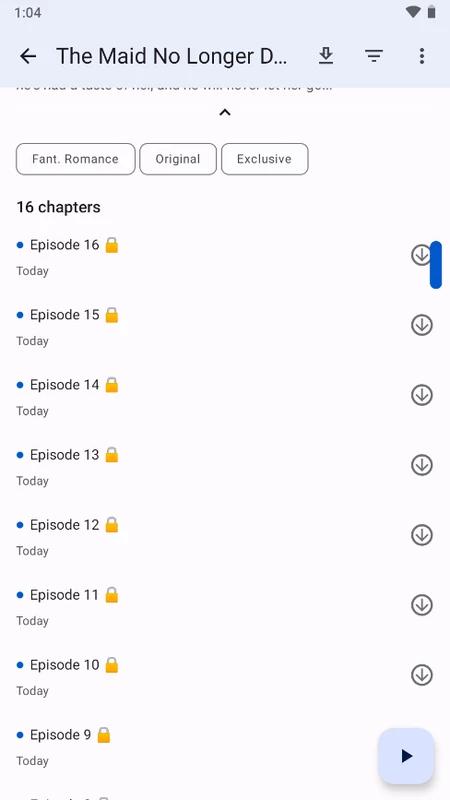
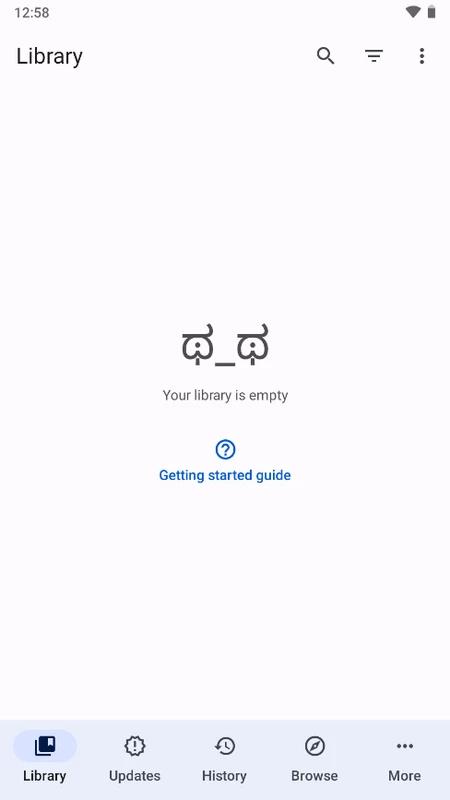
Mihon makes it easier to manage a long reading list by placing saved titles in a central library. Categories can separate current weekly series, completed comics, and titles saved for later, which is useful when dozens of chapters arrive across different sources. The reader can add a title from its details page, then let the library check for newly released chapters and show update notifications. It also supports progress syncing with MyAnimeList, AniList, and Kitsu for readers who already track what they have finished.
Mihon offers several reading modes and directions for standard manga pages, vertically scrolling webtoons, and other layouts. Color filters can make nighttime reading more comfortable, while gestures and volume-key page turning provide alternatives when one-handed reading is easier. These options are available from the reader, so users can change the feel of a chapter without leaving it. The number of settings may take time to explore, but choosing a preferred direction and page control first keeps the experience simple.
Mihon can download chapters for offline reading and displays their progress in a download queue. A Wi-Fi-only setting helps avoid using mobile data when several long chapters are queued before a trip or commute. Read chapters can be cleaned up automatically to recover storage, while backups provide a practical way to preserve library information and settings. At first launch, users choose a folder for app data and downloads, so selecting a location with enough free space prevents later housekeeping.
Mihon is strongest for readers who want to choose their own sources, organize large libraries, and tune the reading screen. That freedom also means the first setup requires more attention than a reader with a ready-made catalog.
Pros
Free, open-source reader with user-controlled sources
Library categories keep ongoing series organized
Chapter notifications support regular follow-up reading
Offline downloads and automatic cleanup save storage
Progress syncing works with major tracking services
Cons
No content catalog until extensions are added
Third-party sources can change or stop working
Initial setup may feel complex for new users
You can always download Mihon latest version from APKPure. The download is roughly 60–70 MB, so it should finish within a few minutes on a stable connection, though slower networks may take longer. Make sure there is some extra storage available for the app’s data folder and any chapters saved offline.
After installation, Mihon latest version starts by asking for a theme and a folder for downloads and app data. Browse will be empty until a repository and source extensions are added, which is expected for this reader. Choose Wi-Fi downloads if planning to save many chapters, then build the library gradually with series you actively follow.






One-click to install XAPK/APK files on Android!

Thanks for your rating and feedback!
You have already rated.





