
Package Name:lsk.rl.melodraw
Show More

Doodle music with your finger: a melody maker that turns a sketch to sound.
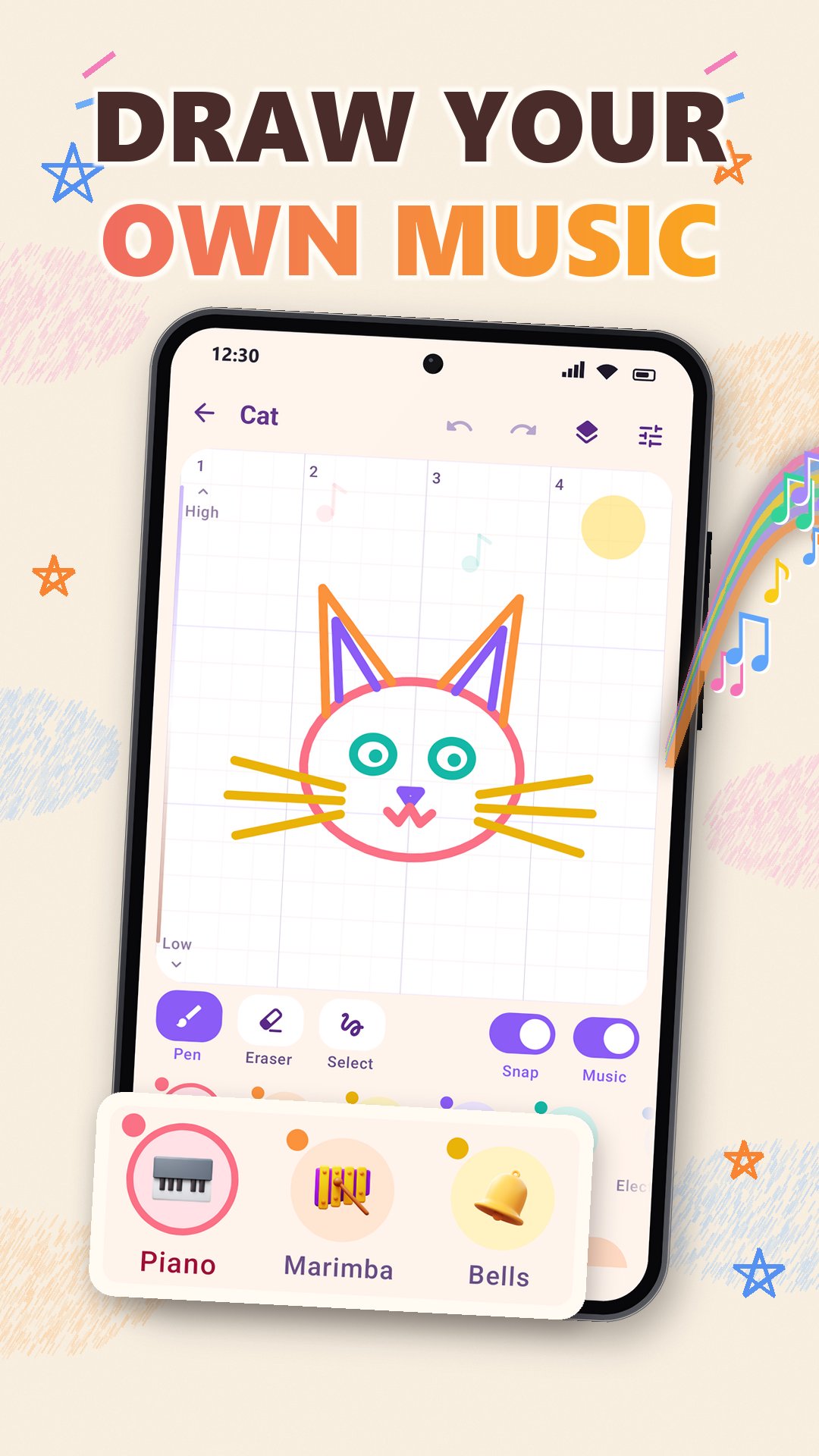
Draw music with your finger: Melodraw turns every line you draw into a melody played on piano, guitar, strings, flute and other instruments, with drums and bass that follow your song. It is a doodle music maker for anyone who wants to make music without knowing notes, because every line stays in tune.
How it works:
- To draw music, draw lines on the canvas. The height of a line sets the note and its length sets the time.
- Press play and the drawing plays from left to right, once or in a loop.
- Snap to notes keeps every line on the notes of the scale. Turn it off and the sound glides along the line.
- You hear the sound under your finger while you draw. Draw slowly for a softer note, or press harder with a stylus for a louder one.
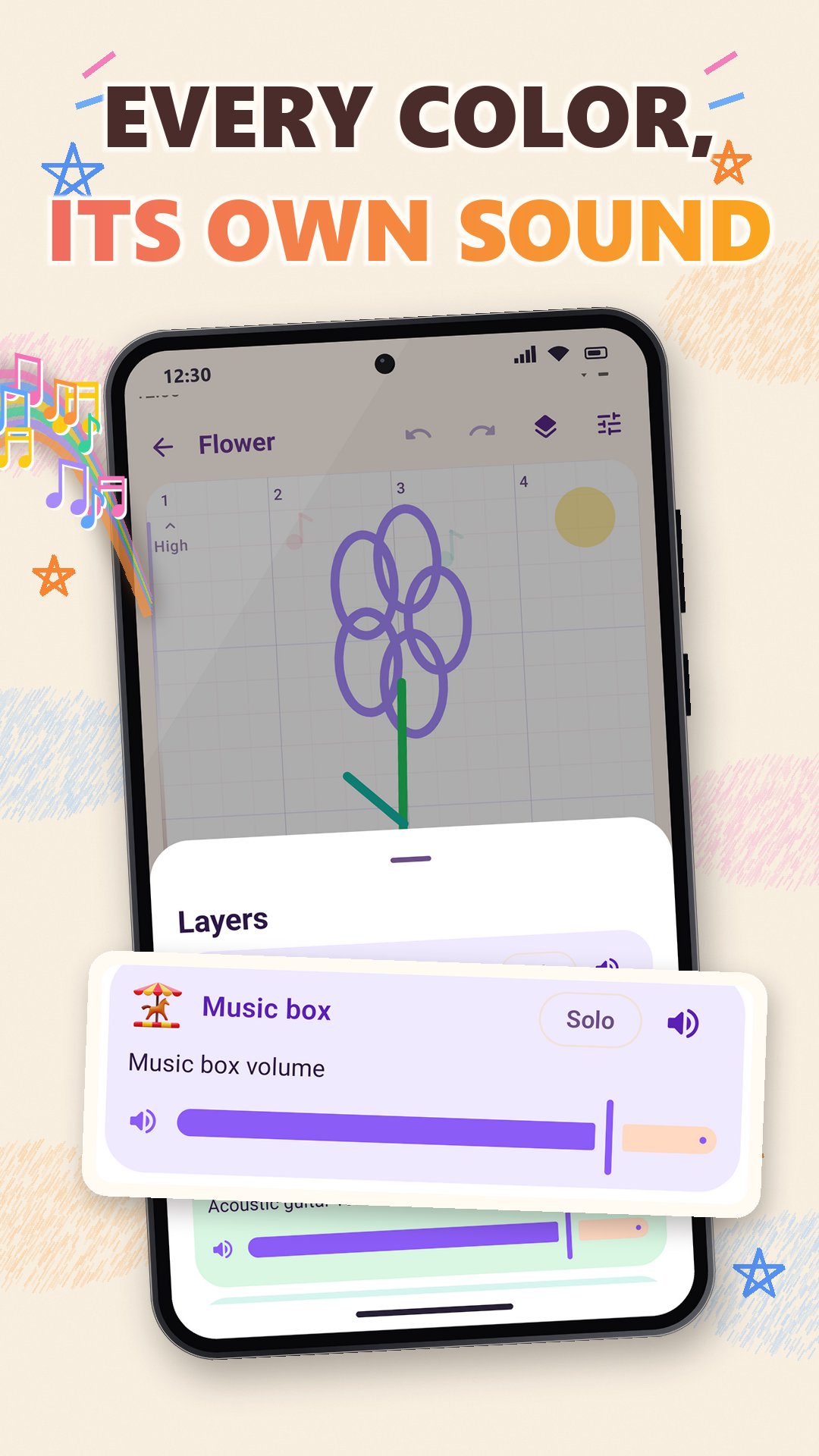
- Pick an instrument for each line, so one drawing can play a whole band.
Features:
- 15 instruments: piano, acoustic guitar, strings, flute, saxophone, marimba, bells, chime, music box, warm synth, lead synth, 8-bit, pluck, electronic bass and acoustic bass.
- Backing: pop, hip-hop, lo-fi and electro drum styles, with bass and arpeggio in the key of your song.
- Song settings: tempo from 60 to 200 BPM, 12 keys, 11 scales from pentatonic and blues to dorian and lydian, and a song length of 2, 4, 8 or 16 bars.
- Layers: every instrument has its own layer with mute, solo and volume.
- Editing tools: pen, eraser and select. Move, copy, delete or transpose part of the drawing, with undo and redo.
- Pinch to zoom and scroll along the whole song.
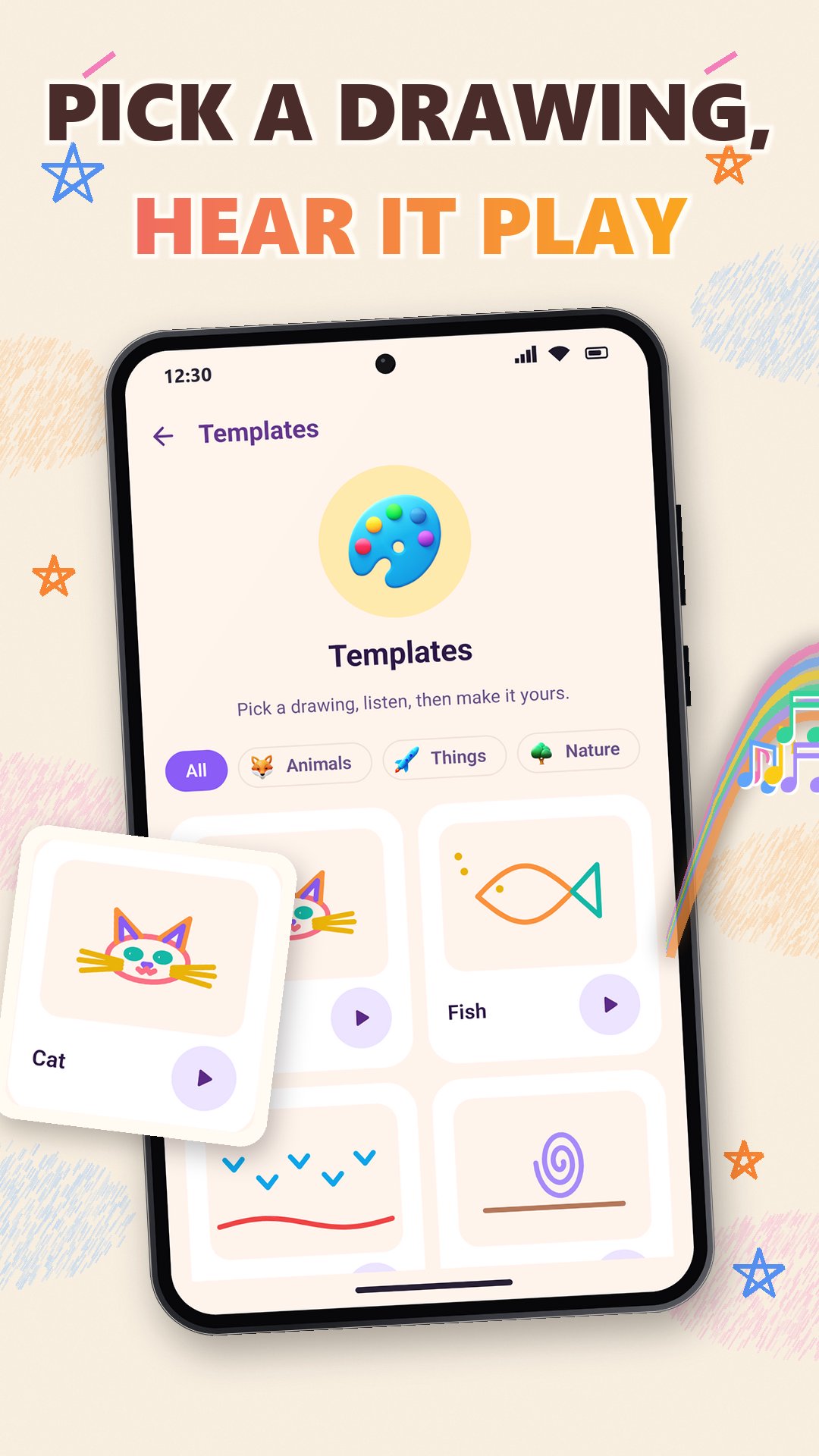
- 30 templates to start from, in four groups: animals, things, nature and rhythms. Each one has a preview to listen to.
- Surprise me: a new random drawing that already sounds good.
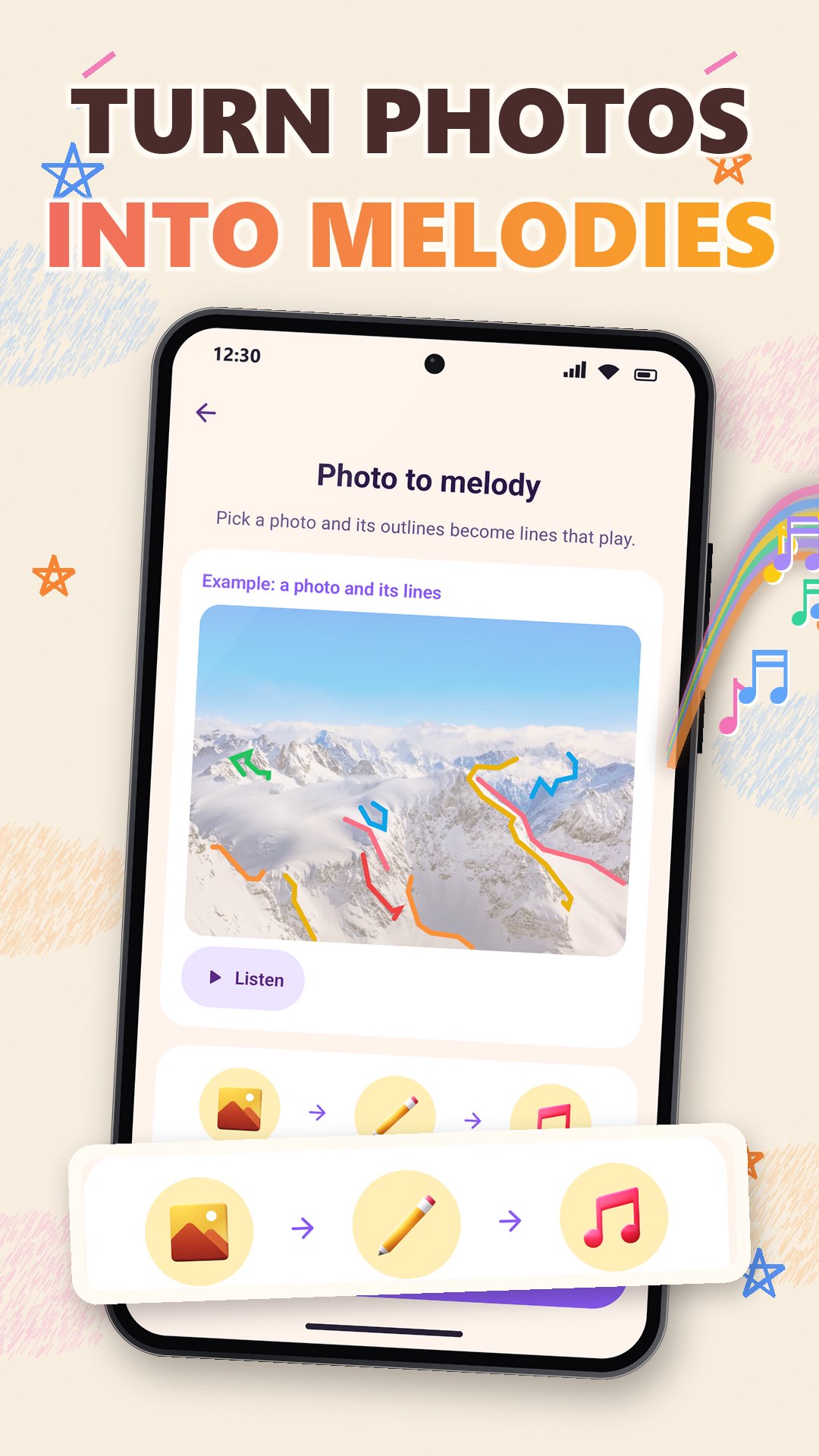
- Photo to melody: pick a photo and its outlines become lines that play. You can keep the photo behind the lines.
- Audio export to WAV or M4A.
- A vertical MP4 video of your drawing as it plays, ready to share.
- MIDI export with one track per layer, for your music software.
- All your songs on the home screen, ready to play or edit again.
- Light and dark theme.
What people use it for:
- Drawing music for fun, with no music lessons.
- Sketching a melody idea and taking it further as MIDI.
- Turning a doodle or a photo into a short song.
- Making a music video of a drawing to share with friends.
- A first melody maker for kids and adults: draw a shape and hear how it sounds.
- Hearing how tempo, keys and scales change the same drawing.
Draw music, listen to your melody and share your song.



One-click to install XAPK/APK files on Android!

Thanks for your rating and feedback!
You have already rated.